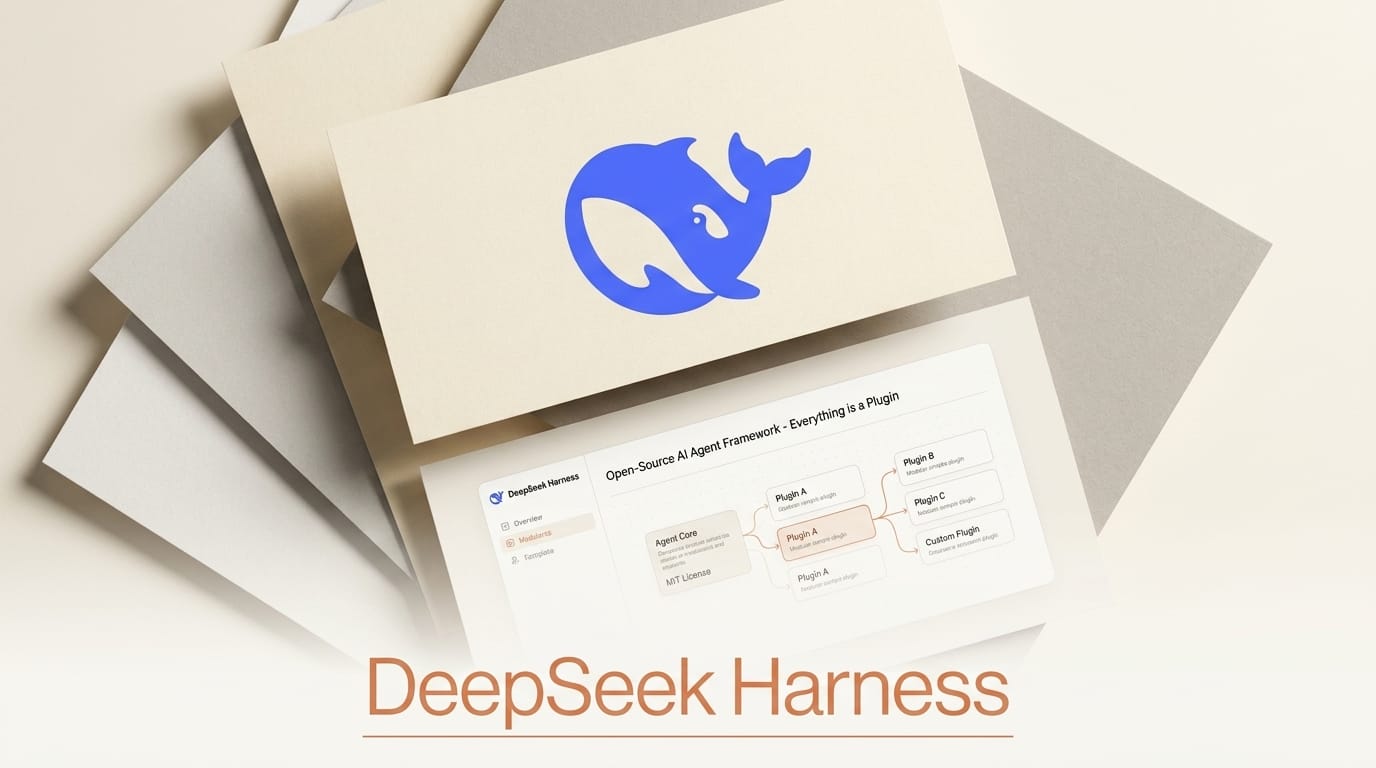
DeepSeek released DeepSeek Harness v0.1 as a developer preview on August 13, 2026, an open-source, MIT-licensed framework for building AI agents where, in its own words, everything is a plugin. The command-line tool is dsh, the full source is on GitHub, and it is positioned squarely against Anthropic's Claude Code as an agent harness that developers own and reshape rather than a closed product they rent. Powered by the Cordis meta-framework, it treats models, tools, skills, sessions, sandboxes, loops, orchestration, and even the agent loop itself as swappable plugins.
For builders who have hit the walls of a fixed coding agent, that inversion is the point: there is no privileged core to patch, so every component is replaceable from configuration. Here is what shipped, how it compares to the closed alternatives, and how to run it today.
What DeepSeek Harness Actually Is
DeepSeek Harness is not a model. It is the scaffolding around a model that lets an agent understand its environment, call tools, and keep working across long real-world tasks. Where most agent tools bake in a specific loop, toolset, and interface, Harness makes each of those a plugin you can mix, match, replace, or extend. Models, tools, skills, sessions, sandboxes, filesystems, the orchestration layer, and the UI are all plugins on top of the Cordis kernel. That means you can drop in a different model, swap the sandbox, or rewrite the agent loop without forking the project.

How It Compares to Claude Code and Closed Agents
The obvious reference point is Claude Code, the agentic coding tool many developers already use to navigate codebases and run terminal commands. Harness targets the same job but trades polish for openness and control. The table below lays out the trade-offs.
| Dimension | DeepSeek Harness | Claude Code | Typical closed agent |
|---|---|---|---|
| License | MIT, open source | Proprietary | Proprietary |
| Architecture | Everything is a plugin | Fixed core, hooks | Fixed core |
| Model choice | Model-agnostic plugin | Claude models | Vendor model |
| Agent loop | Replaceable from config | Managed | Managed |
| Interface | Web UI, CLI, code modes | CLI and IDE | App or API |
| Maturity | Developer preview v0.1 | Production | Production |
The honest read: Claude Code is production-ready today, while Harness is a v0.1 preview that warns of compatibility-breaking changes. What Harness offers instead is ownership. If you want to research agent design, benchmark loops, or ship a bespoke agent product on infrastructure you fully control, an open harness is the more useful foundation. If you want a stable coding assistant right now, the mature tools still win.
The Runtime Modes and Trajectory View
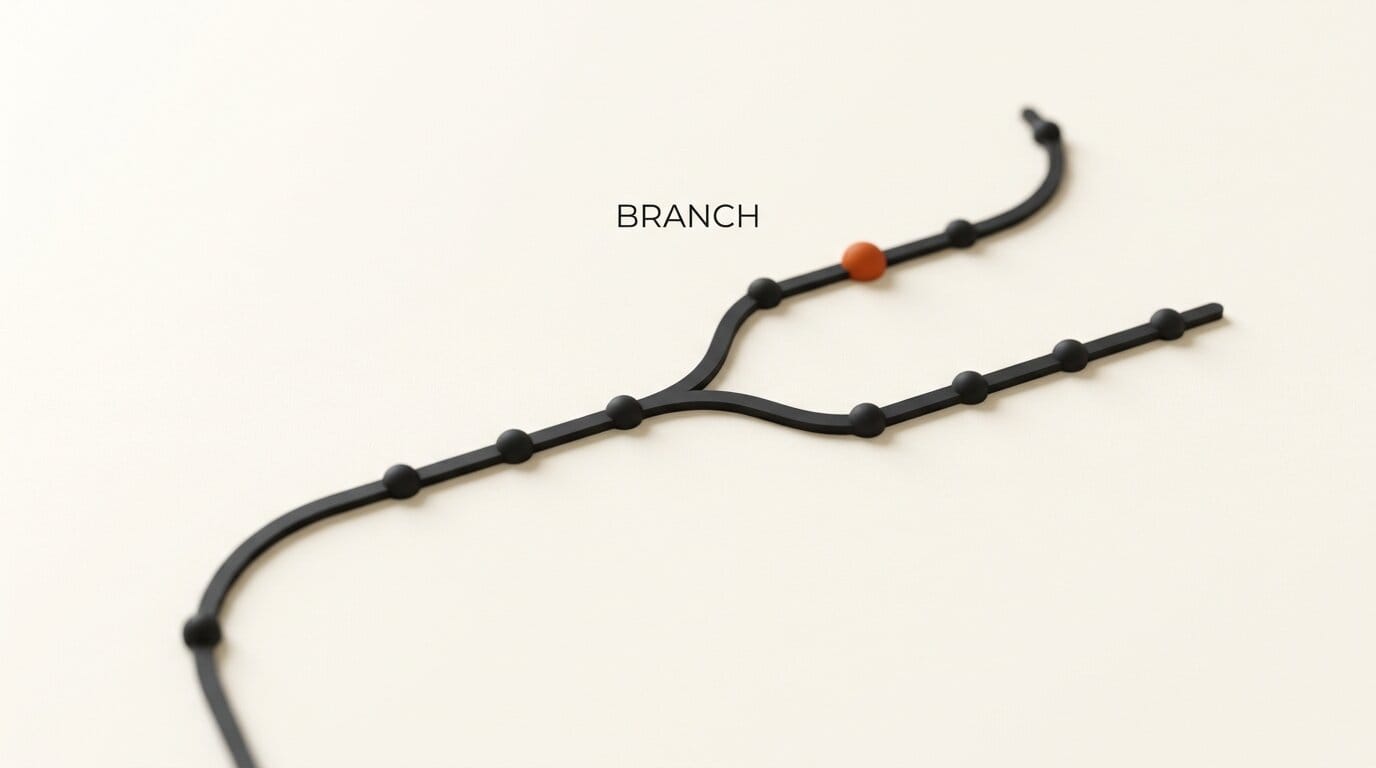
Harness ships four runtime modes so the same framework serves different jobs. Standard mode gives the full toolset for general agent work. Code mode exposes TypeScript orchestration for programmatic control. Minimal mode strips things down for clean benchmarking. Creator mode lets you save custom presets. Underneath, everything the model sees is written to an append-only session log, which feeds a trajectory view where you can inspect, resume, fork, and replay any run from its event stream. That replay-and-fork capability is what makes the framework genuinely useful for agent research: you can rerun a trajectory with one plugin swapped and compare outcomes directly. In practice this turns debugging an agent from guesswork into a controlled experiment. Instead of re-triggering a whole task and hoping to reproduce a failure, you fork the exact run at the step that went wrong, change one variable, and watch how the trajectory diverges. For teams comparing models or loop strategies, that reproducibility is the difference between anecdote and evidence.
What This Enables for Builders
For developers and technical creators, Harness lowers the cost of experimenting with agent design. You are no longer choosing between a black-box product and building a harness from scratch. You can start from a working framework, replace only the pieces you care about, and keep the rest. That is valuable for anyone prototyping a domain-specific agent, testing whether a cheaper model can carry a workflow, or studying how loop design changes results. Because it is MIT licensed and self-hostable, there are no per-seat fees or data-residency surprises, which matters when the agent touches private code or customer data. It arrives alongside a wave of open agentic tooling, from open-weights flagship models to multiplayer AI coding editors, and the developer discussion on launch day centered on exactly that promise of a fully swappable stack.
The preview status is a real caveat worth restating. Plugins, configuration formats, and even the agent loop API can change between versions, so anything you build now may need rework as the project stabilizes. Treat early plugins as experiments, pin the version you build against, and follow the repository for breaking-change notes. The upside of getting in early is that the plugin ecosystem is wide open: contributors are asked to tag repositories with a shared topic so others can discover and reuse their work.

How to Try DeepSeek Harness Today
- Make sure Node.js is installed, then launch the web UI with a single command:
npx @deepseek-ai/dsh web - Open
http://127.0.0.1:3080in your browser to reach the interface. - To build from source instead, run
git clone https://github.com/deepseek-ai/deepseek-harness.git, thenpnpm install,pnpm run build, andpnpm dsh web. - Pick a runtime mode, Standard, Code, Minimal, or Creator, to match your task, and configure the model and tool plugins you want.
- Run a task, then open the trajectory view to inspect, fork, and replay it. Read the architecture docs in the repository before writing your own plugin, and expect breaking changes during the preview.
Because it is a developer preview iterating rapidly, treat it as a research and prototyping tool rather than production infrastructure for now.
Frequently Asked Questions
Is DeepSeek Harness free and open source?
Yes. It is released under the MIT license with the full source on GitHub, which permits commercial use, modification, and redistribution. Third-party dependency licenses are listed in the repository.
Is it a replacement for Claude Code?
Not yet in practice. It targets the same agent-harness job but is a v0.1 developer preview with breaking changes expected, while Claude Code is production-ready. Harness trades maturity for openness and full control over the agent stack.
What does "everything is a plugin" mean?
Models, tools, skills, sessions, sandboxes, filesystems, loops, orchestration, and the UI are all implemented as plugins on the Cordis kernel. There is no privileged core to patch, so any component, including the agent loop, is replaceable from configuration.
What do I need to run it?
Node.js. You can launch the web UI with npx @deepseek-ai/dsh web and reach it at localhost port 3080, or build from source with pnpm.
Which models can it use?
The model is itself a plugin, so Harness is designed to be model-agnostic rather than locked to a single provider. You configure which model backs your agent.
Can I inspect and reproduce agent runs?
Yes. Every run is recorded as an append-only session log, and the trajectory view lets you inspect, resume, fork, and replay runs from their event streams, which is useful for debugging and agent research.