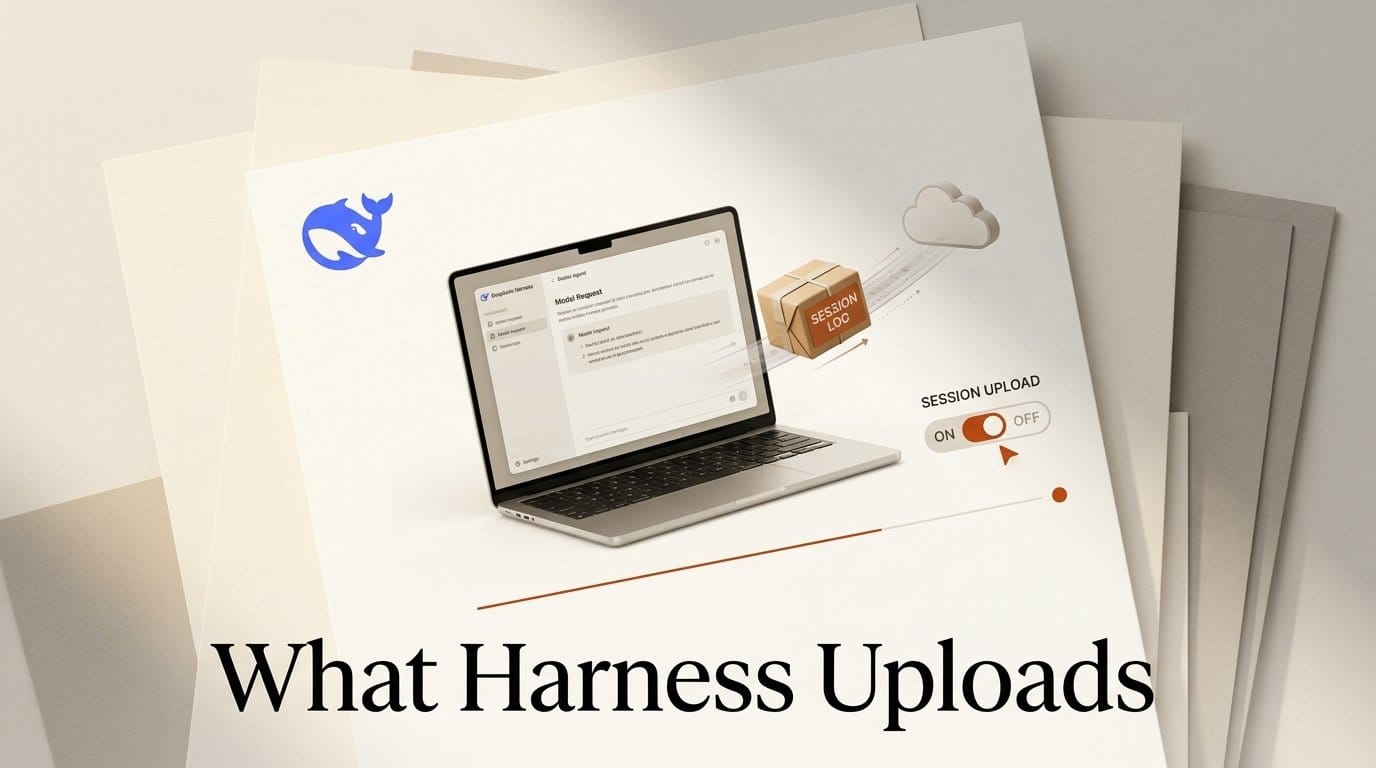
DeepSeek put DeepSeek Harness for Desktop on macOS and Windows on September 30, 2026: a free, MIT-licensed agent app that organizes documents, analyzes spreadsheets, builds slides, writes and tests code, and runs background jobs on your own files. It installs from the DeepSeek Harness page with no terminal, no Node and no pnpm, and it runs on DeepSeek-V4.1-Flash by default.
We pointed the same 0.2.0-rc.2 build at a capture-only endpoint and read every byte it sent. With DeepSeek's own model route, each request carries a field called dsh_session_log: a structured copy of the session, 26.2 KB for a two-word prompt, on by default. It costs you no tokens, and one switch in Settings turns it off. Below is what each request carried, what DeepSeek's privacy policy says happens to session logs, and a setup that keeps your work local where you want it to be.
What DeepSeek Shipped on September 30
Harness itself is not new. DeepSeek open-sourced the framework in August as a command-line and browser tool where every component is a plugin. What changed with v0.2 is the audience. The v0.2.0-rc.2 release notes (September 29) bundle the dsh command inside the desktop app so plugins install from a menu-bar item, add a searchable model picker, and update the third-party model catalog to pi-ai 0.87.1, the model library from Earendil's Pi agent.
The installers are large because the app ships its own runtime: the macOS download is 370 MB (Apple silicon) and the Windows one is 289 MB (64-bit). Runtime Wire lists macOS 13 or later and notes that the official DeepSeek models need a DeepSeek account, while other models work through your own API keys. The npm build we tested installs 540 packages and 505 MB, 289 of them DeepSeek's own plugin packages. "Everything is a plugin" is meant literally.
DeepSeek's own safety notice is blunt about the status: the software "has not undergone a security audit and must not be treated as secure or production-ready," and it can run model-generated commands and load third-party plugins.
What We Tested and How
The desktop app wraps the same Harness packages that ship on npm as @deepseek-ai/dsh, version 0.2.0-rc.2, published the same day as the installers. Our test machine runs Linux, so we ran that npm build in its one-shot headless profile rather than the Electron window, and we read the shipped desktop profile's configuration to see what the window adds on top.
The method matches the capture test we used for Claude Code, Codex CLI and Pi 1.0. A local mock endpoint logs each request body and answers with an error, so nothing reaches a real model and nothing is billed. The prompt was "Say hi." in an empty folder with a fresh config. We ran four configurations: the default DeepSeek route, the same route with the session-log switch off, the default route with feedback telemetry set to DISABLED, and a third-party OpenAI-compatible route declared through Harness's pi-ai adapter. Token counts use the o200k tokenizer as a common yardstick across agents; DeepSeek's own tokenizer will differ slightly.
Two requests leave the app for that one prompt: the agent's turn, and a second call that writes a five-word session title. Both carried the session log on the DeepSeek route.
The Three Data Channels in Harness Desktop
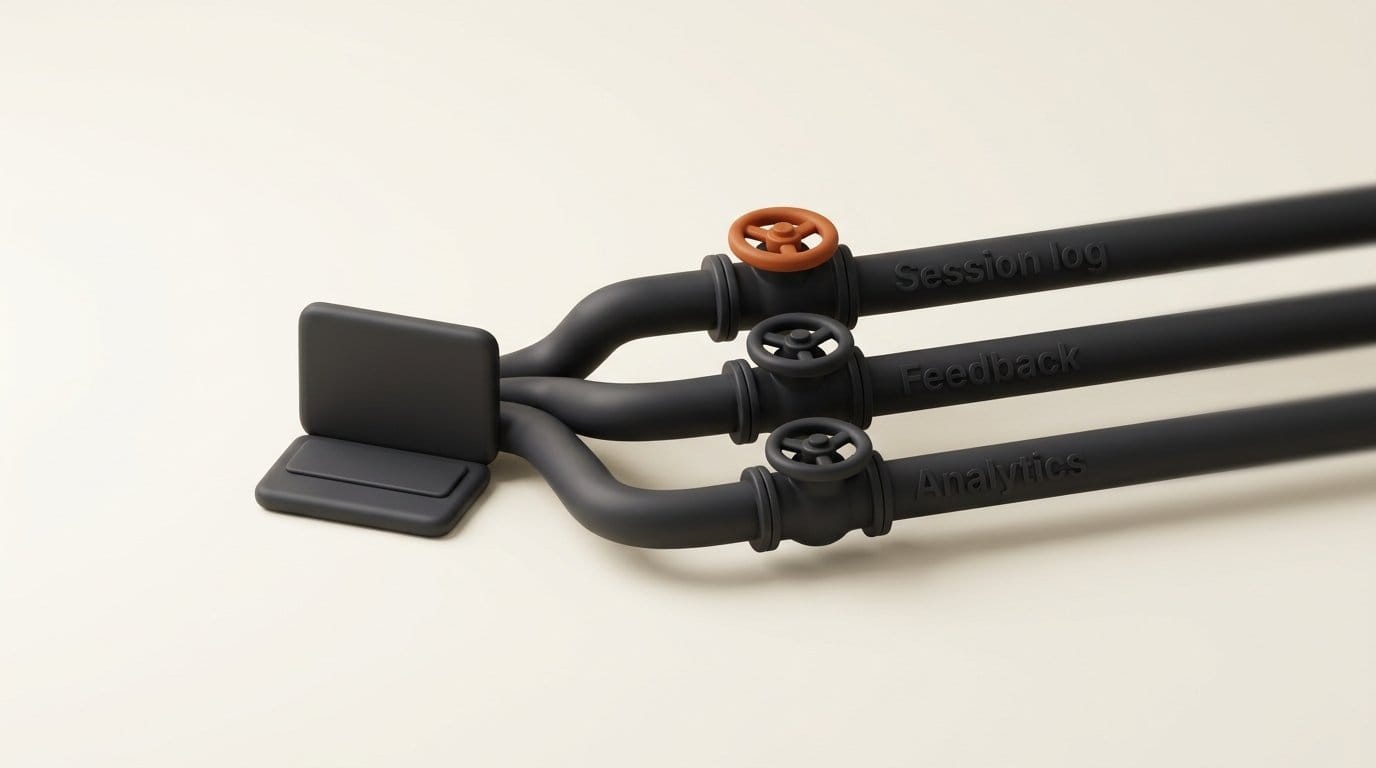
Harness has three separate ways for data to leave your machine besides the model call itself, and each has its own default and its own switch.
1. The session log, sent with every model request. The session-log-deepseek plugin attaches the session's canonical event log to "official DeepSeek LLM API requests," up to 8 MiB per request. After DeepSeek's server accepts a request, the next one sends only the new events, so over a long session the whole log is uploaded once, in order. It is on by default in the shipped profiles. The switch is Settings, General, "Upload Session Log when using the official model API." In our capture the 26.2 KB log held the system prompt, all 24 tool definitions, the prompt, the working folder path, the sandbox and approval settings, timestamps, and the title request.
2. Feedback telemetry, sent only when you rate a response. The session-telemetry plugin defaults to FEEDBACK_ONLY: nothing goes out until you give feedback, and then the session up to that point, "including context," goes to DeepSeek's telemetry collector. This applies to every provider, third-party models included. Setting DSH_TELEMETRY_MODE=DISABLED builds no transport at all.
3. Product analytics, desktop app only. The product-analytics plugin reports interactions such as page views, message submissions with the chosen model and effort, and model or plugin switches, tagged with device ID, user ID, OS and app version. Its documentation says prompts and responses are never event fields, that it is on by default, and that "there is no user-facing control." The browser version of Harness does not load it.
Harness vs Pi, Codex and Claude Code: What Each Request Carries
Every commercial agent sends some identity with its requests. The table puts Harness next to the three agents we captured on October 1 with the identical prompt and empty folder. "Model input" is what the model reads before your two words; "request size" is the full body on the wire.
| Agent (first request) | Model input, o200k tokens | Tools | Request size | Extra fields beyond model input | Identity sent |
|---|---|---|---|---|---|
| DeepSeek Harness 0.2.0-rc.2, DeepSeek route (default) | 5,080 | 24 | 55.1 KB | Session log (26.2 KB), list of 87 installed plugin packages | Harness user ID and session ID headers |
| Same, session-log switch off | 5,080 | 24 | 28.9 KB | Plugin package list only | Same headers |
| Same, third-party route (pi-ai) | 5,291 | 24 | 23.4 KB | None | User-agent string only |
| Pi 1.0 (OpenAI route) | 1,392 | 4 | 6.4 KB | None | Session ID header |
| Codex CLI 0.160.0 | 9,396 | 2 bundles | 45.0 KB | Client metadata (thread ID) | Session and thread ID headers |
| Claude Code 2.1.286 | 16,891 | 21 | 73.6 KB | Device ID in metadata, safeguards block with permission mode and folder | Session ID header |
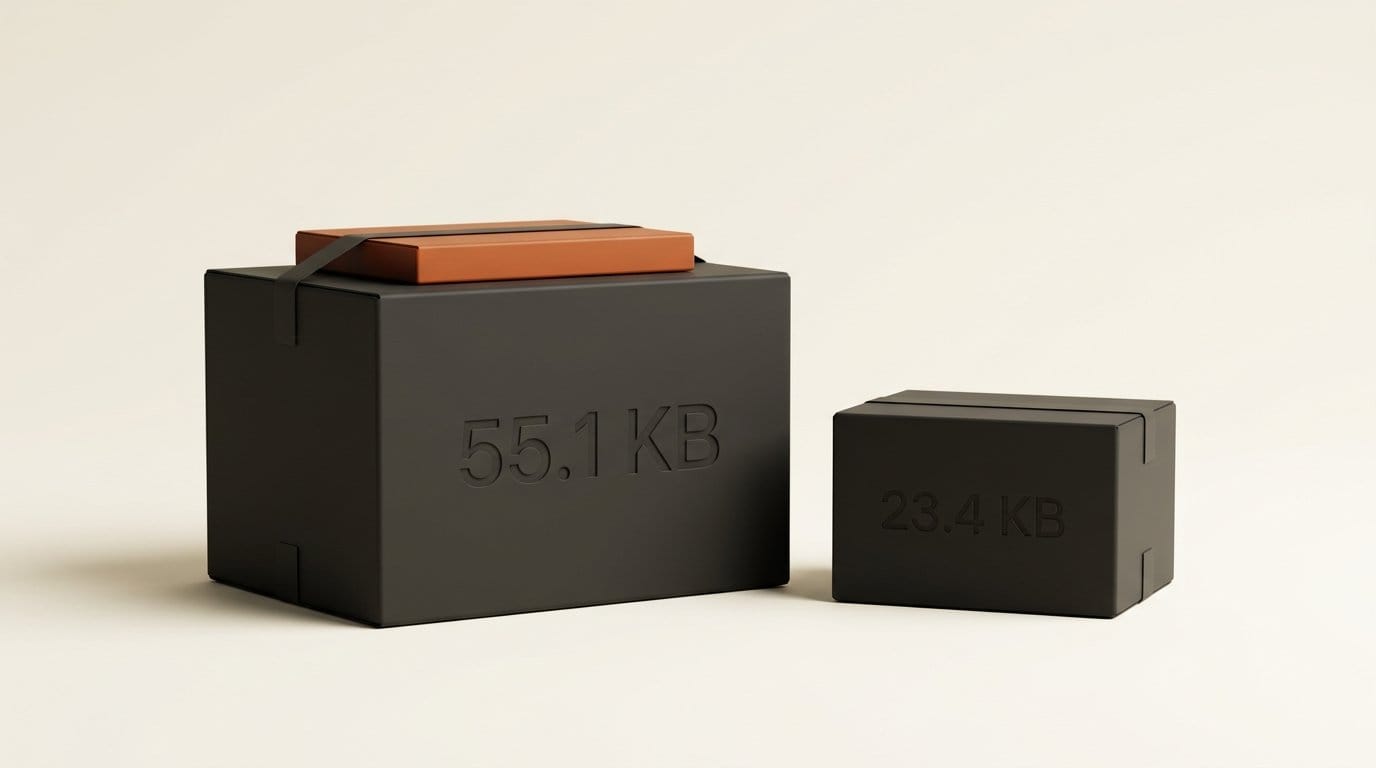
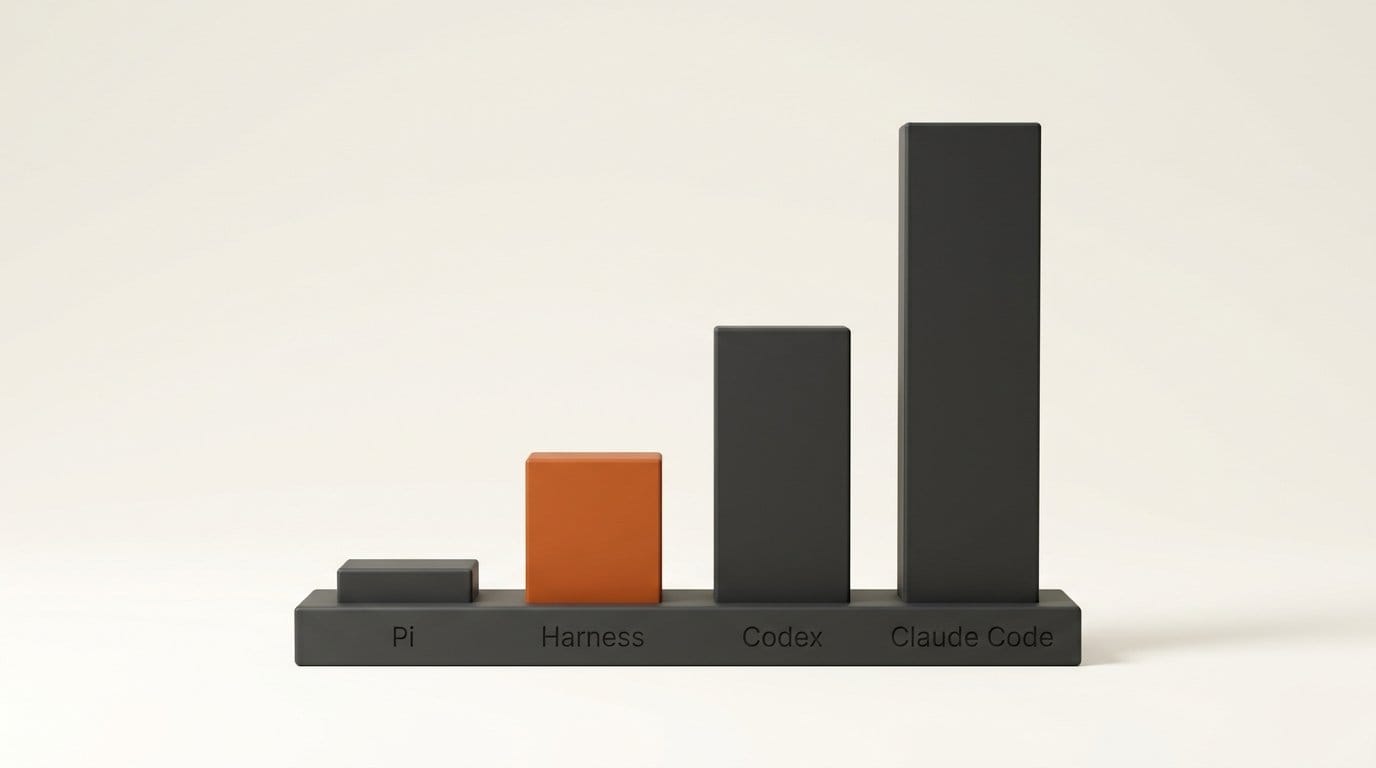
Three findings stand out. First, Harness's prompt is mid-weight: 5,080 tokens, a third of Claude Code's and 3.6x Pi's, most of it the 24 tool definitions (4,479 tokens). Second, the session log adds zero model tokens, exactly as its documentation says, so it does not change your bill. Third, it more than doubles what each request carries: 55.1 KB against 23.4 KB on a third-party route, and the five-word title call grows from 6.8 KB to 33.0 KB because it carries the full log too. Turning telemetry to DISABLED did not remove the log; only the session-log switch did. Point Harness at another provider and the log, the plugin list and the ID headers all disappear.
What the Privacy Policy Says Happens to Session Logs
The DeepSeek Harness privacy policy (last updated September 20, 2026) lists "Session Log Data" under personal data you provide: "user inputs, uploaded and authorized content (including but not limited to text, images, files, and voice), model outputs and tool invocation information." Among the stated uses is "to train and improve our technology, such as our machine learning models and algorithms," with a stated right to opt out of training use. The policy says DeepSeek collects, processes and stores personal data in the People's Republic of China, names Hangzhou DeepSeek Artificial Intelligence Co., Ltd. as the operator, and gives harness-privacy@deepseek.com for rights requests. It names no setting for the opt-out; the in-app switch is the practical control.
Keep the comparison honest. When you use DeepSeek's model, DeepSeek already receives your prompts and anything the agent reads into context, whether or not the log is on. What the log adds is a complete, ordered record of the session, the parts trimmed from the model's context included, kept as a log rather than passing through as inference input. For a novel draft, a client brief or a contract in the working folder, that difference matters. For a public repository it probably does not.
What This Means for Builders and Creators
Harness Desktop is the first DeepSeek product aimed at people who never open a terminal, and it is genuinely capable: Office-file skills, a file sidebar, scheduled jobs, subagents, a workflow tool for multi-agent runs, and plugins that install from a menu. The price floor is the draw. At DeepSeek's published rates for deepseek-flash, $0.30 per million uncached input tokens at peak and $0.006 cached, the 5,080-token fixed prompt costs about $0.0015 per uncached call and almost nothing once cached. That is the same model we covered when V4.1 Flash replaced V4 Pro.
The trade is the defaults. A designer who drops a folder of client work into Harness on the DeepSeek route is, out of the box, sending a full session record to a service whose policy allows training use, plus product analytics with no off switch in the desktop app. None of it is hidden: it is documented in the repository and switchable for the log. It is simply not what most people assume a "local" desktop agent does.
Workflow: Set Up Harness Desktop Without Uploading Your Sessions
- Download from DeepSeek directly. Use the links on deepseek.com/en/harness (370 MB for Apple-silicon Macs, 289 MB for Windows x64). Third-party "official download" sites and community forks already exist; skip them.
- Pick your model route first. To keep DeepSeek's model, sign in or add an API key. To use another provider, add it with your own API key in the model settings. Our capture showed third-party routes carry no session log, plugin list or Harness ID headers.
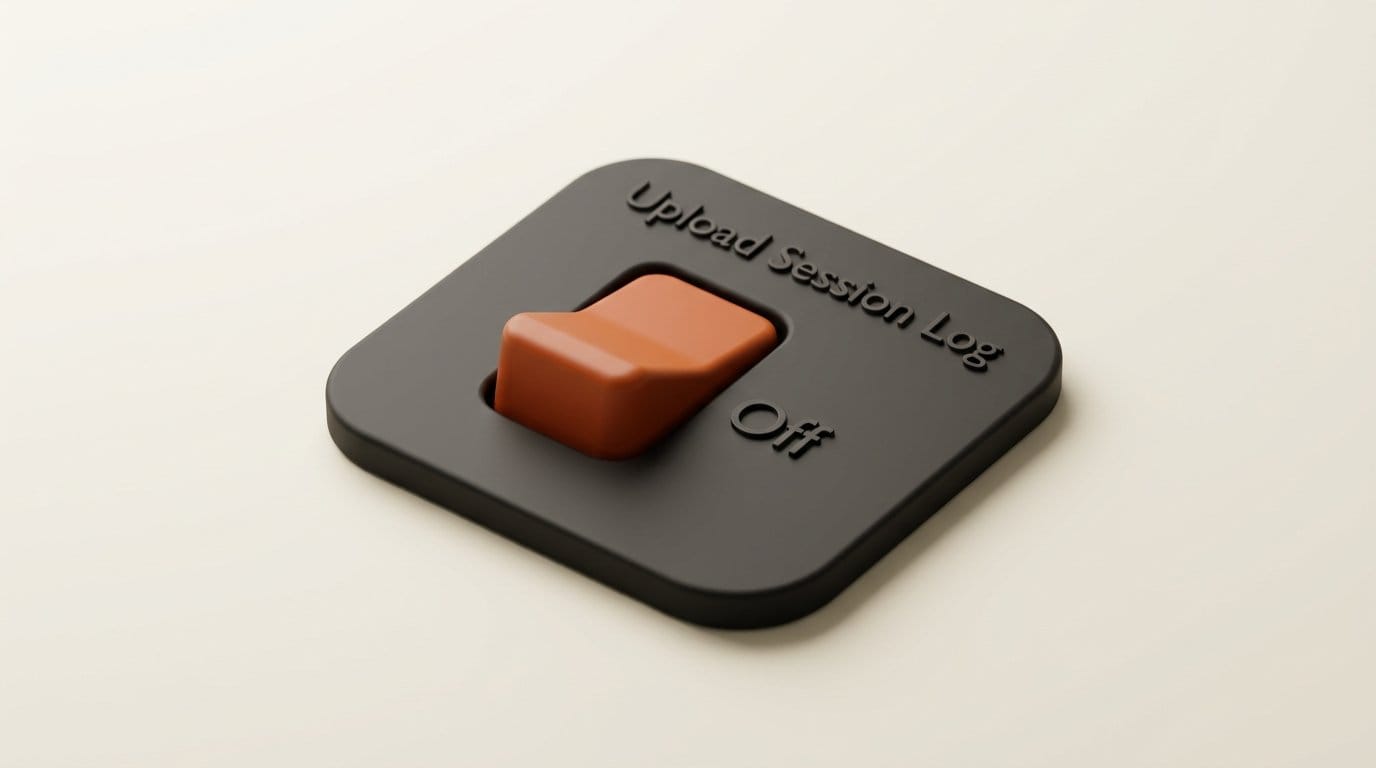
- Turn off the session log. Open Settings, General and switch off "Upload Session Log when using the official model API." Do this before your first real task, and leave it off: if you switch it back on, the events recorded while it was off are uploaded too.
- Do not rate sensitive sessions. Thumbs-up, ratings and feedback notes release that session's history to telemetry. If you run the npm build, set
DSH_TELEMETRY_MODE=DISABLEDbefore launch. - Keep the default sandbox. Shipped profiles start in
workspace-writewith approval set to ask: the agent can change files only in the folder you open, and asks before anything else. Never switch todanger-full-access, which turns approval prompts off. - Open a project folder, not your home folder. The workspace is the boundary. Copy the files a job needs into a scratch folder, and keep backups, as DeepSeek's safety notice advises.
- Review plugins before installing. Plugins are code that runs with the agent's permissions. Install from DeepSeek's catalog or from repositories you have read.
On the command line, the same session-log switch is a two-line patch file passed with --patch: an entry with id: session-log-deepseek and config: enabled: false. We confirmed in our capture that it removes the field.
Frequently asked questions
Is DeepSeek Harness Desktop free?
Yes. The app is free and open source under the MIT license. You pay for model usage: DeepSeek's API rates if you use its models with a key or account credit, or your own provider's rates if you connect another model.
Does DeepSeek Harness upload my files?
On DeepSeek's model route with default settings, each request carries a session log that records the session's messages and tool activity, which includes file content the agent reads. Switching off "Upload Session Log when using the official model API" removes it. Third-party model routes did not carry it in our test.
Does the session log cost extra tokens?
No. It travels alongside the model input, not inside it, so it adds request size but no billed tokens. In our capture it doubled the request from 28.9 KB to 55.1 KB with no change to the 5,080-token model input.
Can I turn off analytics in the desktop app?
Not from the interface. Harness's own documentation says desktop product analytics are on by default with no user-facing control. They record interactions and device details, not prompts or responses. The browser version does not load the analytics plugin.
Which computers does Harness Desktop run on?
Apple-silicon Macs on macOS 13 or later, and 64-bit Windows. Linux users can run the same harness from npm with npx @deepseek-ai/dsh web, which opens the browser interface.
Can I use Claude or GPT models inside DeepSeek Harness?
Yes. Harness routes third-party models through the pi-ai library, and you add a provider with your own API key. On those routes, our capture showed no session log and no Harness identity headers in the model request.