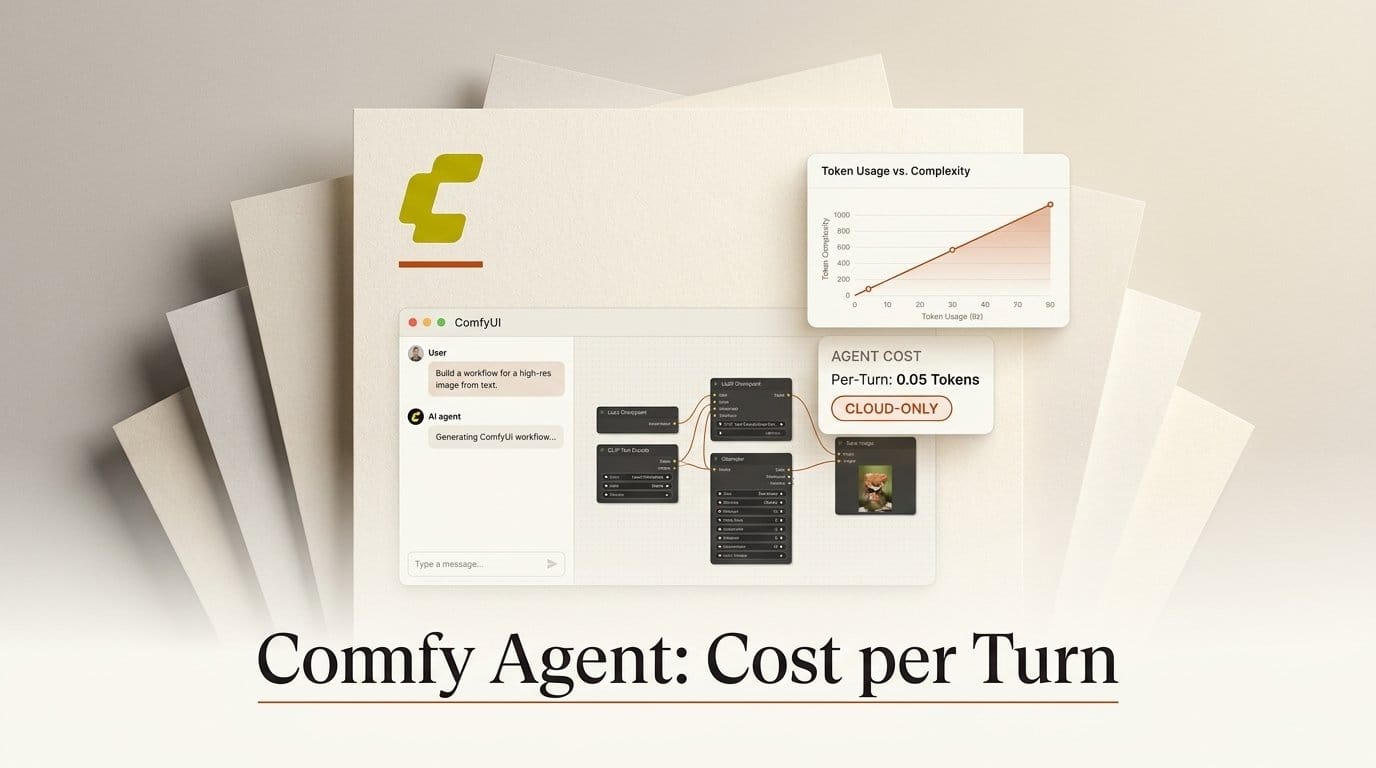
Comfy Org launched Comfy Agent on October 1, 2026: a chat panel inside ComfyUI that builds, edits, runs and debugs workflows from a plain-language request. It is live for everyone on Comfy Cloud now, with Comfy Desktop promised "in a few weeks". The agent runs on Anthropic's Claude, and Comfy's own docs name the model as Opus 4.8 and bill it in Comfy Credits per 1,000 tokens.
We converted those credit rates to dollars, read the agent's code in the open-source ComfyUI frontend, and priced the two real agent turns Comfy ships inside that code as test fixtures. The short version: Comfy charges exactly Anthropic's list price for Opus 4.8, with no markup. One recorded build-and-run turn cost 181 credits, or $0.86 before any GPU time. The same tokens on the newer Opus 5.5 would cost $0.58. And the local build of ComfyUI compiles the agent out entirely, so "open source" here means you can read it, not run it on your own GPU yet.
What Comfy launched on October 1
Comfy Agent sits in a right-hand dock in the ComfyUI canvas. You describe what you want ("turn the product image into a short ad", "fix the errors in this workflow") and it picks templates, models and nodes, wires them, validates the graph, and runs it on Comfy Cloud GPUs. You can keep editing the canvas while it works. The product page lists up to 5 parallel chats with history, reusable skills written in plain language, and visual understanding of attached images, video and audio.
Three things are not there yet. Local ComfyUI and Comfy Desktop support is on a waitlist. Only nodes available on Comfy Cloud work, so your custom node packs do not. And the model is not your choice: the product page says "Frontier models by Anthropic. We always provide the strongest we can offer for the job", with local LLM support listed on the roadmap. New users get free tokens for "several Comfy Agent chats"; after that the agent draws from the same credit balance as your GPU time.
What the agent costs per million tokens
Comfy publishes five agent rates in credits per 1,000 tokens. To turn credits into dollars you need the exchange rate, and Comfy uses 211 credits to the dollar everywhere we checked: the Comfy Cloud pricing page lists an RTX Pro 6000 at $4.54 or 957.94 credits an hour, and the frontend's team-plan table prices $200 at 42,200 credits.
| Token type | Comfy rate (credits per 1K) | In dollars per million | Opus 4.8 list price | Opus 5.5 list price |
|---|---|---|---|---|
| Input | 1.055 | $5.00 | $5.00 | $4.00 |
| Cache write (5 min) | 1.319 | $6.25 | $6.25 | $5.00 |
| Cache write (1 hour) | 2.110 | $10.00 | $10.00 | $8.00 |
| Cache hit | 0.106 | $0.50 | $0.50 | $0.20 |
| Output | 5.275 | $25.00 | $25.00 | $20.00 |
Every row matches Anthropic's published Opus 4.8 price to the cent. That is unusual for Comfy. When we read the price badges in ComfyUI v0.38, every Claude and GPT chat node added since July billed at 1.43x list, and the Comfy API GPU rates are 1.30x Runpod's. The agent's tokens are passed through at cost.
The catch is the model. Anthropic released Claude Opus 5.5 on September 22 at $4 input and $20 output, with cache hits at $0.20 instead of $0.50. An agent that rereads a big workflow context on every step lives on cache hits, so the older model is the more expensive one here.

Two recorded agent turns, priced
The agent's code is public in the ComfyUI_frontend repository, and its test suite replays WebSocket traffic captured from Comfy's own test environment. Two of those captures end with the token usage the backend reported for the turn. We priced both at Comfy's published rates.
| Recorded turn | What the agent did | Tokens (input / cache write / cache read / output) | Comfy credits | Dollars | Same tokens on Opus 5.5 |
|---|---|---|---|---|---|
| Build and run (captured September 23, 73.8 s) | Replaced a two-checkpoint template with a single SDXL pipeline, ran a batch of 4 at 1024x1024, returned the images | 22 / 73,087 / 511,952 / 5,750 | 181.0 (238.8 with 1-hour writes) | $0.86 ($1.13) | $0.58 ($0.80) |
| Small edit (captured July 6, 67.5 s) | Listed nodes and slots, changed two widget values | 4,493 / 0 / 35,596 / 425 | 10.8 | $0.05 | $0.03 |
Two cautions. The captures do not record which model answered, so these are today's rates applied to real token counts, not an invoice. And GPU time for the SDXL run is billed separately, on top of the agent tokens. Even so, the shape is clear: building a workflow costs about 17 times as much as editing one, and in the build turn, writing the context into the cache was 53% of the bill, rereading it 30%, and the agent's actual reply only 17%. Long chats are cheap per message once the context is cached; the first message on a fresh workflow is the expensive one.
In plan terms, the Standard plan's 4,200 monthly credits ($20) cover about 23 turns like the build-and-run one before any GPU time, Creator's 7,400 ($35) about 41, and Pro's 21,100 ($100) about 117.

Run permissions and the 300-credit default
The agent has three run modes, set from the composer. In the run-mode store the default is ask_approval: "Ask before a workflow runs". The other two are "Auto-run without approval" and "Auto-run with limits", whose default limit is 300 credits ($1.42).
Read the limit's description carefully: "Comfy will only confirm when a workflow run exceeds your credit limit." It is a per-run GPU guard. Nothing in the panel caps the tokens a chat spends; those come off your balance until the "Out of credits" card appears. The built-in safety is the default itself. Leave the agent on Ask while it is building, and switch to Auto with limits only once you are iterating on a workflow you trust.
Two more defaults worth knowing. The consent screen promises "your data is never used for AI model training", but the data and privacy page names no subprocessor and points to the general privacy policy for retention. And each chat edits one workflow at a time; you can switch, but a chat never touches two tabs at once.

Cloud only, for now
The agent lives in the same open-source repository as the ComfyUI interface you install locally, which invites the question of whether you can already switch it on. You cannot. In the extension loader, the agent panel registers only when the build's distribution is cloud, or when a developer flag called VITE_AGENT_STANDALONE is set. A normal local or Desktop build strips the code at compile time.
The local version is clearly coming. The same source already carries local starter prompts such as "An image-to-video workflow that fits my GPU" and "Help me install the missing nodes for this workflow", and the docs say local conversations will be stored on your own machine rather than with Comfy Cloud. The code has been in development since an August 28 commit titled "panel shell", across nearly 300 commits. Until it ships, Desktop users join the agent waitlist.
Comfy Agent vs the agents you can run locally today
If you want an AI assistant driving ComfyUI on your own GPU this week, you have options. They trade convenience for control.
| Option | Where it runs | Who pays for the model | Custom nodes | Licence |
|---|---|---|---|---|
| Comfy Agent | Comfy Cloud (Desktop and local coming) | Comfy Credits at Opus 4.8 list price | Cloud-supported nodes only | Frontend code public; service hosted |
| Comfy MCP on Local | Your ComfyUI, driven from Claude Code, Cursor or another MCP client | Your existing agent plan or API key | Yes, whatever you have installed | Dual-licensed, open source |
| comfyui-mcp-panel | Sidebar inside your local ComfyUI | Your Claude or ChatGPT subscription | Yes | MIT |
| ComfyUI-Copilot | Custom node in your local ComfyUI | Your own OpenAI-compatible key, or a local model through LM Studio | Yes | MIT |
We covered Comfy MCP on Local when it shipped in August: it reads your GPU and installed models and builds from there, but it works from outside the canvas, not beside it. Comfy Agent's advantages are the in-canvas experience (live co-editing, run approval cards, chat history per workflow) and zero setup. ComfyUI-Copilot's README says its own hosted API is suspended, so plan on bringing a key.
How to try Comfy Agent without wasting credits
- Sign in to Comfy Cloud and open the Agent panel. Accept the consent card ("Start using Comfy Agent"); it is stored per user and workspace.
- Leave run permissions on Ask. Every workflow run then shows an approval card with Run and Cancel, so you see the graph before you pay for GPU time.
- Start from your own workflow, not an empty canvas. Select the nodes you care about and ask for the change ("swap the upscaler for a 4x model, keep everything else"). A targeted edit turn like the recorded one costs cents; a from-scratch build costs most of a dollar.
- Ask it to validate and explain before running: "build it, do not run it". The agent reports errors and warnings first, which is the cheapest place to catch a wrong model.
- Keep one chat per workflow and keep going in it. After the first message the context is cached, and cache hits are a tenth of the input price.
- Once a workflow is stable, switch to Auto with limits and set the credit limit to roughly one normal run of that workflow, so an accidental 60-step batch asks first.
- Check the balance in your account after a session and divide by the number of turns. That number, not our estimate, is your real cost per turn.
Who should use it now, and who should wait
Use it now if you already work in Comfy Cloud, you are learning ComfyUI and want a guide that builds the graph in front of you, or you need a working template for an unfamiliar task (a first video upscale chain, an image-to-video setup). At about $0.86 for a full build, it is cheaper than an hour lost hunting for the right node.
Wait if your work depends on custom node packs, local models or LoRAs, or a specific GPU on your desk. The local version is not in any build you can install, and when it arrives it will still be billed against Comfy Credits unless the roadmap's local LLM option ships with it. Until then, an MCP client on your own Claude or ChatGPT plan drives your local ComfyUI for no extra token cost.
Frequently asked questions
How much does Comfy Agent cost?
It bills Comfy Credits per token: 1.055 credits per 1,000 input tokens and 5.275 per 1,000 output tokens, which at 211 credits per dollar is $5 and $25 per million, Anthropic's list price for Opus 4.8. A recorded build-and-run turn came to 181 credits ($0.86) and a small edit to 10.8 credits ($0.05), before GPU time.
Which model does Comfy Agent use?
Comfy's docs name Claude Opus 4.8. The product page says it uses "frontier models by Anthropic" and that the strongest available model is provided. You cannot pick the model, and local LLM support is on the roadmap only.
Can I use Comfy Agent with local ComfyUI?
Not yet. The agent code is in the open-source frontend, but it only loads in Comfy Cloud builds or with a developer flag. Comfy says Desktop support is a few weeks away and runs a waitlist for local access.
Does Comfy Agent run workflows without asking?
Not by default. The default mode is Ask, which shows an approval card before every run. You can switch to Auto, or to Auto with limits, which defaults to a 300-credit limit per workflow run.
Is my data used to train AI models?
The consent screen says your data is never used for AI model training. The agent sends your message, the selected workflow and nodes, and any attachments to Comfy's online service. The privacy page does not list retention periods; it points to Comfy's privacy policy.
Does Comfy Agent work with custom nodes?
Only nodes available on Comfy Cloud. Custom nodes and local models are part of the planned local version. If you need them today, use Comfy MCP on Local or a sidebar such as comfyui-mcp-panel with your own subscription.