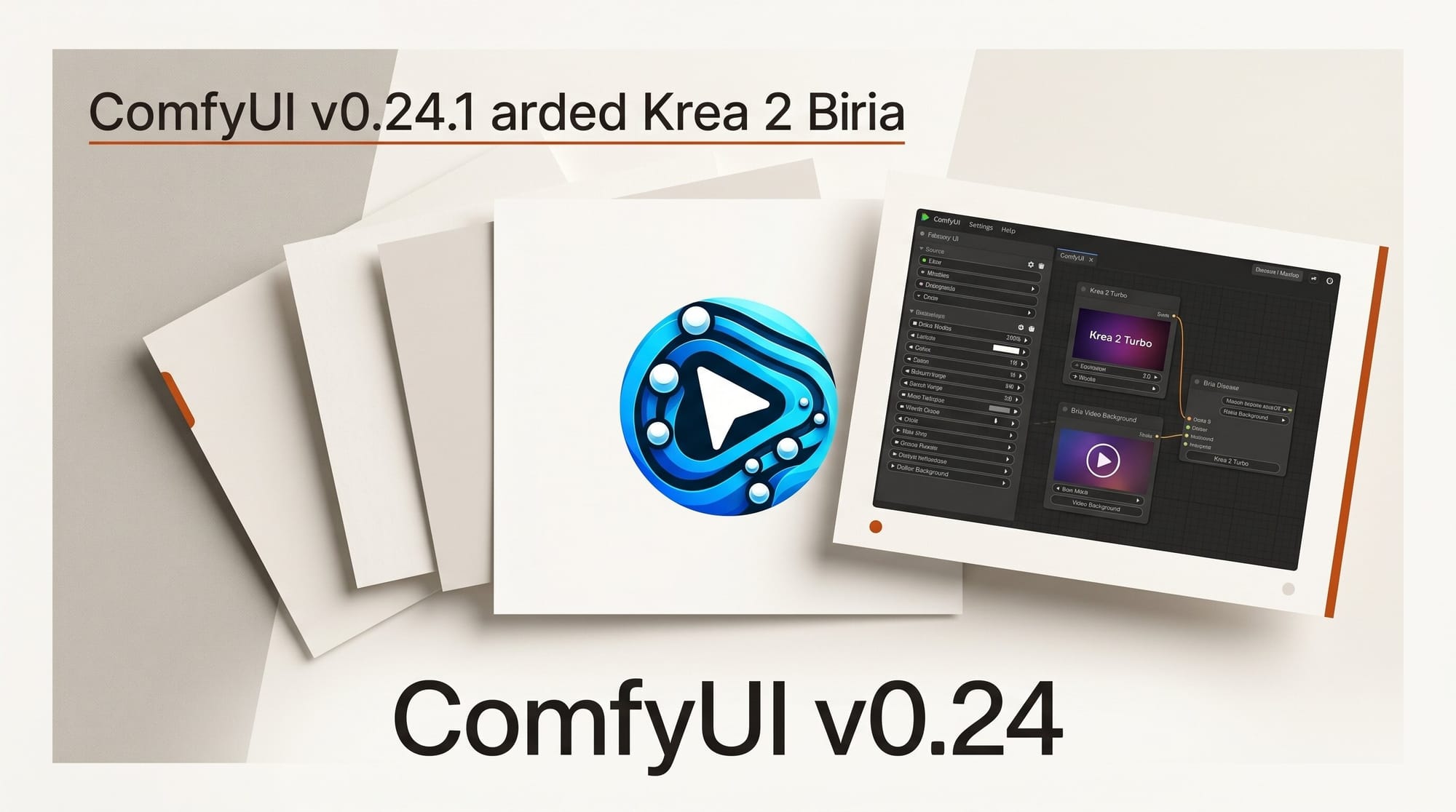
ComfyUI v0.24.1 shipped on June 4, 2026, adding support for the Krea 2 Medium Turbo model, two new Bria video background nodes, a Seedance 2.0 1080p processing fix, and seed control for the Flux Erase node. The patch builds on last week's v0.24.0 release and ships seven commits of stability improvements and partner-node integrations.
What Happened
The ComfyUI team tagged v0.24.1 on June 4, 2026. The official GitHub release includes seven commits covering four areas: new model support for Krea 2 Medium Turbo, two new Bria partner nodes for video background processing, a Seedance 2.0 video artifact fix, and a Flux Erase enhancement that adds reproducible results through seed control.
The release follows v0.24.0, which added Ideogram V4 node support and MultiGPU CFG improvements, and v0.23.0, which introduced MediaPipe face detection and multi-threaded model loading from disk. The cadence has been consistent: major versions add infrastructure and model support, patch releases tighten individual nodes and fix specific workflow issues.
Krea 2 Medium Turbo Now in ComfyUI
The most significant addition is native node support for Krea 2 Medium Turbo. Krea AI is a creative suite for generating and editing images, video, and 3D meshes, with emphasis on speed and real-time iteration. Krea 2 is their latest generative model, and the Medium Turbo tier targets a balance between output fidelity and inference speed.
The ComfyUI node connects to Krea's API and slots into any existing workflow, allowing creators to run Krea 2 Medium Turbo alongside Flux, Ideogram, or Stable Diffusion nodes for direct comparison or multi-model pipelines. The API-based integration means you are not running the model locally: generation happens on Krea's infrastructure, and results are returned to your workflow.
This is practical for iteration workflows. Krea 2 Medium Turbo runs fast enough to use as a first-pass generation step, exploring concepts before routing selected outputs to a higher-quality local model for final rendering. Creators working on large batch generation or client-facing previews can generate many variations quickly without occupying local GPU resources.
To use it, you will need a Krea API key from your krea.ai account settings. Once configured in the ComfyUI node, it behaves like any other generation node in the graph.
Bria Transparent Video Background Node
Two new nodes from Bria AI ship in this release: BriaTransparentVideoBackground and Bria Green Background.
The BriaTransparentVideoBackground node removes the background from video clips and outputs with an alpha channel. Subject extraction is handled by Bria's models, and the transparent output can be connected directly to a compositing node in the same workflow for background replacement, color grading, or overlay effects. The alpha channel output is compatible with standard ComfyUI video processing nodes.
The second node, Bria Green Background, fills the removed background with solid green rather than transparency. This targets workflows that feed into chroma-key keying in DaVinci Resolve, Adobe Premiere Pro, or Final Cut Pro, where alpha-channel compositing is not available or preferred.
Bria AI trains on licensed data from Getty Images, Alamy, and Envato and provides IP indemnification for commercial use. For creators producing client work or licensed content, this reduces legal exposure compared to models trained on unverified data sources. Bria already has native ComfyUI, Photoshop, and Figma plugin integrations; this release extends that coverage with the video background nodes.
Seedance 2.0 1080p Artifact Fix
The Seedance 2.0 node received a targeted fix for stretching and jump artifacts that appeared specifically at 1080p resolution when processing first-frame or last-frame constrained video. Users generating video continuations or bookend clips at full HD were seeing visible discontinuities at the start or end of the generated sequence.
The fix in v0.24.1 resolves both the stretching distortion and the jump discontinuity at 1080p frame boundaries. No workflow changes are needed: existing pipelines using Seedance 2.0 at 1080p will produce clean output after updating ComfyUI. Creators working at 720p or lower were not affected and will see no behavioral change.
Flux Erase Gets Seed Control
The Flux Erase node, used for diffusion-based inpainting to remove objects from images, now accepts a seed input parameter. Before this change, each erase operation generated a non-deterministic fill, making it impossible to reproduce a specific background texture across multiple runs or image variants.
With seed control, you can lock a fill result, then re-run the same erase on different crops of the same image or across a batch of related images, getting consistent background generation throughout. This is useful for product photography workflows where multiple shots require the same prop or watermark removed, and the background fill needs to look consistent across the set.
Connecting the seed input to a batch range node allows you to quickly generate several fill options, review them in the Preview Image node, and select the best match before committing to a final export run.
Creator Workflow Integration
These updates connect directly to common production scenarios:
- Concept iteration: Route prompts through Krea 2 Medium Turbo for fast first-pass generation. Select strong candidates and run them through a local high-quality model for final output. This preserves GPU time for the renders that matter.
- Video compositing: Use BriaTransparentVideoBackground to extract subjects from footage, then pipe into a background replacement or scene-swap node in the same ComfyUI workflow. No external video editor needed for the extraction step.
- Batch object removal: Use LoadImageFolder with seeded Flux Erase to remove a consistent element (logo, prop, person) from a folder of images, all with matching fill texture. Deterministic results mean the client gets a uniform-looking set.
What to Do Next
Update ComfyUI to v0.24.1 via the Manager or by pulling the latest tag from the GitHub repository. ComfyUI Desktop users will see an automatic update prompt.
After updating:
- Search the node menu for "Krea" to add the Krea 2 Medium Turbo node. Configure it with your Krea API key from your krea.ai account settings.
- Search for "Bria" to find the BriaTransparentVideoBackground and Bria Green Background nodes. Connect them to your video loading and output nodes.
- If you use Flux Erase, open the node and add a seed input connection. Set a fixed integer seed to enable reproducible fills.
- If you use Seedance 2.0 at 1080p, re-run any pipelines that previously produced artifacts. The fix is automatic after the update.
Related coverage: Ideogram 4.0 Open Weights in ComfyUI, ComfyUI v0.23.0 partner nodes and Gaussian splats, and NVIDIA PiD with FLUX.2 color correction.
Frequently Asked Questions
Do I need a Krea AI account to use the Krea 2 Medium Turbo node?
Yes. The node connects to Krea's API and requires a Krea API key from your account settings at krea.ai. The generation runs on Krea's servers, not locally.
Is Bria background removal safe for commercial client work?
Bria trains on licensed data from Getty Images, Alamy, and Envato and offers IP indemnification for commercial use. Review the current terms at bria.ai before using outputs in production commercial work to confirm your tier includes indemnification.
What is the difference between BriaTransparentVideoBackground and Bria Green Background?
BriaTransparentVideoBackground outputs with an alpha channel for software that supports RGBA video compositing. Bria Green Background fills the removed area with solid green for traditional chroma-key workflows in editing software.
Will the Seedance 2.0 fix change my existing workflows?
No. The fix is in ComfyUI's processing code. Existing Seedance 2.0 workflows automatically benefit after updating to v0.24.1. No node reconnections or settings changes are needed.
Can I use Flux Erase seed control with any mask shape?
Yes. The seed controls the diffusion fill generation, not the mask shape. You can use the same seed with different masks on the same image and get consistent fill texture across all erased areas.





