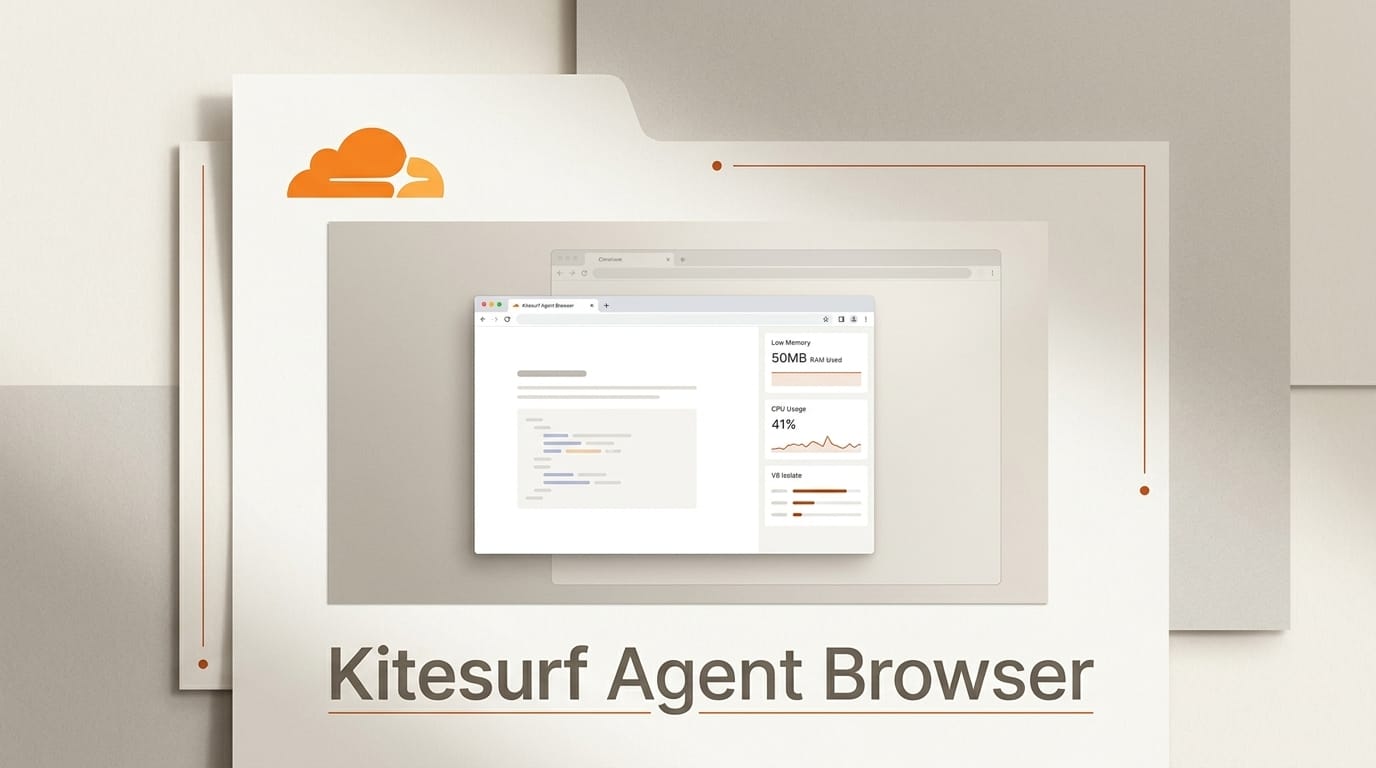
On August 6, 2026, during its Agents Week, Cloudflare shipped Kitesurf, a web browser built from scratch for AI agents rather than people. Written in Rust, compiled to WebAssembly, and run entirely inside V8 isolates on Cloudflare Workers, Kitesurf drops the tabs, extensions, and pixel-perfect rendering a human needs and keeps only what a model uses: machine-readable content, screenshots, and DOM access. Cloudflare says it passes more than 215,000 Web Platform Tests and uses 3.1 to 3.8 times less CPU and 4.7 to 7.0 times less memory than Chromium on common agent tasks. That efficiency is the entire point: one browser per agent has been too expensive to run at scale, and Kitesurf is Cloudflare's bet that a purpose-built engine changes the math.
What Cloudflare actually shipped
Kitesurf is available now as a free beta inside Browser Run, Cloudflare's headless-browser automation product. You can drive it with the Chrome DevTools Protocol using the same Puppeteer, Playwright, or chrome-remote-interface clients you already use, and there is a public playground where you can point it at a URL and watch it extract HTML or return a screenshot. Because it runs as a stateless isolate, each page load starts in a fresh session, and Cloudflare frames every load as untrusted input, which is a deliberate hedge against prompt injection reaching an agent through page content.
The trade-off shows up in wall-clock time. Kitesurf is roughly 1.7 to 1.8 times slower per request than Chromium, because it favors low resource use over raw speed. For a single interactive session that matters; for millions of concurrent agents each needing their own isolated browser, the memory and CPU savings are what let the workload exist at all.
Kitesurf versus Chromium at a glance
| Task | Kitesurf | Chromium | Difference |
|---|---|---|---|
| CPU, screenshot | 380 ms | 1,173 ms | 3.1x less |
| CPU, HTML extraction | 229 ms | 877 ms | 3.8x less |
| Memory, screenshot | 57.8 MiB | 271.0 MiB | 4.7x less |
| Memory, HTML extraction | 39.4 MiB | 273.7 MiB | 7.0x less |
| Wall time, screenshot | 1,148 ms | 637 ms | 1.8x slower |
| Wall time, HTML extraction | 820 ms | 472 ms | 1.7x slower |
The pattern is consistent: Kitesurf trades a modest amount of latency for a large drop in the resources that dominate the cost of running browsers in bulk.
Why an agent does not need a human browser
Chromium and its peers were built to render the web at 60 frames per second for a person watching a screen. Agents do not watch. As Cloudflare puts it, AI does not care about tabs, themes, or browser extensions, but it does care about token count, context windows, scalability, performance, and costs. An agent wants clean HTML it can feed into a context window, an occasional screenshot for visual grounding, and strong isolation so that a hostile page cannot poison its instructions. Everything Chromium spends on making pages beautiful is overhead an agent pays for and never uses. Coverage from MarkTechPost framed the release as a reframing of the edge-AI stack for exactly this reason: the browser becomes a cheap, disposable primitive instead of a heavyweight application.
How Kitesurf is built
Rather than fork Chromium, Cloudflare assembled Kitesurf from modern Rust web components. The rendering layer builds on Blitz, the Dioxus project's modular HTML and CSS rendering engine, paired with Servo's Stylo CSS engine and the Parley text-shaping library. JavaScript that needs an eval path runs through Boa, a JavaScript engine written in Rust, until native support lands. The whole stack compiles to WebAssembly so it can run inside a Worker isolate with minimal overhead.
Correctness is measured against the industry-standard Web Platform Tests suite, where Cloudflare reports more than 215,000 passing tests and hundreds more added each week, with strong coverage for CSS, DOM, HTML, selection, SVG, and XHR. The engine is designed to degrade rather than crash: when a page hits something unsupported, it renders a blank frame instead of taking down the session, which keeps a fleet of agents from cascading failures.
How to plug it into your stack
If you already run browser automation, adopting Kitesurf is mostly a one-line change:
- Point your existing Puppeteer or Playwright client at Cloudflare's Browser Run CDP endpoint instead of a local Chromium instance.
- Add the
browser=kitesurfparameter to the endpoint to select the new engine rather than the default Chromium. - Call your usual methods: navigate to a URL, extract HTML for the model's context, or capture a screenshot for visual grounding.
- Treat every result as ephemeral. Because sessions are stateless, do not rely on cookies or logins persisting between calls.
- Keep a Chromium fallback wired in for the tasks Kitesurf cannot do yet, and route each job to the cheaper engine when it qualifies. Full details are in Cloudflare's Browser Rendering docs.

What this enables for builders
The unlock is scale. A research agent that opens forty sources in parallel, a monitoring bot that checks a thousand pages an hour, or a data pipeline that scrapes and summarizes at volume all hit a wall when each browser costs hundreds of megabytes. Cutting memory by four to seven times means you can run far more agents on the same budget, or run the same workload for a fraction of the cost. The stateless, fresh-session model also gives each task a clean sandbox, which is a real security posture rather than an afterthought when your agent is reading untrusted web pages. For anyone building agentic scrapers, web-research tools, or automated QA, Kitesurf turns "one browser per agent" from a line item you dread into something you can actually afford.
The limitations that still matter
Kitesurf is a beta, and Cloudflare is upfront about the gaps. It cannot yet play video or render WebGL, so anything visual beyond static pages is out. It cannot maintain a long-running authenticated session, which rules out workflows that need to log in and stay logged in for ten minutes of clicking. And it cannot negotiate bot challenges that demand a real TLS fingerprint, so heavily protected sites will still bounce it. For those cases Chromium remains the default. Kitesurf is not a Chromium replacement so much as a cheaper first choice for the large share of agent tasks that are really just "read this page and give me the content."
Frequently asked questions
What is Kitesurf?
Kitesurf is Cloudflare's agent-first web browser, launched August 6, 2026. It is a stateless browser engine written in Rust and compiled to WebAssembly that runs inside V8 isolates on Cloudflare Workers, built for AI agents rather than human users.
How much cheaper is it than Chromium?
On Cloudflare's benchmarks it uses 3.1 to 3.8 times less CPU and 4.7 to 7.0 times less memory than Chromium on screenshot and HTML-extraction tasks, at the cost of being about 1.7 to 1.8 times slower per request.
Do I have to rewrite my automation code?
No. Kitesurf speaks the Chrome DevTools Protocol and works with Puppeteer, Playwright, and chrome-remote-interface. You point your client at Cloudflare's Browser Run endpoint and add a browser=kitesurf parameter to select the engine.
What can Kitesurf not do yet?
It cannot play video, render WebGL, hold a long-running authenticated session, or pass bot challenges that require real TLS fingerprints. Cloudflare recommends staying on Chromium for those cases.
Is it free?
Yes, Kitesurf is free during its beta as part of Cloudflare's Browser Run product, subject to per-account limits. You can test it in the public playground before wiring it into your stack.
How does it handle security?
Each page load runs in a fresh, stateless isolate and is treated as untrusted input, which limits the blast radius of prompt injection or malicious page content reaching an agent.
Related deep dives: Safari vs Chrome vs Playwright MCP: 2026 Comparison and Claude Code Desktop Gets a Sandboxed In-App Browser.