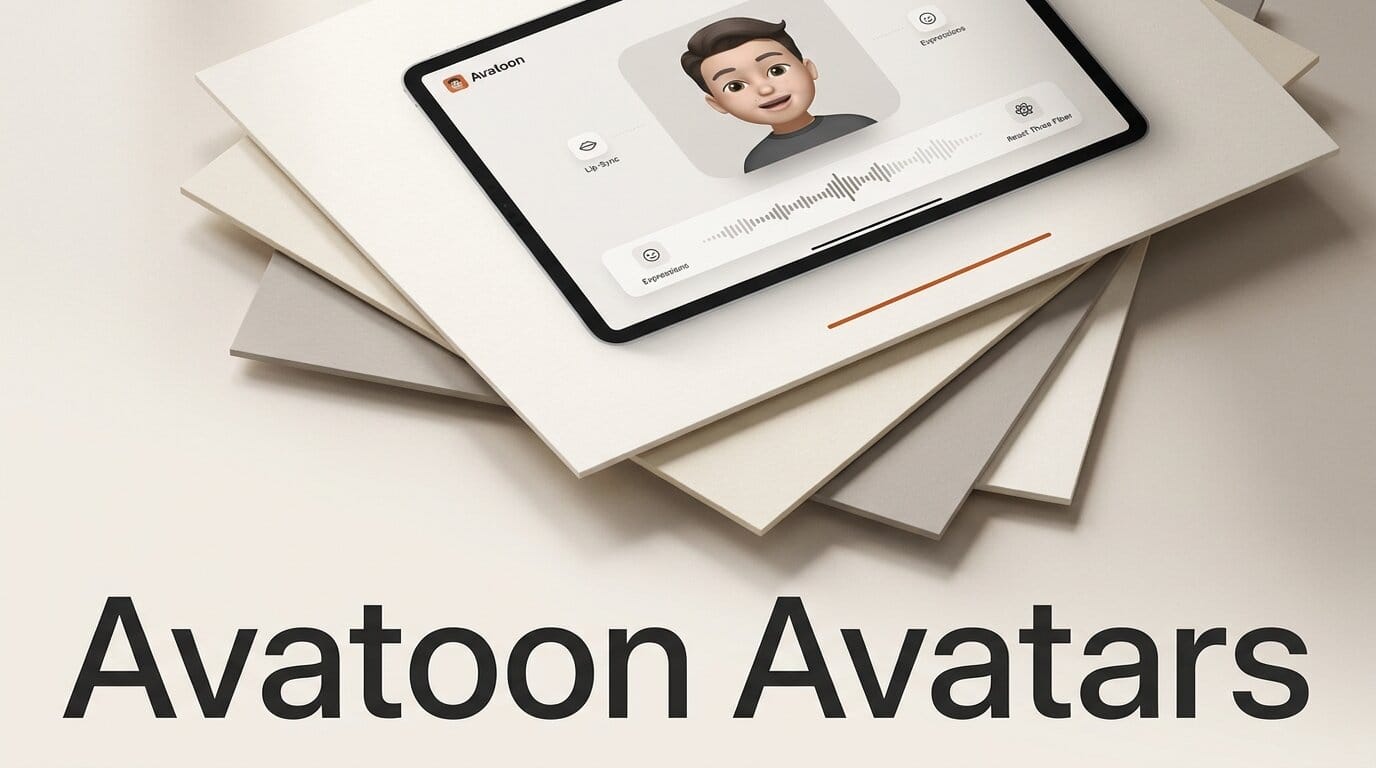
Avatoon is an open-source component that drops a talking, lip-synced 3D avatar into any React app with a few lines of code. Version 1.10.0 shipped on July 15, 2026 as an MIT-licensed npm package, and it runs entirely in the browser (or on a phone) on top of React Three Fiber. Instead of calling a cloud service to render a talking head as video, Avatoon animates a real GLB avatar client-side: it maps phonemes to visemes for the mouth, adds automatic blinking and subtle head motion, and exposes simple play() and stop() controls through a ref. For creators building interactive characters, tutors, or agent front-ends, that is a very different cost and latency profile from the usual avatar-video APIs.
What Avatoon actually ships
Avatoon is a single React component, <Avatoon>, that you point at a GLB model and a list of visemes. The 1.10.0 release is the current build on top of 17 total releases and 119 commits, so this is an actively maintained library rather than a weekend demo. It leans on the pmndrs ecosystem: React Three Fiber for the scene graph and Drei for camera and loader helpers. The lip-sync itself is data-driven. You hand it a JSON array of viseme entries, each with a time in seconds and a mouth-shape code, and Avatoon plays them back in sync with optional WAV audio.
Two things make it notable. First, it is cross-platform: the same import renders on the web through React Three Fiber and on mobile through the native React Three Fiber renderer and Expo, chosen automatically. Second, it is a component, not a service. There is no API key, no per-second render bill, and no upload of a user's face to a third party. The tradeoff is that you supply the avatar and the viseme timing yourself.

Avatoon vs cloud talking-head tools
Most of the talking-avatar tools creators know are cloud generators: you send audio or text, and they return a rendered video of a photorealistic presenter. Avatoon sits in a different lane. It is closer to a game engine avatar than to a video generator. The table below compares the three common approaches, and it is worth reading alongside our breakdown of ElevenLabs vs HeyGen talking heads.
| Approach | Runs where | Cost model | Lip-sync input | Best for |
|---|---|---|---|---|
| Avatoon (this release) | Client-side, web and mobile | Free, MIT license | Viseme JSON plus optional WAV | Interactive, real-time characters in an app |
| Cloud talking-head (HeyGen, D-ID) | Vendor servers | Per-minute or per-credit | Text or audio, rendered to video | Photorealistic presenter videos |
| DIY three.js avatar | Client-side | Free but you build it | Whatever you code | Full control, high engineering cost |
If your goal is a polished marketing video with a realistic human face, a cloud generator like the ones covered in our TTS-AC talking-head writeup is still the right tool. If your goal is a character that responds live inside a web app, without streaming video back and forth, Avatoon is the lighter path.
Step by step: add a lip-synced avatar to a React app
Here is the minimal integration. It assumes an existing React project and a GLB avatar (a Ready Player Me export or any rigged model with viseme morph targets works well).
- Install the package and peers. Run
npm install avatoon, then add the peer dependencies:npm install react react-dom three @react-three/fiber @react-three/drei. Avatoon expects React 18 or newer, three 0.153 or newer, and React Three Fiber 8 or newer. - Get a GLB avatar. Export a rigged avatar as a glTF/GLB file. Ready Player Me avatars already expose the ARKit-style blendshapes Avatoon uses, which makes them the fastest starting point.
- Build a viseme track. Create an array of entries in ascending time order, for example
{ time: 0, viseme: "X" }, { time: 1.3, viseme: "A" }. Codes follow the Oculus and Ready Player Me naming that Avatoon maps to morph targets. See the Oculus viseme reference for how phonemes map to mouth shapes. - Drop in the component. Import
Avatoon, attach a ref typed asAvatoonHandle, and passglbUrlplus yourvisemeJson. Wire a button toref.current?.play()and another toref.current?.stop(). - Feed it real speech. Generate audio from a TTS engine, produce the matching viseme timing, and pass both in. The
audio_base64field on the viseme object accepts an optional WAV so the mouth and the sound stay locked together.
Because Avatoon builds on three.js, everything else in the scene (lighting, camera, background) is standard React Three Fiber, so you can composite the avatar into an existing 3D scene rather than treating it as a black box.
T1 vs T2: which avatar type to use
Avatoon supports two avatar profiles, and the choice shapes how expressive the result looks.
| Type | Look | Animation | Best for |
|---|---|---|---|
| T1 (static face) | Most photorealistic | No facial morphing, lightweight | Realistic idle presence, low overhead |
| T2 (blendshape face) | Slightly less realistic | Separate eyeballs and mouth, ARKit visemes | Expressive, actively talking characters |
T2 is the type to reach for when the avatar needs to visibly speak, because it exposes the morph targets Avatoon drives for lip-sync and blinking. T1 is the lighter option when you mostly need a believable face on screen without full mouth animation. If you are sourcing avatars from photos or scans rather than a character creator, our guide to turning a photo into a 3D web asset covers the upstream pipeline.
What this enables for creators
The practical unlock is real-time, no-server avatars. A language tutor app can show a mouth that actually forms the sounds a learner hears. An agent interface can put a face on responses without rendering and streaming video for every reply. A game or interactive story can give NPCs synced dialogue that runs on the player's device. Because it also renders through Expo, the same avatar component works in a React Native app, so a mobile companion character does not need a separate rendering stack. And because it is MIT-licensed and client-side, none of this incurs a per-minute bill or ships user audio to a vendor, which matters for privacy-sensitive products like Expo-based health or education apps.
Frequently asked questions
Is Avatoon free to use commercially?
Yes. Avatoon is released under the MIT license by Khaled Alam, which permits commercial and personal use, modification, and redistribution as long as the license notice is retained.
Does Avatoon generate the avatar for me?
No. Avatoon renders and animates a GLB avatar you supply. You bring the model (for example a Ready Player Me export) and the viseme timing; Avatoon handles playback, lip-sync, blinking, and head motion.
Does it work on mobile?
Yes. The same component renders through the native React Three Fiber renderer via Expo GL and plays audio through Expo's audio module, selected automatically. The import stays identical, though on mobile you drive it through the ref rather than a built-in button.
How does the lip-sync stay in time with audio?
You provide a viseme track: an ordered list of time-stamped mouth-shape codes, optionally alongside a base64 WAV. Avatoon plays the visemes against that timeline so the mouth shapes and the audio advance together.
What is the difference between T1 and T2 avatars?
T1 is a static, more photorealistic face with no facial morphing and low overhead. T2 exposes separate eyeballs and a mouth with morph targets and ARKit-style visemes, so it can actually animate speech. Use T2 for talking characters.
Do I need to know three.js to use it?
Not for the basics. The quick-start is a single component with a ref. But because it is built on React Three Fiber, knowing three.js helps when you want to place the avatar in a custom lit scene or composite it with other 3D content.





