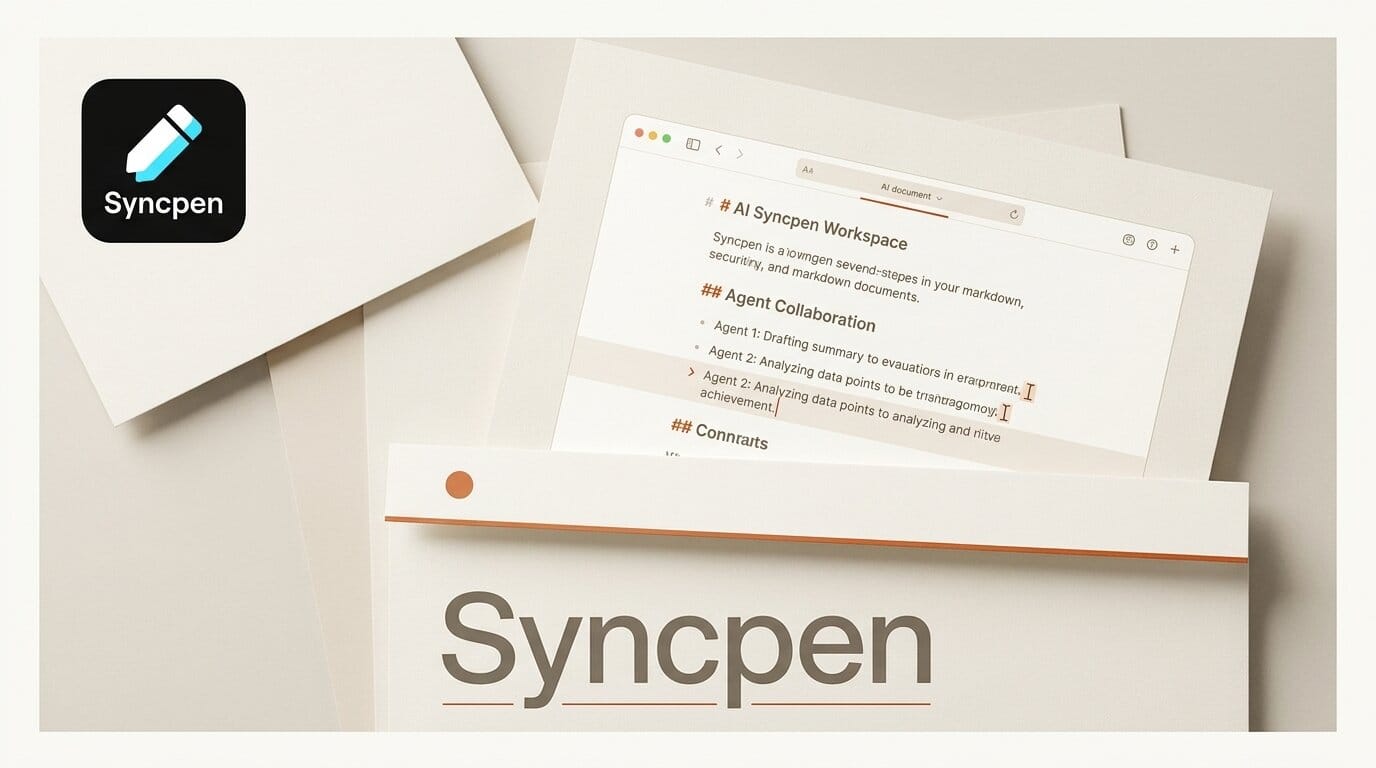
Syncpen is a new collaborative Markdown workspace built for a specific problem: letting AI coding agents draft directly inside your documents without silently overwriting your work. Instead of copying text out of a chat window and pasting it back into your notes, your agent writes into the shared document itself, and every edit lands as a tracked, approvable proposal.
What Happened
Syncpen launched as an agent-native writing tool that connects to AI assistants over the Model Context Protocol (MCP). A single npm package plus an API key wires your agent to a live Markdown document, where it can add sections, respond to comments, and revise prose in place. The pitch is blunt: "Your agents propose. You approve. Every change is signed." It is free at launch, with paid tiers described as still being finalised.
Why It Matters
Most AI writing today happens in a chat sidebar, disconnected from the document you actually publish. That forces a lossy loop of copy, paste, reformat, and re-prompt. Syncpen collapses that loop by putting the agent inside the file. Because it speaks MCP, the same document is reachable from tools like Claude Code, claude.ai, Cline, and Windsurf, so the assistant you already use for code can now draft your release notes, documentation, or newsletter in the same session. For anyone running MCP-connected agent workflows, it is one less context switch.
How It Works
Syncpen keeps everything in pure Markdown, so there is no lossy conversion between the editor and your source files. AI suggestions appear as tracked changes you can accept or reject rather than as silent rewrites, and agents can reply to comment threads directly in the margin. It supports real-time co-editing with live presence and role-based sharing, plus research tooling with BibTeX, Zotero, and Mendeley import for automatic bibliographies. When a draft is ready, one-click publishing sends it to Ghost, WordPress, Sanity, or PDF. The connection setup mirrors other MCP tools such as Comfy MCP for ComfyUI, where one server bridges an agent to a creative app. It also works with editors like Cursor.
What to Do Next
Sign up for the free tier at Syncpen, install the npm package, and paste your API key into your agent's MCP config. Start with a low-stakes document, a changelog or a draft blog post, and ask your agent to expand an outline into full sections. Because every edit is a proposal you approve, you keep editorial control while offloading the first-draft grind. Watch the pricing page, since the free launch tier and its storage and AI-usage limits are still being set.





