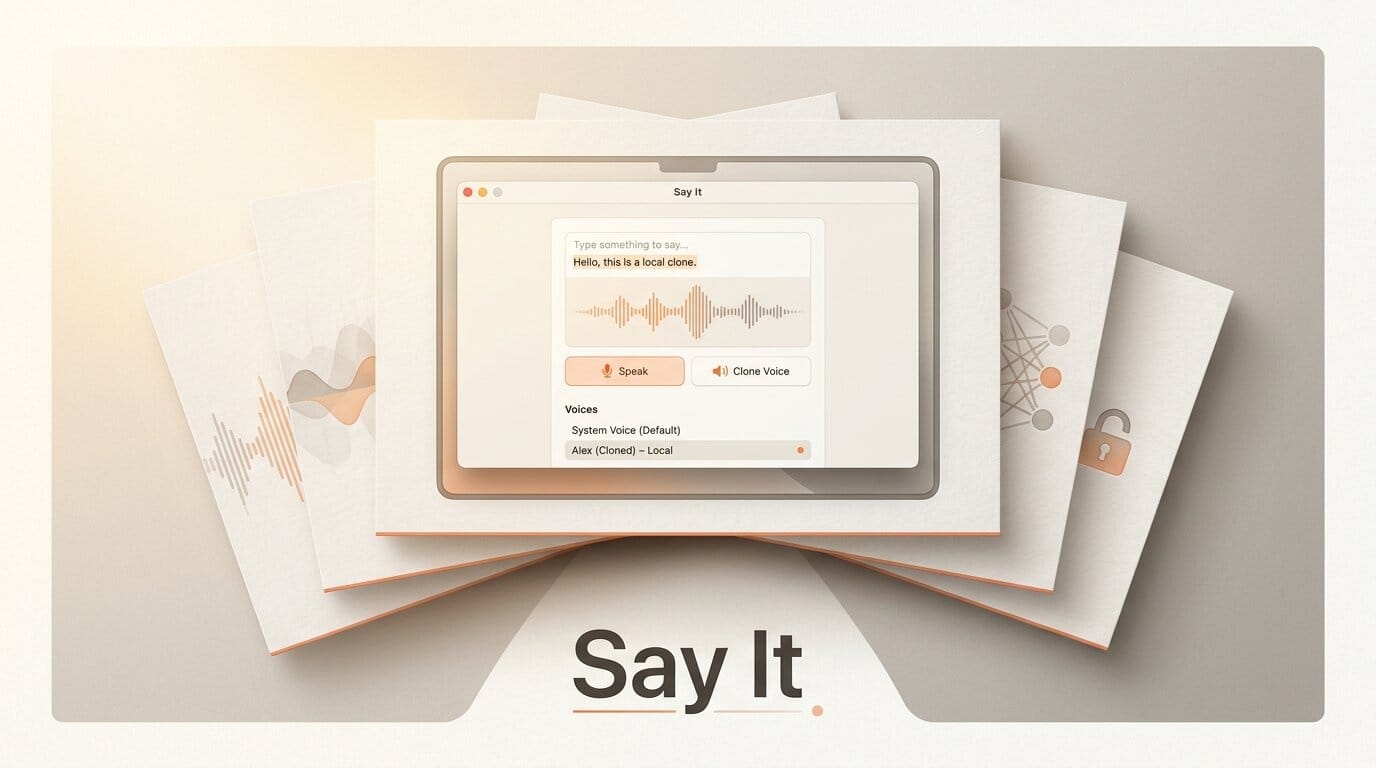
Say It, a free and open-source macOS app, turns any highlighted text into spoken audio and clones voices entirely on your own machine, with no cloud, accounts, or analytics. Released this week and shared on Hacker News on August 10, the tool runs open speech models locally on Apple silicon and reads selected text from a global hotkey in any app. The full project lives at sayit.sh.
What This Enables
For creators who narrate scripts, proof long drafts by ear, or need quick voiceovers, Say It removes both the cloud round-trip and the subscription. Download the latest build from the project's GitHub releases page, pick a built-in voice, then highlight any text to hear it read back. To build a custom narrator, open Voice Studio, record a short sample, and clone a voice that never leaves your Mac. Because inference runs through MLX Audio, generation works fully offline, so you can draft voiceovers without a connection or keep client scripts private.
Why It Matters for Creators
On-device audio tooling is having a moment. Say It lands the same week as other local audio releases, including Vocal Slice's text-based audio editing and NVIDIA's open-weights Magpie TTS. The throughline is control: creators increasingly want speech synthesis that is private, free of per-character API fees, and fast enough to use in a real workflow instead of a one-off demo.
Key Details
Models: Say It runs Qwen3, Kokoro, Chatterbox, and other open models through MLX Audio.
License and cost: Free and open source under the MIT license, with the full code on GitHub.
Requirements: macOS 15 or later on Apple silicon.
Features: Global-hotkey text reading, a menu-bar player with waveform and speed controls, playback history, and local voice cloning through Voice Studio.
What to Do Next
If you work on a Mac with Apple silicon and want read-aloud or voiceover without a subscription, grab the latest build, test a stock voice on a paragraph of your own writing, then try cloning your voice in Voice Studio to see whether the quality holds for your use case. The project is shipping updates frequently, so the release notes are worth watching for new voices and languages.