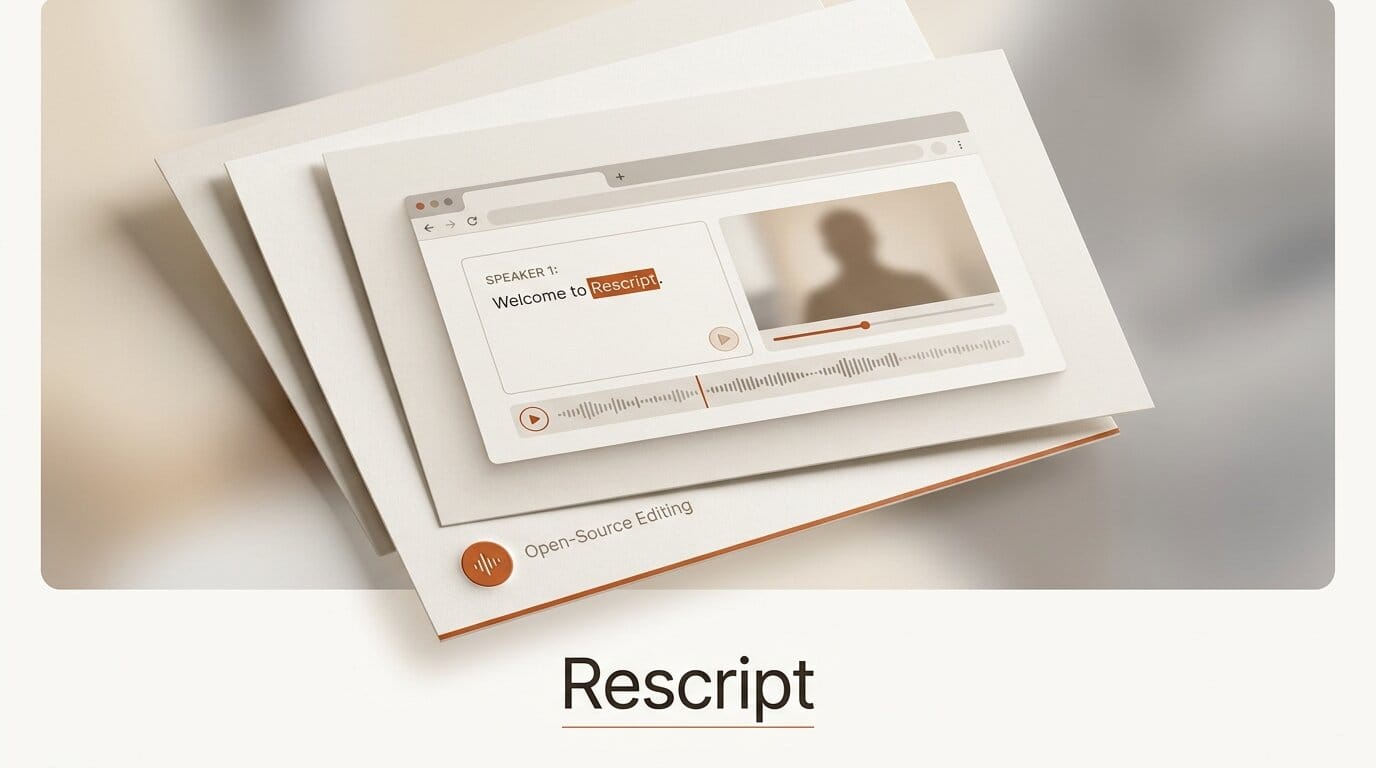
A developer has released Rescript, a free, open-source alternative to Descript that lets you edit video and audio by editing the transcript text. It runs entirely in your browser, works offline, and requires no account, positioning it as a zero-cost option against Descript's paid tiers.
Try It: Transcript-Based Editing in the Browser
Rescript transcribes your clip locally, then displays the transcript as editable text. Delete a sentence in the transcript and the corresponding video or audio is cut. Because transcription uses OpenAI's open-source Whisper model running on-device, nothing is uploaded to a server. You get per-word timestamps and speaker labels, so trimming filler words, removing a bad take, or cutting between speakers becomes a text-editing task rather than a timeline-scrubbing one. Open the app, drop in a file, and start deleting words.
Why It Matters for Creators
Transcript-based editing collapses the slowest part of podcast and talking-head video production. The dominant tool in this category, Descript, charges a monthly subscription, and its processing runs in the cloud. Rescript reproduces the core workflow for free and keeps every file on your machine, which matters for creators working with unreleased footage, client material, or anything under an NDA. For a solo podcaster or a small studio, that is a real line-item saving with no privacy tradeoff.
Key Details
Cost: Free and open-source.
Transcription: Local Whisper, per-word timestamps, speaker labels.
Privacy: Runs fully in-browser and offline, no account, no uploads.
Origin: Built in a single weekend and posted to Show HN on July 27, 2026, where it drew early traction.
What to Do Next
Clone or open the project from its repository and test it on a short clip before committing a real project to it. As a weekend build it will not yet match Descript's polish, multitrack features, or filler-word automation, so treat it as a fast, private first-pass editor for cuts and cleanup. Watch the repo for updates if the maintainer keeps building.





