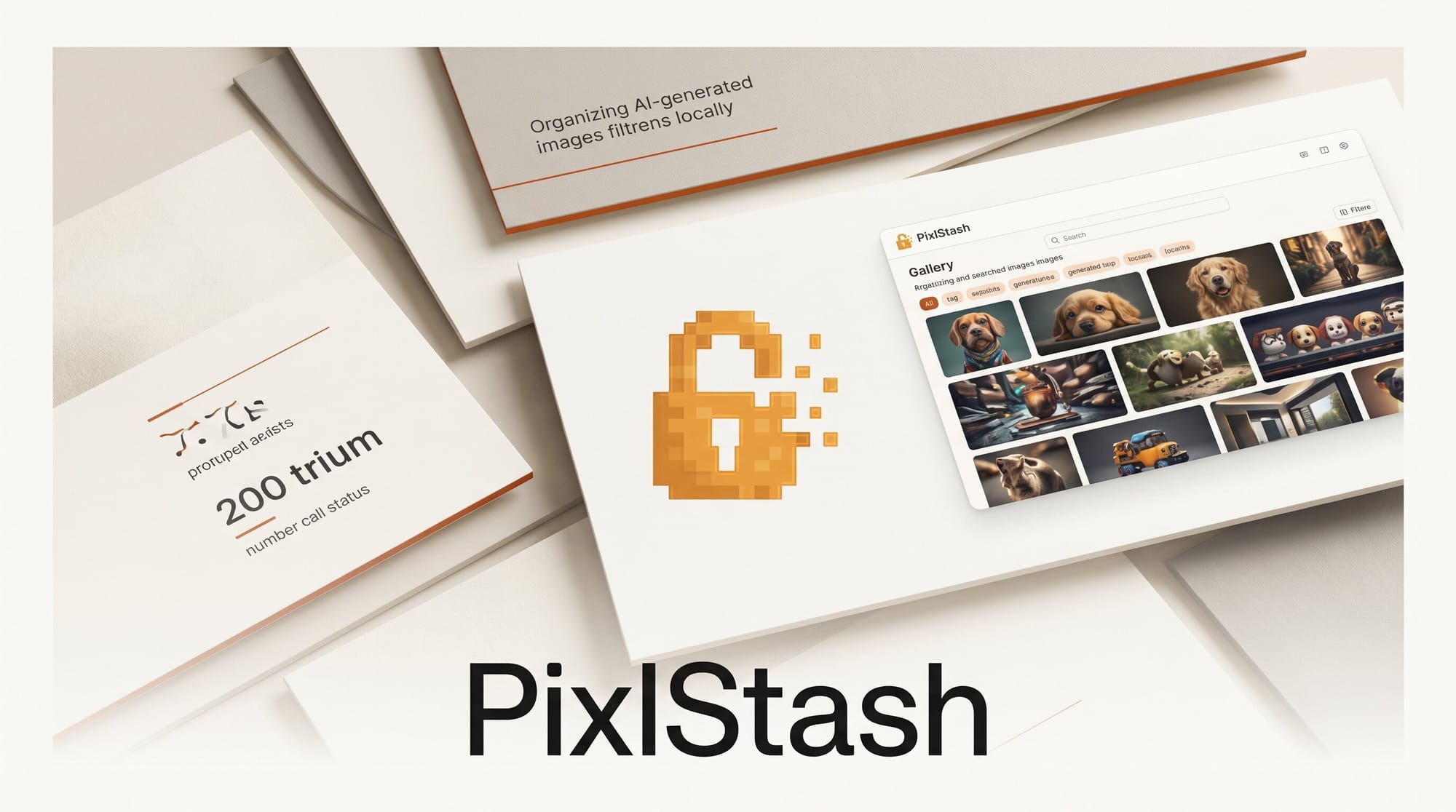
PixlStash, the open-source self-hosted image manager built for AI creators, now ships as a native desktop app for Windows, macOS, and Linux. The June 15, 2026 release (version 1.6.2) turns what was a Python and Docker web server into a one-click install with a bundled CPU runtime and automatic GPU detection, putting AI tagging, captioning, and ComfyUI workflows in reach of creators who never wanted to stand up a server.
What Happened
PixlStash moved from a developer-oriented web app to a packaged desktop application. Earlier versions asked you to clone a repository, install Python dependencies, and run a server before you could index a single image. The new desktop build installs in one click, downloads the AI models it needs on first launch, and auto-detects your hardware so it falls back to a CPU runtime when no GPU is present. The project is licensed GPL-3.0 and the full source lives on GitHub, where the desktop packaging landed in the 1.6 line.
Why It Matters
Generative image work produces thousands of outputs fast, and most creators end up with sprawling folders that no operating system search can make sense of. PixlStash indexes that library locally, then layers AI tagging, captioning, and quality scoring on top so you can filter by content instead of filename. It also speaks to ComfyUI directly: you can run a workflow against a selected set of images from inside the manager, and reverse image search plus find-similar-faces are exposed as ComfyUI-PixlStash nodes. For anyone already running recent ComfyUI builds, that closes the gap between generating images and organizing them.
Key Details
- Native desktop builds for Windows, macOS, and Linux with a bundled CPU runtime and optional GPU acceleration.
- Automatic AI tagging and captioning with selectable engines, including JoyCaption, plus quality scoring and smart sorting.
- ComfyUI integration to run workflows on selected images, with reverse image search and find-similar-faces nodes.
- Character and set organization, persistent view URLs, and read-only share tokens for handing collections to collaborators.
- A plugin system for custom filter operations, with plugin-authoring files released under MIT so your extensions can ship under any license.
- A hosted live demo for trying the interface before installing anything.
What to Do Next
Grab the installer for your platform from the official download page and point it at one of your generation output folders. On first launch it pulls the tagging and captioning models, indexes the directory, and lets you start filtering by content within minutes. If you live in node graphs, install the ComfyUI nodes and route a batch of renders through your favorite upscale or cleanup workflow without leaving the library.





