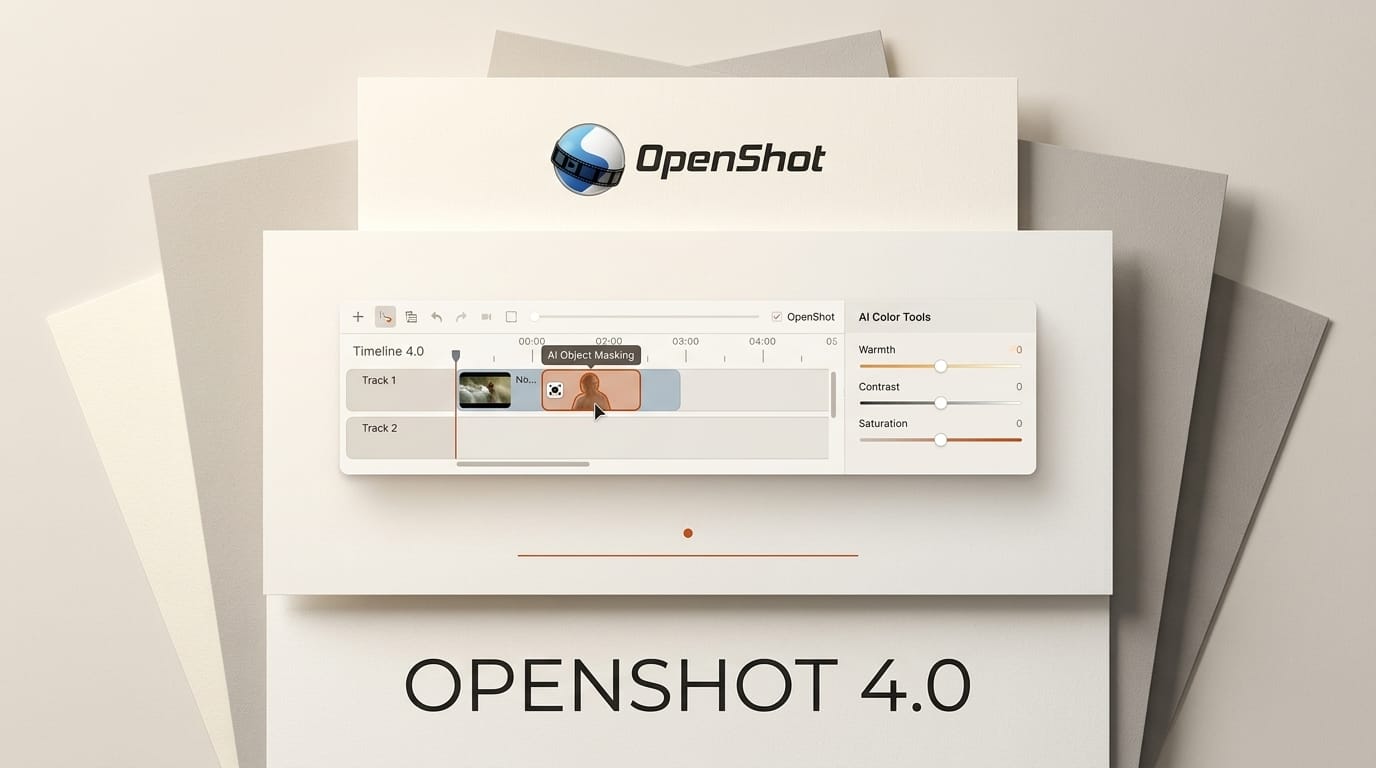
OpenShot 4.0, released on August 30, 2026, turns the veteran open-source video editor into a much more capable studio, adding on-device AI subject masking, a full color-grading suite, and built-in screen and audio recording. The OpenShot 4.0 release stays free and GPLv3 licensed, so every feature runs locally with no subscription and no cloud upload.
What This Enables
The headline for creators is Object Mask: OpenShot now isolates a subject from its background using machine-learning models that run entirely on your machine. It ships support for YOLO, EfficientSAM, and Cutie models converted to the ONNX format, so you can rotoscope a person out of a clip, blur or replace a background, or track an object across frames without sending footage to a server. Pair that with the new Recording View to capture your screen, webcam, microphone, and system audio, and you can shoot, cut, and mask a tutorial inside one free app.
Why It Matters for Creators
Local AI masking has been the feature that pushed editors toward paid tools like Premiere Pro or DaVinci Resolve. Doing it on-device in a free editor removes both the cost and the privacy tradeoff, which matters for client work and any footage you cannot upload. Because OpenShot is open source, the model workflows are transparent and extensible rather than locked behind a credits meter.
Key Details
Version: OpenShot 4.0.0 with libopenshot 1.0.0, published August 30, 2026 on GitHub.
AI: Object Mask and object detection using free, locally downloaded YOLO, EfficientSAM, and Cutie ONNX models.
Color: New Color View with color wheels, curves, LUTs, and video scopes.
Recording: Capture screen, webcam, microphone, and system audio directly in the timeline.
Effects: Ten new effects including Audio Visualization, Film Grain, and Denoise Image. The Blur effect now runs 61.8 percent faster than in version 3.5.1.
What to Do Next
Download OpenShot 4.0 for Windows, macOS, or Linux from the official download page and try the Object Mask workflow on a short clip to see how the local models handle your footage. The first mask downloads its model once, then runs offline on every project after that.





