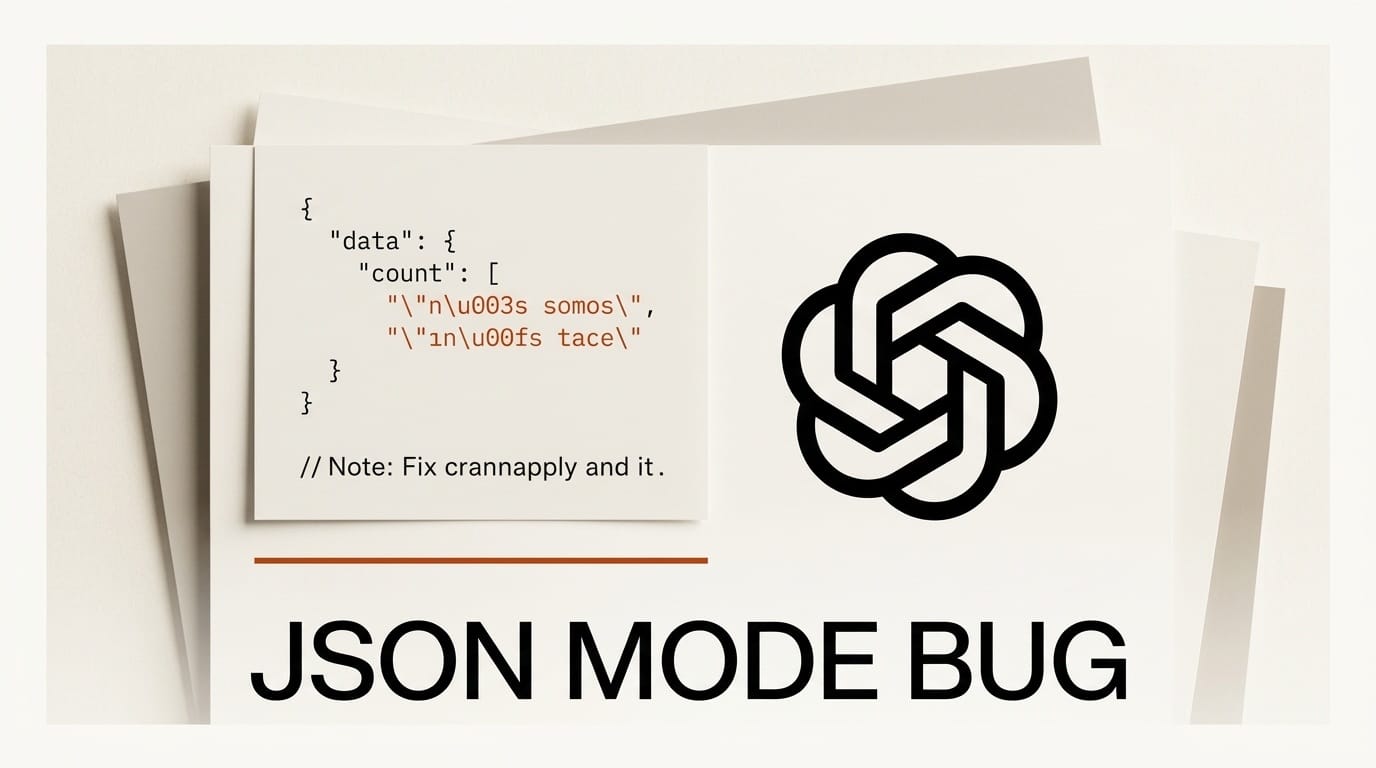
If you build apps or agents on OpenAI and your French, German, or CJK text keeps arriving garbled, the model is not hallucinating. A June 23, 2026 analysis from LLM testing firm Giskard documents a real flaw: OpenAI's JSON mode corrupts non-ASCII characters by emitting invalid escape sequences, and it affects production pipelines today. If you ship multilingual content built on the OpenAI API, this is worth ten minutes of your attention.
What Happened
Giskard researcher Weixuan Xiao found that when OpenAI and Azure OpenAI endpoints generate JSON through structured outputs or JSON mode, the grammar that constrains the response produces malformed escapes for accented and non-ASCII characters. Instead of writing the valid escape for an accented "e", the decoder can only complete the \u00 prefix with control characters in the \u0000 to \u001f range. The result is broken text that no standard JSON parser will read back correctly, so the corruption surfaces only after your code tries to load the response.
Why It Matters
Structured output is the backbone of almost every serious LLM workflow: extraction, classification, tool calls, and the agent chains that creators now wire together to build entire products. Any step that touches a non-English language is exposed. A subtitle generator, a multilingual chatbot, a product-catalog enricher, or a research agent summarizing French or Japanese sources can silently emit corrupted data that breaks downstream code or ships visible mojibake to readers. Because the failure is intermittent and language-dependent, it can pass every English-only test you wrote and still break in production.
Key Details
The behavior is undocumented and contradicts RFC 8259, the JSON standard, which permits any four-digit hex escape after a backslash-u prefix. The corruption is consistent across French, German, CJK, Cyrillic, and Hindi text, so it is not a random sampling artifact but a constraint baked into how the endpoints enforce JSON. Models also tend to mimic the formatting they see, so showing escaped sequences in your prompt examples makes the problem more likely to surface.
What to Do Next
You can work around it without leaving OpenAI. First, stop demonstrating escaped backslash-u sequences in your prompts and ask the model to return raw UTF-8 instead. Second, when you serialize JSON yourself for few-shot examples, set Python's json.dumps with ensure_ascii=False so the model never sees the broken pattern to copy. Third, add a validation step that rejects or repairs control characters in parsed output before it reaches your database or your users. If multilingual fidelity is critical, test the same prompt against a provider whose structured output preserves non-ASCII text, and keep the validation layer regardless of which model you ship.





