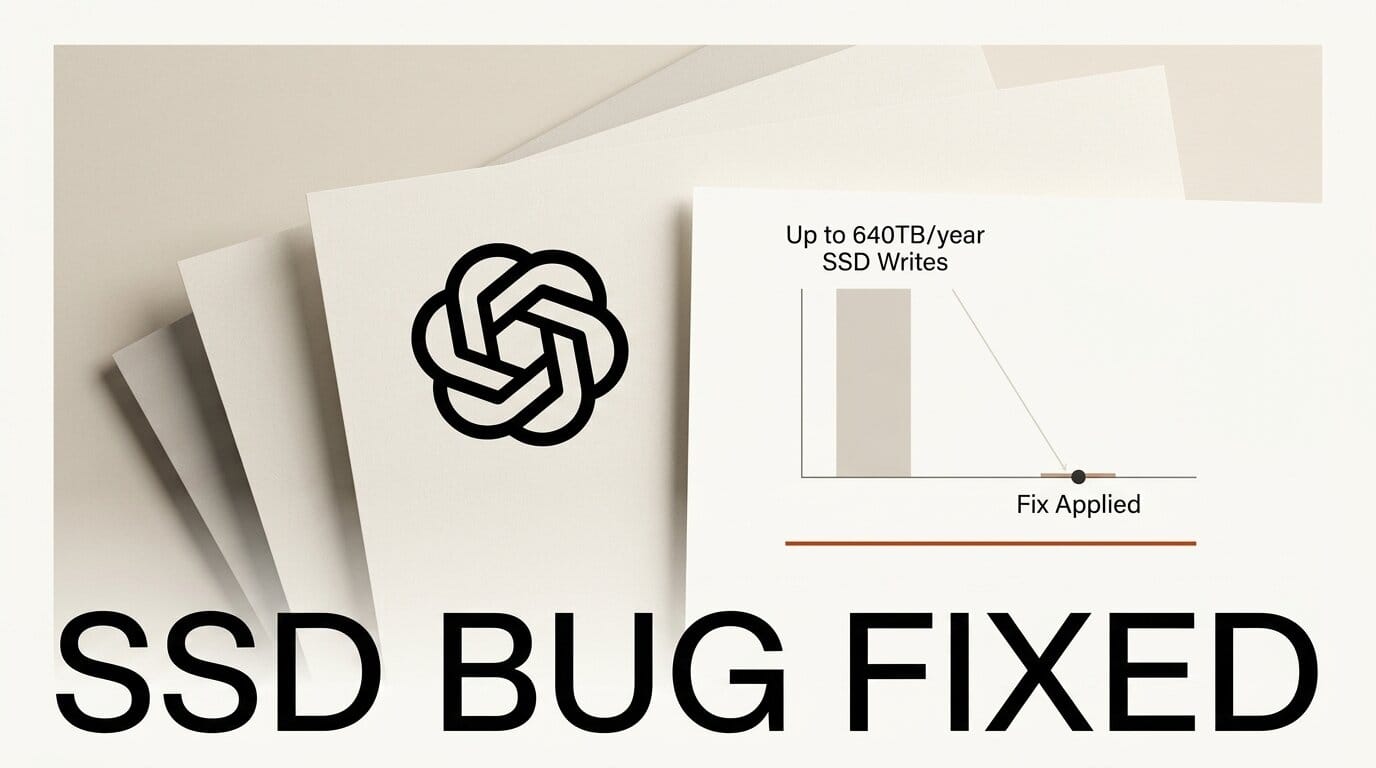
OpenAI's Codex CLI, the command-line coding agent, shipped with a logging defect that could quietly burn through a solid-state drive's entire write endurance in under a year. The flaw, reported on June 14, caused Codex to write as much as 640 terabytes per year to a local SQLite log file. OpenAI merged fixes on June 22, so the risk is now largely resolved for anyone running a current build.
What Happened
Codex stores feedback logs in a SQLite database at ~/.codex/logs_2.sqlite. By default the SQLite sink logged at TRACE level, persisting every dependency message and raw protocol payload indiscriminately. The developer who opened the issue found that after about 21 days of uptime, their main SSD had recorded roughly 37 TB of writes, which extrapolates to around 640 TB per year. A typical 1 TB consumer SSD is rated for about 600 TBW (terabytes written) across its warranty, so Codex alone could exhaust that budget in well under twelve months.
Why It Matters
SSD endurance is finite. Once a drive passes its rated TBW, reliability drops and the manufacturer warranty no longer applies. Developers who leave Codex running for long sessions, exactly the workflow OpenAI encourages with its background and computer-use agents, were the most exposed. Write amplification made it worse: tens of thousands of insert and delete operations per minute multiply the physical writes the drive actually performs. For a tool meant to sit in your terminal all day, silent disk wear is a real cost. The fix lives in the main openai/codex repository.
Key Details
The issue was closed on June 22 after two pull requests merged. Stop logging every Responses WebSocket event removed the noisiest event stream, and filter noisy targets from persistent logs trimmed the remaining dependency chatter. Together they cut roughly 85 percent of logged data without disabling feedback logs entirely. The root cause was a global TRACE log level on the SQLite sink, which captured far more than the diagnostics the feature was meant to collect.
What to Do Next
- Update Codex. Pull the latest release through your package manager (for example
npm install -g @openai/codexorbrew upgrade codex) so you get both patches. - If you cannot update yet, move the log off your SSD. On Linux or macOS, stop Codex, move
~/.codex/logs_2.sqliteto/tmp/, and symlink it back so writes land on RAM-backed tmpfs instead of your drive. - Check your drive health. Run
smartctl -a /dev/yourdriveand look at the "Total_LBAs_Written" or "Percentage Used" fields to see how much endurance you have already spent. - Confirm the fix. After updating, watch the size of
~/.codex/logs_2.sqliteover a few minutes of active use. It should grow slowly instead of ballooning.





