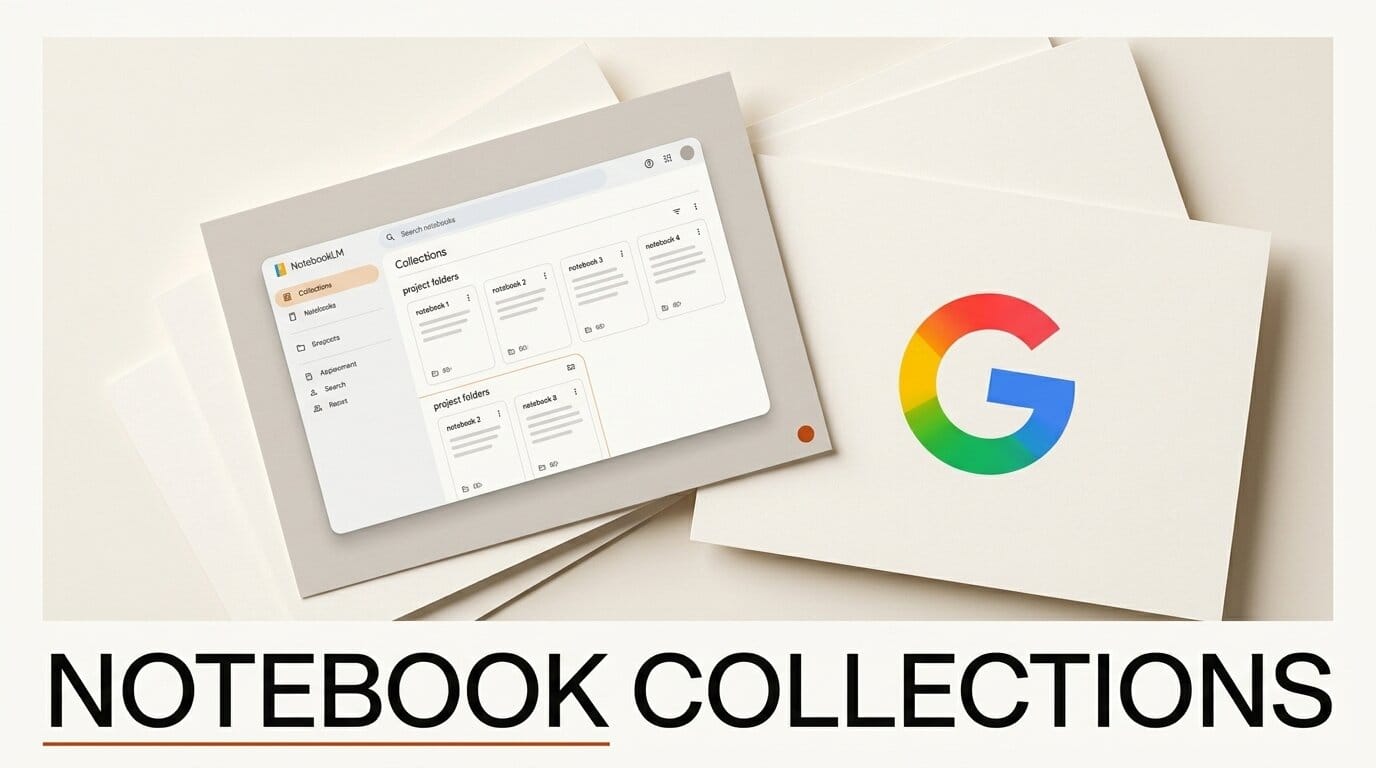
Google is testing a new way to tame a cluttered NotebookLM workspace. According to a report from TestingCatalog on June 27, 2026, the company is building a Collections feature that lets users group multiple notebooks into folders instead of scrolling through one flat list. The feature is still in early development with no release timeline attached.
What Happened
NotebookLM's home screen currently shows every notebook in a single chronological list. That works for a handful of notebooks but breaks down fast for heavy users who treat each notebook as a separate project workspace. Collections would add a top-level layer of organization, letting you sort related notebooks into named groups. Evidence in the code suggests Google first explored a simpler label or tag system before moving toward full collections.
Why It Matters
NotebookLM has grown from a niche question-and-answer tool into a research-to-output hub welded to Gemini. Google has steadily added structure over the past few months, including syncing notebooks with the Gemini app through a project-management view called Notebooks. As people lean on the tool for long-running projects, the missing piece has been a way to keep dozens of notebooks from collapsing into noise. Rivals like ChatGPT, Claude, and Perplexity offer single project containers but still lack a clean multi-project grouping system, so Collections could become a real differentiator for creators who juggle many threads at once.
Key Details
The free tier allows up to 100 notebooks per user, which is exactly the scale where a flat list becomes unmanageable. Collections arrives on the heels of a busy stretch for the product. In early June, Google moved NotebookLM to Gemini 3.5 and gave each notebook a secure cloud computer that can write and run code through curated software skills. Collections is a smaller, more practical change aimed squarely at organization rather than raw capability. Because it is still unreleased, the final design, naming, and rollout could change before it reaches the public NotebookLM app.
What to Do Next
You cannot use Collections yet, but you can prepare your workspace so it is easy to migrate when the feature lands. Adopt a consistent naming convention now, such as a short project prefix on every notebook title, so related notebooks already cluster together alphabetically. Archive or delete stale notebooks before you hit the 100-notebook ceiling. If you want the deeper background on where NotebookLM is heading, read our breakdown of NotebookLM's Gemini 3.5 and per-notebook cloud computer update, then keep an eye on the home screen for a Collections toggle in a future release.





