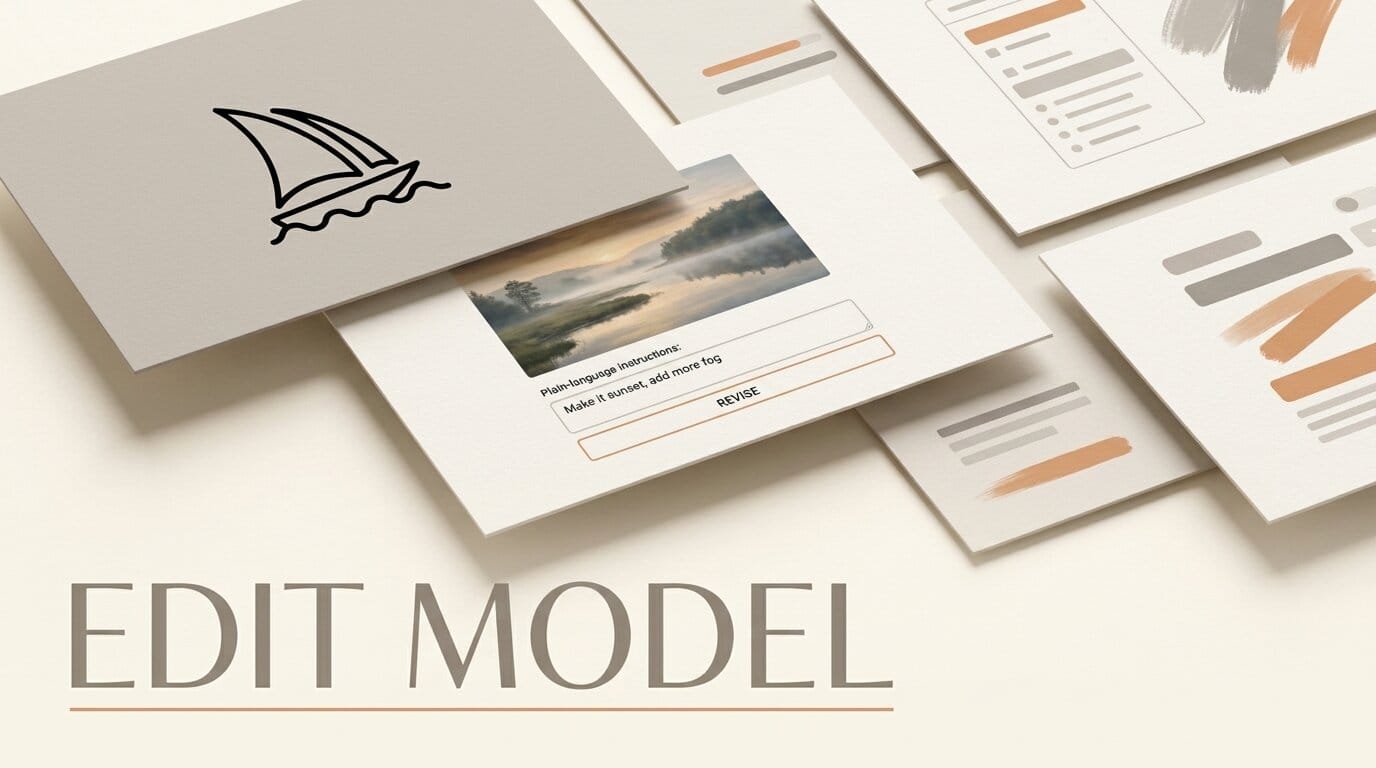
Midjourney has opened testing on its V8.2 edit model and folded it into an editor that lives inside the lightbox, so you can revise an image with plain-language instructions without leaving your feed. The September 2 changelog puts natural-language editing, multi-reference guidance, and a new style explorer in one place.
What Happened
The V8.2 edit model lets you open any image and type an instruction such as "make the sky more orange" or "move the subject left," then iterate on that same image rather than rewriting the whole prompt. It handles inpainting and outpainting through the new Edit Model for V8, and it accepts up to four reference images at once, which replaces the separate Omni Reference and Character Reference flows.
Midjourney also began testing "Change Style," an early explorer for moving an image around style space, and shipped a batch of fixes including Niji 7 inpainting compatibility. The features are live on the alpha site.
What This Enables
For anyone building a consistent set of images, character sheets, product shots, or a storyboard, this collapses a multi-tool loop into one view. Load your base image, attach up to four references for character, style, and composition, and refine with typed instructions until the frame is right. Keeping every session edit in one place means you can compare versions instead of losing them across separate generations.
Why It Matters for Creators
Precise, repeatable editing has been the weak point of prompt-only image tools. Bringing a dedicated edit model into the lightbox, with conversational follow-ups, pushes Midjourney closer to the layer-and-mask control creators expect from an editor. Independent testers note the rollout opened the V8.2 image-editing tests to a wider group, so the workflow is worth trying now rather than waiting for a stable release.
Key Details
Model: V8.2 edit model.
Editor: Built into the lightbox, opens from Create or Organize.
References: Up to four images per edit, replacing Omni and Character Reference, as detailed in coverage of the launch.
Also new: Change Style explorer (early test), Niji 7 inpainting fix, drag-and-drop and error-message improvements.
Status: Live on the Midjourney alpha site.
What to Do Next
Open one of your existing images in the lightbox, attach two or three references, and run three plain-language edits in a row to see how the model holds the subject steady. Compare the session versions before you commit, and test Change Style on a frame where you want a different look but the same composition.





