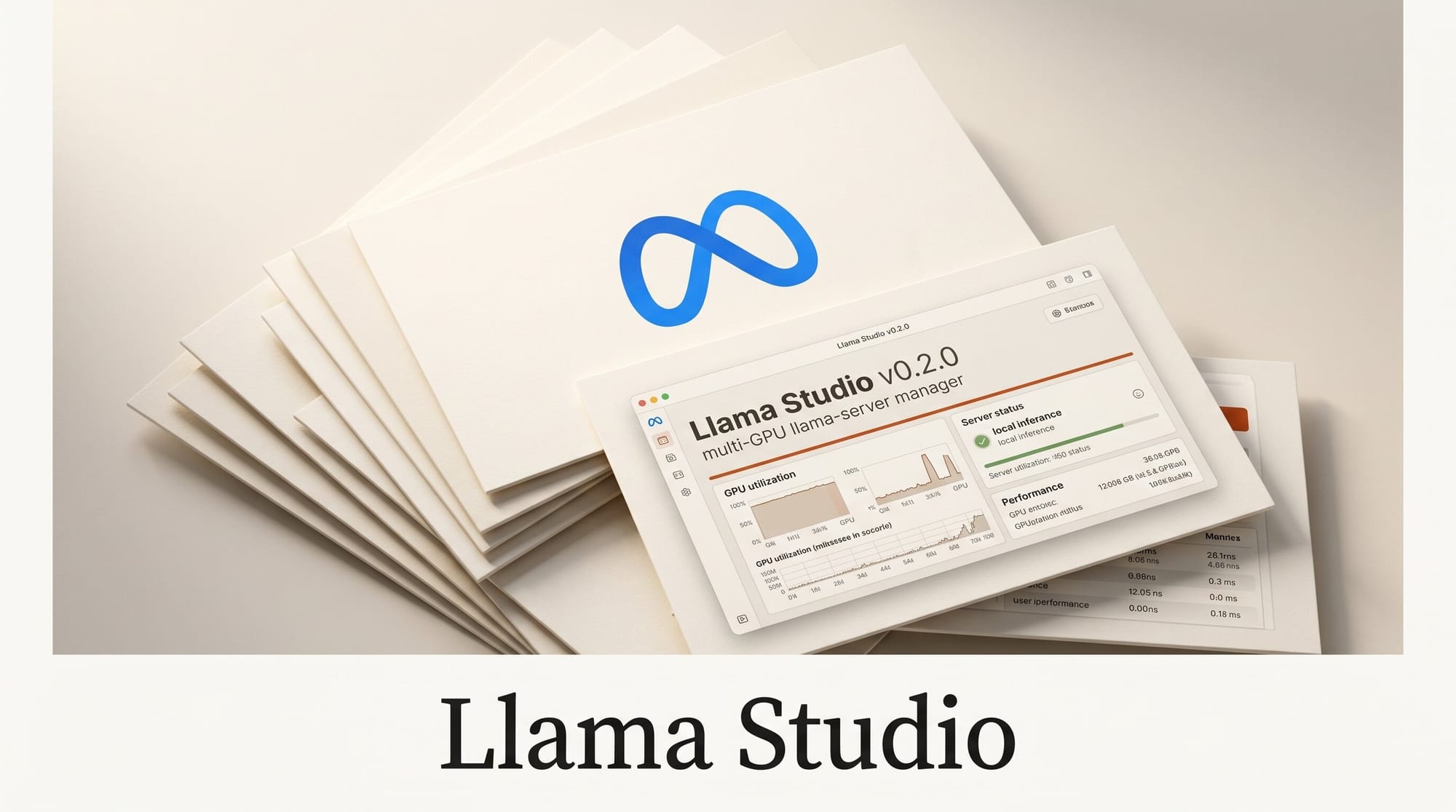
Llama Studio v0.2.0 is a lightweight web interface for managing multiple llama-server sessions simultaneously. The latest update, released today on GitHub, adds multi-GPU tensor splitting, shell-script model configs, Unsloth paste-in support, and auto-load snapshots.
What Happened
Developer m94301 shipped version 0.2.0 of Llama Studio, a FastAPI-based WebUI that lets users launch, configure, and monitor multiple llama-server instances from a single interface. The update is a significant revision of the v0.1.x config system and adds several quality-of-life features requested by the local LLM community.
Why It Matters
llama.cpp is the most widely used runtime for local LLM inference, but managing multiple server sessions requires manual terminal commands and config juggling. Llama Studio addresses that gap by providing a graphical interface for session management, GPU monitoring, VRAM budgeting, and multi-GPU model splitting. For creators running several models in parallel for different tasks, or switching frequently between models with different context sizes, a session manager reduces friction significantly.
Key Technical Details
- Shell-script configs: Model configurations now use executable shell scripts in
config/models/instead of static JSON. Existing JSON configs are auto-migrated on startup - Unsloth paste-in: Users can paste Unsloth-style configuration snippets directly into the model config modal for automatic parsing into the shell format
- Multi-GPU splitting: The
--tensor-splitparameter is now supported, distributing a single model across multiple GPUs while respecting per-GPU VRAM limits set in the UI - Auto-load snapshots: A snapshot of loaded models can be saved to
app.json, which Llama Studio reads on startup to automatically restore the previous session state - VRAM calculator fix: A cross-model contamination bug in the VRAM calculator was resolved, ensuring estimates are accurate when switching between models
Requirements: Python 3 with a virtual environment, NVIDIA GPU (CUDA-capable), and llama-server on the system PATH. Currently tested on NVIDIA hardware only.
Creator Outcome: What This Enables
Creators who run local LLMs for image captioning, draft generation, code completion, or workflow automation can now maintain named, saved model configurations that reload automatically at startup. Multi-GPU splitting means a single large model can span two GPUs without manual CLI flags. The Unsloth paste-in feature is useful for creators who already use Unsloth fine-tuned models from HuggingFace and want to import those launch configs directly.
Llama Studio is a session manager, not a chat interface. It sits alongside tools like Open WebUI and manages the server layer underneath them.
What to Do Next
Install Llama Studio from the GitHub repository. Setup requires cloning the repo, creating a Python virtual environment, and installing dependencies including FastAPI, Uvicorn, Pydantic, and pynvml. The README includes step-by-step instructions and a note on automatic migration from v0.1.x JSON configs. The tool targets users running llama-server on fixed ports for integration with other local toolsets.





