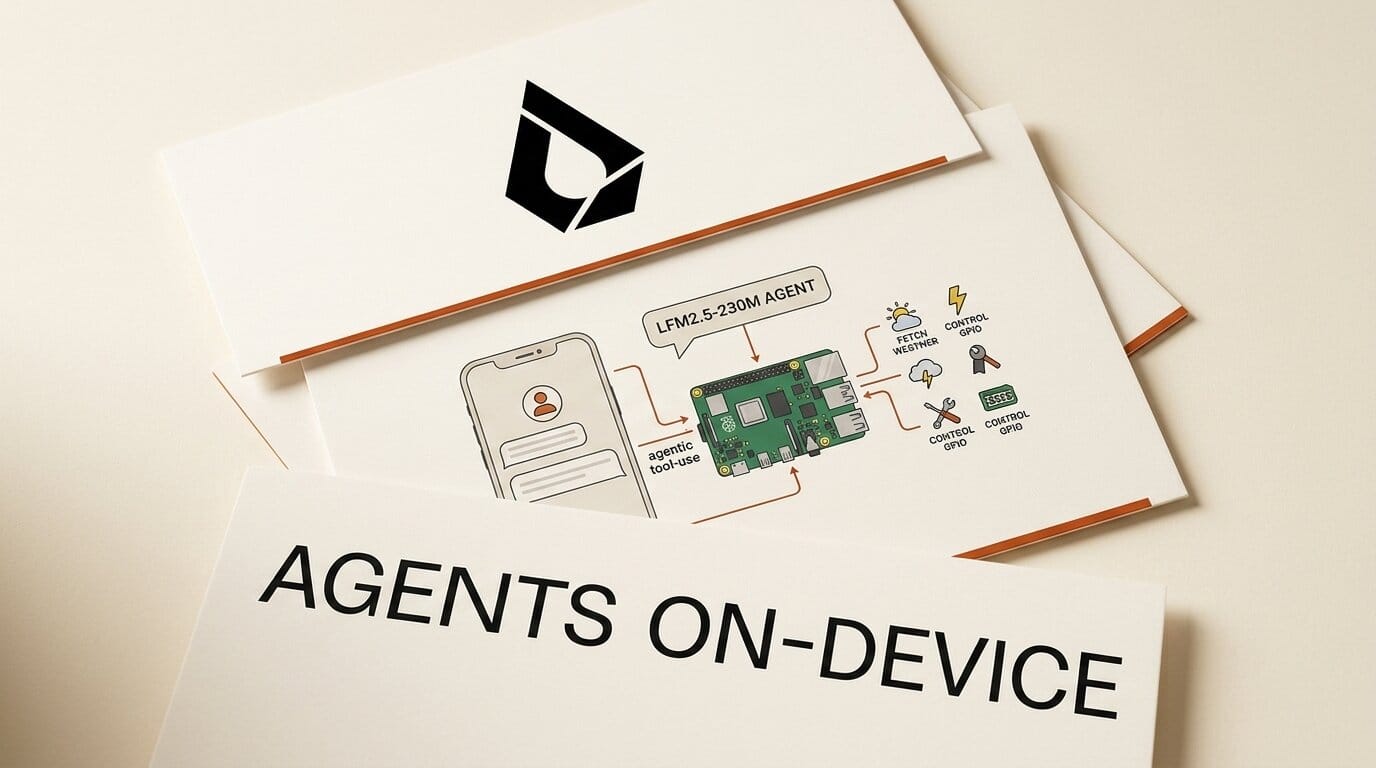
Liquid AI has released LFM2.5-230M, a 230-million-parameter open-weight model small enough to run agentic tool-use directly on a phone or a Raspberry Pi. It is the smallest model in the company's LFM2.5 family, built for on-device automation where sending data to the cloud is impractical or unwanted.
Try It: Run a Local Agent
The model ships as open weights on Hugging Face in both base and post-trained versions, plus GGUF checkpoints for llama.cpp. If you build local tools or automations, you can drop it into a tool-calling loop today. It decodes at 213 tokens per second on a Galaxy S25 Ultra and 42 tokens per second on a Raspberry Pi 5, fast enough for an offline assistant that reads documents, extracts fields, and calls functions without a network round trip.
Why It Matters for Creators
Most builders reach for a cloud API the moment a project needs an LLM. A 230M model that runs on commodity hardware changes the cost and privacy math for anything you ship to users. On-device data extraction, form-filling, classification, and lightweight agents can run locally for free, with no per-token bill and no data leaving the device. That makes it practical to embed AI in mobile apps, kiosks, and edge devices where a cloud call is too slow or too expensive.
Key Details
Size: 230M parameters, 32K context, built on the LFM2 architecture and pre-trained on 19 trillion tokens.
Strengths: tool use and data extraction. It scored 43.26 on BFCLv3 for tool calling and 71.71 on IFEval for instruction following.
Limits: Liquid AI does not recommend it for reasoning-heavy work such as advanced math, code generation, or creative writing. Reach for a larger model on those tasks.
Runtimes: it runs through llama.cpp, MLX on Apple Silicon, vLLM, SGLang, and ONNX. Setup and fine-tuning steps are in the Liquid AI documentation.
What to Do Next
Download the GGUF build, load it in llama.cpp, and point it at a small tool-use task you currently send to a cloud API, such as parsing a receipt into JSON or routing a support message. Compare latency and accuracy against your current setup before deciding whether to move that step on-device.





