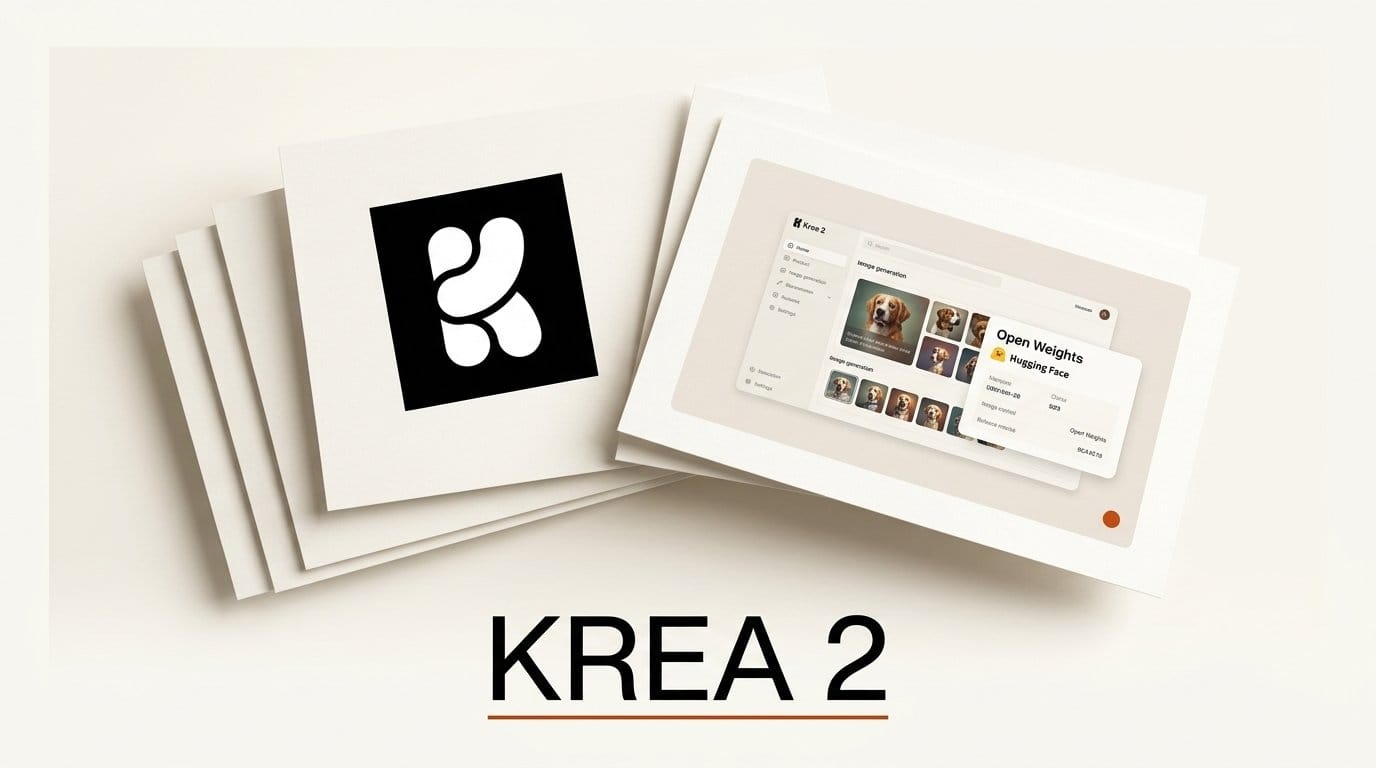
Krea AI has released the open weights for Krea 2, its from-scratch text-to-image foundation model, on Hugging Face. The download went live on June 22, 2026, roughly six weeks after the model first launched as a hosted product, and it puts a high-aesthetic image generator into the hands of anyone running a local or self-hosted pipeline.
What Happened
Two checkpoints now sit in the public Krea 2 repository: a Base model for full-quality sampling and a Turbo (distilled) variant for fast, few-step generation. Krea also shipped eight official style LoRAs alongside the weights, covering looks like neon drip, dot matrix, soft watercolor, and vintage tarot. Everything is downloadable as safetensors, so it drops straight into the tools creators already use, from ComfyUI graphs to custom inference servers. The release also lands the model in the Hugging Face Diffusers library, which means a few lines of Python are enough to start generating.
Why It Matters
Until now, Krea 2's aesthetic-first output was only reachable through Krea's hosted service. Open weights change the economics: no per-image API fee, no upload of private prompts or reference images, and full freedom to fine-tune. For creators building repeatable production workflows, a model that runs on their own GPU is the difference between a paid dependency and an owned asset. The official Krea 2 announcement details the style-control system the eight LoRAs build on, and that same system now runs offline alongside open favorites like FLUX, where community ComfyUI nodes tend to appear within days.
Key Details
Krea 2 is a flow-matching model built on a single-stream MMDiT backbone with grouped-query attention, conditioned by a Qwen3-VL text encoder and decoded with the Qwen-Image VAE. The Diffusers documentation lists the recommended settings: the Base checkpoint runs at 28 inference steps with a guidance scale of 4.5, while the distilled Turbo checkpoint targets roughly 8 steps with classifier-free guidance disabled.
What to Do Next
Pull the Turbo checkpoint first if you want to test quickly. Wire it into a ComfyUI graph, generate a small grid at 8 steps, then switch to the Base model for final renders once you have a prompt you like. Stack one of the official style LoRAs to lock a consistent look across a series. If you are still comparing generators, see our breakdown of Midjourney's Draft Mode v8.1 and our FLUX editing toolkit workflow to see where a local Krea 2 fits in your stack.





