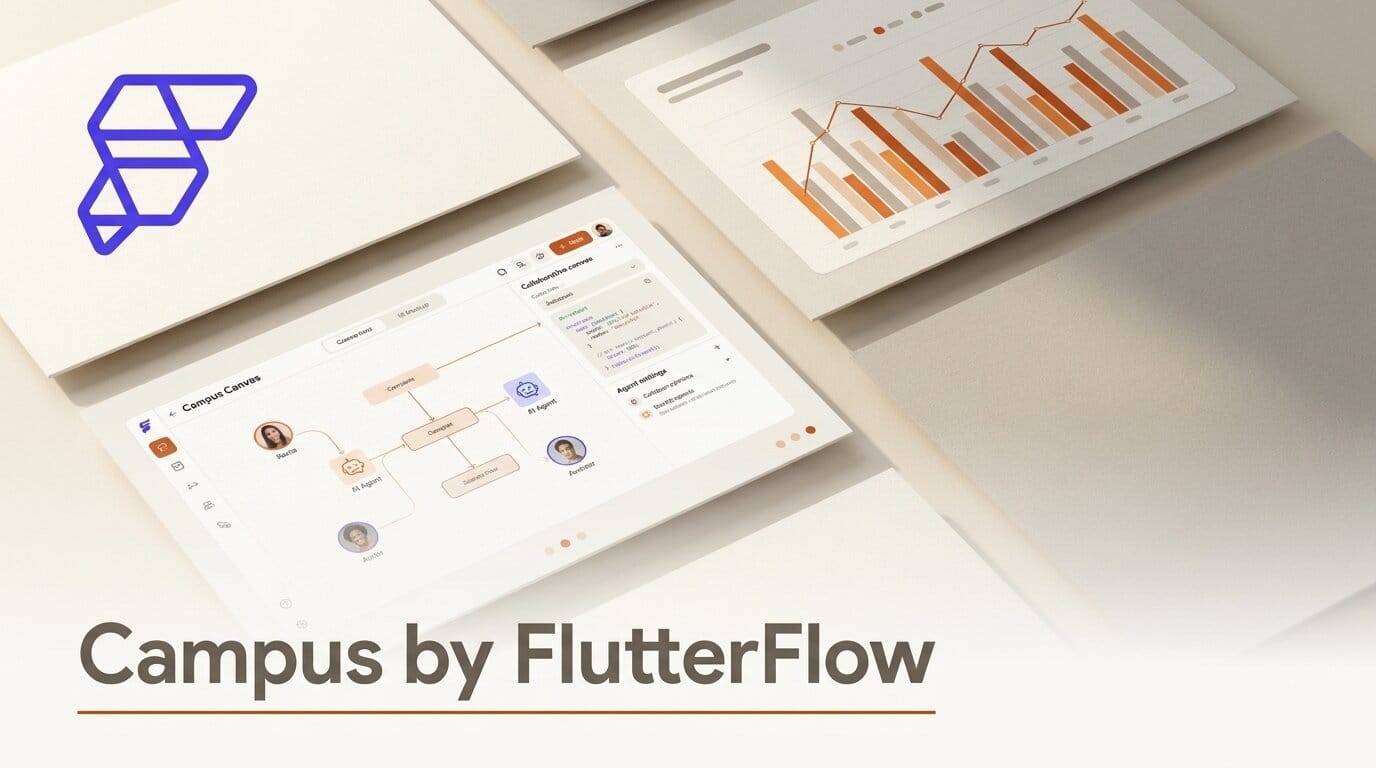
FlutterFlow launched Campus on July 15, 2026, a macOS workspace that puts your repo, terminals, project notes, and AI coding agents on one infinite, persistent canvas. Instead of juggling a code editor, a terminal, Slack threads, and a separate AI chat, Campus makes agents like Claude and Codex peers that see the same canvas you do and arrange tiles around you as they work. It debuted at number three on Product Hunt with more than 430 upvotes, and it is free.
What This Enables
Campus treats every tool as a draggable tile on a zoomable surface that remembers its layout across restarts. You talk to an agent in a real terminal tile, and it answers on the canvas by spawning, moving, and updating tiles through actual campus commands. Point an agent such as Claude Code or the Codex CLI at your repo, and its output, files, and running processes stay pinned in one spatial workspace rather than scrolling out of a chat window. Share a link and a teammate joins the same canvas with live cursors, and agents join through the same mechanism.
Why It Matters for Creators
The hard part of building with AI agents is not the model, it is keeping context in one place. Campus is a bet that a persistent spatial canvas beats a stack of disconnected chat sessions, and it competes with the recent wave of agent workbenches such as Juggler's visual workbench for AI coding agents. For builders running multiple agents at once, having every terminal, repo, and agent action visible on one surface is a real workflow shift.
Key Details
Platform: macOS only, distributed as a direct DMG download.
Agents: Claude and Codex act as peers, not chat boxes, driving tiles through campus commands.
Collaboration: Shareable canvases with live cursors and cursor chat for humans and agents.
Extensibility: A full Dart SDK reaches every layer for custom tiles and commands, from the team behind FlutterFlow.
Price: Free at launch.
What to Do Next
If you work on a Mac and already run coding agents, download Campus and move one active project onto the canvas: pin your repo, open a terminal tile, and let an agent spawn its own tiles as it works. It is the fastest way to feel whether a spatial workspace fits how you build.





