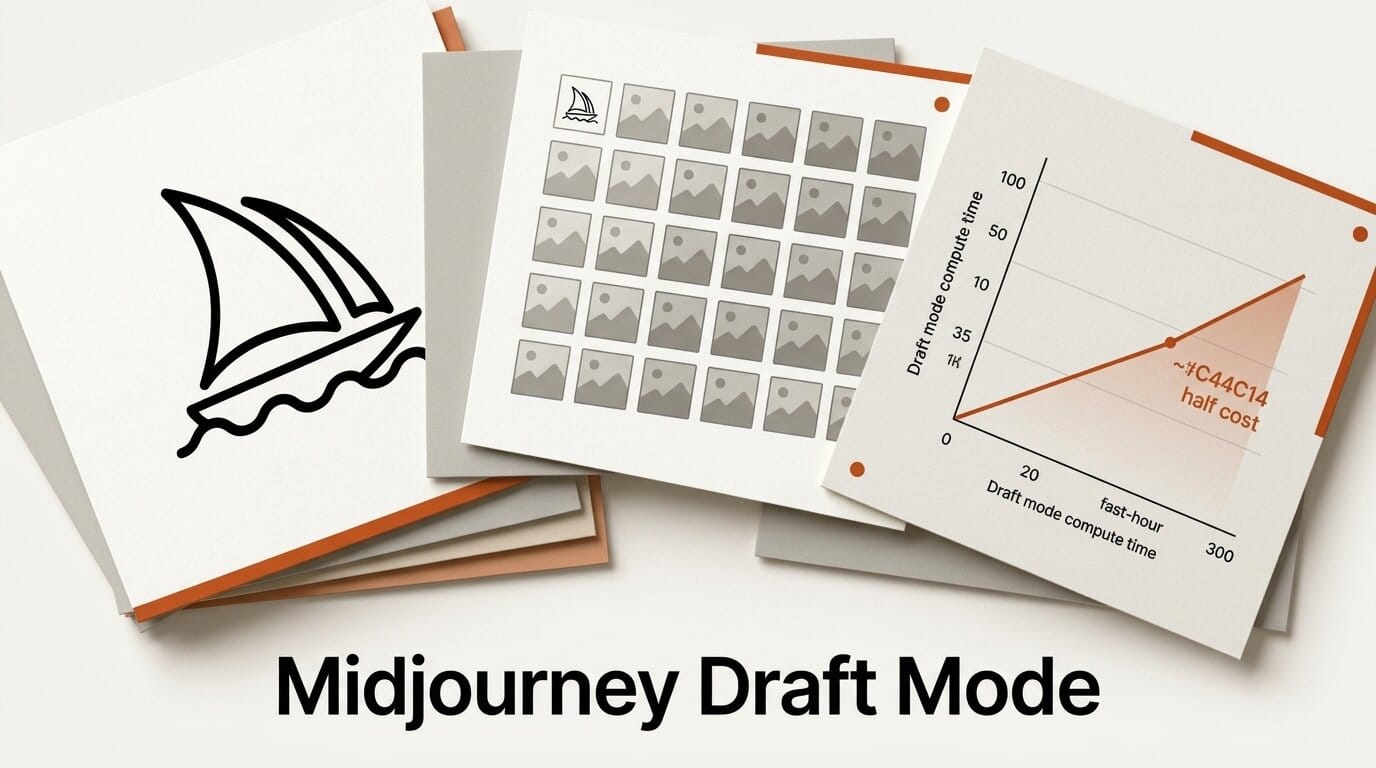
Midjourney has added a Draft Mode to its V8.1 model that generates 24 low-resolution images for roughly half the fast-hour cost of a standard job, then lets you render only the ones you like at full quality. The June 16 update also introduces a new preview flag for testing experimental model versions before they ship.
Try It: Cheap Concepting, Then Render the Keeper
Turn on Draft Mode with the lightning button in the menubar, then run a prompt. Instead of a single polished grid, you get 24 quick low-res options at a fraction of the cost. Scan them for the composition or direction you want, click Vary on the best draft to render it at full resolution, and only spend full render budget on the image that earned it. It turns the expensive part of ideation into a cheap, wide search.
Why It Matters
For anyone working through client revisions or exploring a moodboard, the cost of false starts adds up fast. Draft Mode flips the economics: you explore broadly for half the fast hours, then commit render time deliberately. The new preview flag is the other half of the story. Adding it to a prompt lets you sample unreleased model behavior, which is useful for seeing where Midjourney is heading, even though the output can be inconsistent.
Key Details
Draft Mode: 24 lower-resolution images per generation at about half the fast-hour cost, enabled from the menubar.
Render step: Click Vary on a chosen draft to upscale it to full V8.1 quality.
Preview flag: The new flag lets you test experimental model versions; Midjourney notes output varies most with personalization and moodboards, and is routing feedback through its Discord. Full notes are on the Midjourney updates page.
What to Do Next
If you already pay for Midjourney, enable Draft Mode and run your next concept batch in it before rendering anything at full quality. The official documentation covers the menubar controls. For how V8.1 itself compares to earlier models, see our V8.1 default breakdown.





