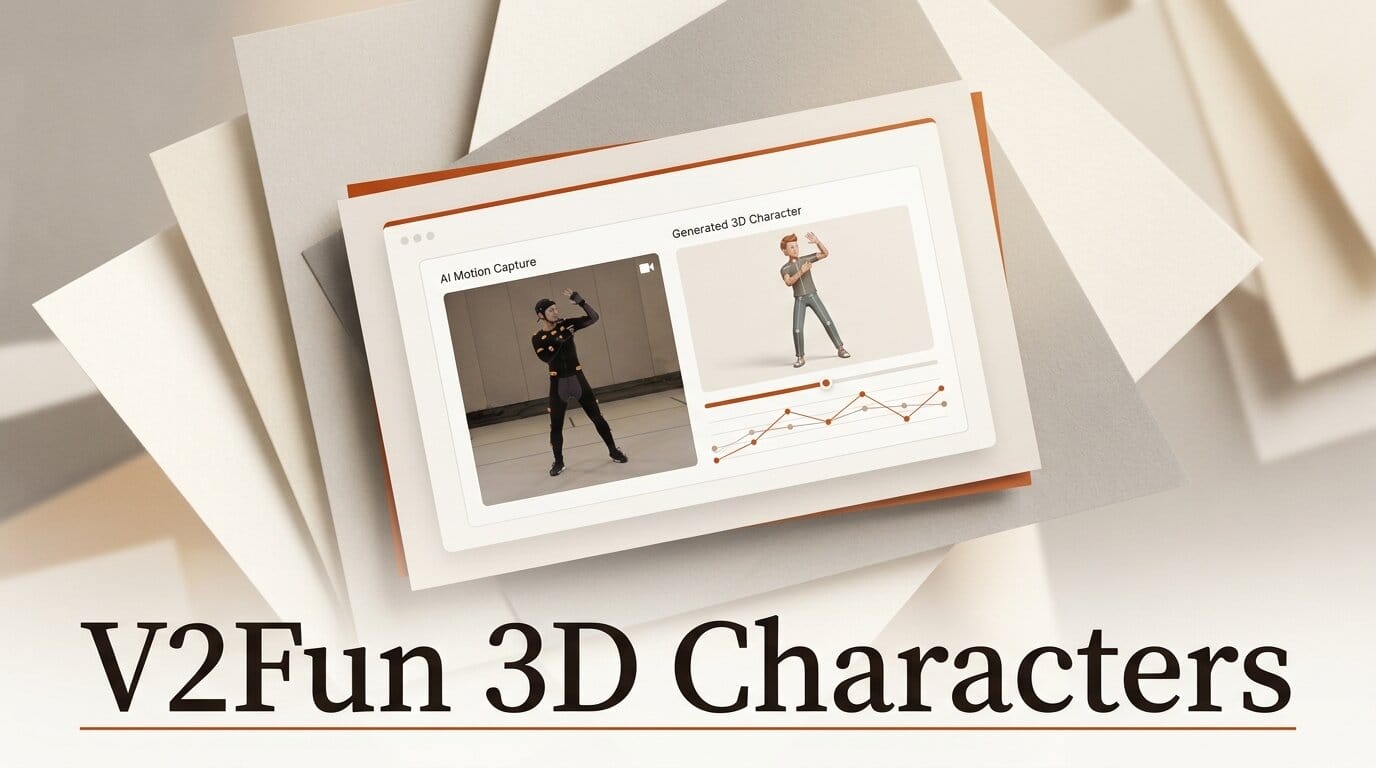
V2Fun, a browser-based AI 3D creation platform, launched on Product Hunt on July 15, 2026 and reached the day's top three with more than 300 upvotes. It turns a text prompt, a reference image, or an ordinary video into a rigged, textured, motion-ready 3D character, collapsing modeling, texturing, rigging, and motion capture into one workflow.
What This Enables
If you build game assets, animated shorts, or 3D print files, V2Fun lets you skip the traditional multi-tool pipeline. Drop in concept art or a multi-view reference and it generates a mesh, then its one-click auto-rigging adds a skeleton. The standout at launch is AI motion capture: point it at a normal video of someone moving and it transfers that motion onto your character, with no mocap suit or depth camera required. You can go from a single image to an animated FBX or GLB in one session.
Why It Matters for Creators
Single-purpose tools already handle parts of this. Meshy and Tripo generate meshes from text and images, and dedicated apps handle rigging or mocap separately. V2Fun's pitch is that the handoffs between those steps, the exports, re-imports, and format fixes, are where hobbyist and indie creators lose the most time. Bundling generation, 8K texturing, retopology, and video-driven animation in one browser tab removes those handoffs. Its built-in retopology also converts messy triangular meshes into cleaner quad-dominant geometry, which is what makes a generated model actually editable back in Blender or Unreal.
Key Details
Inputs: text prompts, single or multi-view images, video for motion capture, and custom model uploads.
Outputs: FBX and GLB, plus standard 3D-print formats, for Unity, Unreal, Blender, and the web.
New at launch: 8K texture generation and AI motion capture from ordinary video.
Access: live in the browser with no waitlist. Pricing is not published on the site yet.
What to Do Next
Test it on a throwaway asset before committing a real project. Generate a character from one reference image, auto-rig it, then feed in a short phone video to check how clean the motion transfer is. Inspect the exported mesh in your engine for topology and texture quality, because generated 3D still needs a human pass before production. If the retopology output holds up, it can replace two or three separate tools in an indie pipeline.





