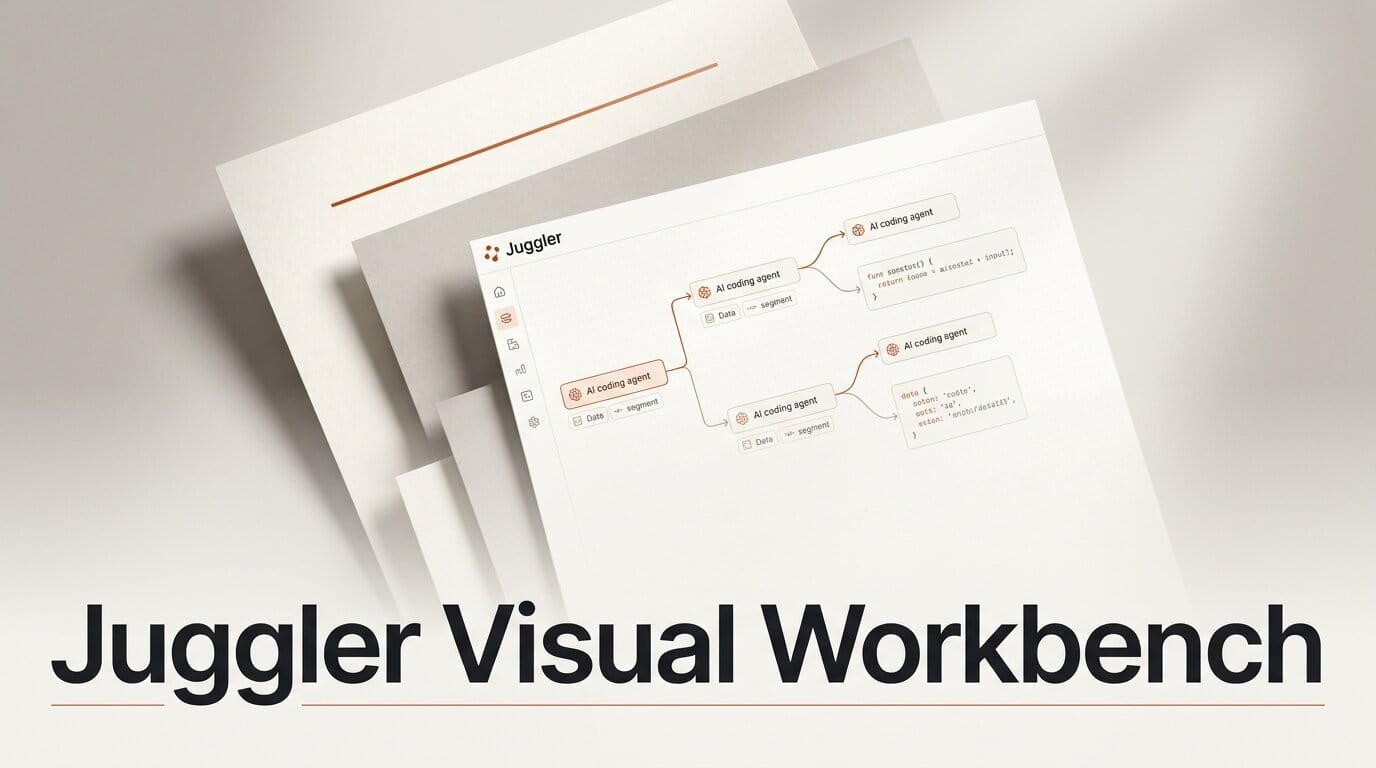
Juggler is a new open-source coding agent that throws out the terminal window. Built by Julian Storer, the C++ veteran who created the JUCE audio framework in 2004, Juggler is a full graphical workbench for driving large language models against your codebase. It launched in public alpha on July 14, 2026, reaching the top of Hacker News, and it reframes an AI coding session as a branching, inspectable document rather than a scrolling transcript. The project site calls it, half-jokingly, "the code-agent app the world wasn't asking for." After six months of solo development, it is worth a serious look for anyone who lives inside these tools.
Most coding agents today are command-line programs. You type, the model streams text back, and the whole exchange is one long linear log. Juggler bets that builders want to see and steer the machinery instead: every tool call, every approval, every piece of context laid out visually and editable. That is a different philosophy of how creators should work with agents, and it is the reason this release stands out from the steady stream of new CLI agents.
What Juggler Is
Juggler is a native desktop application, not a terminal wrapper. It presents a Miller-column layout, the same Finder-style cascading panels macOS uses for file browsing, so you drill sideways through tool calls, item properties, thread structure, and raw context JSON. Nothing is hidden behind a scroll buffer. Approvals, the read and write and bash tool invocations, and the full history of every item stay visible and clickable.
Storer is not a newcomer to shipping developer tools that outlast trends. Beyond JUCE, which underpins a large share of the world's audio plugins, he built the Tracktion digital audio workstation and the Cmajor DSP language. His public work is on GitHub, and Juggler is his response to spending months with AI models and disliking the CLI experience. The pedigree matters because Juggler's design reads like the work of someone who has thought hard about interface and long-term maintainability, not a weekend wrapper around an API.

How the Visual Workbench Changes the Workflow
The central idea is that a session is a tree, not a line. In a normal agent chat you get one transcript, and if a direction goes wrong you either undo destructively or start over. In Juggler, any point in the conversation can branch into a sub-thread, and those sub-threads can branch again. You can navigate, drill down, backtrack, duplicate, delete, and undo or redo across the whole structure, then re-open or branch any existing thread later. The session behaves like a document you edit, not a log you append to.
That structure maps cleanly onto how real work happens. You try one refactor approach in a branch, an alternative in a sibling branch, and compare them without polluting the main line. Because the raw context JSON is editable, you can trim or rewrite what the model sees before the next turn instead of hoping a long prompt nudges it. The source repository shows this is already at v0.3.7, moving quickly through releases.
| Capability | Juggler | Typical CLI coding agent |
|---|---|---|
| Interface | Native GUI, Miller-column panels | Terminal transcript |
| Session model | Branching tree of threads | Linear log |
| Context control | Editable raw context JSON | Prompt text only |
| Inspection | Tool calls, approvals, properties all visible | Scrollback text |
| Extensibility | JavaScript plugins, swappable core tools | Config files, MCP servers |
| Deployment | Desktop, browser, headless server | Terminal, sometimes SSH |
| License | AGPLv3 app, Apache-2.0 extensions | Varies |
Under the Hood: Plugins, Models, and Deployment
Juggler ships as a single Go binary with no Node.js or Electron dependency, which keeps the desktop footprint small and startup fast. You can run it three ways: as a desktop app on macOS, Windows, or Linux; in a browser pointed at a local or remote instance; or as a headless server on a build machine that you then attach to from a desktop or browser client. Multiple clients can sync against one session at the same time, so a session on a remote box is reachable from your laptop and a browser tab together.
Extensibility is the second pillar. Context items, LLM strategies, slash commands, and even UIs are JavaScript plugins, and the core read, write, and bash tools are themselves swappable plugins rather than hardcoded behavior. That means the safety and scope of what the agent can touch is something you configure, not something you accept. On the model side, Juggler supports Claude through its CLI and SDK, plus OpenAI, Gemini, Ollama, OpenRouter, and Deepseek, with the provider list designed to be extended. Local models through Ollama put it in the same self-hosted camp as tools we covered in running a local AI coding agent on one GPU.


What This Enables for Builders
The practical payoff is control and legibility. If you build software, or generative pipelines, or automation that a coding agent helps assemble, Juggler lets you see exactly what the model is doing and reshape the session mid-flight. Branching means you can explore risky changes in parallel and keep the version that works, the same instinct behind sandboxing agents in disposable environments that we explored with Clawk. Editable context means you spend less time fighting a bloated prompt and more time directing the work.
To try it: download the desktop app from the project site, drag it to your applications folder, and connect a provider you already use, whether that is a Claude subscription, an OpenAI key, or a local Ollama model. Start a session, let the agent make a change, then branch at the point just before it and try a second approach. Compare the two threads side by side. That single loop, branch and compare, is the workflow Juggler is built to make effortless, and it is hard to get in a linear terminal agent. It is free and open source with no signup, though Storer has floated a possible future pro version.
Frequently Asked Questions
Who made Juggler?
Julian Storer, a C++ developer with more than 30 years of experience who created the JUCE audio framework, the Tracktion DAW, and the Cmajor DSP language. Juggler is a solo project he has worked on for roughly six months.
Is Juggler free and open source?
Yes. The main application is licensed under AGPLv3, and the extensions API plus the core extension are Apache-2.0. There is no signup required. Storer has mentioned a possible future paid pro tier, but the current app is fully free.
What models does Juggler work with?
It supports Claude through the CLI and SDK, along with OpenAI, Gemini, Ollama, OpenRouter, and Deepseek. The provider system is designed to be extended, and local models run through Ollama for a fully self-hosted setup.
How is it different from Claude Code or other CLI agents?
Juggler is a graphical application rather than a terminal program. Its sessions branch into a tree of threads instead of a single linear log, and it exposes tool calls, approvals, and the raw editable context so you can inspect and steer the agent directly.
What platforms does it run on?
Juggler runs on macOS, Windows, and Linux as a desktop app. It can also run in a browser against a local or remote instance, or headless as a server on a build machine that multiple clients attach to at once. It is a single Go binary with no Electron or Node.js dependency.
Is Juggler production ready?
Not yet. It is in public alpha or beta at version 0.3.7 after about six months of development. It is stable enough to explore and give feedback on through the project's Discord and GitHub, but expect rough edges while it matures.
What to Do Next
If you already work with a coding agent daily, spend an afternoon with Juggler to feel the difference between a linear transcript and a branching workbench. Download it from juggler.studio, wire up a model you already pay for, and run a real task through it. The branch-and-compare loop is the fastest way to judge whether the visual approach fits how you build. Keep your existing CLI agent for scripted and headless runs, and reach for Juggler when a change is exploratory enough that seeing the whole tree is worth the extra screen real estate.





