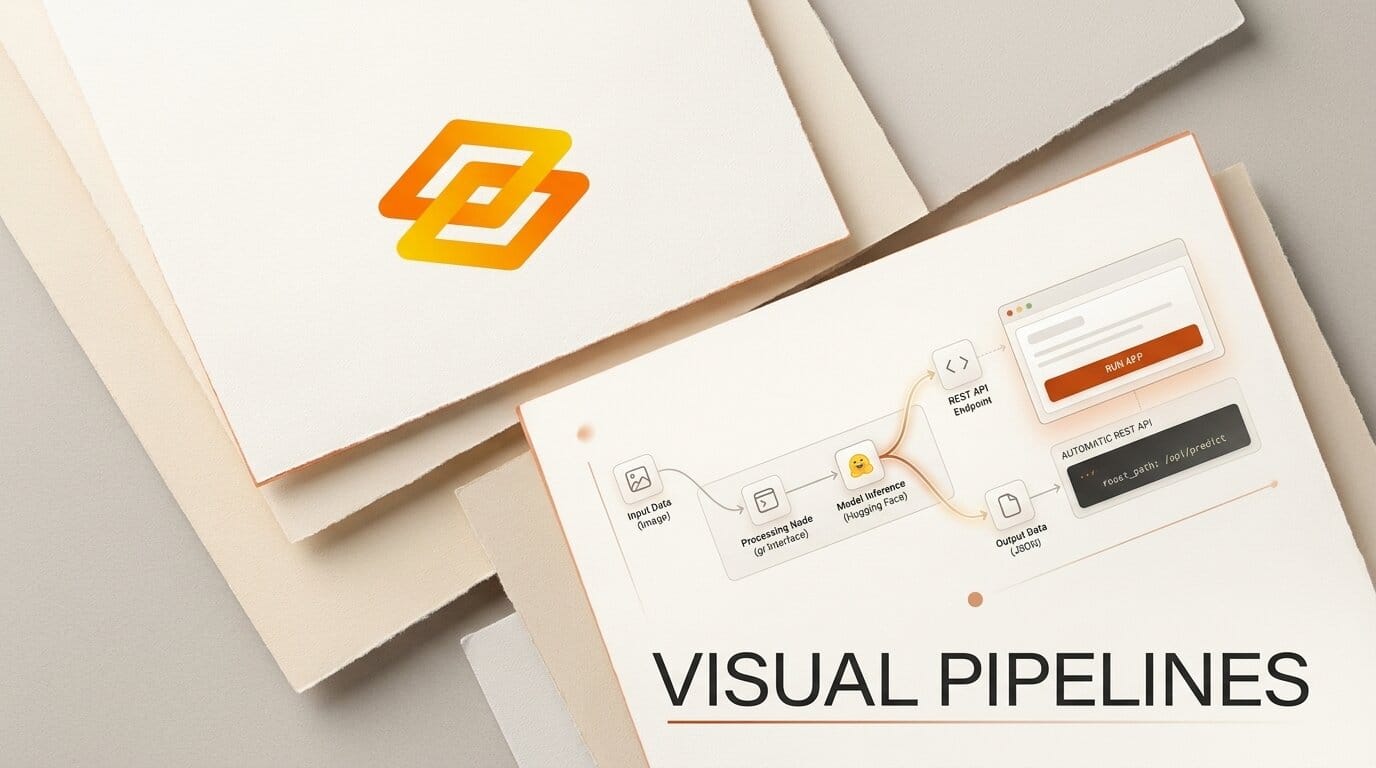
Gradio just made building multi-step AI apps a lot more visual. On August 25, 2026, the team announced gr.Workflow, a new way to describe a full AI pipeline as a graph of typed nodes and turn that graph directly into a running app. It ships with Gradio today, so there is no separate package to install.
The core idea is that gr.Workflow "makes the pipeline the interface." Instead of writing UI code around your model calls, you connect nodes on a canvas and Gradio renders the whole thing as an interactive app.
What This Enables
Picture a creator who wants to produce a narrated clip. With gr.Workflow they wire three nodes together on a canvas: generate an image, remove its background, then synthesize a voice track. No UI code, no glue scripts.
The moment those nodes connect, Gradio hands back a shareable web app and a REST API for the same pipeline. Every intermediate result stays visible, so the creator can see exactly what each step produced and fix the weak link fast.
Why It Matters
Most AI side projects die in the plumbing. Chaining a model to a processor to an output usually means building a front end, wiring endpoints, and hosting it somewhere. gr.Workflow collapses that work into a drag-and-drop canvas of runnable nodes, which lowers the barrier for creators who would rather design a pipeline than debug a server.
Key Details
A workflow is built from three typed node types: References for inputs, Operators for processing steps (Python functions, Hugging Face models, Gradio Spaces, or datasets), and Subjects for outputs.
Beyond the canvas, Gradio generates a REST API with named endpoints automatically, and one command deploys the whole workflow to Hugging Face Spaces. Parallel processing, or "fan-out," lets one input branch into several nodes at once, and the @spaces.GPU decorator adds GPU support for ZeroGPU when a step needs acceleration.
The minimal version is short. Define a typed function and bind it:
import gradio as gr

def your_function(text: str) -> str:
    return text

gr.Workflow(bind=[your_function]).launch()
Published example pipelines include text-instruction image editing, multi-step media production, parallel image generation in different styles, dataset profiling, and GPU-accelerated video animation. Each demo runs as a live, duplicable Hugging Face Space.
What to Do Next
Install or upgrade with pip install --upgrade gradio to get gr.Workflow. Then follow the official workflows guide, which walks through nodes, typing, and deployment. Duplicate one of the live demo Spaces, swap in your own function or model, and redeploy to make it yours.





