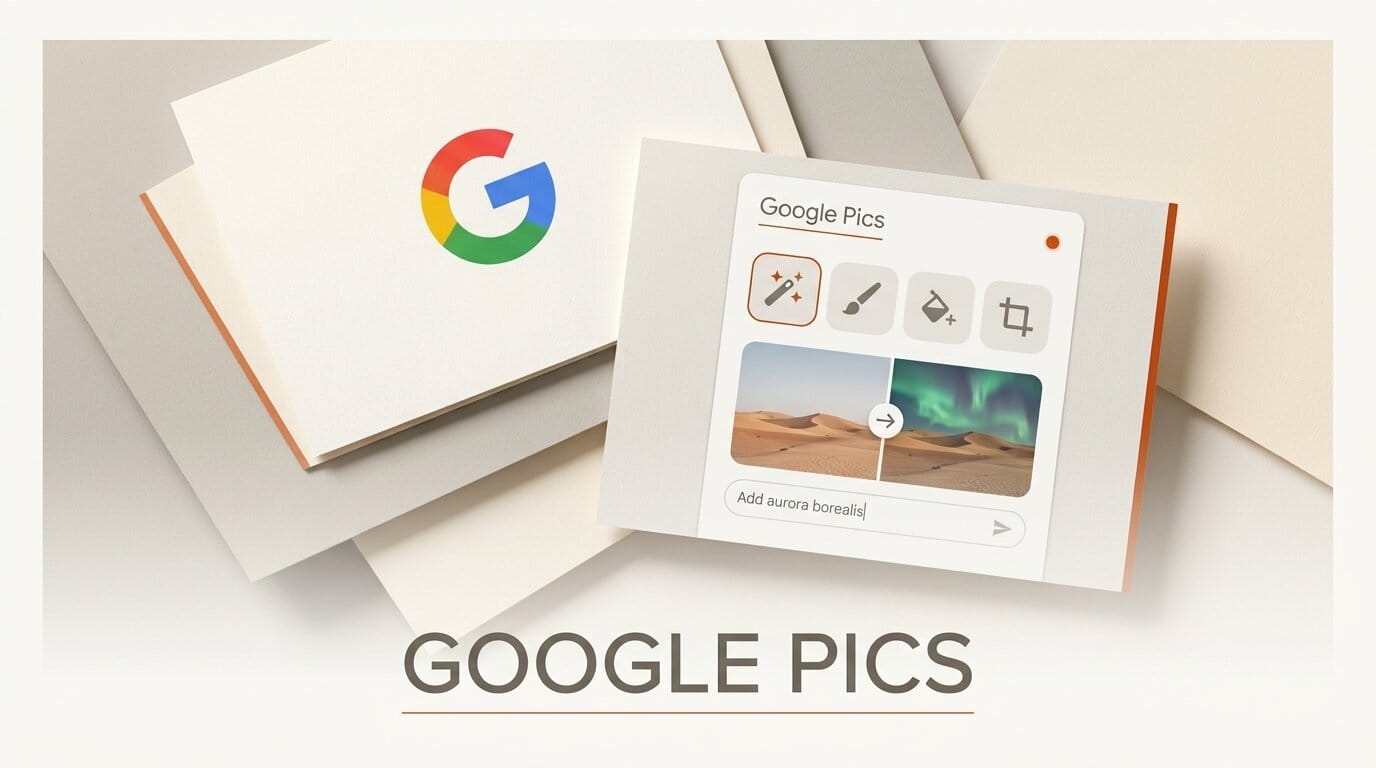
Google launched Google Pics on September 1, 2026, an AI image creator and editor built into Google Workspace and available on the web at pics.new. It runs on Google's Nano Banana image model and is pitched at people who want to generate and refine visuals without leaving the document they are already working in.
What this enables
The headline feature is object-level editing. Instead of regenerating an entire image to fix one element, Pics lets you select and edit individual objects inside a picture, change or translate text that appears in the image, and upscale the result to 2K or 4K. You generate several options from a single prompt, keep the one that works, then refine it in place. For anyone building a deck or a doc, that removes the round trip to a separate design app just to swap a color or fix a caption.
Why it matters for creators
Pics puts precise AI editing directly inside Docs and Slides, the tools most teams already draft in, which is a different bet from standalone editors like Adobe's Firefly-powered Photoshop. Google is clearly aiming at Canva and Adobe Express here: the collaboration model is a shared link, and the editing surface is object-aware rather than prompt-only. If your visual work lives in Workspace, the friction of exporting to another app to make one change largely disappears.
Key details
Model: Built on Google's Nano Banana image generation and editing model.
Where: pics.new on the web, with editing integrated into Docs and Slides now and Drive in the coming weeks.
Editing: Object isolation, in-image text editing and translation, 2K and 4K upscaling, and shared-link collaboration.
Access: Rolling out over the coming weeks to Google AI Pro and Ultra, AI Pro for Education, and most Workspace business tiers.
What to do next
Open pics.new, drop in an image you would normally fix in Photoshop, and try the object-select edit on a single element. If it holds up, wire it into your Docs and Slides workflow before your next deck instead of exporting to a separate editor.





