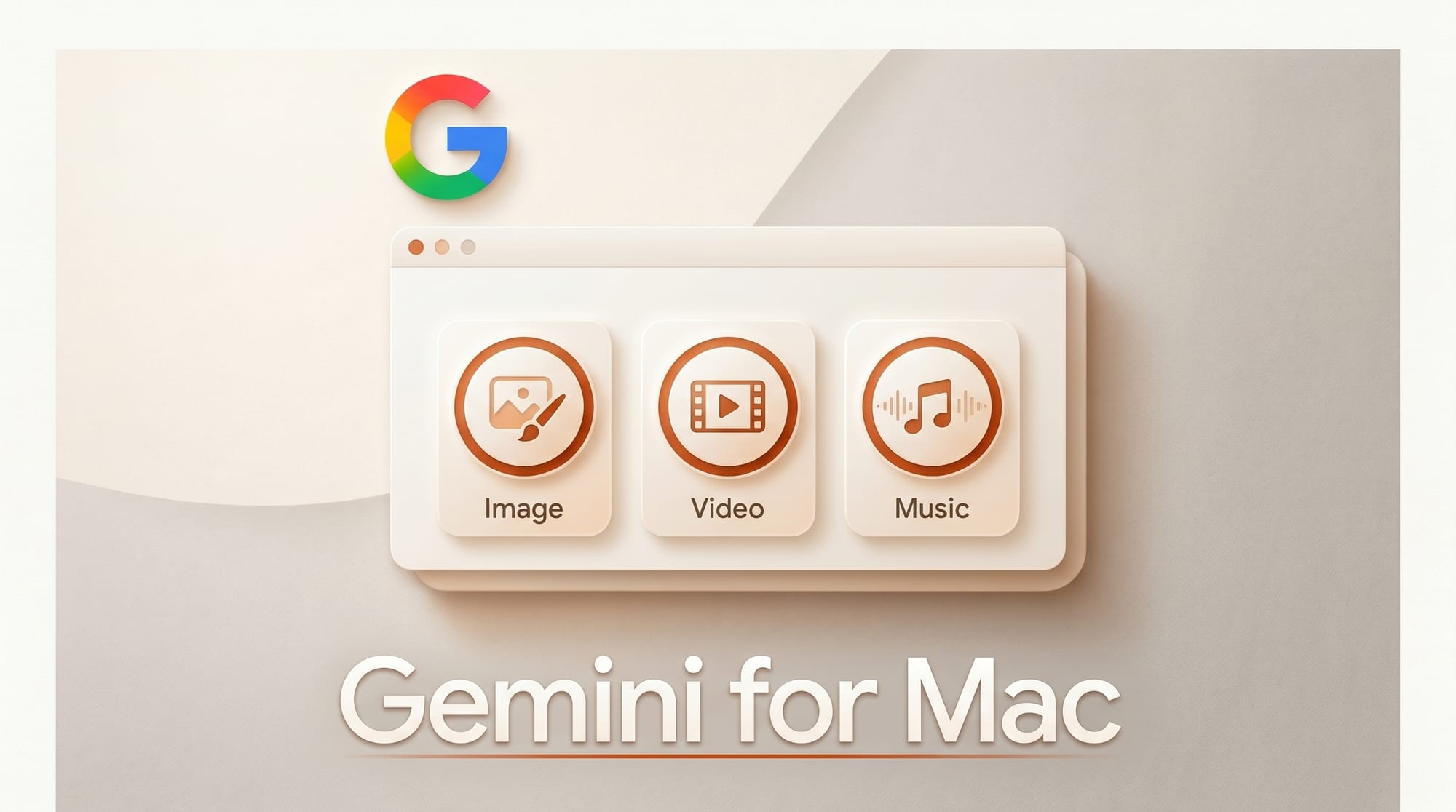
Google launched a native Gemini app for Mac on April 16, 2026, bringing image, video, and music generation directly to the desktop for the first time. Available at no cost, the app requires macOS 15 and works via an Option + Space shortcut that surfaces Gemini without interrupting your current workflow.
What Happened
Google released its first dedicated desktop AI assistant for Mac, accessible at gemini.google/mac. The app connects to local files, Google Drive, Photos, and NotebookLM, and includes image, video, and music generation tools alongside Deep Research and Canvas. Screen sharing lets Gemini analyze what is on your display, useful for summarizing complex diagrams or workflows without switching context.
The keyboard shortcut activates Gemini from any application, which puts it in direct competition with how many creators already use Claude, Cursor, or similar sidebar tools. macOS 15 or later is required, and the app is free worldwide.
Why It Matters
For creative professionals, the combination of image, video, and music generation in a native desktop app represents a meaningful shift in how AI tools integrate into production workflows. Most AI creative tools still operate as web apps or browser extensions. A native desktop application with a system-level shortcut is a different interaction model, one that removes the friction of context-switching to a browser tab mid-project.
The screen-sharing feature has real practical value. Being able to ask Gemini to analyze a video timeline, a design mockup, or a complex audio session view without copying and pasting anything accelerates the kind of iterative questions creators ask constantly. Google has also signaled that more features are coming in the months ahead, suggesting this is a foundation rather than a final product.
The integration with Google Photos for generation is also significant. Gemini can now pull from your personal photo library to create new images, a capability that was previously limited to the web and mobile versions of Gemini. For creators who already store assets in Google Photos, this lowers the barrier to personalized image generation considerably.
Key Details
- Shortcut: Option + Space for instant access from any app
- Generation tools: Image, video, and music generation included
- Screen sharing: Analyze diagrams, layouts, or anything on screen
- Integrations: Local files, Google Drive, Photos, NotebookLM
- Other features: Deep Research and Canvas
- Requirements: macOS 15 or later
- Price: Free
- Download: gemini.google/mac
What to Do Next
Download the app and try the Option + Space shortcut during an active project session. The screen-sharing capability is worth testing with a real design or video editing session to see whether the analysis is useful in context. Test the music generation tools if you are building audio for video content, Google is competing with tools like ComfyUI music nodes and MiniMax Music in this space.
For creators who already run Google Workspace, the NotebookLM integration is worth exploring. Being able to reference research notes while generating creative assets in the same interface reduces the tool-switching that fragments creative sessions. The fact that this ships free suggests Google is prioritizing adoption over monetization for now.





