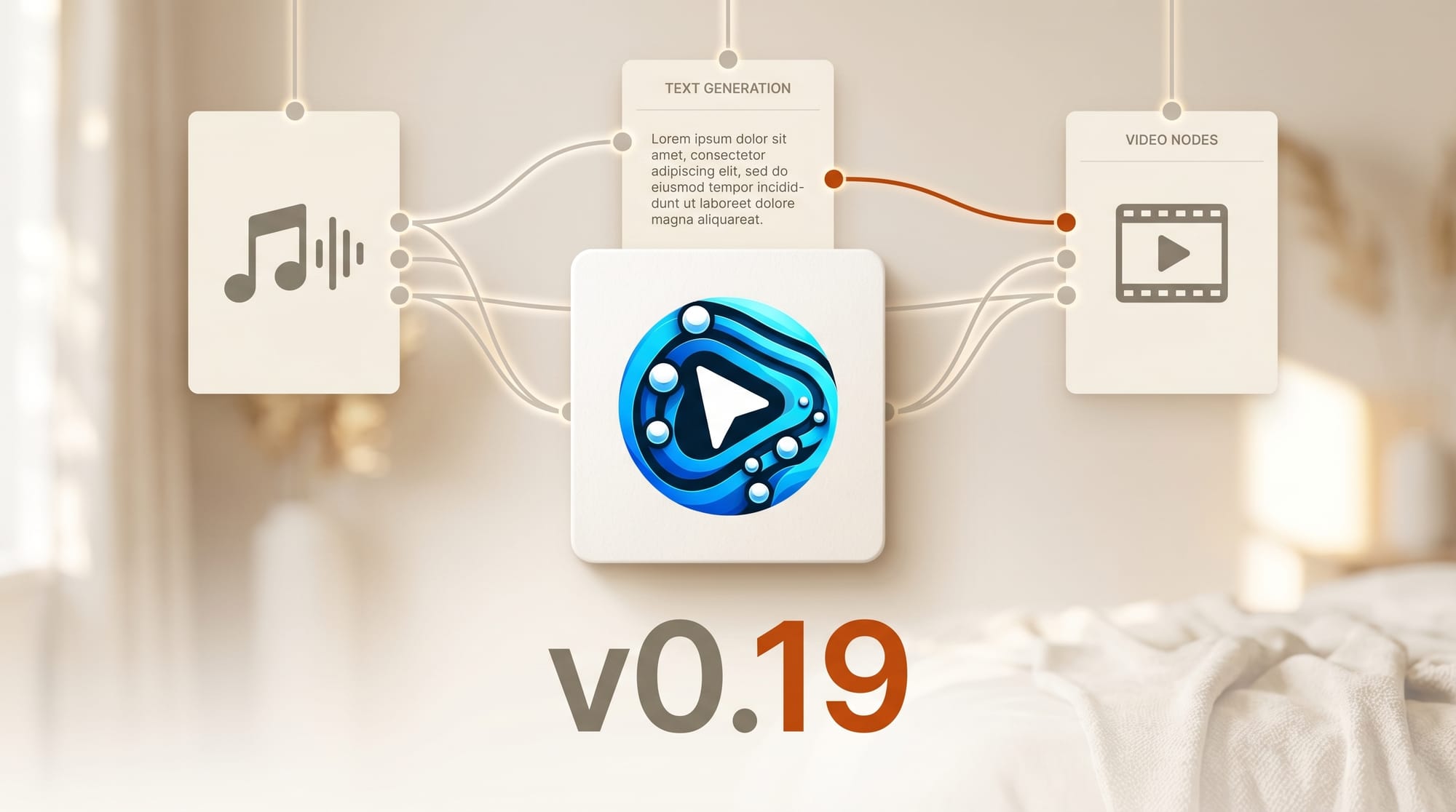
ComfyUI v0.19.0 dropped today with the biggest feature batch in months. The open-source visual workflow tool now supports local music generation via Ace Step 1.5 XL, text generation through Qwen 3.5, ByteDance SeeDance 2.0 video nodes, and a smaller Flux 2 decoder for faster image workflows. Over 40 pull requests landed in this release, spanning six new model families and professional-grade editing tools.
For the broader landscape, see our definitive ComfyUI workflow guide for 2026.
What Happened
The Comfy-Org team released v0.19.0 on April 13 with new model integrations, node additions, and infrastructure improvements. The update bridges the gap between audio, video, text, and image generation inside a single node graph. Sixteen contributors including three first-time contributors shipped the changes.
Why It Matters
This release turns ComfyUI from an image-and-video tool into a full creative production environment. Music generation, text generation, object detection, and video creation now live in the same node graph. Creators can chain audio, visual, and text outputs in a single workflow without switching between separate tools or writing custom glue code.
Key Features
Ace Step 1.5 XL Music Generation. The 4B-parameter open-source music model generates full songs in under 10 seconds on an RTX 3090. It supports cover creation, style transfer, and vocal-to-instrumental conversion across 50+ languages. The model runs entirely on local hardware with no API calls required.
Qwen 3.5 Text Generation. Text generation nodes now support Alibaba's Qwen 3.5 models including the 8B variant. This enables prompt chaining, caption writing, and text-based logic directly inside ComfyUI workflows.
SeeDance 2.0 Video Nodes. ByteDance's video generation model arrives as partner nodes, adding text-to-video and image-to-video capabilities alongside the existing Wan2.7 video nodes shipped in the previous release.
Flux 2 Decoder. A smaller, faster decoder for FLUX image generation reduces VRAM requirements and speeds up image output in existing workflows.
LTX2 Reference Audio. Video generation via LTX2 now accepts audio references through ID-LoRA, enabling audio-driven video creation where the output matches the rhythm and energy of an input track.
RT-DETRv4 Detection. Real-time object detection nodes let creators build conditional workflows that respond to what appears in an image or video frame. This opens the door for automated compositing and smart cropping pipelines.
Color Curves and Histogram. Professional color grading arrives with CURVE nodes and Image Histogram analysis, matching core features found in Photoshop and DaVinci Resolve for non-destructive color work.
What to Do Next
Update ComfyUI to v0.19.0 from the official site or pull the latest from GitHub. Ace Step and SeeDance nodes require downloading model weights separately. Check the ComfyUI blog for setup guides and workflow examples.





