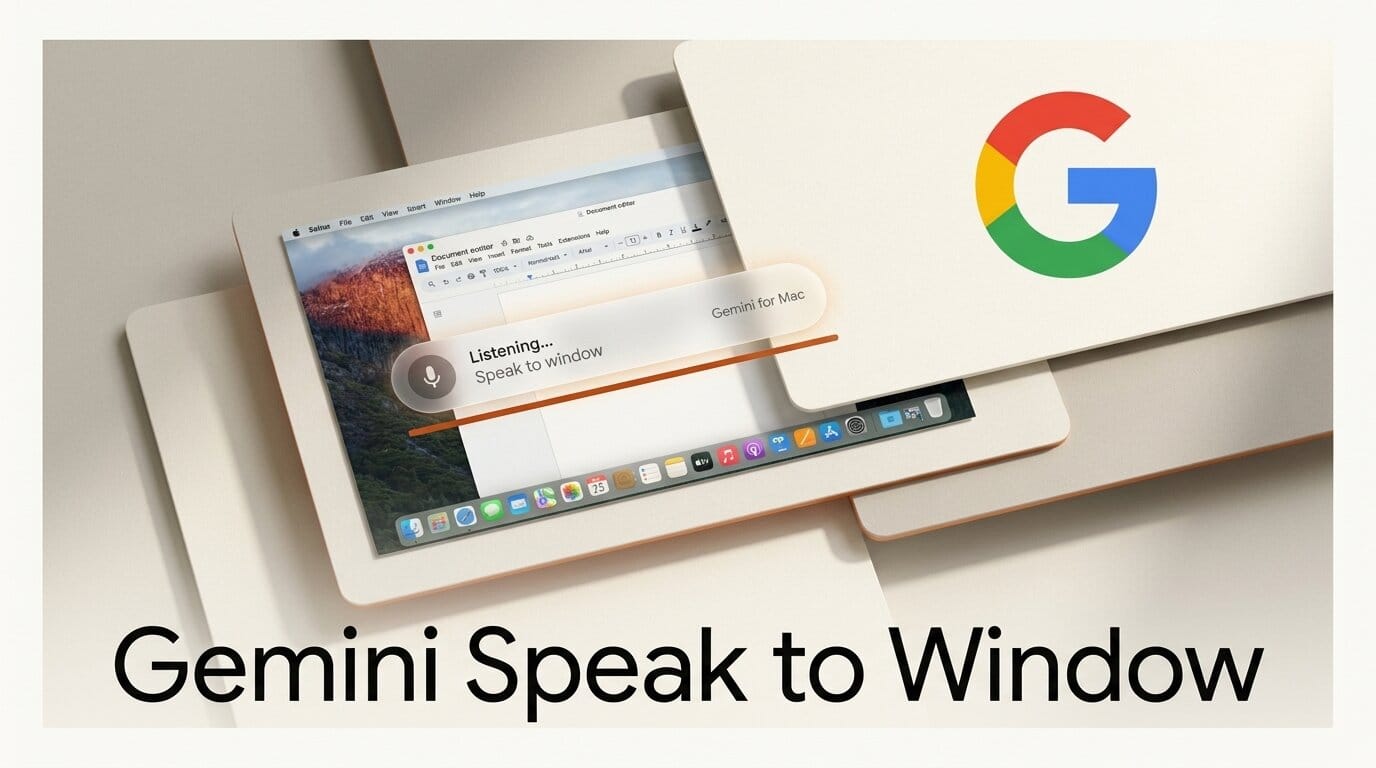
Google has added a system-wide voice input mode to the Gemini app for macOS, letting you dictate, rewrite, and even generate images by voice inside whatever window you are already working in. The feature, which Google detailed in a July 29 blog post, is rolling out globally to all Mac users in English, with more languages coming.
Try It: Talk Into Any App
Install the Gemini Mac app, place your cursor anywhere, a doc, a code comment, a Slack box, an email, then long-press the Fn key and start talking. By default, Gemini runs Intelligent Dictation: it transcribes your speech into clean text and strips the "ums" and "ahs" automatically, correcting itself mid-sentence. Flip on the optional Gemini Reasoning mode and it reads on-screen context, highlighted text, an open image, a selected file, so you can say "summarize this," "make this friendlier," or "generate a header image for this section" without leaving the window. For anyone who drafts, edits, or storyboards all day, it removes the constant copy-paste hop into a separate chat window.
Why It Matters for Creators
Voice on the desktop has been creeping toward hands-free control all year, and TestingCatalog notes this is Gemini's push to make the Mac app a first-class writing surface rather than a chat box you visit. It lands in the same wave as ChatGPT voice on desktop and Claude Voice Mode, but Gemini's context-aware reading of the active window is the differentiator: the assistant acts on what you are looking at, not just what you say.
Key Details
Activation: Long-press the Fn key in any application.
Two modes: Intelligent Dictation (clean transcription) and opt-in Gemini Reasoning (context-aware editing, summarizing, and image generation).
Availability: Rolling out globally to all Gemini Mac users in English, more languages soon.
Cost: Included in the free Gemini app for macOS.
What to Do Next
Download or update the Gemini app from Google's Mac page, open a document you are actively working on, and long-press Fn to test dictation first. Once that feels natural, enable Gemini Reasoning and try editing selected text or generating an image referencing what is on screen. If the feature has not reached your account yet, the rollout is staged, so check again over the next few days.





