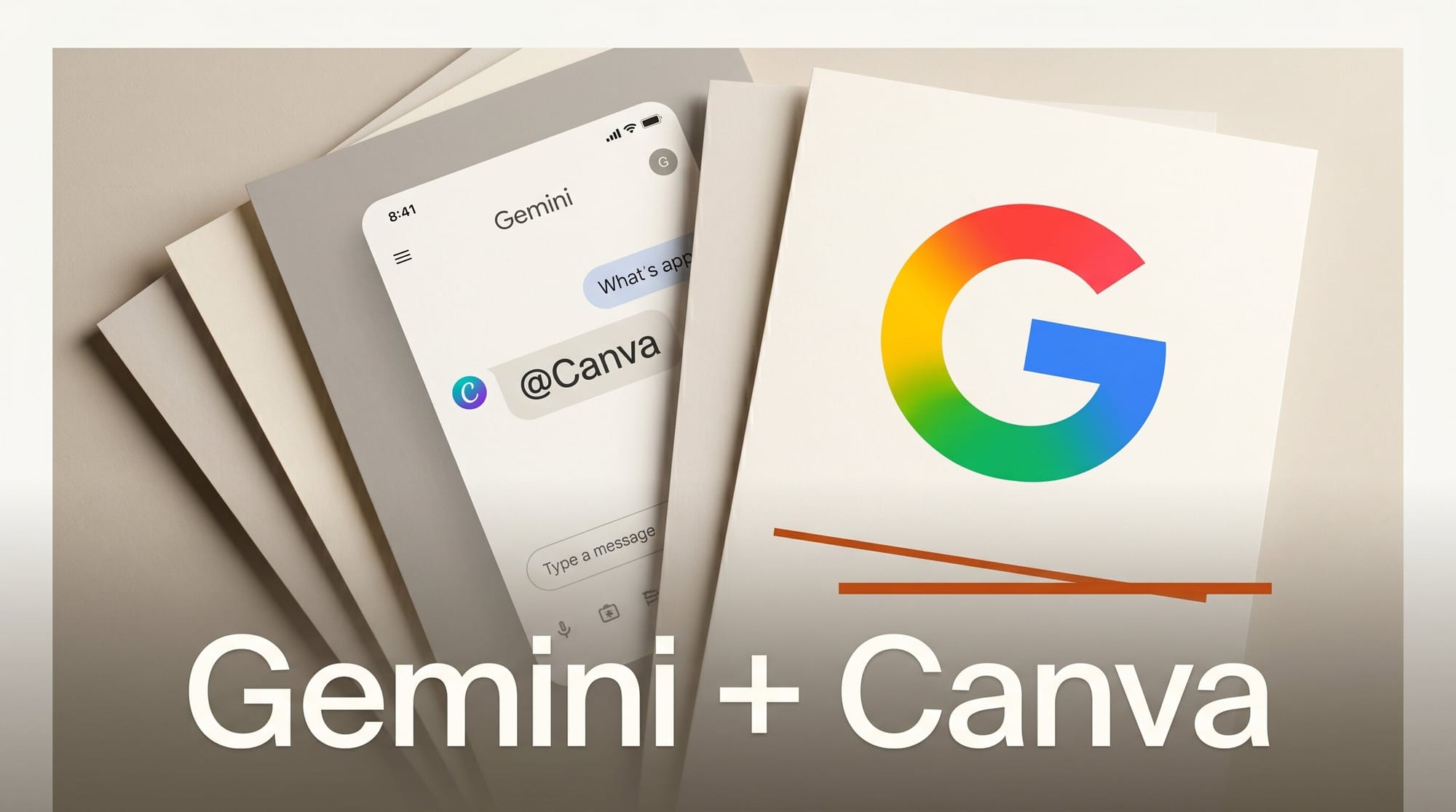
Google added Canva to the Gemini app on May 21, 2026, with CapCut announcing a similar partnership the same day and Adobe Creative Cloud tools rolling out over the next few weeks. Canva is live now for all Gemini tiers and all Canva plans in select English-speaking markets, turning Gemini into a one-window stop for image and video design.
Try It: Design Inside Gemini Today
Open the Gemini app and type @Canva in the prompt box to authenticate your Canva account. Once connected you can generate a new design, pull in an existing template, or repurpose a finished asset for a different platform with a natural-language prompt. Canva uses Google's Nano Banana image model and its own Magic Layers technology to break generated images into editable layers, and Brand Kit colors, fonts, and logos carry through automatically so the output stays on-brand.
Why It Matters
Until this week, jumping from Gemini's chat into a real design surface meant copying a prompt, opening a separate tab, and reuploading the asset. The CapCut tie-in announced on May 21 and the Canva launch put two of the most-used creator tools directly inside the same window where the idea was born. For Creative AI News readers running a one-person studio, that collapses the brainstorm-to-export loop into a single conversation. It also turns the recent Gemini app redesign into something more concrete, since the new creative hub now has third-party tools backing it up.
Key Details
Canva is the only one of the three integrations live today. CapCut's video and image editor will arrive "soon" without a published date, and Adobe Photoshop, Illustrator, Premiere, and Express are rolling out "over the next few weeks" per a NewsBytes summary of the three announcements. Canva enterprise accounts get autofilled brand templates pulled from the Gemini conversation context, while individual plans get the standard generate, edit, and repurpose flow. All three integrations were teased at Google I/O 2026 and are part of Gemini's broader push to host every step of a creator workflow without a tab switch.
What to Do Next
If you already pay for Canva Pro or Teams, connect the Gemini integration before the queue widens. Start with a real client task, not a test, since the Brand Kit pull-through is what makes this useful for production work. Save your CapCut and Adobe waiting-list questions for when those rollouts land, but keep the Gemini Extended Thinking mode in mind when prompting the design tools, since complex layouts benefit from the deeper reasoning pass.





