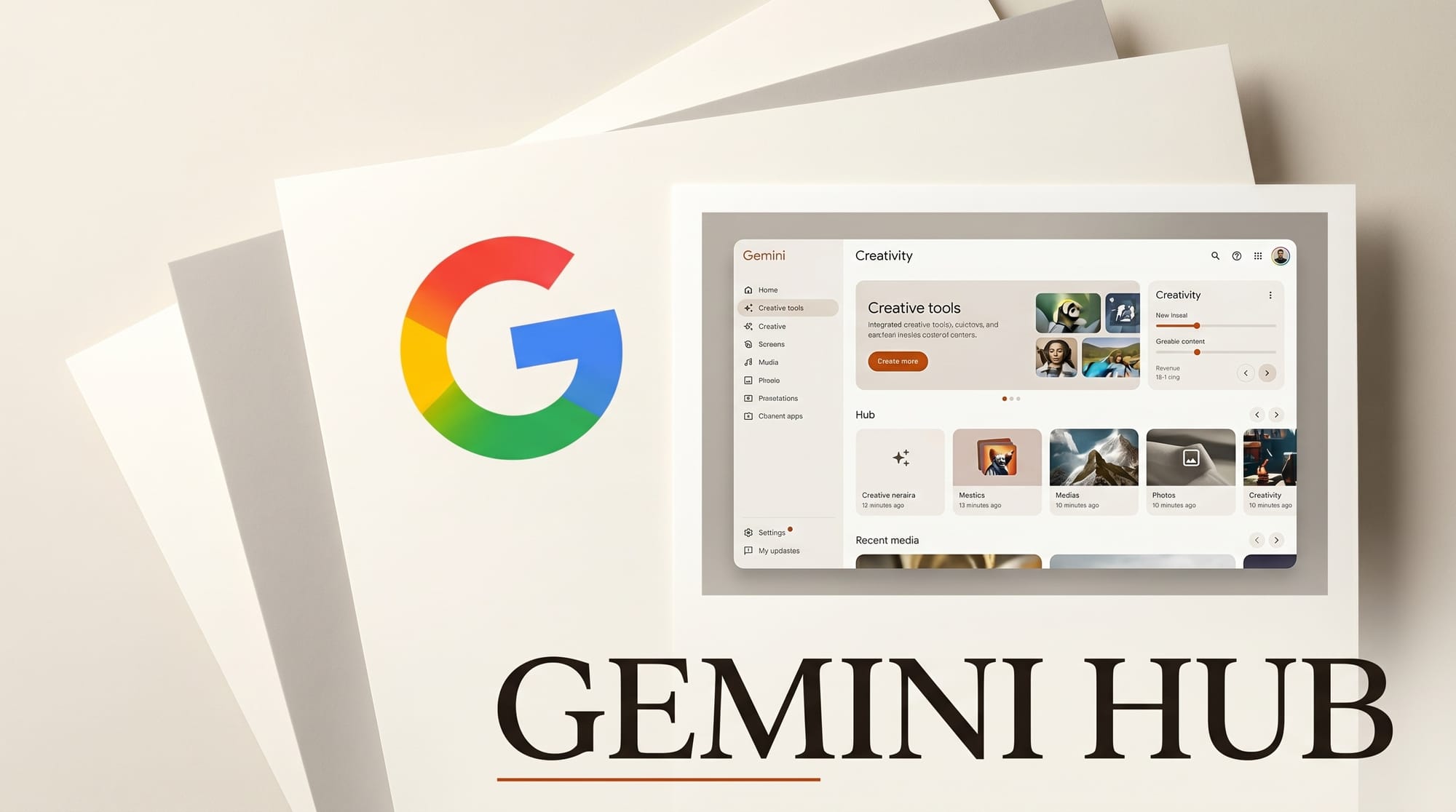
Google is rolling out a major redesign of the Gemini app that unifies creative tools in a single panel. First spotted on May 3, 2026, the update is live for Gemini on Mac and expanding in a limited rollout to Android and iOS. Images, video, music, and canvas generation are now accessible from one bottom sheet, replacing the fragmented prompts and buried menus of previous versions.
Why It Matters
Creative AI users have had to navigate separate entry points for each media type. The new interface treats all of Google's generative models as first-class tools in a single session. Images run on Imagen, video on Veo, music on Lyria 3. With Android getting its own dark Material 3 redesign simultaneously, Google is positioning Gemini as a cross-platform creative studio ahead of Google I/O 2026, where Veo 4 is widely expected.
Key Details
- Unified tools panel: Images, Videos, Music, Canvas, Deep Research, and Guided Learning are listed in a single organized menu accessed from the plus button.
- Quick media access: A bottom sheet carousel gives one-tap access to Photos, Camera, recent images, Files, and Notebooks.
- Platform design: iOS uses a translucent Liquid Glass aesthetic aligned with iOS 26. Android uses a deep black Material 3 layout. The Mac app gains drag-and-drop and persistent sessions.
- Rollout status: Live on Gemini for Mac now. Mobile is staged and not yet available to all accounts.
How to Integrate This Into Your Workflow
A single Gemini session can now move from a Veo video generation to a Lyria 3 music track without switching contexts. For designers, Canvas becomes a discoverable primary tool rather than a buried option. If your workflow involves multiple media types, the new panel cuts down the number of new chats you need to start. Mac users get the full experience first, with drag-and-drop support from Finder making it the best entry point to test the redesign before the mobile rollout completes.
What to Do Next
Open the Gemini app on Mac to check if the redesign is live for your account. Look for a pill-shaped prompt bar and a plus button on the right. Tap plus to find the unified tools panel. On mobile, the staged rollout should reach most accounts within a few weeks. For context on recent Gemini changes, see the credits model and image tools update from last month.
How to integrate this
The Gemini app redesign rolls out automatically; no creator action required. For working creators using Gemini for image, video, music, or research workflows, the new creative-tools hub centralizes generation entry points, which means fewer clicks per task. Update the Gemini mobile app on iOS or Android to the latest version once the rollout reaches your account.
Frequently asked questions
When does the Gemini app redesign roll out?
Per Google's announcement, the redesign rolls out gradually over the days following May 3. Check the Gemini app on iOS or Android for the new creative-tools hub. Web access may follow on a separate cadence.
What changed in the Gemini app redesign?
Google centralized image, video, and music creation entry points into a single creative-tools hub. The change reduces clicks per generation task and makes cross-modal workflows (start with text, generate image, generate video) more discoverable.
Does this affect the Gemini API or Google AI Studio?
No, the redesign affects the consumer Gemini app only. The Gemini API and Google AI Studio interfaces remain unchanged.





