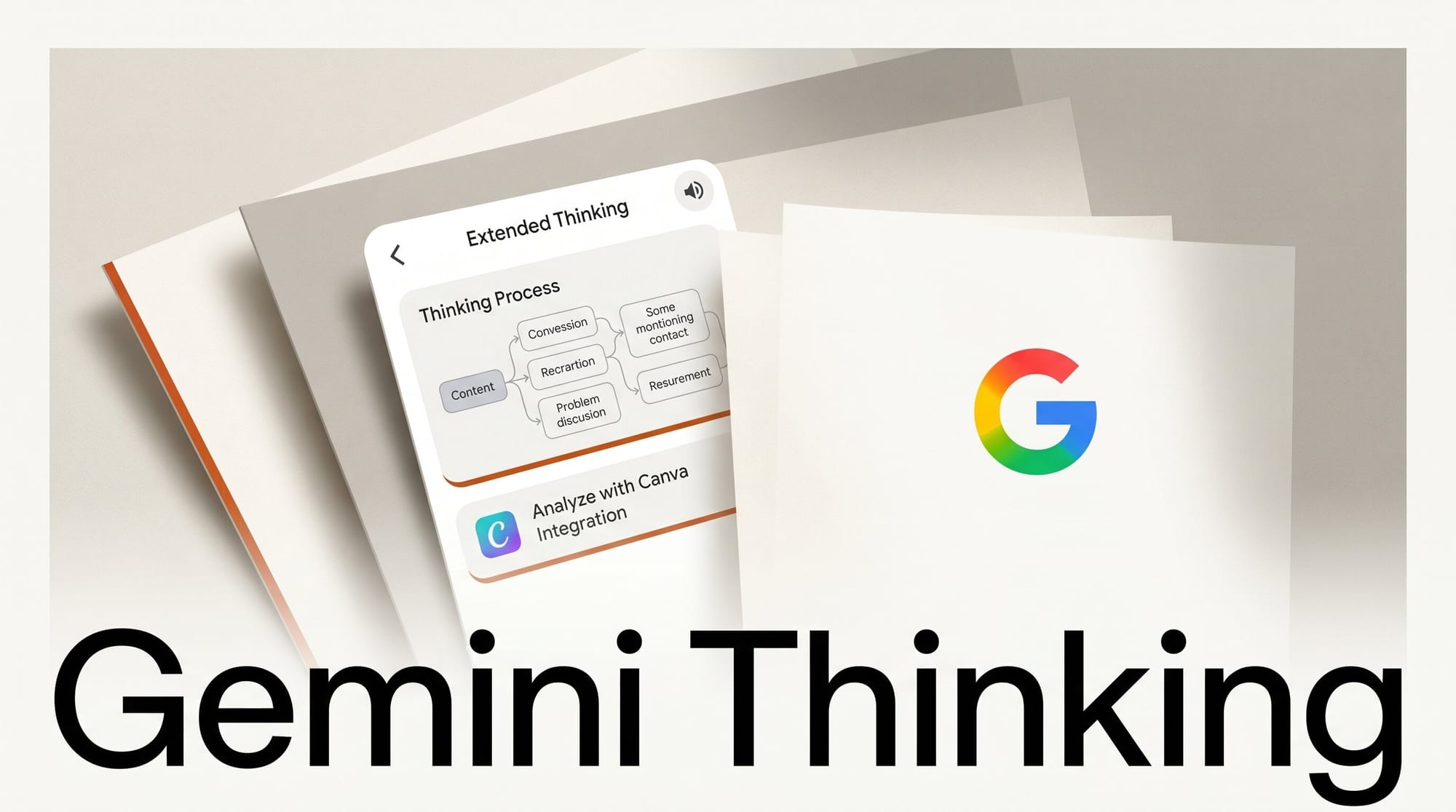
Google is rolling out a new "Thinking level" option in the Gemini app, giving users direct control over how deeply the AI reasons through a query. Two levels are available: Standard for quick responses, and Extended for thorough analysis. The feature is currently a limited rollout for users on Gemini 3 Flash and Gemini 3.1 Pro.
What Happened
A Thinking level selector is appearing in the Gemini model picker when users choose Gemini 3 Flash or Gemini 3.1 Pro, both of which support optional reasoning enhancement. Selecting Extended enables deeper, step-by-step analysis before Gemini generates a response, similar to how reasoning models approach difficult problems. The feature was first spotted by 9to5Google on May 17 and is not yet visible to all accounts. Google has not announced a full rollout date.
Alongside the thinking level update, Google confirmed three new third-party integrations joining Gemini: Canva for design creation and asset management, Instacart for grocery shopping, and OpenTable for restaurant reservations. None are live yet, but the Canva addition is the most relevant for creative users.
Why It Matters
The Thinking level toggle gives creators a practical control: use Standard for quick questions and idea generation, and switch to Extended when the task requires structured analysis. Tasks where quality matters more than speed are ideal for Extended mode, such as complex briefs, comparing creative directions, or breaking a project into detailed steps.
The Extended setting mirrors the "High" reasoning level in Google AI Studio, which was previously accessible mainly to developers and power users through the studio interface. Bringing it to the consumer app is a meaningful step toward closing the gap between developer and everyday user experience.
The Canva integration will be the bigger workflow change for designers. Rather than using Gemini to generate text descriptions and then executing those changes manually in Canva, the integration is expected to allow Gemini to act directly within your workspace. For a current look at how Gemini fits into creative workflows, see the Gemini for creative work guide.
Key Details
- Thinking level picker appears for Gemini 3 Flash and Gemini 3.1 Pro (not visible when a Thinking model variant is already selected)
- Extended mode matches the "High" reasoning level in Google AI Studio
- Currently limited rollout; not all accounts have the option yet
- Canva, Instacart, and OpenTable confirmed as upcoming integrations; none live yet
- Existing live integrations include GitHub, OpenStax, Spotify, and WhatsApp
What to Do Next
Open the Gemini app, select Gemini 3.1 Pro or Gemini 3 Flash, and check the model picker for a Thinking level dropdown. If it is available, run a complex creative task through Extended mode, such as a detailed concept breakdown or a multi-part brief, and compare the output depth to Standard mode.
Google I/O starts May 19, where a broader rollout and likely the Canva integration launch are expected to be announced. For a current benchmark comparison, see Claude vs. ChatGPT vs. Gemini for creative work.





