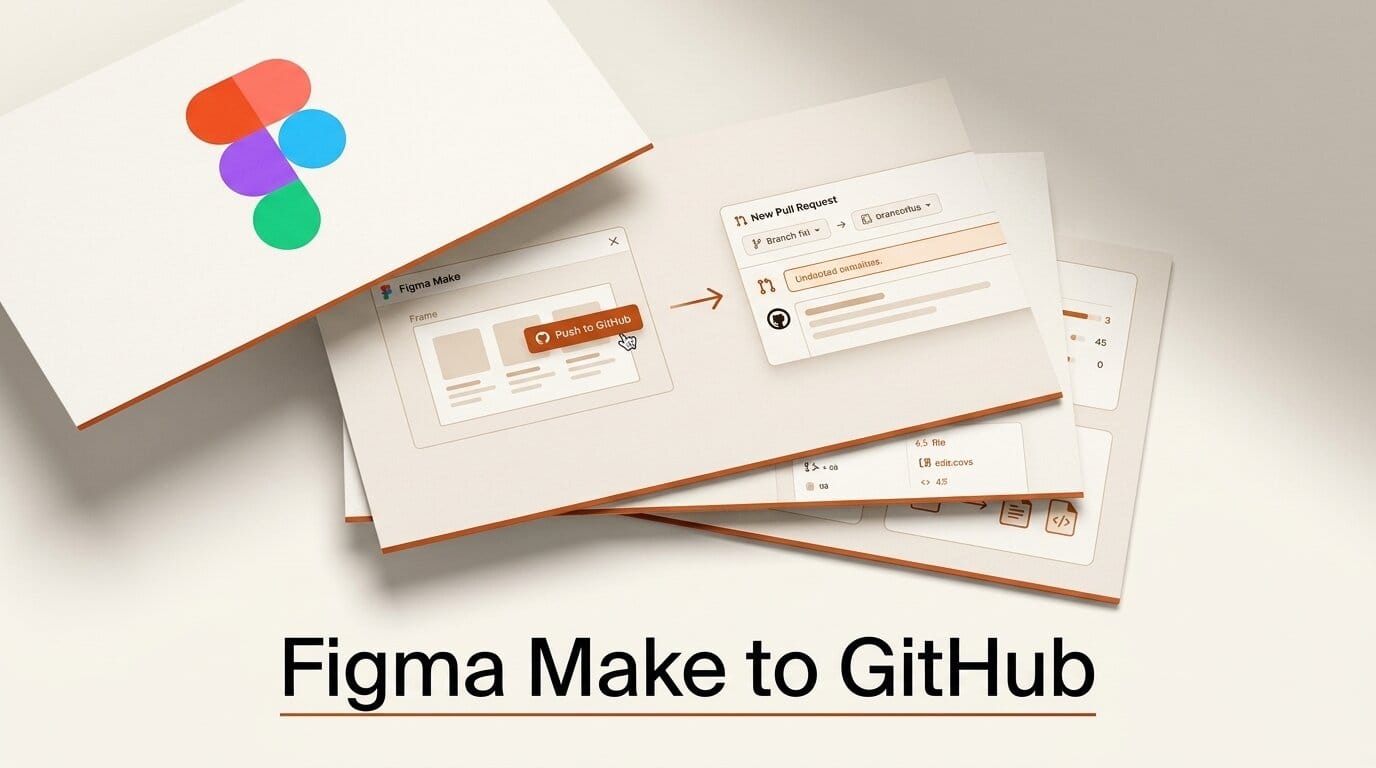
Figma Make can now push design changes straight into a production codebase. In a July 16, 2026 Workflow Lab post, Figma showed designers connecting a GitHub repository to Figma Make, editing the real code on a branch, and opening a pull request for engineers to review, inverting the usual handoff where designers write tickets and wait.
What Happened
Figma published a walkthrough of a new capability in Figma Make: connect a GitHub repo, create a branch, modify the production code inside Make, and push the change as a pull request. Instead of describing a fix for an engineer to translate, the designer implements it and the engineer reviews. The setup is documented in Figma's Push from Figma Make to GitHub guide.
Why It Matters
The classic design-to-code handoff loses nuance at every step: a designer writes a ticket, it sits in a backlog, an engineer reinterprets it, and detail leaks out along the way. Pushing directly to a pull request keeps the designer's intent attached to the actual change, with accessibility annotations and design rationale traveling alongside the diff. It also surfaces things a mockup hides. In Figma's example, a "simple" date picker fix turned out to touch three places at once because they shared a component, a dependency invisible in a ticket but obvious in code.
Key Details
- GitHub connection: Figma Make links to a repository, creates a branch, and opens pull requests directly.
- Review flow inverts: Designers implement, engineers review, rather than the other way around.
- Context travels with the code: Accessibility notes and design intent attach to the PR, preserving decision history.
- Shared-component discovery: Working in real code exposes dependencies a static mockup cannot show.
- Builds on local code support: This extends Figma Make's earlier move onto your local code.
What to Do Next
If your team already uses Figma Make, connect a low-risk repository first and try shipping one small fix end to end, from Make branch to merged pull request, before trusting it with core UI. For a broader look at how Figma Make generates code from designs, see our breakdown of GPT-5.6 in Figma Make. Read the full workflow on Figma's blog to see the annotation and review steps in context.





