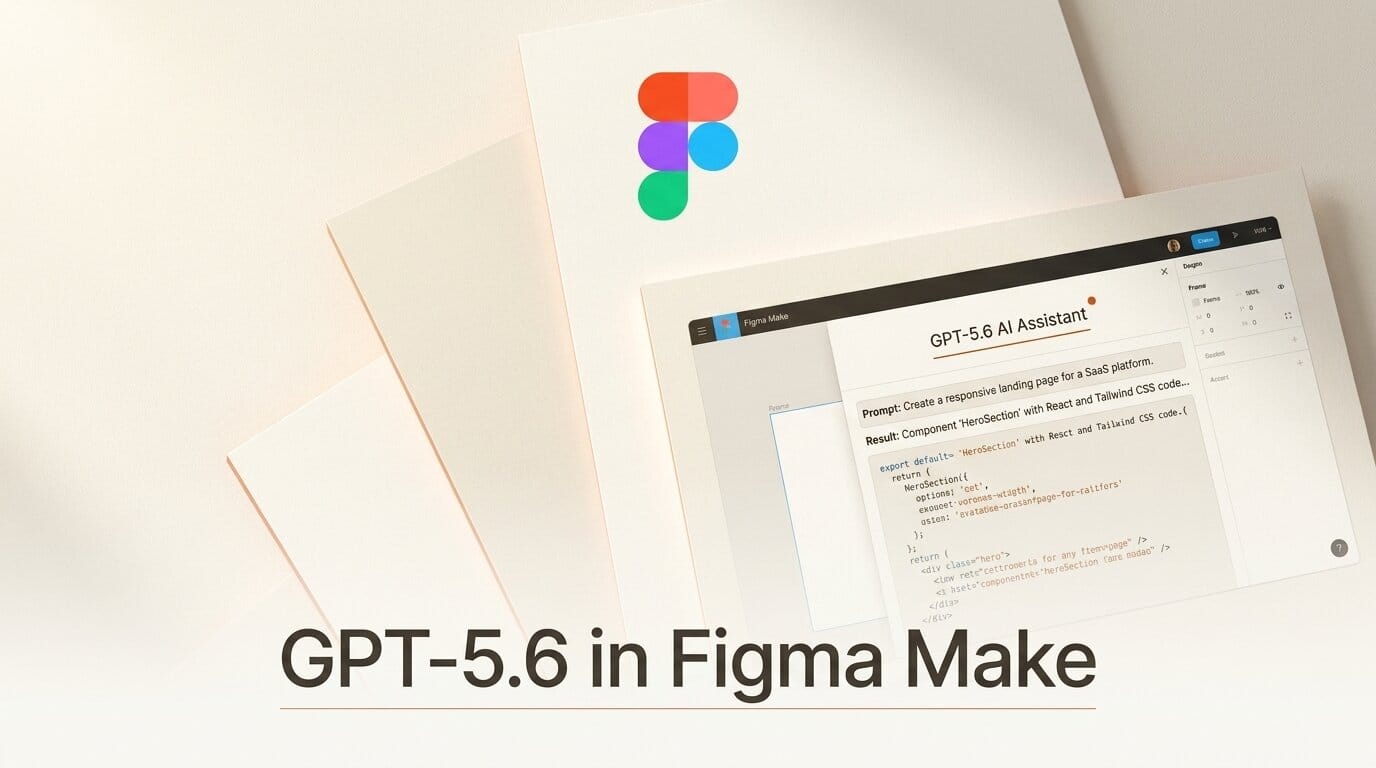
Figma added GPT-5.6 to Figma Make on July 9, 2026, and it changes what the design-to-code tool produces on the first try. You select the new model from the dropdown, and Make builds cleaner, more production-ready output from a sketch or an existing design without extra prompting.
What Happened
Figma integrated OpenAI's GPT-5.6 into Figma Make, the AI feature that turns prompts and designs into working front-end code. The model is available immediately through the model selector, so there is nothing to install. The same GPT-5.6 family that OpenAI shipped across ChatGPT and Codex the same day now powers Make's builds.
Why It Matters
Design-to-code tools live or die on the first pass. If the initial build is rough, you spend the saved time fixing layout and spacing by hand. Figma says GPT-5.6 raises both the quality and speed of that first pass, so you move from a rough sketch to a polished prototype faster. For creators and small teams shipping landing pages or app screens, that is the whole point.
Key Details
- Faster first builds. GPT-5.6 improves the quality and speed of what Make produces on the first attempt.
- Self-healing error recovery. The model investigates problems on its own instead of stopping, cutting the back-and-forth needed to reach a working result.
- Design fidelity from references. Given a design file or spec, it holds layout, visual hierarchy, spacing, proportions, and styling.
- Responsive by default. Output adapts across screen sizes without additional prompting.
- Token efficiency. It reaches more complex results using fewer resources than prior models, per OpenAI's GPT-5.6 notes.
What to Do Next
Try it: open Figma Make, click the model selector dropdown, and pick GPT-5.6. Start with an existing design frame rather than a blank prompt so you can judge the fidelity gain directly. Give it one screen, review the generated code and layout, then push it toward responsiveness and see how few follow-up prompts it takes. If you have leaned on other models in Make before, run the same brief through both and compare the first-pass output side by side. The difference shows up fastest on layout-heavy screens.





