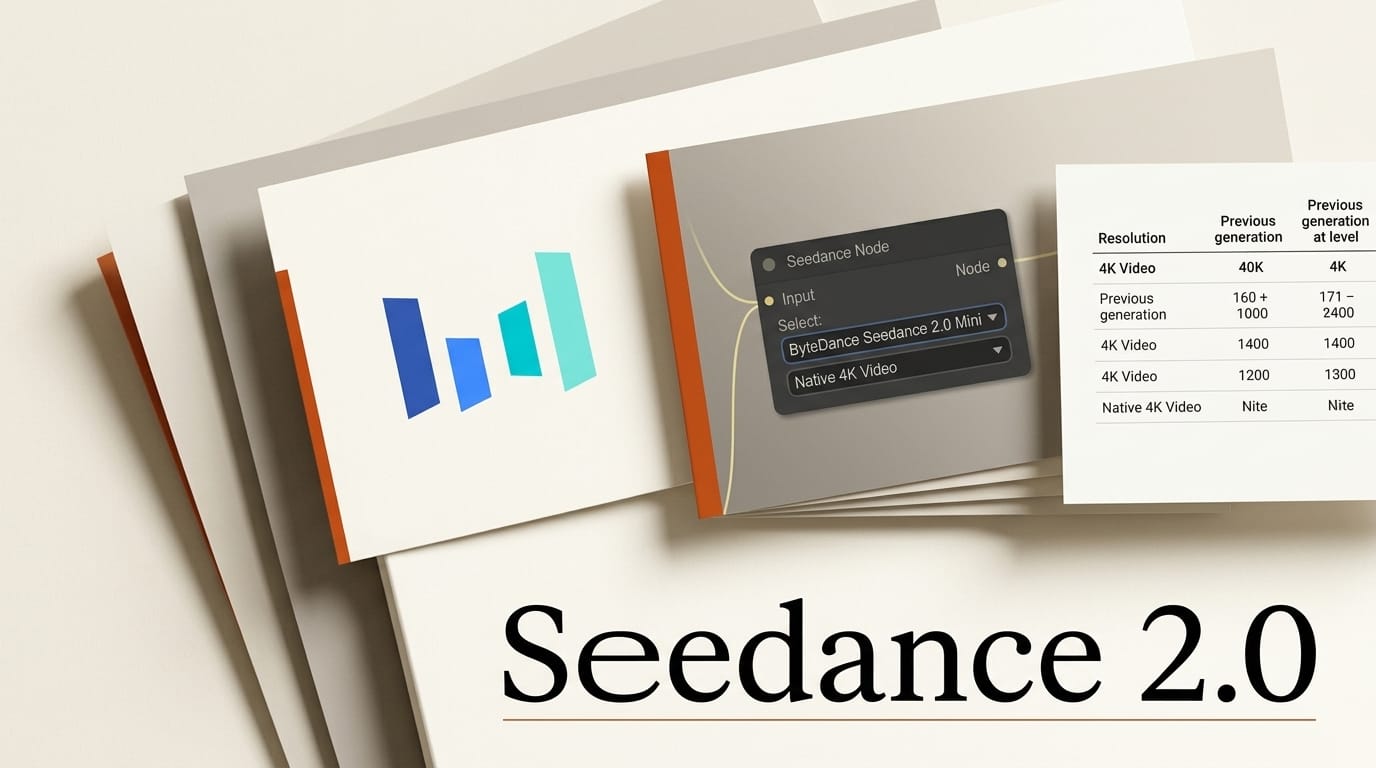
ByteDance's Seedance video models just got more accessible to creators working locally. As of ComfyUI's June 25 announcement, two new Seedance 2.0 variants are live inside ComfyUI: a budget-friendly Mini tier and a native 4K tier, both selectable from the existing ByteDance Seedance 2.0 nodes.
What Happened
ComfyUI added support for two variants of ByteDance's Seedance 2.0 video model. Seedance 2.0 Mini is a cheaper option that outputs 480p and 720p video while still producing structured multi-shot sequences with coherent pacing and consistent characters across a narrative. Seedance 2.0 4K adds native 4K output with 10-bit color depth, aimed at detailed rendering of hair strands, fabric textures, architectural lines, and material surfaces under complex motion. Both slot into the nodes ComfyUI already shipped, so there is no separate install. The update follows our coverage of Seedance 2.5's 30-second one-shot generation.
Why It Matters
The two tiers solve different problems. Mini lets creators iterate on prompts, blocking, and shot order cheaply before committing to a final render, which matters when video generation bills add up fast during experimentation. The 4K tier gives a finishing-quality output that holds up on large displays without an upscaling pass. Having both inside ComfyUI means the whole loop, from rough draft to delivery, stays in one node graph rather than bouncing between web apps. ByteDance positioned Seedance 2.0 as a multi-shot audio-video model, and pairing it with local node workflows like ByteDance's Bernini-R editing in ComfyUI gives creators a fuller pipeline.
Key Details
Mini is selectable directly within the existing ByteDance Seedance 2.0 video nodes, and the full model now exposes native 4K as an output option. Both variants support text-to-video, first-last-frame-to-video, and reference-to-video workflows. ComfyUI ships ready-made templates so you do not have to wire the graph by hand: load one from the Templates panel or grab the Seedance 2.0 Mini text-to-video template from the workflow repository. Setup and node options are documented in the ComfyUI Seedance tutorial.
What to Do Next
Update ComfyUI to the latest version, then open the Templates panel and load a Seedance 2.0 template, or add a ByteDance Seedance 2.0 node to an existing graph. Pick Mini at 480p or 720p for cheap iteration, lock your prompt and shot structure, then switch the same graph to the 4K variant for the final render. Test reference-to-video if you need a recurring character or product to stay consistent across shots. Keep your early passes short to control cost while you dial in motion and pacing.





