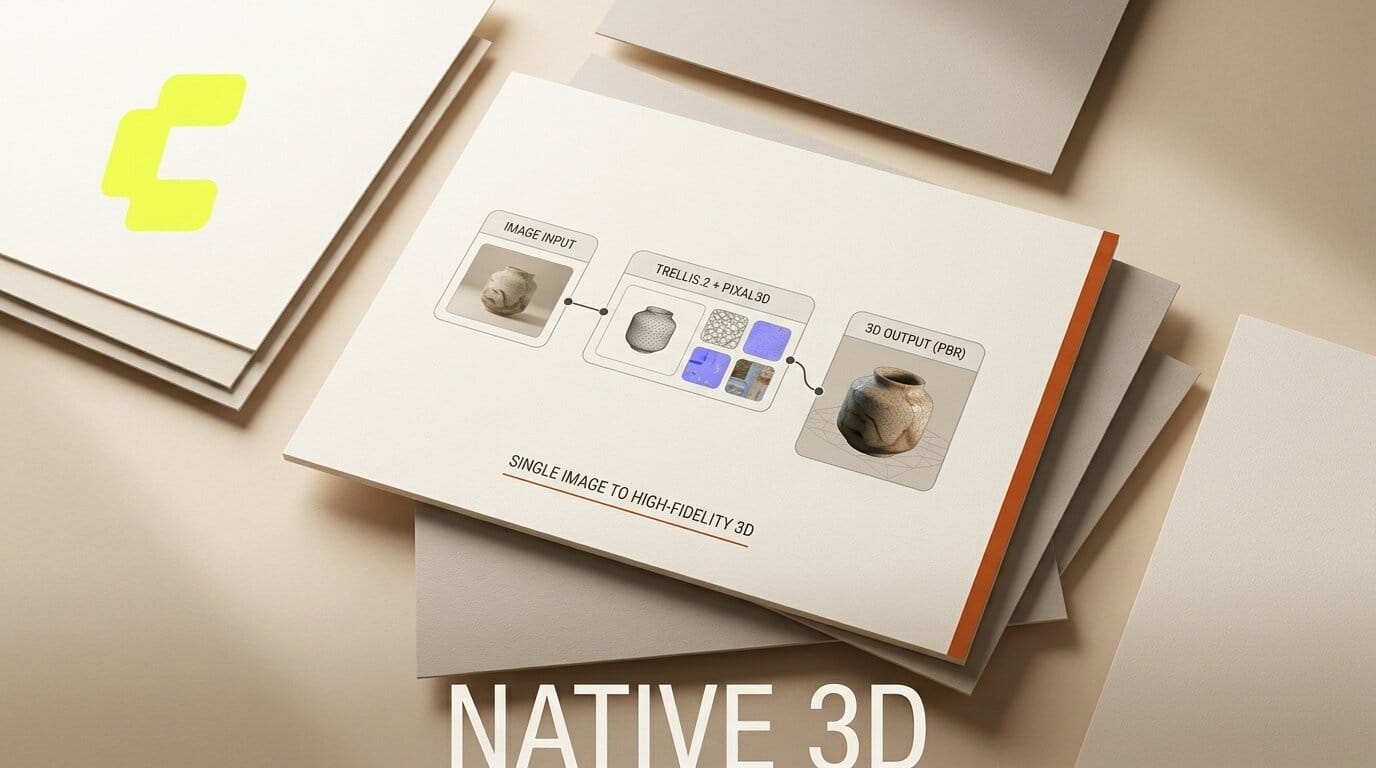
ComfyUI has made Trellis.2 and Pixal3D native, announced August 31, 2026. As detailed in the ComfyUI blog announcement, the two image-to-3D models now install as built-in nodes, turning a single image into a high-fidelity 3D asset without external plugins or paid services. Both run locally, at zero cost per asset, with no licensing restrictions on what you make.
What This Enables
You can now drop one reference image into ComfyUI and get back a game-ready 3D asset with full PBR textures, all on your own machine. Trellis.2 generates the geometry and materials; Pixal3D keeps geometry in direct correspondence with the input view for near-reconstruction-level fidelity. Native mesh cleanup nodes then remesh, decimate, smooth normals, and fill holes before export. The Trellis.2 install guide walks through the setup for the image-to-model workflow.
Why It Matters
Getting a usable 3D asset from a photo has usually meant stitching together separate tools, cloud credits, or restrictive licenses. Running Trellis.2 and Pixal3D as native nodes collapses that into one local graph, so indie creators, game developers, and 3D hobbyists can iterate without per-asset fees or upload limits. For the wider set of 3D features that landed alongside this, see our coverage of ComfyUI v0.34.0 3D generation and HDR video.
Key Details
Trellis.2: A 4-billion-parameter model that converts a single image to a 3D asset, generating high-fidelity geometry and materials using O-Voxel structured latents. It handles open surfaces, non-manifold geometry, and fully-enclosed volumes. Source: microsoft/TRELLIS.2.
Pixal3D: Pixel-aligned generation built on the Trellis.2 backbone, generating geometry in direct correspondence with the input view for near-reconstruction-level fidelity. Source: TencentARC/Pixal3D.
PBR textures: Base color, roughness, and metallic maps from the Trellis.2 texturing model, plus normal and ambient occlusion maps baked from the high-poly mesh.
Mesh cleanup nodes: Remesh Mesh, Decimate Mesh, Smooth Mesh Normals, Fill Holes, Merge Meshes, Paint Mesh, and Render Mesh.
Cost: Runs locally at zero cost per asset, with no licensing restrictions on output.
What to Do Next
Update ComfyUI to the version that ships these nodes, then load the image-to-model workflow and feed it a clean single-subject image. Start with Trellis.2 for open or complex geometry, or reach for Pixal3D when you need the output to hug the input view closely. Run the mesh cleanup chain before export so the asset is ready for a game engine or DCC tool. The Pixal3D install guide covers the required model files and setup.





