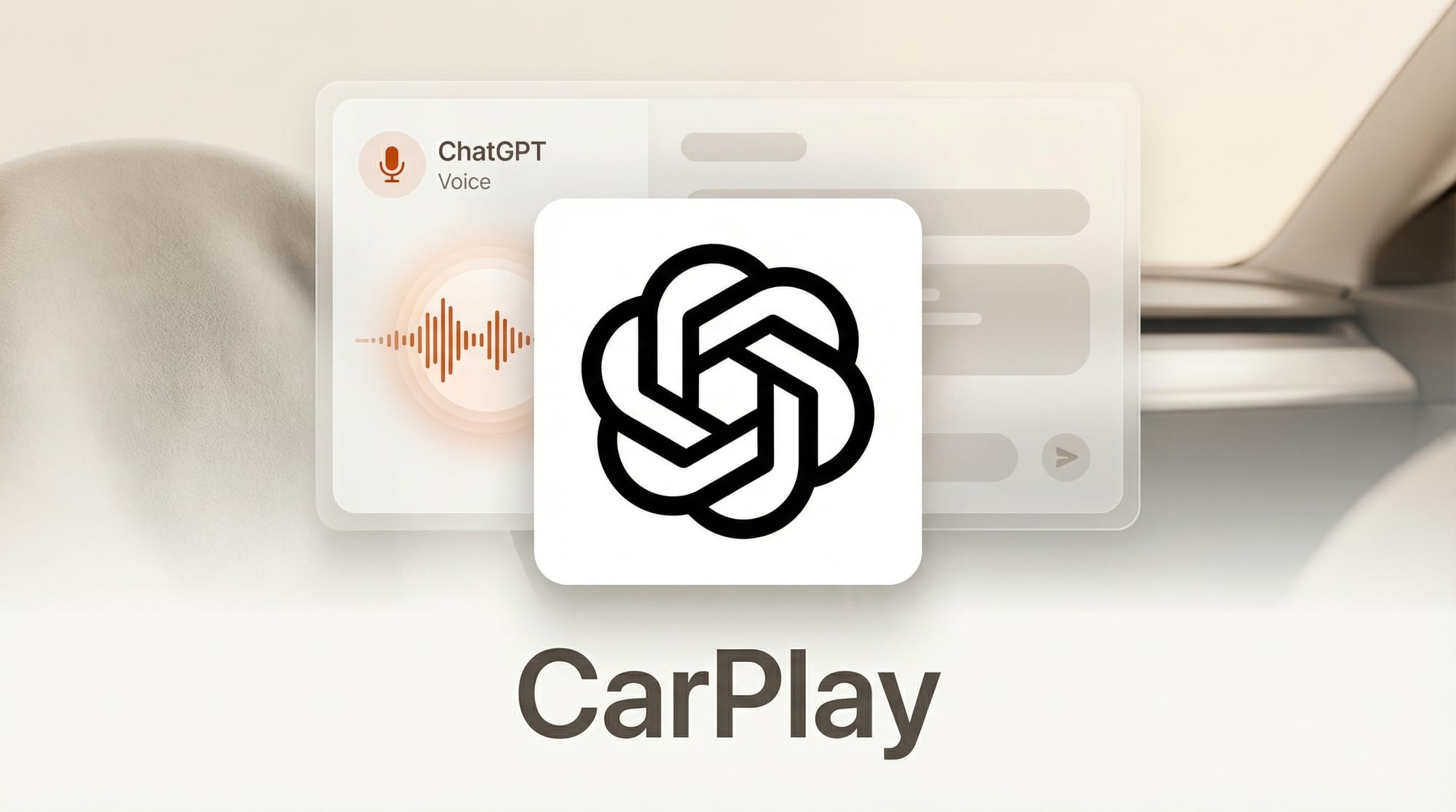
OpenAI has launched ChatGPT Voice Mode on Apple CarPlay, bringing hands-free AI conversations to the car dashboard. The integration, available now with the latest iOS and ChatGPT app updates, allows drivers to access voice-based brainstorming, how-to advice, and language practice without touching their phone.
What Happened
OpenAI released CarPlay support for ChatGPT on April 2, 2026. The feature brings the same Voice Mode experience from the mobile app to the CarPlay interface. To start a session, drivers select "New voice chat" from the ChatGPT app within the CarPlay dashboard.
The integration requires both the latest version of iOS and the most recent ChatGPT app update from the App Store. Once both are current, ChatGPT appears alongside other CarPlay-compatible apps on the vehicle's display.
Why It Matters
Voice interfaces have been the obvious next step for AI assistants in vehicles, but most in-car AI has been limited to navigation commands and music playback. ChatGPT on CarPlay opens up open-ended conversation during commutes and road trips, turning idle driving time into productive time for thinking through problems, practicing a new language, or getting step-by-step guidance on topics.
For OpenAI, this is a distribution play. CarPlay runs on over 800 million iPhones worldwide, and placing ChatGPT in the car dashboard creates a daily usage habit that no amount of app store promotion can match. Every commute becomes a potential engagement session.
Key Details
- Available features: Voice conversations, how-to advice, brainstorming, and language practice
- Requirements: Latest iOS version and latest ChatGPT app from the App Store
- How to start: Open ChatGPT in CarPlay and select "New voice chat"
- No vehicle control: ChatGPT cannot interact with vehicle functions such as climate, windows, or navigation
- No wake word: There is no hands-free activation. Drivers must manually open the ChatGPT app through the CarPlay interface to begin a session
What to Do Next
Update your iPhone to the latest iOS version and grab the newest ChatGPT app update. Connect to CarPlay and look for ChatGPT in your app list. Start with a simple voice chat to test audio quality in your vehicle before relying on it for longer conversations. Note that you will need to manually launch the app each time, as there is no Siri-style wake word trigger available yet.