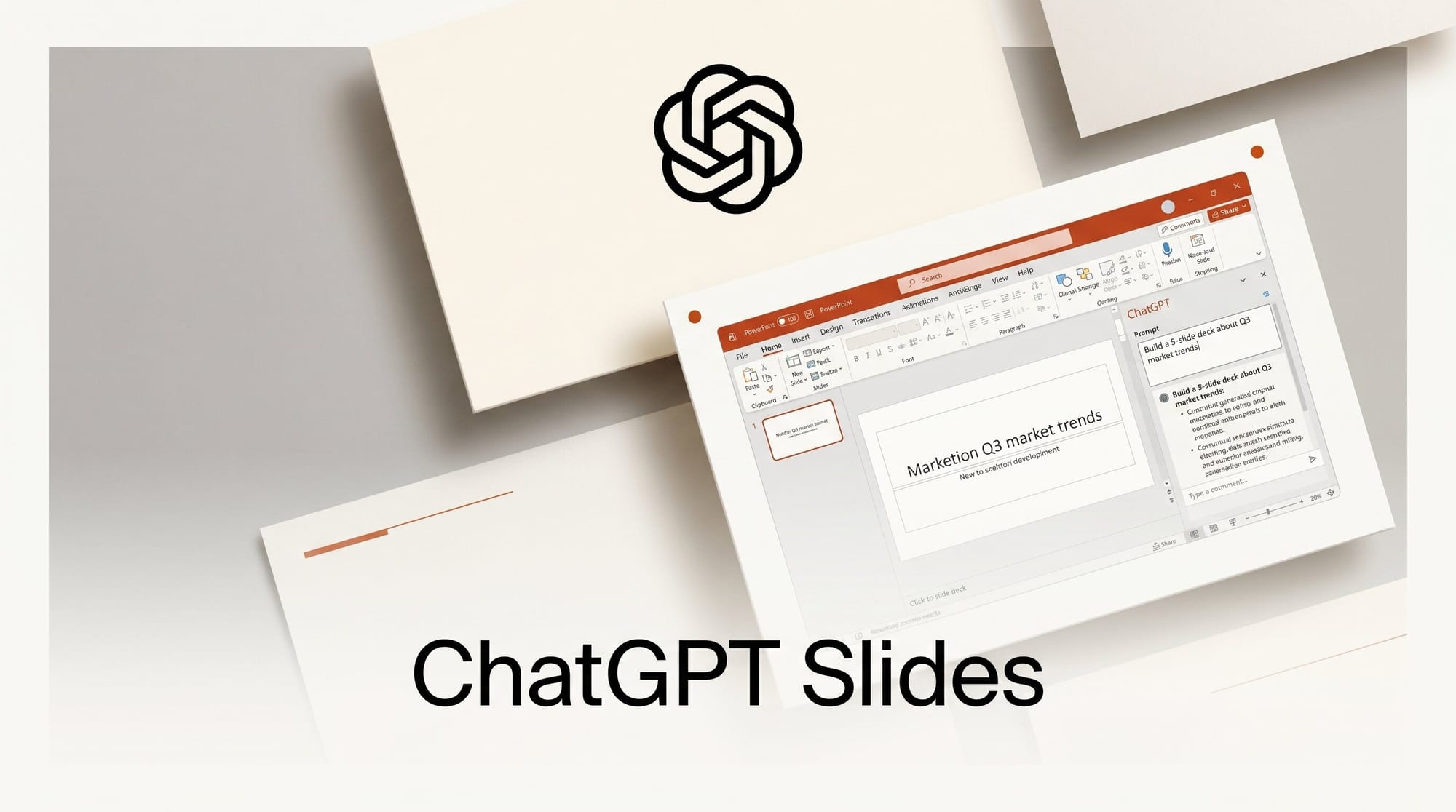
OpenAI shipped a ChatGPT add-in for Microsoft PowerPoint on May 22, opening a global beta that builds, edits, and rewrites decks from prompts directly inside the slide canvas. The plugin is live for every paid and free ChatGPT tier, from Free and Go up through Plus, Pro, Business, Enterprise, Edu, Teachers, and K-12, subject to admin settings.
Try It: Build a Deck Without Leaving PowerPoint
Install the add-in from the Microsoft AppSource marketplace, sign in with your ChatGPT account, then open the ChatGPT panel inside PowerPoint. Five things you can do today:
- Paste notes or drop a PDF, spreadsheet, or image into the panel and ask for a 10-slide deck. ChatGPT drafts the structure, headers, and bullets on the canvas.
- Select an existing slide and ask ChatGPT to rewrite copy, restructure the layout, or shorten the speaker notes.
- Run a narrative audit on the whole deck. ChatGPT flags gaps in the story arc and suggests slides to add or cut.
- Pull source material from connected Gmail, Outlook, or SharePoint to ground the slides in real emails, briefs, or quarterly numbers.
- Ask plan-specific questions about audience fit and the deck's tone, then iterate slide-by-slide.
Save a backup before any large rewrite. OpenAI warns the assistant "may change or delete content if a request is unclear, so be specific, review what changed."
Why It Matters
Slide generation has been the most fragmented corner of the ChatGPT ecosystem. Until now, creators either pasted Markdown into third-party tools like Gamma or used GPT-style scripts to render PPTX files outside of PowerPoint. Engadget confirms the add-in is rolling out globally across all consumer and business plans. The new add-in collapses that loop. Slides live in the deck you already share with stakeholders, formatting matches your existing template, and edits are reversible in the same undo stack as any manual change. For consultants, educators, and product marketers, that turns ChatGPT into a slide co-editor rather than a draft generator.
Key Details
The add-in runs as a Microsoft 365 sidebar app. It uses your active ChatGPT plan for model access, which means Plus users get GPT-5.1 quality while Enterprise admins can pin to specific models and disable cross-app data sharing. The Decoder reports the connectors include Gmail, Outlook, and SharePoint at launch, with more Microsoft 365 surfaces planned. Beta status means rate limits and feature toggles may shift, and the destructive-edit warning suggests OpenAI is still hardening the model's grasp of slide object structures. Enterprise admins should review the Microsoft 365 admin center toggles before broad rollout.
What to Do Next
If you ship presentations weekly, install the add-in on a low-stakes deck first to learn the prompt patterns that work. If you build internal templates, document which prompts produce on-brand output and share them with your team. And if you already use Codex with locked-Mac computer use for engineering work, this is the parallel feature for the presentation side of the same workflow.





