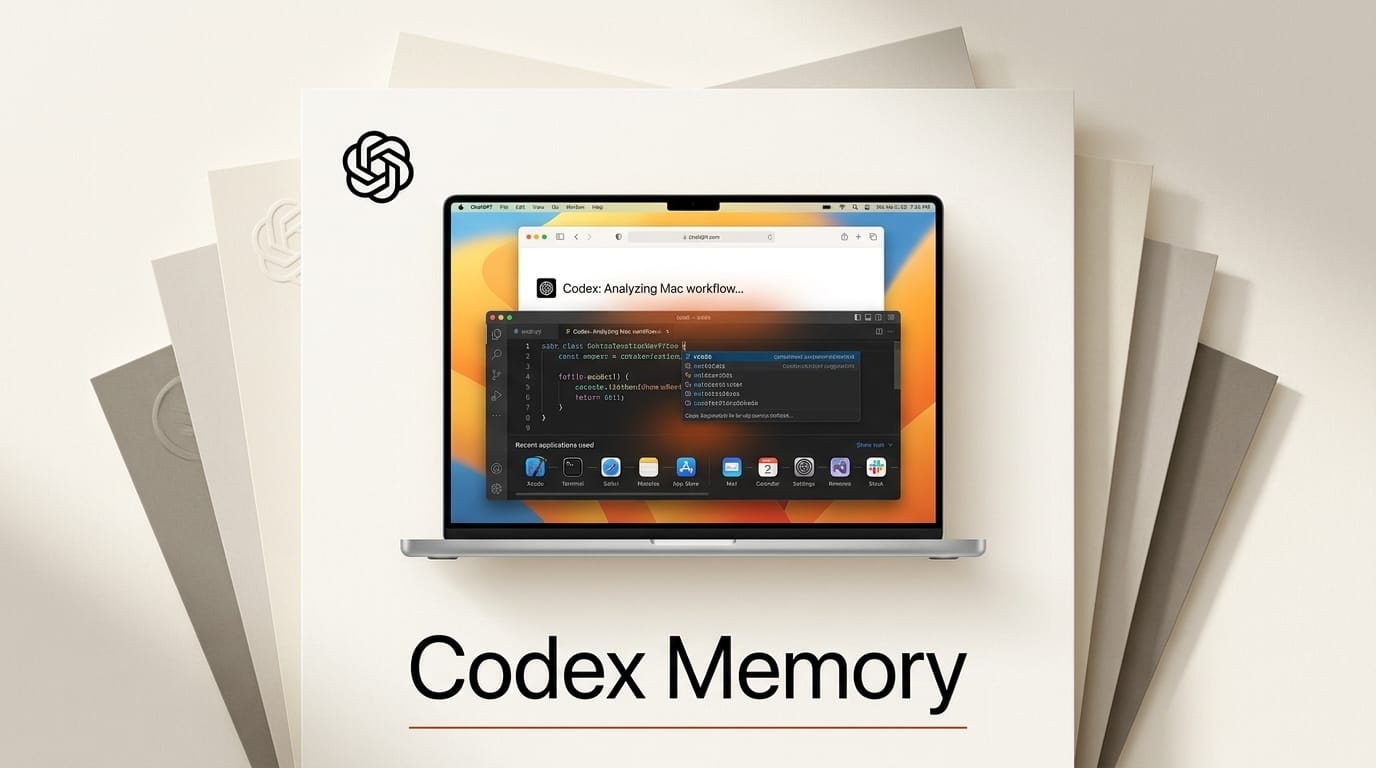
OpenAI has launched Computer History, an opt-in feature in the ChatGPT desktop app for macOS that turns your activity across apps and websites into a searchable memory timeline. OpenAI announced the rollout on August 13, and the timeline is readable by both ChatGPT and Codex so future sessions need less manual context.
What Happened
Computer History records interaction events such as clicks, typing, keyboard shortcuts, and app switching through macOS accessibility features. It does not capture screenshots, screen recordings, microphone input, or system audio, and it excludes private browsing. Those events are stored locally for up to 48 hours, processed server-side into memories, then discarded and never used for training.
As 9to5Mac reports, the feature replaces the experimental Chronicle research preview. OpenAI describes it as a rebuilt system rather than a rename: Chronicle relied on screenshots, while Computer History reads accessibility event data instead. Coverage from The New Stack notes the goal is a timeline ChatGPT can draw on without watching your screen.
What This Enables
The practical payoff is for builders using Codex, which OpenAI folded into ChatGPT a month earlier. With Computer History enabled, Codex can learn how you actually move between your editor, terminal, browser docs, and design tools, then suggest automations for the repetitive parts. Instead of re-explaining your stack and current task at the start of every session, the agent can reference what you were doing ten minutes ago. Turn it on for a single project, work as normal for a day, then ask Codex to summarize your workflow and propose one script or shortcut to remove a recurring step.
Why It Matters
Context-setting is the tax on every agent session. Most creators and developers spend the first few prompts describing their environment before any real work happens. A passive activity timeline shifts that burden off the user, which is the same direction assistant memory has been heading, just applied to what you do on the machine rather than what you type in chat. It also raises an obvious privacy question, which is why the local-only capture, explicit opt-in, and granular delete controls matter as much as the capability itself.
Key Details
Availability: ChatGPT Pro, Business, and Enterprise plans, macOS desktop app only. The rollout excludes the European Economic Area, Switzerland, and the United Kingdom for now.
Opt-in: Off by default. You enable it under Settings, then Integrations, as documented in OpenAI's Computer History guide. No opt-in means no collection.
Controls: You can inspect the timeline, delete specific items or time ranges from the last 10 minutes through all-time, and pause collection at any point from the menu bar.
What to Do Next
If you run a Pro, Business, or Enterprise plan on macOS, update the ChatGPT desktop app and try Computer History on one non-sensitive project first so you can judge the trade-off between context and privacy. Review the captured timeline after a session, clear anything you did not expect, and decide whether the reduced context-setting is worth leaving it on for your daily build work.





