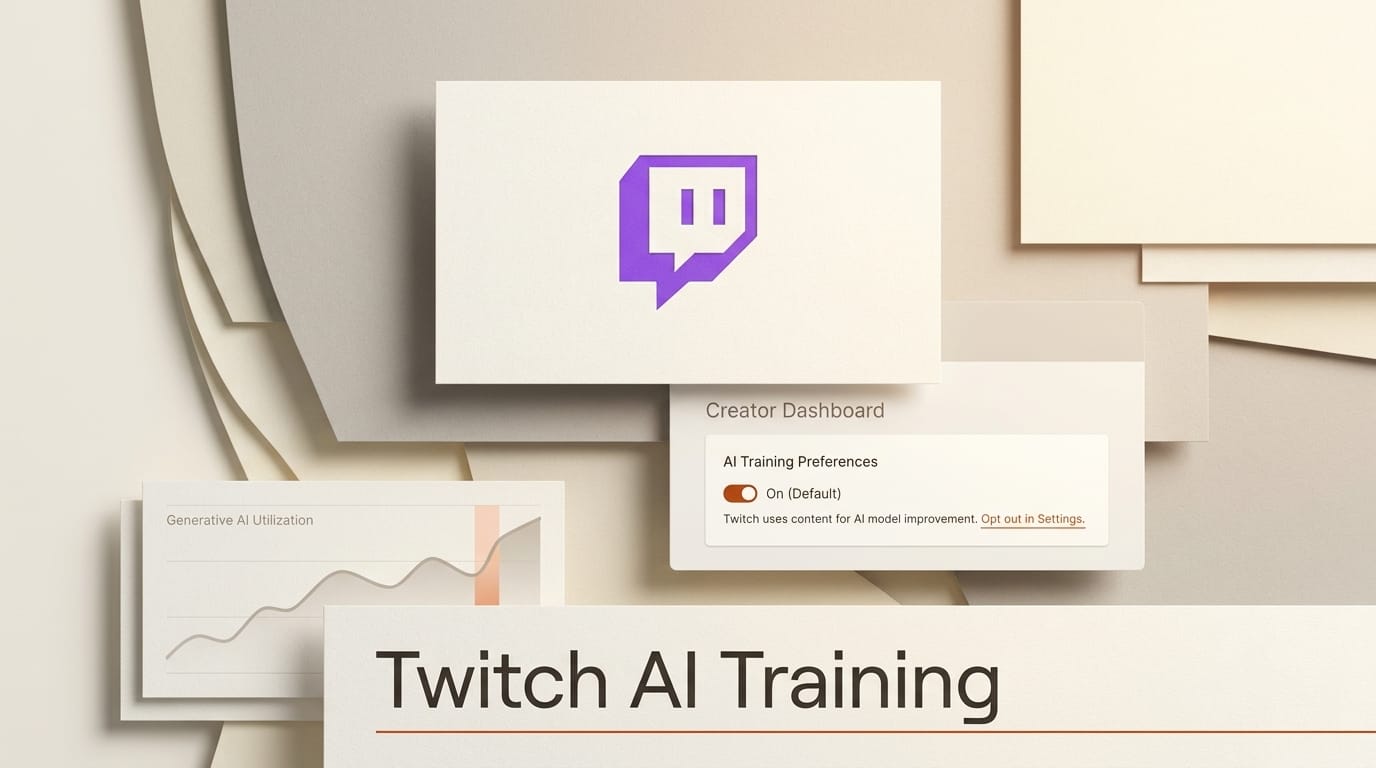
Twitch now uses your channel content to train Amazon's generative AI models, and the setting is on by default. Announced on August 12, 2026, the change quietly reclassified every streamer's archive of streams, recordings, and clips as training data unless the creator digs into settings and switches it off. As TechCrunch reported, Twitch chose the opt-out design deliberately. Chief product officer Mike Minton put the logic in plain terms: "If this was opt-in, nobody would opt in." That single sentence is the story. It is also a preview of how most creator platforms now treat your work, so this guide covers what changed, how Twitch compares to YouTube, Meta, X, and TikTok, and the exact steps to audit and lock down every account you post to.
Background
Twitch is owned by Amazon, and Amazon is building generative AI across its business. The new toggle, labeled "Allow your channel content to train generative AI content models at Amazon," lives in the Security and Privacy tab of channel settings and ships enabled. Most streamers will never see it. Kotaku described the option as hidden, and the placement matches the incentive Minton described: a default that opts everyone in, buried where few will find it.
The reaction was fast. Engadget noted that the top request on Twitch's own feedback forum, asking for AI features to be off by default, has drawn thousands of votes. The friction is not that Twitch built an AI-training program. It is that the company set the default on the side that benefits the platform and left creators to notice, understand, and reverse it on their own time.
How Platform AI-Training Defaults Compare
Twitch is not an outlier. It sits in the middle of a spectrum that runs from genuine opt-in to near-inescapable opt-out. The table below maps where the major creator platforms stand on whether your content trains their AI by default, and where the setting lives.
| Platform | Trains AI on your content by default? | Where to change it |
|---|---|---|
| Twitch (Amazon) | Yes, opt-out by default | Settings, Security and Privacy, generative-AI training toggle |
| YouTube (third-party) | No, off by default (opt-in) | YouTube Studio, third-party training settings |
| Meta (Facebook, Instagram) | Yes, public posts used by default | Instagram Settings, Sharing and reuse, plus an objection form |
| X (Grok) | Yes, public posts used by default | Privacy and safety, Grok and Third-party Collaborators |
| TikTok | Yes, no clean off switch | No single toggle, buried across menus and request forms |
YouTube is the instructive counterexample. Its third-party training control is off by default, and creators actively choose which outside companies, if any, may train on their videos. Meta, by contrast, uses public Facebook and Instagram posts to train its models unless you object, and the opt-out path is deliberately indirect. X applies the same default-on posture to public posts feeding Grok, reversible under Privacy and safety. TikTok's privacy policy permits training on user content to improve its machine-learning systems and offers no clean single toggle at all. Read across the row and the pattern is unmistakable: opt-out is becoming the industry default, and YouTube's opt-in model is the exception.
Deep Analysis
Why Opt-Out by Default Is the Whole Game
Defaults decide outcomes because almost no one changes them. Minton said the quiet part out loud: an opt-in program would collect almost nothing, so Twitch made it opt-out. That is not a technical choice, it is a consent-engineering choice. The company gets the training corpus it wants by counting inaction as agreement. For creators, the lesson is that the position of a toggle is now a business decision made against your interest, and the only reliable defense is to check every default yourself rather than trust that the reasonable option was pre-selected.
Your Voice and Likeness as Training Data
A streamer's archive is not neutral text. It is hours of your voice, your face, your gameplay commentary, and your on-camera personality. Feeding that into a generative model means a system could learn to approximate the very thing you sell. The distinction creators care about is the line between a platform hosting your work and a platform mining it to build a tool that competes with you, and Twitch set the default on the mining side. This is the same fault line behind a wave of legal fights, from creators suing Apple and Amazon over AI video training to a voice-training lawsuit against Adobe under Illinois privacy law. Your likeness is now an asset that platforms want, and the default settings are where that transfer happens.
What Opting Out Does and Does Not Stop
Turning the toggle off matters, but it is narrow. It stops Twitch from using your channel content to train Amazon's generative models going forward. It does not undo training that already happened, and it does not opt you out of every other use Amazon makes of your content under the broader terms of service. Coverage from The Register underlines the reach of the policy. Treat the switch as a forward-looking stop, not a delete button, and assume anything already public may have been ingested.
The Precedent Across Creator Platforms
The Twitch change is one node in a much larger shift. When the platform that hosts your audience is owned by a company racing to build foundation models, your content becomes strategically valuable in a way it never was when the platform only sold ads against it. That structural conflict of interest is now baked into Twitch, Meta, X, and TikTok alike. For a working creator, the practical consequence is that "post it and forget it" is over. Every platform you distribute on is also a potential training pipeline, and the terms can change under you with a single settings update.
Impact on Creators
For anyone who has built a brand on Twitch, this is your original output becoming free fuel for a model you do not control. The immediate cost is optionality: once your archive is ingested, you cannot claw it back. The longer-term cost is competitive. A generative system trained on thousands of streamers, including you, can produce synthetic commentary, voices, and clips that dilute the scarcity your channel depends on. None of that means you must leave the platform. It means the decision of whether your work trains Amazon's AI should be yours to make deliberately, not one made for you by a pre-checked box.
Audit and Lock Down Your Creator Accounts
Do not stop at Twitch. Run the same audit across every platform where you publish. The steps below take about fifteen minutes and should be repeated whenever a platform updates its terms.
- Twitch: Open channel settings, go to the Security and Privacy tab, find "Allow your channel content to train generative AI content models at Amazon," and switch it off.
- YouTube: Open YouTube Studio and confirm third-party training is off. It defaults off, but verify no company has been authorized, since the control is granular per-company.
- Instagram and Facebook: In Instagram, go to Settings, Sharing and reuse, and turn off the toggles that allow your content to be used with AI features. Submit Meta's objection form if it applies to your region.
- X: Go to Settings and privacy, Privacy and safety, then Grok and Third-party Collaborators, and uncheck the option that allows your public data to be used for training.
- TikTok: There is no single switch. Review the privacy settings, minimize what you post publicly, and file a data request if you need content removed, since drafts and private videos may still be analyzed.
- Team and multi-channel accounts: Audit every channel individually. A setting on one account does not propagate to the others, so a shared brand with several channels needs each one checked.

Key Takeaways
- Twitch turned on AI training by default on August 12, 2026, feeding your channel content to Amazon's generative models unless you opt out.
- The opt-out is intentional design: Twitch's own product chief said opt-in would collect almost nothing.
- Opt-out by default is now the norm across Meta, X, and TikTok. YouTube's opt-in model is the exception.
- Turning the toggle off stops future training use only. It does not reverse ingestion that already happened or cover other content uses.
- Audit every platform you post to, not just Twitch, and re-check whenever terms change.
What to Watch
Watch whether Twitch's forum backlash forces a reversal to opt-in, and whether regulators treat opt-out-by-default AI training as a consent problem rather than a settings preference. Watch the courts, where the question of whether ingesting a creator's voice and likeness requires affirmative permission is being tested in cases like the ones already filed against Apple, Amazon, and Adobe. And watch the wider licensing market, where platforms that pay creators for training rights, rather than defaulting them in, may become a competitive differentiator. For the deeper legal picture, our guide to AI copyright and licensing for creators tracks how consent and compensation are evolving. The direction of travel is clear: your content is valuable to model builders, and the fight over who decides when it becomes training data is only beginning.
Frequently Asked Questions
Does opting out delete content Twitch already used for training?
No. Turning the toggle off stops future training use only. Any content already ingested cannot be pulled back out of a model, so opt out sooner rather than later.
Where exactly is the Twitch opt-out setting?
Open your channel settings, go to the Security and Privacy tab, and switch off "Allow your channel content to train generative AI content models at Amazon." It is enabled by default.
Does opting out affect my stream quality or monetization?
No. The toggle only governs whether your content trains Amazon's generative AI models. It does not change your stream, your discoverability, or your revenue.
Do other platforms train AI on my content by default too?
Yes. Meta, X, and TikTok use public content to train AI by default and require you to opt out. YouTube is the main exception, with third-party training off by default.
What content does the Twitch policy cover?
Your channel content, which includes streams, recordings, and clips. Opting out stops training use but does not cover every other use Amazon makes of your content under its terms of service.





