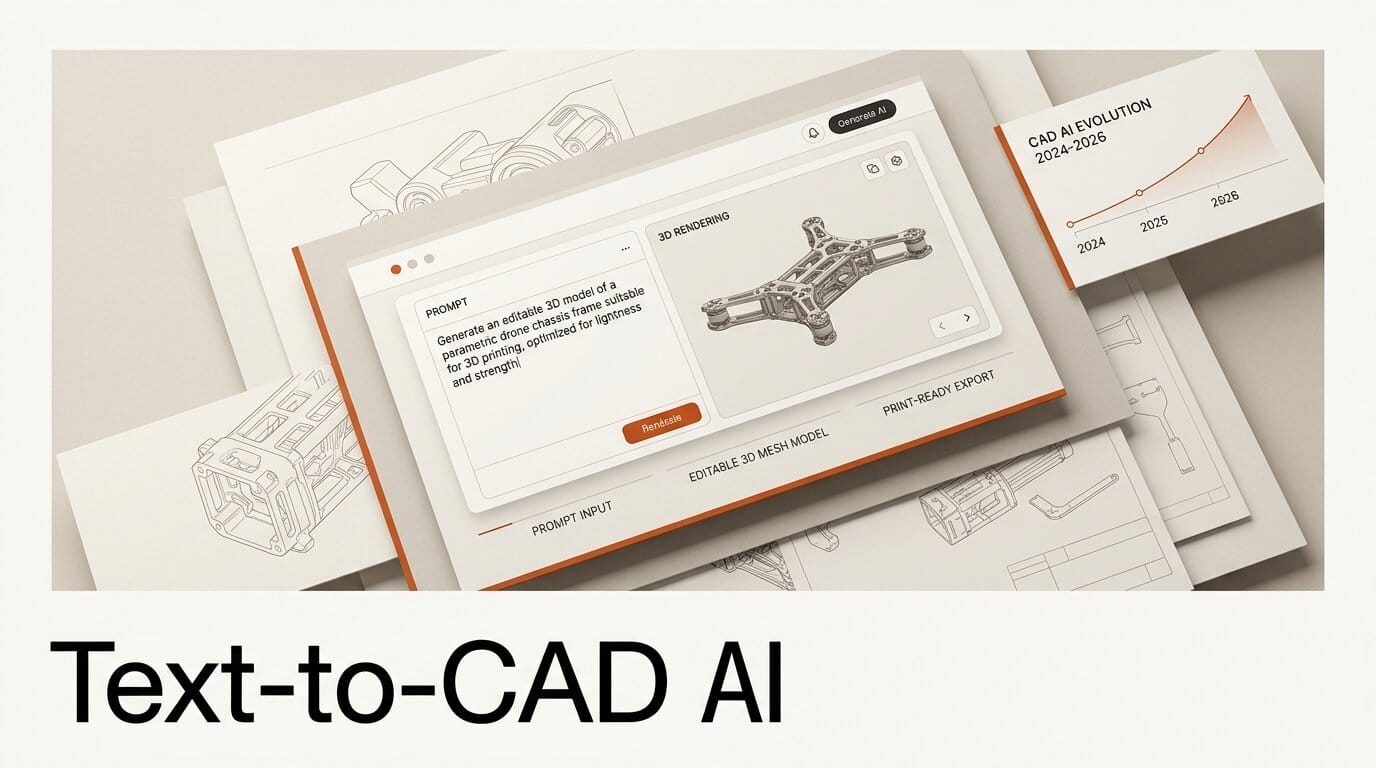
Yes, AI can now turn a sentence like "a 40mm bracket with four mounting holes" into a real 3D model you can print, but only some tools give you a model you can also edit. The split that decides everything is parametric versus mesh. Parametric text-to-CAD tools such as AdamCAD and Zoo generate dimensioned, editable geometry, while mesh generators such as Meshy and Tripo produce a fixed surface of triangles. Both can output a printable file. Only one lets you change a hole diameter after the fact. This guide explains the difference, compares the leading tools on printability, and walks through a prompt-to-STL workflow for functional parts.
Background: two very different ways to make a 3D model from text
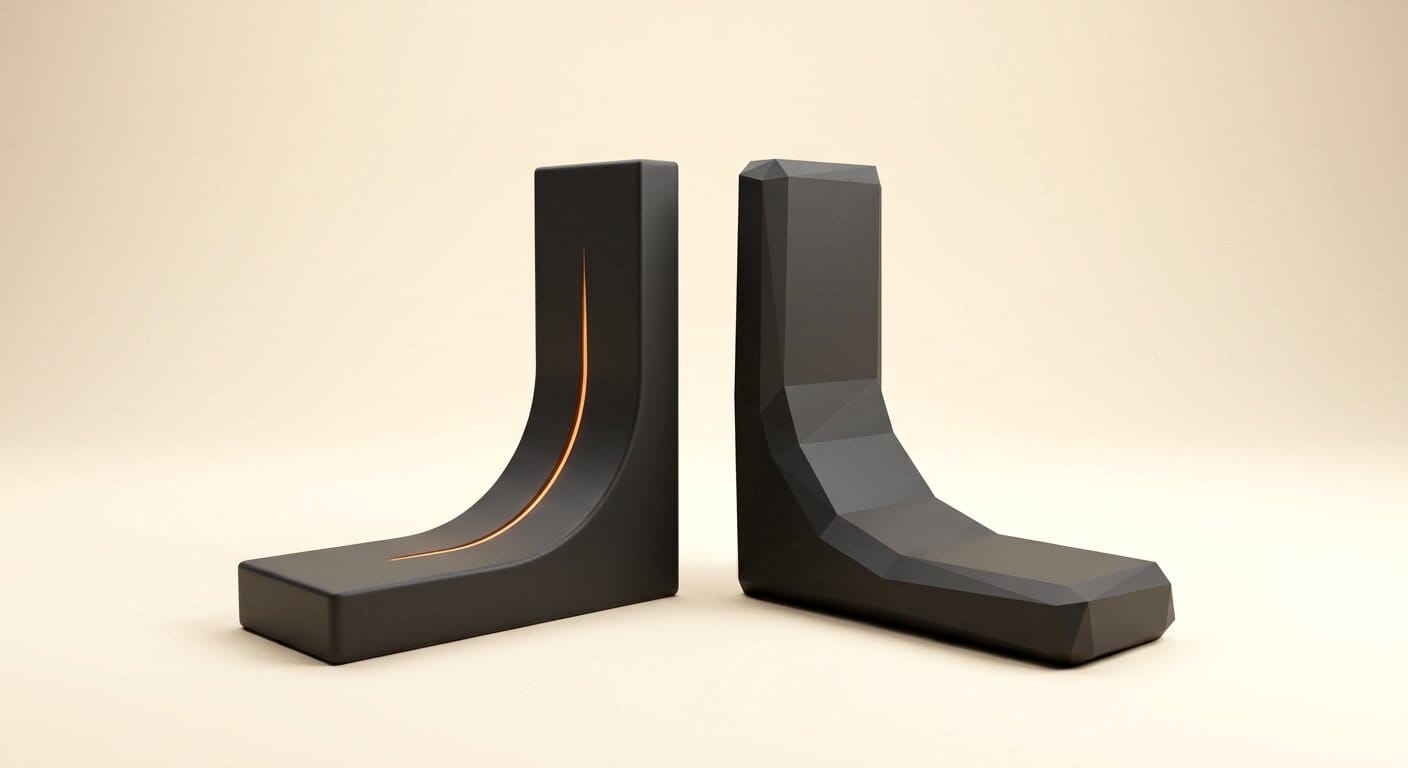
"AI 3D" became a crowded category in 2026, but the tools underneath it work in fundamentally different ways. Mesh generators, the most common kind, predict a surface made of polygons directly from a prompt or an image. They are fast, they handle organic and stylized shapes well, and they are ideal for game assets, characters, and figurines. What they do not produce is dimensional intent. A generated mesh has no concept of "this hole is 5mm" or "this wall is 2mm thick." It is a frozen shell.
Parametric CAD is the opposite. It builds geometry from named operations, extrude, revolve, fillet, pattern, driven by numbers you can change. This is how mechanical parts have been designed for decades, and it is also the steepest learning curve in the entire creative-tools stack. Text-to-CAD is the attempt to remove that curve: describe the part in plain language, and the AI writes the underlying CAD definition for you. The payoff is a model that is both printable and editable, which is exactly what makers building functional parts need.
Deep Analysis
Parametric vs mesh: the choice that decides printability
For 3D printing specifically, the printer reads an STL either way, so any of these tools can hand you a printable file. The real question is what happens after the first print fails. With a mesh, a tolerance problem means regenerating the whole model and hoping the next roll of the dice fits. With a parametric model, you nudge a single dimension and reprint. That feedback loop is the difference between a tool you use once and a tool you keep.
The second axis is downstream compatibility. Mesh output stays a mesh: hard to dimension, hard to import into engineering CAD, and unsuitable for CNC machining that expects exact surfaces. Parametric output travels further. Zoo's Text-to-CAD, for example, generates B-Rep (boundary representation) surfaces rather than point clouds, so a generated STEP file imports cleanly into any conventional CAD program for further work. B-Rep is the representation most CAD and CAM tools expect, which is why it matters for anything headed toward manufacturing rather than a display shelf.
The parametric text-to-CAD tools, compared
Two tools define the open, accessible end of parametric text-to-CAD in 2026, and they make opposite bets on the underlying format.
AdamCAD (the open-sourced project is called CADAM) wraps OpenSCAD compiled to WebAssembly and runs entirely in a browser tab. A prompt returns OpenSCAD code plus a live preview, and every numeric value, hole diameter, wall thickness, length, is surfaced as a slider. Crucially, dragging a slider updates the geometry through deterministic code edits rather than a fresh model call, so iteration is instant and costs nothing. It exports STL, OBJ, GLB, FBX, and DXF, ships the BOSL, BOSL2, and MCAD mechanical libraries, and is model-agnostic: it routes through OpenRouter so you can point it at Anthropic, Google, or OpenAI models with your own key. The team frames it as an "AI TinkerCAD" for makers and hobbyists, and because it is fully open source under the Adam (YC W25) umbrella, you can self-host or swap the model.
Zoo sits at the engineering end. Its original Text-to-CAD shipped in December 2023, and in January 2026 it became Zookeeper, a conversational CAD agent inside Zoo Design Studio. Zookeeper writes and executes KCL (KittyCAD Language), Zoo's parametric design language, and adds engineering-grade tooling: center-of-mass and mass calculation, surface area and volume, and full design reviews. It targets editable B-Rep models where "adjusting a fillet radius or resizing a hole" is a parameter update, and it exposes a documented API for generating models programmatically.
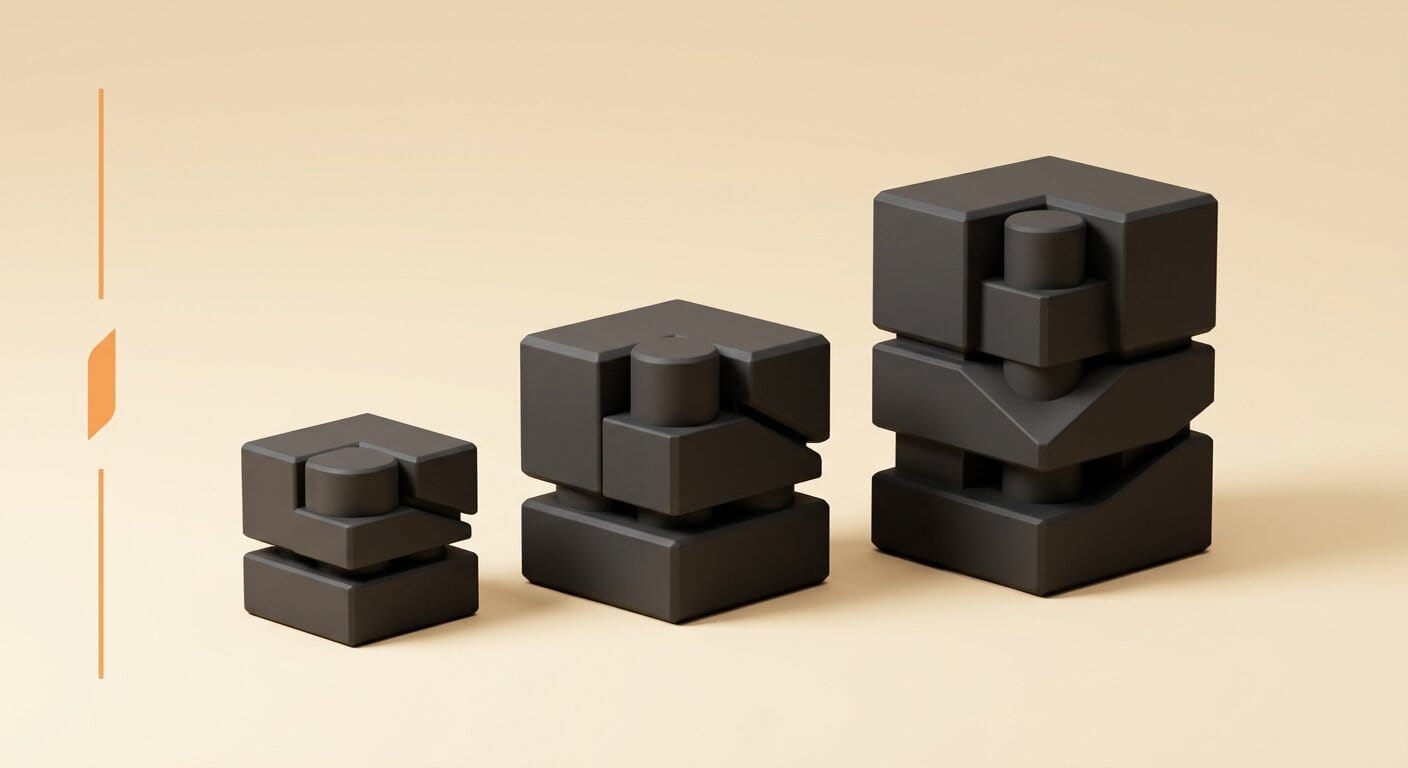
Here is how the main approaches line up for a maker who wants a printable, editable part.
| Tool / approach | Output type | Editable after generation | Key exports | Best for | Open source |
|---|---|---|---|---|---|
| AdamCAD (CADAM) | OpenSCAD parametric | Yes, slider per dimension | STL, OBJ, GLB, FBX, DXF | Browser-based maker parts | Yes |
| Zoo Zookeeper | KCL / B-Rep parametric | Yes, parameter edits | STEP, plus CAD import | Engineering-grade parts | Partial (UI and bot) |
| Mesh generators (Meshy, Tripo, Rodin) | Polygon mesh | No, regenerate only | STL, OBJ, GLB, FBX | Organic, game, figurines | Varies |
| Template tools (Sloyd) | Parametric template | Limited to template knobs | Game-ready formats | Common game props | No |
A real workflow: prompt to printable STL
The fastest path from idea to functional print, using a browser-based parametric tool, looks like this. First, describe the part in functional terms, not visual ones: "a wall-mount phone cradle for a device 75mm wide and 9mm thick, with a 30-degree viewing angle and a cable slot." Functional descriptions give the model the constraints it needs to build correct geometry. Second, read the generated code and the sliders the tool exposes. If the dimension you care about is not a slider, it is not truly parametric yet, and you should add or rename it before going further.
Third, validate at the edges. Push each slider to the extremes of a real print, your widest device, your thinnest acceptable wall, and confirm the geometry stays valid rather than self-intersecting. This is where parametric output earns its keep, because you are stress-testing intent rather than a single frozen shape. Fourth, export STL and slice it as you would any model, then print a quick draft at low infill to check fit before committing to a full-quality run. When the fit is right, the parametric file is reusable: the next variant is a slider drag away, not a new prompt.
Where mesh generators still win
None of this means parametric tools have replaced mesh generation. For anything organic or stylized, a sculpted bust, a creature, a decorative planter, a game prop, mesh generators remain faster and more expressive, because that geometry was never going to be a clean extrude-and-fillet operation anyway. The mesh-versus-CAD divide is not better versus worse, it is functional-precision versus organic-expressiveness. We cover the mesh side in depth in our comparison of the best AI 3D model generators, and the print loop those tools enable in our look at how Meshy and Formlabs closed the text-to-3D manufacturing loop. The practical rule: if the object has named dimensions that must be exact, reach for parametric text-to-CAD; if it is a shape you would sculpt, reach for a mesh generator.
Impact on Creators
For makers, product designers, and hardware tinkerers, parametric text-to-CAD removes the single biggest barrier to designing functional parts: the OpenSCAD or Fusion learning curve that used to gate the whole discipline. A prompt now gets you to a working draft, and the sliders teach you which dimensions matter by letting you feel them change. That is a meaningfully lower floor than "watch forty hours of CAD tutorials first."
For creators who already live in mesh tools, the takeaway is the reverse: stop forcing functional parts through a mesh pipeline. If you have been regenerating a bracket five times trying to get a hole to fit, a parametric tool will get you there in one edit. And for anyone building on top of these systems, the open and API-accessible options matter. AdamCAD's self-hostable, model-swappable design and Zoo's documented generation API both let you wire text-to-CAD into a larger workflow, which is the same kind of script-driven CAD control we saw benchmarked when Antigravity 2.0 beat Codex on a 3D CAD benchmark.
Key Takeaways
Parametric beats mesh for any part with exact dimensions, because you edit a number instead of rolling the dice on a regeneration. Mesh still wins for organic and stylized shapes. Both can hand a 3D printer a usable STL, so "can it print" is the wrong question; "can I fix it after the first print" is the right one. AdamCAD is the most accessible parametric option, free, open source, and browser-based on OpenSCAD, while Zoo's Zookeeper is the most engineering-serious, with B-Rep output, KCL, and mass-property tools. If you build functional hardware, a parametric text-to-CAD tool belongs in your workflow today, alongside, not instead of, your mesh generator.
What to Watch
The line between these camps is going to blur. AdamCAD's roadmap already lists STEP export and a professional copilot, which would push a hobbyist browser tool toward the engineering output Zoo occupies. Watch whether mesh generators add genuine parametric retopology, turning their organic strength into dimensioned geometry, because that would collapse the divide from the other direction. Watch licensing, too: AdamCAD's fully open OpenSCAD foundation invites self-hosted forks and custom model routing, while the engineering tools keep more of the stack proprietary. The tool that wins the maker market will be the one that keeps prompt-to-printable instant and the dimensions honestly editable, and right now that race is wide open.
Frequently Asked Questions
Can AI really generate a 3D-printable model from a text prompt?
Yes. Both parametric tools like AdamCAD and Zoo and mesh generators like Meshy can export an STL from a text description, and a 3D printer reads STL regardless of how it was made. The difference is editability: parametric tools let you adjust exact dimensions afterward, while mesh output is a fixed surface you must regenerate to change.
What is the difference between parametric text-to-CAD and mesh generation?
Parametric text-to-CAD builds geometry from editable operations and named dimensions, so changing a slider recalculates the model. Mesh generation predicts a surface of polygons directly, which is great for organic shapes but has no dimensional intent and cannot be precisely edited after the fact.
Is AdamCAD free and open source?
Yes. AdamCAD open-sourced its CADAM project on GitHub. It runs OpenSCAD compiled to WebAssembly in the browser, is free to use, and is model-agnostic through OpenRouter, so you can self-host it and point it at your own choice of AI model with your own API key.
Which text-to-CAD tool is best for engineering and manufacturing?
Zoo's Zookeeper is the most manufacturing-oriented. It produces B-Rep parametric geometry, writes editable KCL code, exports STEP files that import into conventional CAD, and includes computational tools like center of mass, mass, and volume that engineering and CAM workflows depend on.
When should I use a mesh generator instead of text-to-CAD?
Use a mesh generator for organic, sculptural, or stylized objects, characters, creatures, decorative pieces, and game assets, where exact dimensions do not matter and expressiveness does. Use parametric text-to-CAD for functional parts with measurements that must be correct, like brackets, mounts, enclosures, and adapters.