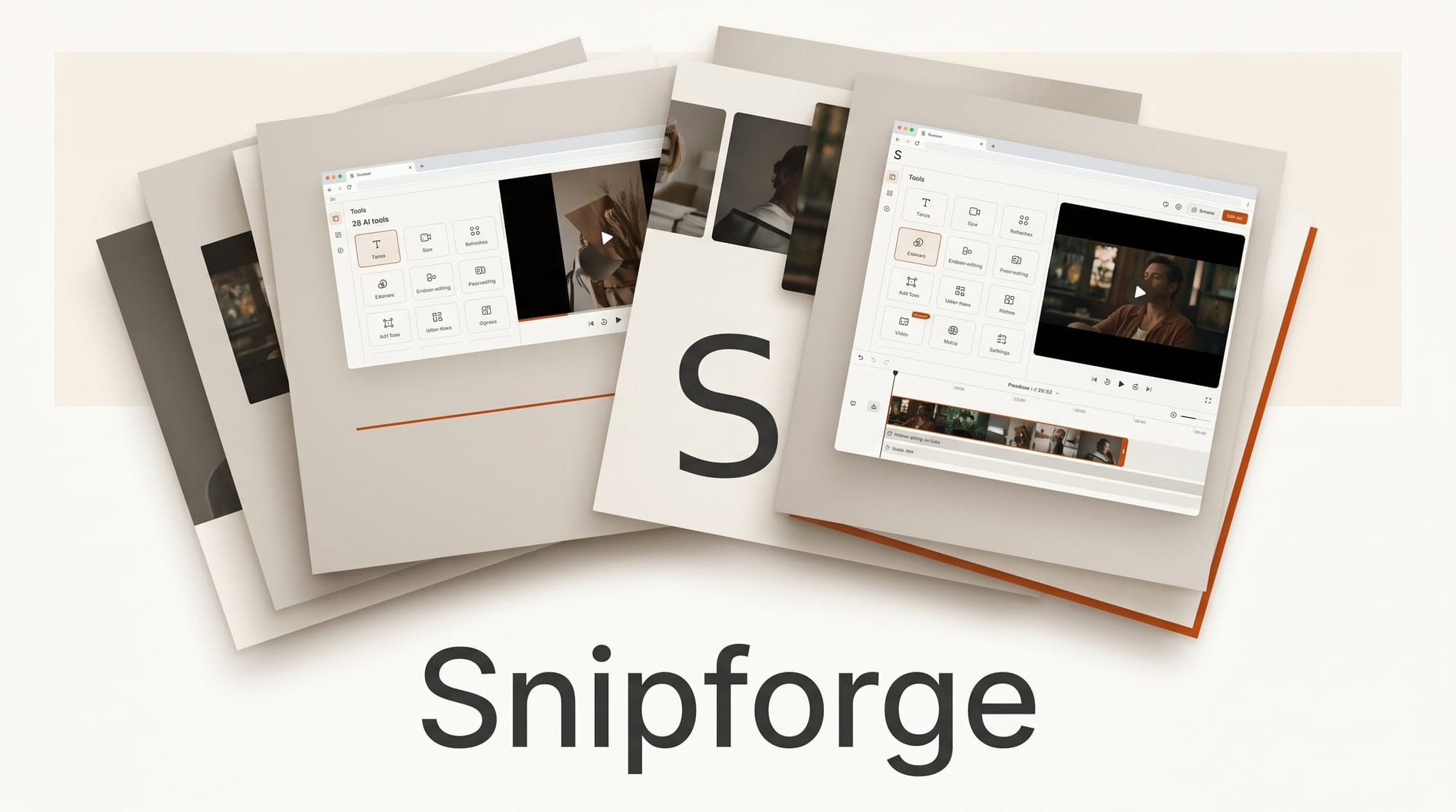
A solo developer shipped Snipforge on May 27, 2026: 28 AI-powered video tools that run entirely in your browser, requiring no installation, no desktop app, and no account to start. Built with Python, Flask, and OpenAI APIs over several months of solo development, Snipforge compresses a full video editing workflow into a free-to-start web app that handles AI captions, silence removal, background replacement, transcription in 20 languages, and much more.
What Happened
The developer posted the project to Hacker News on May 27, 2026, describing how they built a 28-tool AI video SaaS platform as a solo project. The tool runs in-browser, meaning creators can process videos without downloading software or worrying about system compatibility. The free tier allows 3 videos per month with access to all 28 tools; the Pro plan at $5/month unlocks unlimited processing.
The platform uses OpenAI Whisper for transcription and auto-captions, with support for 20 languages and built-in translation capability. This alone puts it on par with paid captioning services that charge significantly more per minute of video.
Why It Matters for Creators
Browser-based video tools have matured significantly in 2026. What used to require Adobe Premiere or DaVinci Resolve can now be handled in a browser tab for basic-to-intermediate workflows. Snipforge's significance is not that it replaces professional editors (it does not), but that it removes the setup barrier entirely for creators who need to quickly process footage for social media, YouTube, or client deliverables.
The AI tools integrated into Snipforge address the most time-consuming parts of a creator's workflow: captioning (which YouTube's auto-captions often get wrong), silence removal (which makes long-form content tighter without manual cutting), and background removal (which requires green screen setups or expensive software without AI).
At $5/month for unlimited processing, Snipforge undercuts dedicated AI captioning tools like Submagic ($20/month) and silence-removal tools like Descript ($12/month), bundling both into a single subscription with 26 additional tools included.
The 28 Tools: A Full Breakdown
Snipforge organizes its toolkit into four categories:
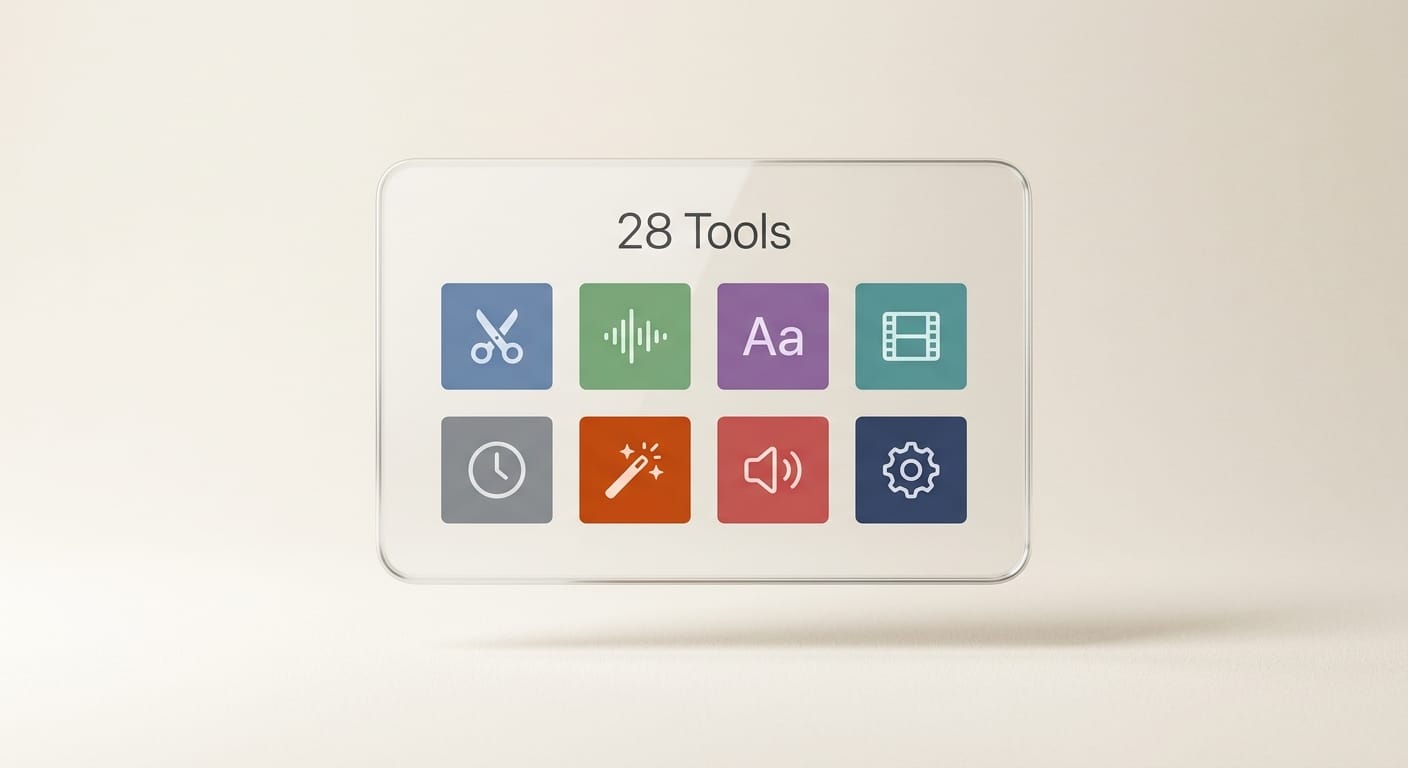
AI-Powered Tools (7)
- AI Shorten detects and removes silences and filler words automatically
- AI Transcribe converts speech to text in 20 languages via Whisper, with translation output
- AI Smart Clip identifies highlight moments for short-form repurposing
- AI Chapters and Meta generates YouTube chapter timestamps, titles, and descriptions from content
- Auto Captions burns subtitles directly into the video with style control
- AI Background Remover removes video backgrounds without green screen
- AI Background Changer replaces removed backgrounds with custom images or colors
Video Processing Tools (10)
- Trim, Multi-Trim, Speed, Split, Rotate/Flip, Resize for Social (9:16, 1:1, 16:9), Watermark, Merge, Convert, Compress
Audio Tools (5)
- Volume adjustment, Noise Removal, Extract Audio, Mute, Background Music
Effects and Enhancement (6)
- Text Overlay, Blur Region, Brightness and Contrast, Thumbnail Extractor, Video to GIF, GIF to Video
Creator Workflow: How to Use Snipforge for YouTube
Here is a practical workflow for turning a raw talking-head recording into a publish-ready YouTube video using Snipforge's free tier:
- Upload your raw clip and run AI Shorten first. This removes silences and filler words automatically. On a 10-minute raw recording, this typically trims 1 to 2 minutes of dead time without manual editing.
- Run AI Transcribe on the trimmed clip. Download the transcript to verify accuracy for the captions step.
- Use AI Chapters and Meta to generate chapter timestamps and a YouTube description draft. This replaces 20 to 30 minutes of manual work per video.
- Run Auto Captions to burn in subtitles. Verify accuracy against the transcript from step 2, since Whisper occasionally mishears technical terms.
- Use Resize for Social to export a 9:16 version of the hook (first 30 to 60 seconds) for Instagram Reels or TikTok.
- Extract a Thumbnail from the best frame using the Thumbnail Extractor tool.
This workflow replaces several separate tools: a captioning service, a silence-removal editor, a social resize exporter, and a metadata generator. For creators on tight budgets, this is a meaningful consolidation.
Snipforge vs. Competing Browser Tools
Snipforge is not the only browser-based video editor, but its AI tool depth is unusual at this price point. Here is how it compares to the most common alternatives:

| Feature | Snipforge Pro ($5/mo) | CapCut Web (Free) | Clideo ($9/mo) | Adobe Express ($10/mo) |
|---|---|---|---|---|
| AI Silence Removal | Yes | Yes (limited) | No | No |
| AI Captions (Whisper) | Yes | Yes (proprietary) | No | No |
| Multi-language Transcription | 20 languages | Yes | No | No |
| Background Removal (video) | Yes | Yes | No | Limited (images only) |
| AI Meta Generation | Yes (YouTube chapters/titles) | No | No | No |
| No Install Required | Yes | Yes | Yes | Yes |
| Total Video Tools | 28 | 30+ (template-based) | 25 | 20+ |
CapCut is the most direct competitor and has a larger team behind it. However, CapCut's AI tools are increasingly tied to its template and effects ecosystem, which favors trending social content over clean utility workflows. Snipforge is more utilitarian: no templates, no effects packs, just processing tools. Clideo is strong for video conversion and compression but lacks AI tools entirely. Adobe Express has better asset integration but focuses on marketing content, not raw video processing.
For creators who want pure AI processing tools without a creative template layer, Snipforge is currently the most feature-dense option at $5/month.
Limitations to Know Before You Switch
Snipforge has real tradeoffs. The free tier caps at 3 videos per month with a 5-minute maximum duration. Most professional content exceeds 5 minutes, which means the free tier is effectively for testing only. The platform launched publicly in May 2026, so long-term reliability, uptime guarantees, and support responsiveness are unproven.

Browser-based processing means your video uploads to their server for processing rather than running locally. For creators handling sensitive or unreleased footage, this is worth considering before uploading pre-release content.
The tool does not have a timeline editor. It processes one operation at a time, which means you run multiple steps sequentially rather than doing non-destructive editing. For complex productions, a dedicated editor remains necessary.
Frequently Asked Questions
Does Snipforge work without creating an account?
The free tier gives you access to all 28 tools without a login. An account is required for the Pro and Team plans to track usage and manage billing.
How accurate is Whisper AI transcription in Snipforge?
Whisper achieves roughly 5 to 8% word error rate on clear English speech, competitive with paid services. Technical jargon, accents, and background noise increase error rates. Always review transcripts before publishing captions.
What video formats does Snipforge support?
The platform accepts most common formats including MP4, MOV, AVI, WebM, and MKV. Output defaults to MP4 for maximum compatibility.
Is the $5/month plan genuinely unlimited?
The Pro plan advertises unlimited videos with no duration cap. As of launch, no stated fair-use limits exist beyond server capacity. This may change as the platform scales.
Can I use Snipforge for client work?
The Team plan at $15/month supports 5 seats and a shared workspace, making it viable for small agencies or freelancers processing client footage at volume.
What happens to uploaded videos after processing?
Review the terms of service at snipforge.video before uploading sensitive content. Cloud-processed video typically gets deleted after a retention window, but verify the current policy before uploading pre-release footage.
What to Do Next
Start with the free tier at snipforge.video: upload a short clip and run the AI Shorten tool. If silence removal alone saves you editing time, the $5/month Pro plan pays for itself within the first video. For YouTube creators specifically, the AI Chapters and Meta generator is worth testing because automated chapter timestamps and description drafts at that price point are rare in a browser-based tool.
Treat it as a supplement to your existing workflow rather than a replacement for your primary editor. Test it on secondary projects first. If it holds up over 30 to 60 days of regular use, it earns its place as a permanent workflow tool.





