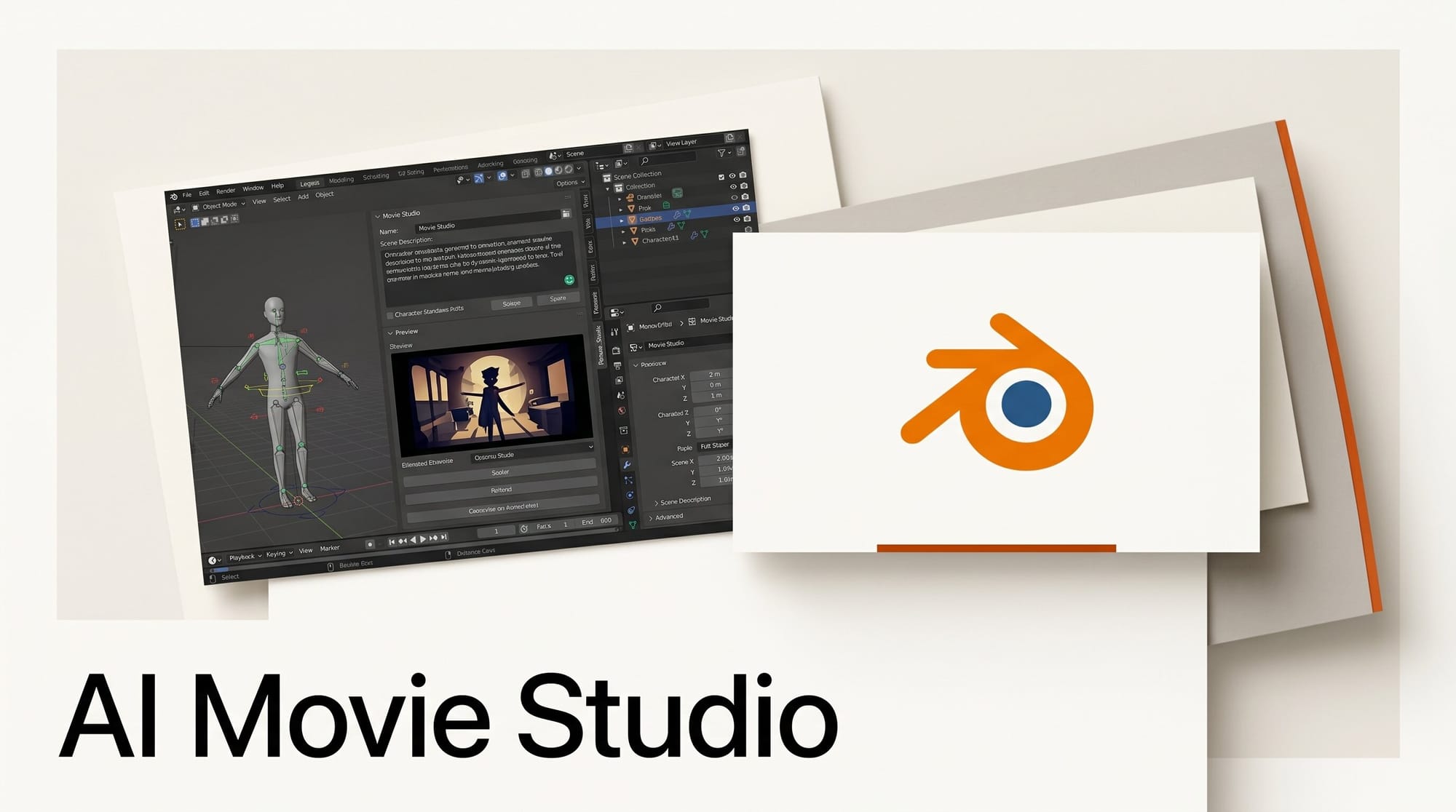
Pallaidium is a free, open-source plugin that turns Blender's Video Sequence Editor into a complete AI movie studio. The project updated on May 31, 2026 to support Blender 5.2 with a full plugin architecture redesign, bringing 50+ generative AI models directly into one of the most widely used 3D and video editing tools in the world.
For creators already working in Blender, this means generating text-to-image, text-to-video, audio, music, and speech without switching applications. For creators new to Blender, it offers a compelling reason to adopt it as a central production hub.
What Happened

On May 31, 2026, Pallaidium released a major update introducing native Blender 5.2 support alongside a complete redesign of the plugin's internal architecture. The update is significant because Blender 5.2 changed how add-ons interface with the Video Sequence Editor, requiring a ground-up rewrite to maintain compatibility.
The project, maintained by developer tin2tin on GitHub, has been building toward a unified creative pipeline since it first launched. Recent additions include an async render queue with batch job tracking, Qwen3 text-to-speech with voice cloning, ACE Step for music generation, LTX-2 multi-input video generation, and FLUX.2 model variants.
The plugin is free and open-source under a permissive license, with no subscription or cloud fees for local model usage.
What Pallaidium Does
Pallaidium adds a "Generative AI" panel to Blender's Video Sequence Editor sidebar. From that single panel, creators can generate any media type, transform existing timeline strips, and route outputs directly back into the edit.
The workflow is genuinely non-linear. A text prompt generates an image strip. That image strip can be animated into a video clip. That clip can have synchronized ambient audio added. A caption track can be extracted from a final video. All of this happens within a single Blender session, with results auto-populating the VSE timeline.
This unified approach puts Pallaidium in a different category from browser-based AI video tools. Where services like Snipforge offer discrete tools in a browser, Pallaidium is a full production environment where all tools share timeline state.
The Generation Matrix
| Input | Output Types | Example Models |
|---|---|---|
| Text | Image | FLUX, FLUX.2, Stable Diffusion XL, PixArt, Kolors |
| Text | Video | CogVideoX, LTX-Video, LTX-2, Hunyuan, SkyReels |
| Text | Speech | F5-TTS, Parler TTS, Qwen3 (voice cloning) |
| Text | Music / Audio | MusicGen, ACE Step, AudioLDM2, MMAudio |
| Image | Image | ControlNet (OpenPose, Canny), IP Adapter, LoRA |
| Image | Video | Image-to-video animation |
| Video | Video | Upscaling, style transfer, refinement |
| Video / Audio | Text | Florence-2 (captions), Whisper v3-turbo (transcription) |
MiniMax Cloud is also supported for API-based video generation if local VRAM is limited.
The 50+ Model Ecosystem

What distinguishes Pallaidium from simpler Blender AI add-ons is breadth. The plugin integrates over 50 models across every media category a production workflow might need.
For image generation, the most capable local options are FLUX and FLUX.2, which produce photorealistic outputs at high resolution. For video, LTX-Video and LTX-2 offer fast local generation while CogVideoX and Hunyuan produce higher-quality outputs at the cost of generation time.
The speech synthesis options are notable. Qwen3 TTS supports voice cloning from a short reference clip, enabling consistent character voices across a production. F5-TTS delivers natural-sounding speech with minimal VRAM overhead. For music, ACE Step generates stems by style description, and MusicGen (part of Meta's AudioCraft suite) allows genre, instrument, and mood control.
Advanced image controls include ControlNet with OpenPose for matching human poses from reference images, Canny edge detection for structural matching, LoRA weight injection for style consistency, and IP Adapter for visual style transfer.
How to Set Up Pallaidium
Installation requires a one-time setup. Here are the steps for Windows, which is the primary supported platform:
- Install Git and add it to your system PATH.
- Download Blender 5.2 from blender.org and extract it to your drive.
- Download Pallaidium from the GitHub repository as a ZIP file.
- Launch Blender as Administrator. This is required for the dependency installer to write files.
- Install the add-on via Edit > Preferences > Add-ons > Install, then enable it.
- Click "Install Dependencies" in the add-on preferences panel. This downloads PyTorch, Diffusers, and all model runners.
- Restart your computer and re-launch Blender as Administrator.
- Open the Video Sequence Editor and press N to open the sidebar. The Generative AI panel appears.
First-run model downloads range from 3 GB to 20 GB depending on the model. Plan for 20+ GB total storage for a working multimodal setup. Subsequent loads are fast since models cache locally.
A Basic Workflow: Text to Scene
Here is a practical workflow for generating a short scene from a text description:
- Open the Generative AI panel in the VSE sidebar.
- Select FLUX or SD XL as the image model. Enter a prompt describing your scene. Click Generate. An image strip appears on the timeline.
- Select the image strip. Switch the output type to Video and choose LTX-2. Set duration to 5 seconds. Click "Generate from Strips." A video clip is created from the image.
- Switch output to Music. Select MusicGen and describe the mood. Click Generate. A music strip aligns to your video.
- Add speech. Switch to Speech, choose Qwen3 TTS, enter your dialogue, and generate. A voice strip drops onto the timeline.
- Review the assembled sequence in the VSE and adjust clip order, length, and transitions using Blender's standard editing tools.
The async render queue handles long-running generations in the background, so you can continue working while a video clip renders.
Why This Matters for Creators
Most AI video tools operate as web services or standalone desktop applications, which means constantly exporting, importing, and context-switching between tools. Pallaidium removes that friction by running entirely inside the production environment.
The Blender 5.2 update is particularly timely. Blender 5.2 introduced significant performance improvements to the VSE and new rendering capabilities. With Pallaidium now compatible, creators can use AI generation during the same session as final rendering and compositing.
The open-source model is also meaningful. Pallaidium has no vendor lock-in, no subscription, and no usage limits beyond your hardware. As new models like LTX-2 and FLUX.2 become available, they are added to the plugin rather than waiting for a SaaS vendor to integrate them. Compare this to API-based unified model services that abstract model access through cloud metering.
For indie filmmakers, VFX artists, and content creators who already use Blender, the upgrade path is clear: add Pallaidium, run dependency installer, and start generating within the existing workflow.
Limitations and Requirements
Pallaidium has real hardware requirements. You need an NVIDIA GPU with at least 6 GB of VRAM and CUDA 12.4. AMD and Apple Silicon are not currently supported for local inference, though MiniMax Cloud provides a fallback for video generation without sufficient local hardware.
Windows is the primary platform. Linux support exists but is described as limited. macOS is not supported for local model execution.
The administrator requirement on Windows is a friction point for managed machines, though it is only required for dependency installation, not for day-to-day use after setup.
Generation speeds depend on hardware. A 16 GB VRAM card produces acceptable LTX-2 video in 2 to 3 minutes per 5-second clip at 720p. Lower VRAM cards will be slower and limited to smaller models.
Frequently Asked Questions
Does Pallaidium require an internet connection to generate content?
No. Once models are downloaded, all generation runs locally without any internet connection. The only exception is MiniMax Cloud for video generation, which is an optional feature for users without sufficient local VRAM.
Which video generation model is fastest in Pallaidium?
LTX-Video and LTX-2 are the fastest local options, designed for real-time inference on consumer hardware. CogVideoX and Hunyuan produce higher quality but take significantly longer. For quick iteration, start with LTX-2 and switch to CogVideoX for final outputs.
Can I use Pallaidium with Blender versions older than 5.2?
The May 31, 2026 release targets Blender 5.2 specifically due to the architecture redesign. Earlier Blender versions are not supported by the current codebase. Installing Blender 5.2 alongside an older version is possible if you need to maintain compatibility with older project files.
Is voice cloning via Qwen3 TTS legal for commercial projects?
Voice cloning in Pallaidium is a local process with no platform usage restrictions from the plugin itself. Commercial usage rights depend on the source voice audio you use as a reference clip and applicable laws in your jurisdiction. Cloning your own voice or using royalty-free reference audio is the safest approach.
How does Pallaidium compare to Deforum or other Stable Diffusion Blender add-ons?
Deforum focuses on video animations from images and prompts using older SD architectures. Pallaidium is broader in scope: it covers the full production pipeline from script to final export, supports modern models like FLUX and LTX-2, and includes audio and speech generation alongside visual tools. Pallaidium's VSE-native approach means generated clips slot directly into a complete edit rather than being imported as external files.
What storage space does a full Pallaidium setup require?
A minimal setup with one image model (FLUX at approximately 10 GB) and one video model (LTX-2 at approximately 6 GB) requires around 20 GB. A full multi-model setup with image, video, speech, and music models can exceed 80 GB. Models are downloaded on first use and cached locally.
What to Do Next
Download Blender 5.2 if you have not already updated. Then grab the Pallaidium ZIP from the GitHub repository, follow the installation steps above, and start with a simple text-to-image test before building up to video. The async render queue means you can queue multiple generations and return to find a full set of clips waiting on your timeline.
For a look at alternative approaches to unifying multiple AI models for creative work, see the overview of API-based unified model access.





