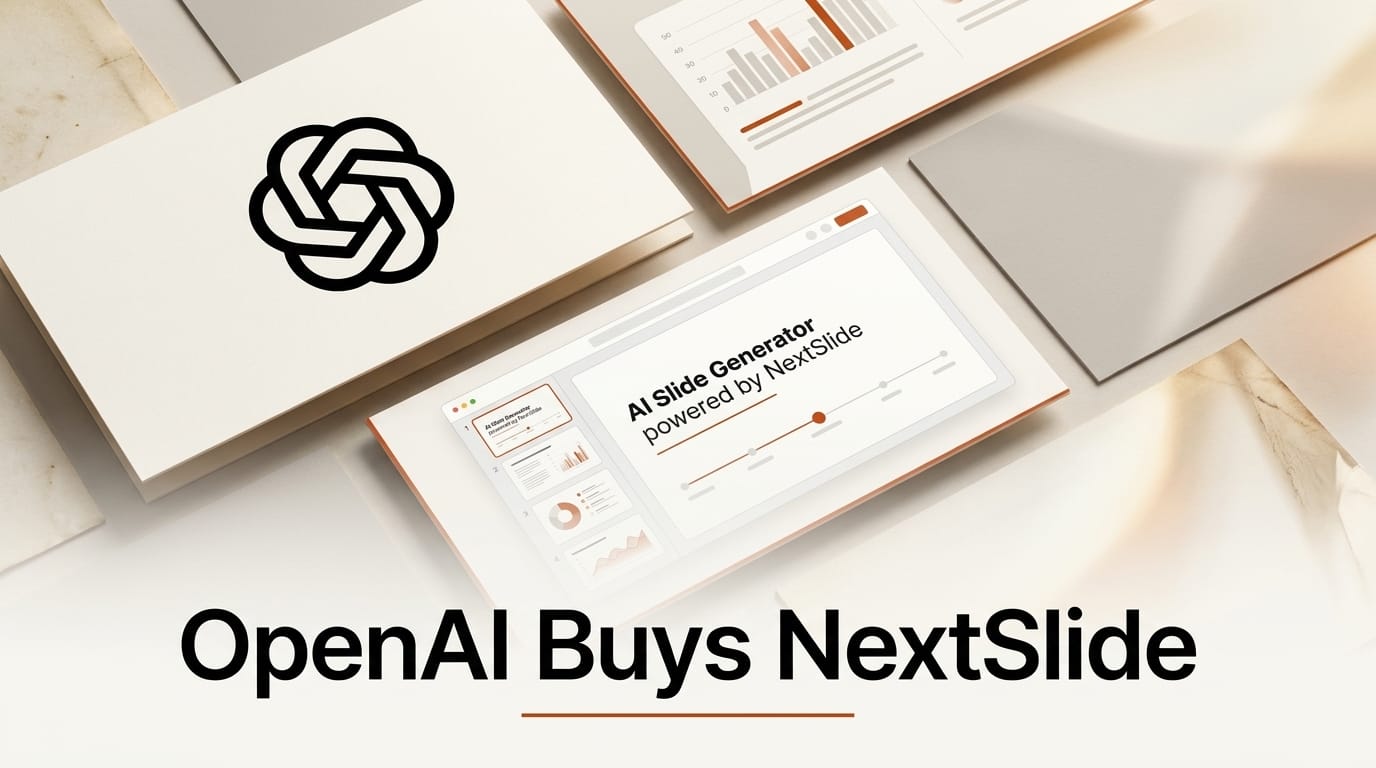
OpenAI has bought its way into the slide deck. On August 8, 2026, presentation startup NextSlide announced it is joining OpenAI, folding its entire team into the company that makes ChatGPT. The deal is the clearest signal yet that OpenAI wants to own the moment where an idea becomes a finished, shareable document, and it lands just months after ChatGPT started generating slides directly inside Microsoft PowerPoint.
For anyone who builds pitch decks, lesson plans, client proposals, or investor updates, this matters. The tools that turn a rough outline into a polished deck are consolidating fast, and the company setting the pace now has both a native PowerPoint integration and a dedicated presentation team working on what comes next.
What OpenAI Actually Bought
NextSlide was founded roughly a year before the acquisition by Ahmed Beshry, who previously co-founded the Y Combinator-backed retail-tech company Caper. NextSlide's product did one thing well: it turned prompts, notes, documents, and raw research into polished, editable presentations without demanding design skills or hours of manual formatting. Beshry has said the goal was "making visual communications more accessible."
According to reporting on the deal, no financial terms were disclosed. This is an acqui-hire in the classic sense: OpenAI wanted the people. The NextSlide team will now work on ChatGPT and, in the company's framing, "AI products designed to help people create, communicate and turn ideas into meaningful work." That language points squarely at productivity and document creation, not research.
This Did Not Come Out of Nowhere
Three months before the acquisition, OpenAI shipped ChatGPT for PowerPoint. Announced on May 22, 2026, the feature put ChatGPT directly inside Microsoft's presentation app and rolled out in beta to the broad majority of OpenAI's user base, from free accounts to organizations on the ChatGPT Business plan. Coverage of the launch described a tool that can generate a deck from scratch using conversational prompts or raw materials like notes and spreadsheets, insert or revise individual slides without a full restart, and analyze a finished deck to flag narrative weak points and predict objections an audience might raise.
Notably, ChatGPT was already available inside Excel and Sheets; PowerPoint had been the holdout. Closing that gap put OpenAI level with rivals, since both Anthropic's Claude and Google's Gemini already offered slide-building functionality. Buying NextSlide is the follow-through: first ship the integration, then hire a team that has spent a year thinking about nothing but AI-generated decks.
The AI Presentation Landscape in 2026
Presentation generation has quietly become one of the most contested corners of creative AI, because it sits at the intersection of writing, design, and data. Here is how the major options compare for creators today.
| Tool | Best for | How it generates | Output format | Access |
|---|---|---|---|---|
| ChatGPT for PowerPoint (OpenAI) | Working natively in PowerPoint | Prompts plus notes, spreadsheets, images; connects to Gmail, Outlook, SharePoint | Editable .pptx slides | Beta; free tier and ChatGPT Business |
| Microsoft 365 Copilot | Enterprises already on Microsoft 365 | Prompt plus files across Word, Excel, Outlook | Editable .pptx slides | Paid Microsoft 365 Copilot license |
| Google Gemini in Slides | Google Workspace teams | Prompt inside Slides; pulls from Docs and Drive | Editable Google Slides | Workspace with Gemini |
| Gamma | Fast web-first decks and docs | Prompt or outline to auto-designed cards | Web deck; exports to PPTX and PDF | Free tier plus paid plans |
| Beautiful.ai | Brand-consistent design automation | Prompt plus smart templates that self-adjust layout | Web deck; PPTX export | Paid subscription |
The split is roughly platform-native versus standalone. Microsoft Copilot and Google's Gemini in Workspace win when your organization already lives inside their suite. Standalone tools like Gamma and Beautiful.ai win on design polish and speed. OpenAI is trying to have it both ways: a native PowerPoint plug-in for reach, plus an in-house team to build a differentiated experience on top.
What This Enables for Creators
The practical shift is that the deck is no longer the bottleneck. For a freelancer, that means a client proposal can start as a voice memo and a folder of screenshots and arrive as a formatted draft in minutes. For an educator, a semester of lecture notes can become slide sets that are easy to keep updated. For a founder, an investor update can be regenerated each month from the same data source without rebuilding the layout by hand.
The more interesting capability is the analysis layer. ChatGPT for PowerPoint does not just make slides; it critiques them, flagging where the narrative is weak and predicting the objections a room might raise. That turns the AI from a formatting assistant into a rehearsal partner, which is a meaningfully different value proposition than a template engine. With the NextSlide team on board, expect that critique-and-refine loop to deepen.

The caution is homogenization. When everyone generates decks from the same few models, decks start to look and sound alike. The creators who stand out will be the ones who use these tools for the first draft and then bring a human point of view, a distinct visual identity, and real data to the finish.
How to Start Building AI Presentations Today
You do not need to wait for OpenAI's next release to put this workflow to work. Here is a practical path using tools available right now.
- Gather your raw material first. Pull together your notes, a spreadsheet of key numbers, and any reference images into one place. AI deck tools produce dramatically better output from real source material than from a one-line prompt.
- Pick your surface. If your work lives in PowerPoint, enable ChatGPT for PowerPoint or Microsoft Copilot. If you want a fast web-first deck to share as a link, start in Gamma. Match the tool to where the deck will actually be used.
- Prompt for structure, not just content. Ask for a specific number of slides, a defined audience, and a narrative arc ("problem, solution, proof, ask"). Structure prompts beat topic prompts.
- Use the critique feature. Once you have a draft, ask the tool to find the weakest slide and the most likely audience objection. Fix those two things before touching visual polish.
- Add your own layer. Swap in real screenshots, your brand colors, and one genuinely original insight the model could not have known. This is what separates your deck from every other AI-generated one.
Thirty minutes with this loop will get you a stronger deck than an afternoon of manual formatting, and it leaves your energy for the part that matters: the argument.
Frequently Asked Questions
Did OpenAI buy NextSlide for its product or its people?
Its people. This is an acqui-hire. No financial terms were disclosed, and the announcement centered on the NextSlide team joining OpenAI to build ChatGPT creation features rather than on continuing the standalone NextSlide product.
Is ChatGPT for PowerPoint free?
It rolled out in beta to the broad majority of OpenAI users, including free accounts, and is available to organizations on the ChatGPT Business plan. Because it is in beta, exact availability can change, so check your ChatGPT account for the PowerPoint option.
How is this different from Microsoft Copilot in PowerPoint?
Copilot is Microsoft's own assistant, bundled with a paid Microsoft 365 Copilot license and deeply tied to the Microsoft 365 data graph. ChatGPT for PowerPoint is OpenAI's assistant running inside PowerPoint, with its own connectors to Gmail, Outlook, and SharePoint. They compete for the same task from different accounts.
Will NextSlide keep operating as a separate app?
The announcement did not commit to keeping the standalone product running. In acqui-hires like this, the existing app is often wound down while the team's expertise is redirected into the acquirer's roadmap. Existing NextSlide users should watch for migration guidance.
Which AI presentation tool should I use right now?
Match the tool to your ecosystem. PowerPoint users should try ChatGPT for PowerPoint or Copilot; Google Workspace users should use Gemini in Slides; anyone wanting a fast, design-forward web deck should try Gamma or Beautiful.ai. All produce editable output, so you can start in one and export to another.
What does this signal about OpenAI's direction?
OpenAI is moving from a chatbot toward an end-to-end work surface. Shipping inside Excel, Sheets, and now PowerPoint, then acqui-hiring a presentation team, shows a deliberate push to own document creation, not just answer questions.





