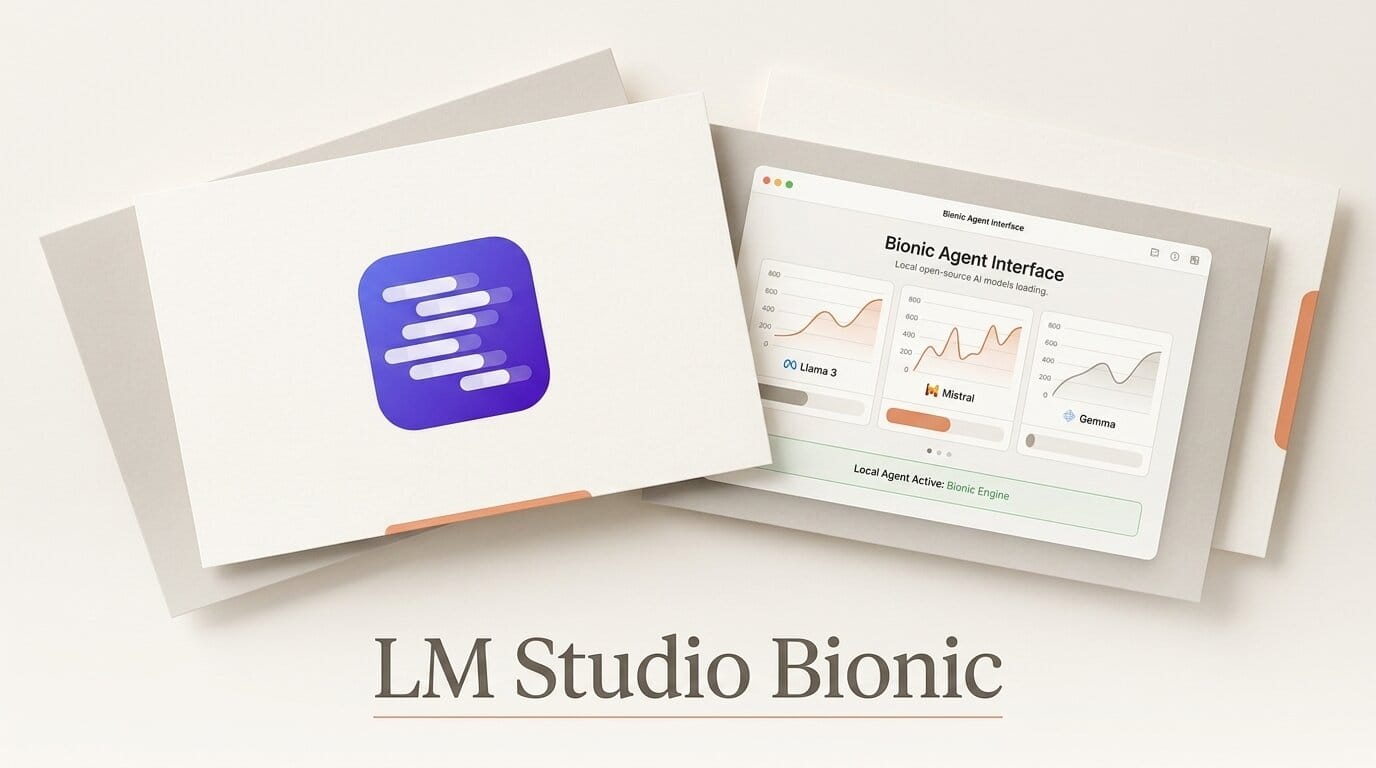
On July 16, 2026, LM Studio released LM Studio Bionic, a standalone AI agent app built specifically for open-weight models. Where the original LM Studio is a desktop app for downloading and chatting with local large language models, Bionic is a separate application that turns those models into a working agent: it transcribes your voice, edits your code with inline diffs, and reads your documents inside a sandboxed workspace. It runs models locally, over a connection called LM Link, or through frontier open-source models on LM Studio Secure Cloud, and the company commits to Zero Data Retention with no training on user data.
What LM Studio Bionic Is
Bionic is not an update to the existing LM Studio app. It is a distinct product aimed at people who want an agent, not just a chat window, powered by models they control. The pitch is simple: most capable AI agents are wired to closed frontier models from a single vendor. Bionic gives you the same agentic surface (voice input, codebase editing, file analysis) while letting you choose which open model runs underneath, and where it runs.
That positioning matters because open-weight models have closed much of the quality gap in 2026. Bionic ships with support for models like GLM 5.2 and Kimi K2.7 Code, alongside the broader open catalog that LM Studio already runs, including gpt-oss, Llama, Gemma, Qwen, and DeepSeek. You can inspect that catalog in the LM Studio model catalog.

The Agent Capabilities That Are Actually New
Bionic bundles four capabilities that, taken together, make it an agent rather than a model runner:
- Voice transcription. A voice keyboard with local transcription lets you speak prompts and edits. It uses Voxtral by Mistral AI for multilingual speech-to-text, and the transcription happens on your machine.
- Code assistance. Bionic inspects a local codebase, explains what it finds, and makes edits presented as inline diffs so you review every change before it lands.
- Document processing. It works with PDFs, presentations, spreadsheets, and other files inside a sandboxed environment with automatic checkpoints, so a bad step can be rolled back.
- Flexible execution. Every task can run on a local model, over LM Link, or on a frontier open model in LM Studio Secure Cloud.
The code path builds on work LM Studio has already shipped. Version 0.3.17 of the original app added Model Context Protocol support, letting any loaded model call local and remote MCP server tools. Bionic extends that idea from a chat interface into a full agent loop.

Three Ways to Run a Model in Bionic
The most important decision in Bionic is where the model actually runs. There are three options, and they trade privacy against horsepower.
| Execution mode | Where it runs | Best for | Data exposure |
|---|---|---|---|
| Local model | Your own machine | Private work, offline use, no per-token cost | Nothing leaves your device |
| LM Link | Another machine you control | Offloading to a stronger desktop or workstation | Stays inside your own network |
| Secure Cloud | LM Studio Secure Cloud | Running large frontier open models you cannot host | Zero Data Retention, no training on your data |
The Secure Cloud option is the one that unlocks the biggest models. If your laptop cannot hold a 100-billion-parameter open model in memory, Secure Cloud runs it for you while, per LM Studio, retaining none of your data. Cloud usage requires an account for billing; local and LM Link runs are free.

How Bionic Compares to the Original LM Studio and Ollama
If you already run local models, it helps to see where Bionic sits next to the tools you know.
| Feature | LM Studio Bionic | Original LM Studio | Ollama |
|---|---|---|---|
| Primary purpose | Agent for open models | Run and chat with local models | Run local models via CLI and API |
| Voice input | Yes, local transcription | No | No |
| Codebase editing | Yes, inline diffs | No | No |
| Document analysis | Yes, sandboxed | Limited | No native UI |
| Cloud fallback | Secure Cloud for large models | Local only | Local only |
| MCP tools | Yes | Yes (0.3.17+) | Via integrations |
The takeaway: Ollama and the original LM Studio are runtimes. Bionic is an application built on top of a runtime, closer in spirit to a coding assistant or research agent than to a model server.
How to Try LM Studio Bionic
Getting a first agent task running takes only a few steps.
- Download Bionic from the LM Studio site and install it alongside, not replacing, your existing LM Studio setup.
- Pick an execution mode: start with a local model you already have, or connect Secure Cloud if you want a large open model.
- Point Bionic at a project folder to test code assistance, or drop in a PDF or spreadsheet to test document analysis.
- Use the voice keyboard to dictate your first instruction instead of typing it.
- Review the inline diffs or checkpoints before accepting any change, since every step is reversible.
Developers who want to script against local models can also read the LM Studio developer docs to wire Bionic-style workflows into their own tools.
Why It Matters for Creators and Builders
What this enables: Bionic gives creators an agent they can run without handing their code, documents, or voice to a single closed vendor. A designer can dictate edits by voice, a developer can refactor a repo with reviewable diffs, and a researcher can analyze a stack of PDFs, all on open models, with the option to keep everything on-device. For anyone building a private or offline-first workflow, that combination of agent features and model choice has been hard to find in one app until now. It also pressures the closed-model agents to justify their lock-in, which tends to be good for prices and portability.
Frequently Asked Questions
Is LM Studio Bionic free?
Running models locally or over LM Link is free. Using LM Studio Secure Cloud requires an account and billing setup, since it runs large open models on managed hardware.
Is Bionic a replacement for the original LM Studio?
No. It is a separate app. You install it alongside LM Studio, and the two serve different purposes: LM Studio runs and chats with models, while Bionic is an agent that acts on your files, code, and voice.
Which models does Bionic support?
It supports open-weight models including GLM 5.2 and Kimi K2.7 Code, plus the broader LM Studio catalog such as gpt-oss, Llama, Gemma, Qwen, and DeepSeek.
Does Bionic send my data to the cloud?
Only if you choose Secure Cloud mode. Local and LM Link modes keep data on your own machine or network. For Secure Cloud, LM Studio commits to Zero Data Retention and states it does not train on user data.
What can Bionic actually do out of the box?
Voice transcription with a local voice keyboard, code inspection and editing with inline diffs, and document processing for PDFs, presentations, and spreadsheets inside a sandboxed workspace with automatic checkpoints.
How is Bionic different from a cloud coding agent?
Cloud coding agents are typically tied to one vendor's closed models. Bionic lets you choose which open model runs and whether it runs on your device, another machine you own, or Secure Cloud.





