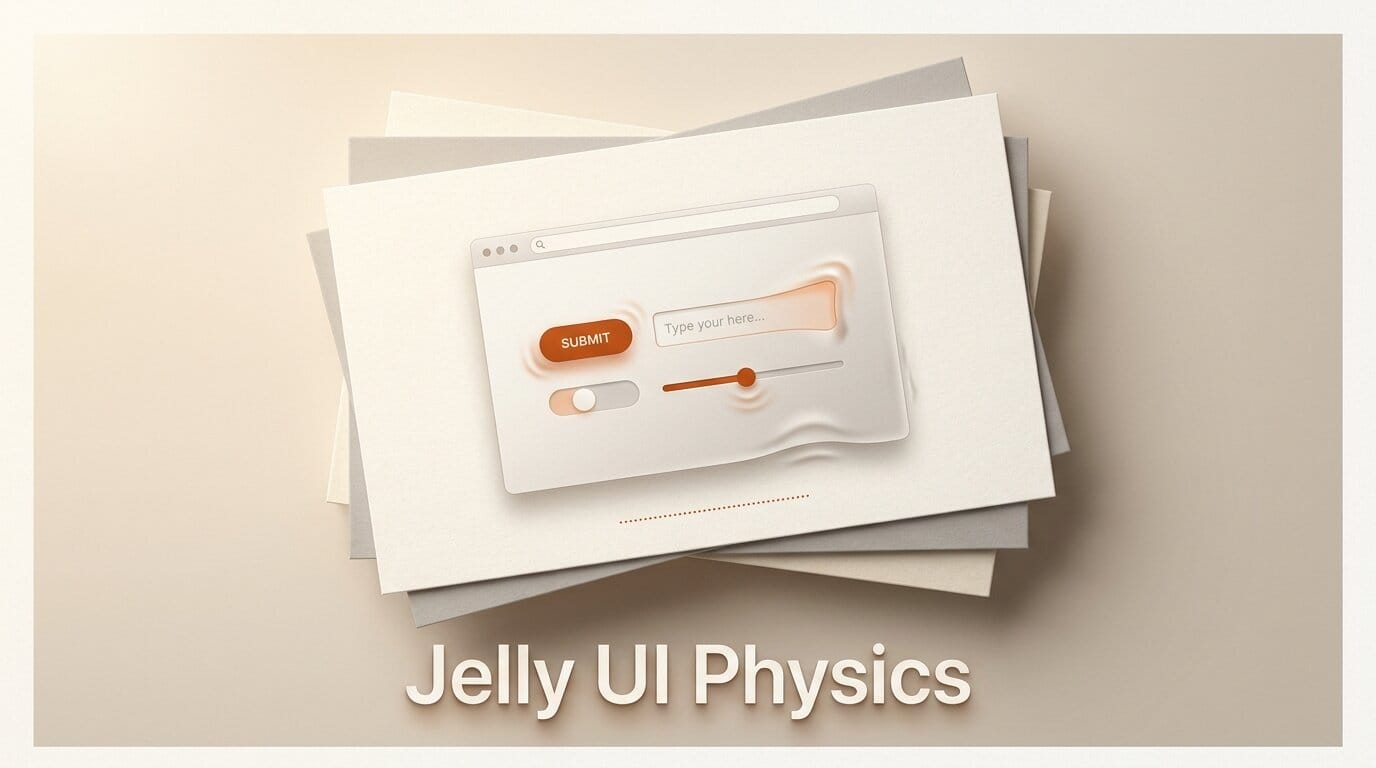
Jelly UI is a dependency-free web components library that gives native HTML form controls a soft, tactile, jelly-like feel, and it landed on the Hacker News front page on July 20, 2026 with more than 200 points in its first few hours. Built by the jelly-org team and published free under the MIT license, it ships 40 custom elements, from buttons and checkboxes to sliders, that wobble and deform in response to clicks, drags, and focus. You add it to any page with a single script tag, no build step, no framework, and no runtime dependencies. This guide breaks down what the library actually is, how the soft-body motion works under the hood, how to drop it into a page in five minutes, the accessibility and performance trade-offs the launch-day crowd flagged, and when it makes sense to reach for it.
What Jelly UI Actually Is
Jelly UI is a set of Web Components, the browser-native standard for building reusable custom HTML elements with their own encapsulated markup and behavior. Instead of importing a React or Vue package, you register a module and start writing tags like <jelly-button> and <jelly-checkbox> directly in HTML. Because it is built on the platform's Web Components APIs, it works in any framework or none at all: the same tag renders identically whether you drop it into a static site, a Rails view, a Next.js page, or a plain HTML file.
The distinctive part is the motion. Every interactive control carries a soft-body physics animation, so a button squishes on press, a toggle jiggles as it flips, and a slider handle stretches as you drag it. The source lives at github.com/jelly-org/ui, written in TypeScript, and the whole package is theme-aware with built-in dark mode, right-to-left support, and WCAG AA color tokens. Here is how it compares to the two most common ways teams add tactile feedback today.
| Approach | Dependencies | Motion model | Framework lock-in | Setup |
|---|---|---|---|---|
| Jelly UI | Zero | Real-time soft-body physics | None (Web Components) | One script tag |
| Hand-written CSS transitions | Zero | Fixed easing curves | None | Per-component CSS |
| React component library | React plus the library | Spring or keyframe animations | React only | Package install and bundler |
The trade Jelly UI makes is clear: you give up the granular control of writing your own CSS, and in return you get a coherent, physics-driven feel across every control with almost no work.
How Soft-Body Physics Form Controls Work
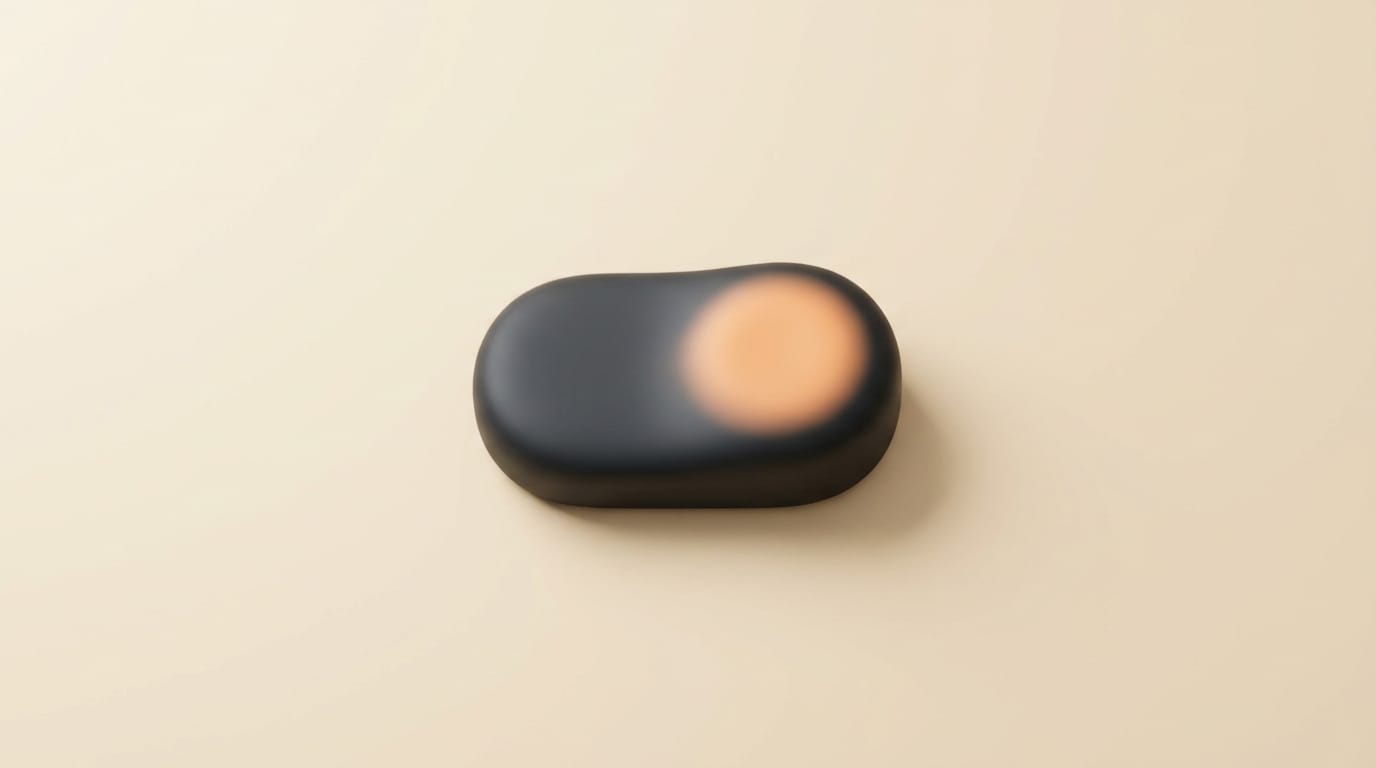
Traditional web animation plays a fixed curve: you declare a start state, an end state, and an easing function, and the browser interpolates between them over a set duration. Soft-body physics is different. Jelly UI runs a continuous animation loop that models each control as a deformable body with simulated mass, stiffness, and damping. When you press a button, the loop applies a force, the shape compresses, and then it springs back and settles, the same way a real gel object would. Because the motion is simulated frame by frame rather than pre-baked, interrupting an interaction midway, releasing a drag early, for instance, produces a natural result instead of a jarring snap.
That continuous loop is also the library's main cost. Because it repaints the deforming elements on every frame while an interaction is active, it does more rendering work than a static CSS transition, which several launch-day commenters on Hacker News noted. Jelly UI mitigates this by respecting the user's prefers-reduced-motion setting: when a visitor has reduced motion enabled at the OS level, the animations are suppressed and the controls behave like ordinary form elements. That single media query is what keeps a physics-heavy UI from becoming an accessibility problem for motion-sensitive users.
How to Add Jelly UI to a Page
The install is deliberately minimal. There is no npm package to pull, no bundler to configure, and no framework prerequisite. Five steps take you from a blank file to interactive controls.
- Add the module. Drop a single script tag in your page head:
<script type="module" src="https://jelly-ui.com/package.js"></script>. This registers all 40 custom elements with the browser. - Wrap your UI in a theme. Place your controls inside a
<jelly-theme mode="auto">element. Themode="auto"attribute follows the visitor's system light or dark preference; you can also pin it tolightordark. - Use the tags. Write controls as custom elements, for example
<jelly-button variant="mint">Publish</jelly-button>. Each element exposes the standard form semantics, keyboard access, and DOM events you already expect from native inputs. - Pick variants. Apply the
variantattribute for color and emphasis, and rely on the built-in WCAG AA tokens so your palette stays accessible without hand-tuning contrast. - Ship it. Because the elements emit standard
inputandchangeevents, your existing form-handling JavaScript reads them exactly like ordinary inputs, so wiring them into validation or submission needs no special adapter.
Accessibility and Performance Trade-offs
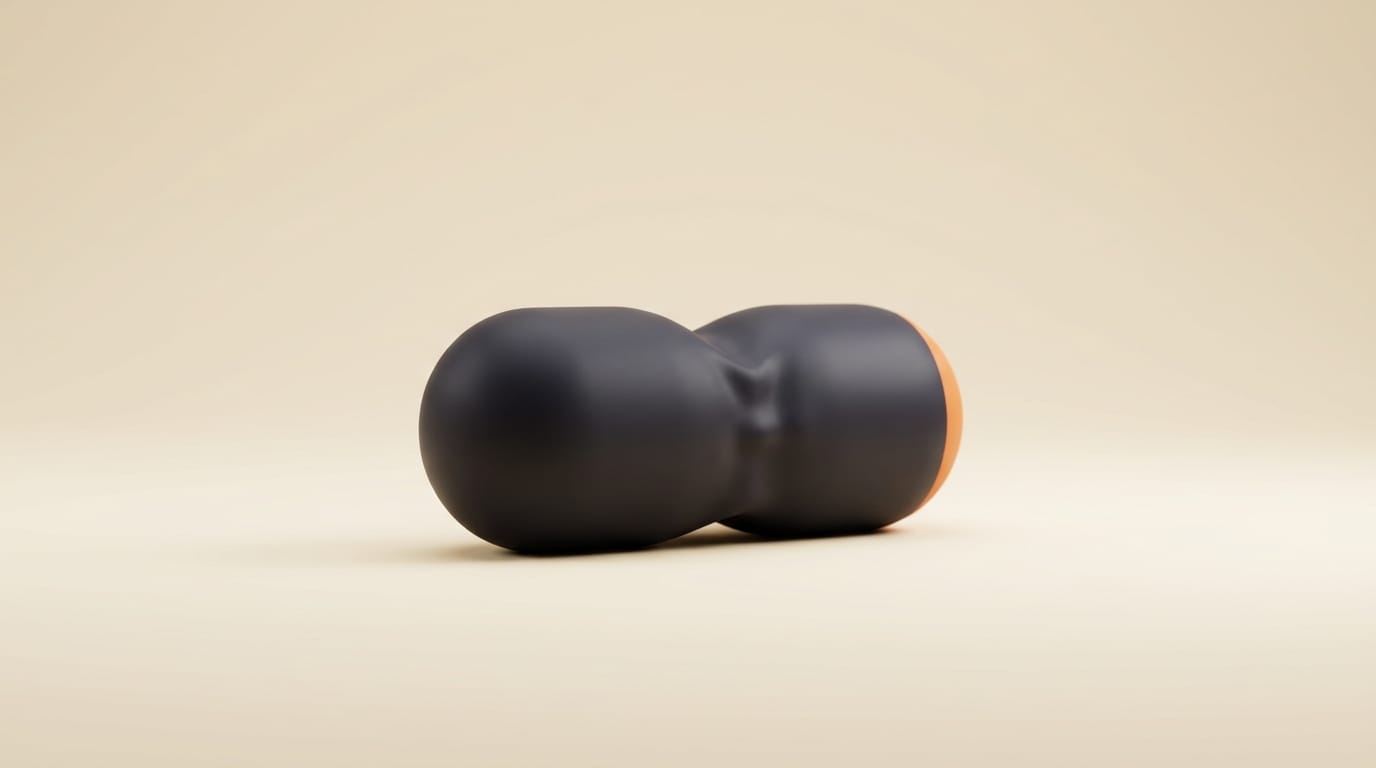
Jelly UI gets the foundational accessibility work right. The controls are real form elements, so they keep native keyboard access, focus order, and standard events rather than reimplementing them with divs, a common failure mode in flashy component kits. The color system ships WCAG AA-compliant tokens, and the reduced-motion support means the animation layer is opt-out for anyone who needs it. Those choices align with the WCAG quick reference guidance on motion and contrast.
The launch-day feedback was not uniformly positive, and the criticism is worth heeding. The demo site's scroll-snapping behavior drew heavy complaints for hijacking normal scrolling and breaking middle-click autoscroll, a reminder that the demo's chrome is separate from the library itself. Commenters also flagged the continuous repaint cost on lower-powered devices. And several Mac users discovered the animations were invisible because macOS had silently enabled reduced motion, which is less a bug than a signal to test your build with reduced motion both on and off before you rely on the wobble to communicate state.

What This Enables
For designers and front-end builders, Jelly UI is the fastest path to a distinctive, tactile interface feel without writing a physics engine or maintaining a pile of bespoke CSS. A landing page, a product configurator, a playful onboarding flow, or a marketing microsite can adopt a coherent soft-body aesthetic in an afternoon. Because it is framework-agnostic Web Components, a team can also use it to prototype a look inside an existing app, whatever stack that app runs on, and because it is MIT-licensed it is free to ship in commercial work. The jelly-org team funds development through GitHub Sponsors rather than a paid tier, so there is no license gate to clear.
When to Use Jelly UI, and When Not To
Reach for it when personality is the point: consumer products, creative tools, campaign sites, and anywhere a tactile, memorable feel differentiates you. It is also a strong fit when you want accessible, on-brand controls fast and do not want to own a component library. Skip it, or use it sparingly, for dense data-entry interfaces where motion becomes noise, for performance-critical views on constrained hardware, and for products with a strict, restrained visual language where wobble would read as off-brand. As always, test it with reduced motion enabled so the experience degrades cleanly for the users who need it to.
Frequently Asked Questions
Is Jelly UI free to use commercially?
Yes. Jelly UI is released under the MIT license, which permits commercial use, modification, and redistribution at no cost. Development is funded through optional GitHub Sponsors, not a paid tier.
Does Jelly UI require React or another framework?
No. It is built on native Web Components, so it works in any framework or in plain HTML with no framework at all. You add it with a single module script tag.
Will the animations hurt accessibility?
The controls are real form elements with native keyboard access and standard events, and the library respects the prefers-reduced-motion setting, suppressing animation for users who request it. The color tokens meet WCAG AA contrast. Test your build with reduced motion both enabled and disabled.
How much does Jelly UI slow down a page?
The soft-body motion runs a continuous animation loop that repaints deforming elements during interactions, which costs more than a static CSS transition. On modern hardware this is generally fine, but test on lower-powered devices, and remember animations are suppressed entirely under reduced motion.
How many components does it include?
Jelly UI ships 40 custom elements covering common form controls such as buttons, checkboxes, toggles, and sliders, all with built-in dark mode, right-to-left support, and WCAG AA color tokens.
Where can I find the source code?
The project is open source at github.com/jelly-org/ui, written in TypeScript and MIT-licensed. The live component gallery and install instructions are at jelly-ui.com.





