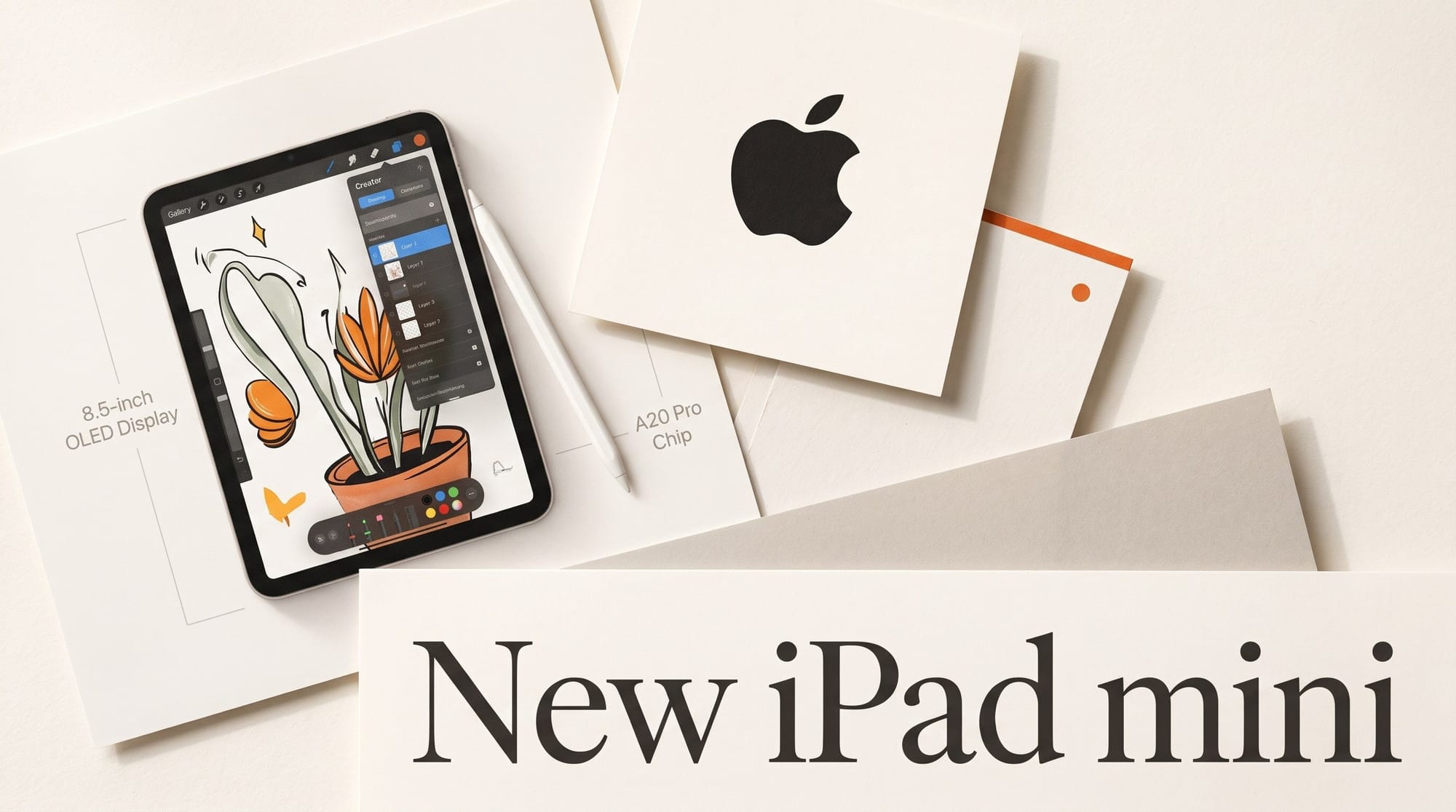
Apple announced a redesigned iPad mini on October 26, 2026, with an 8.5-inch OLED display, the new A20 Pro chip and a starting price of $699, up from $499. Apple's announcement claims up to 4.5x faster AI performance than the previous iPad mini and names Procreate, Procreate Dreams, Draw Things and Detail as apps that benefit. Pre-orders open Wednesday, October 28, and the tablet arrives Friday, November 6.
The headline AI upgrade is not the same on every model. Only the 512GB configuration, at $999, gets the Dual 16-core Neural Engine that Apple says speeds up Draw Things and Detail, plus a 6-core CPU. The $699 and $799 models get a 5-core CPU and a single 16-core Neural Engine. This article sets out what each configuration gets, how the new mini compares with the iPad Air and iPad Pro for drawing, video and on-device AI, and which one makes sense for the kind of work you do.
What Apple announced on October 26
Apple calls it the iPad mini's biggest update ever. From Apple's newsroom post and the iPad mini spec sheet:
- Display: 8.5-inch Super Retina XDR OLED, 2316 x 1512 pixels at 326 ppi, 600 nits full screen, 1200 nits peak for HDR, a 1-nit minimum and a 2,000,000:1 contrast ratio. Bezels are 24% thinner. The previous model had an 8.3-inch LCD.
- Chip: A20 Pro on a 2-nanometer process, a 7-core GPU with a Neural Accelerator in each core, hardware ray tracing, and more than 2x the unified memory bandwidth of the previous mini. Apple says memory went up but does not publish how much.
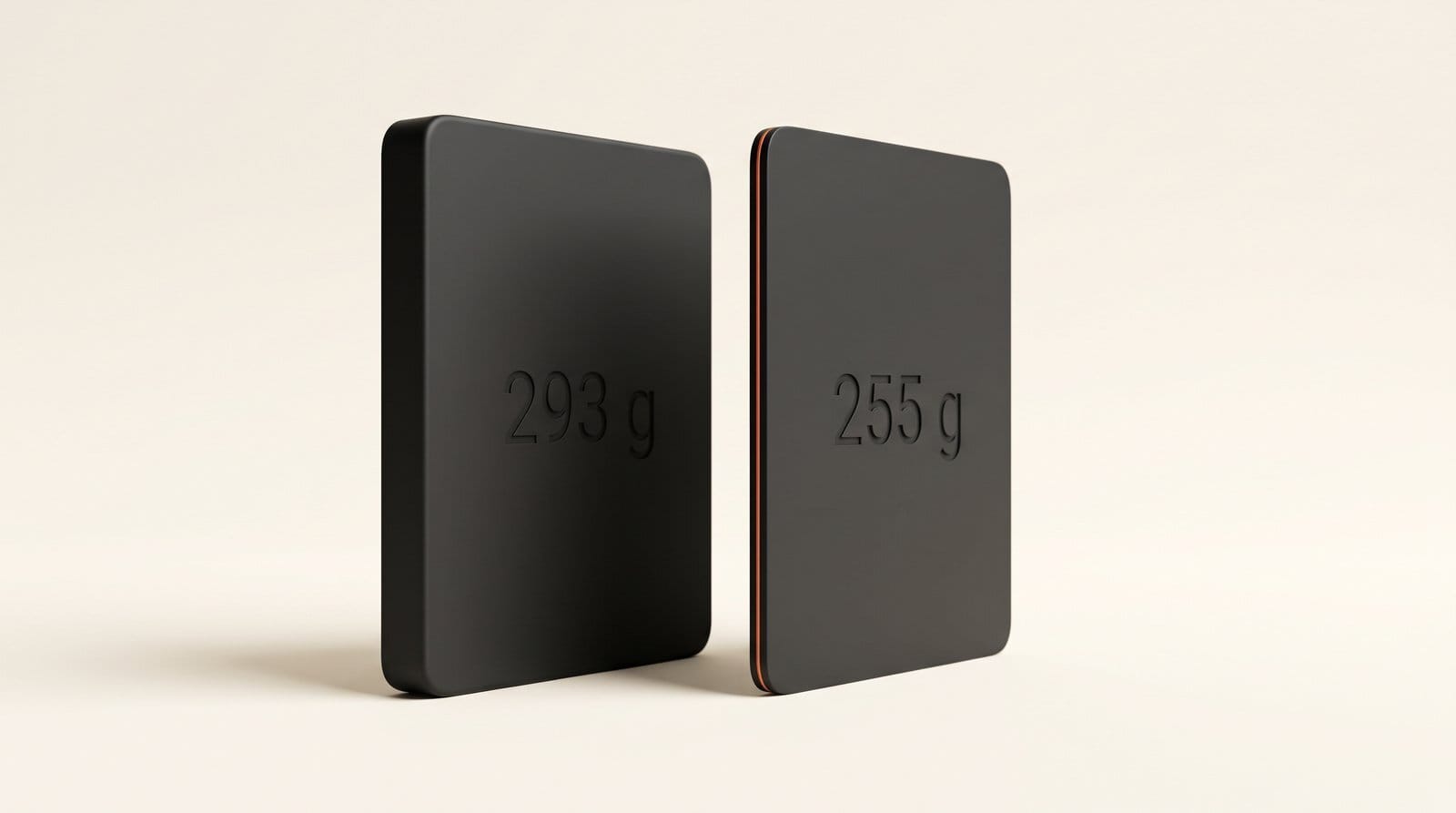
- Body: 5.4 mm thin and 255 g for the Wi-Fi model, down from 6.3 mm and 293 g, with an IP67 rating against water and dust.
- Pencil: Apple Pencil Pro ($129) with squeeze and barrel roll, or Apple Pencil (USB-C) ($79), plus hover.
- The rest: USB-C at up to 10Gb/s with DisplayPort output, 12MP front and back cameras (4K video at up to 60 fps on the back), Wi-Fi 7, and up to 10 hours of battery on Wi-Fi.
It ships with iPadOS 27 and the new Apple Intelligence features: Siri AI in beta with iPadOS 27.2, upgraded Clean Up, Spatial Reframing and Extend for photos, and an all-new Image Playground that Apple says generates photorealistic images. Siri AI is not available in the EU yet, and Apple notes that some server-side features have daily usage limits. TechCrunch's report confirms the pricing and dates and adds that the "Acoustic Display" uses built-in woofers for deeper bass.
The catch: Apple's AI pitch describes the $999 model
Read Apple's announcement closely and there are two separate AI claims. The first is "up to 4.5x faster AI performance than the previous generation," which Apple ties to the Neural Accelerators in the GPU. Every configuration has the same 7-core GPU, but Apple does not say which model the "up to" figure was measured on.
The second claim is the one aimed at creators: "The 512GB configuration features a powerful Dual 16-core Neural Engine, which offers double the processing power of the previous generation, accelerating tasks in apps like Draw Things and Detail." The Apple Store configurator confirms the split:
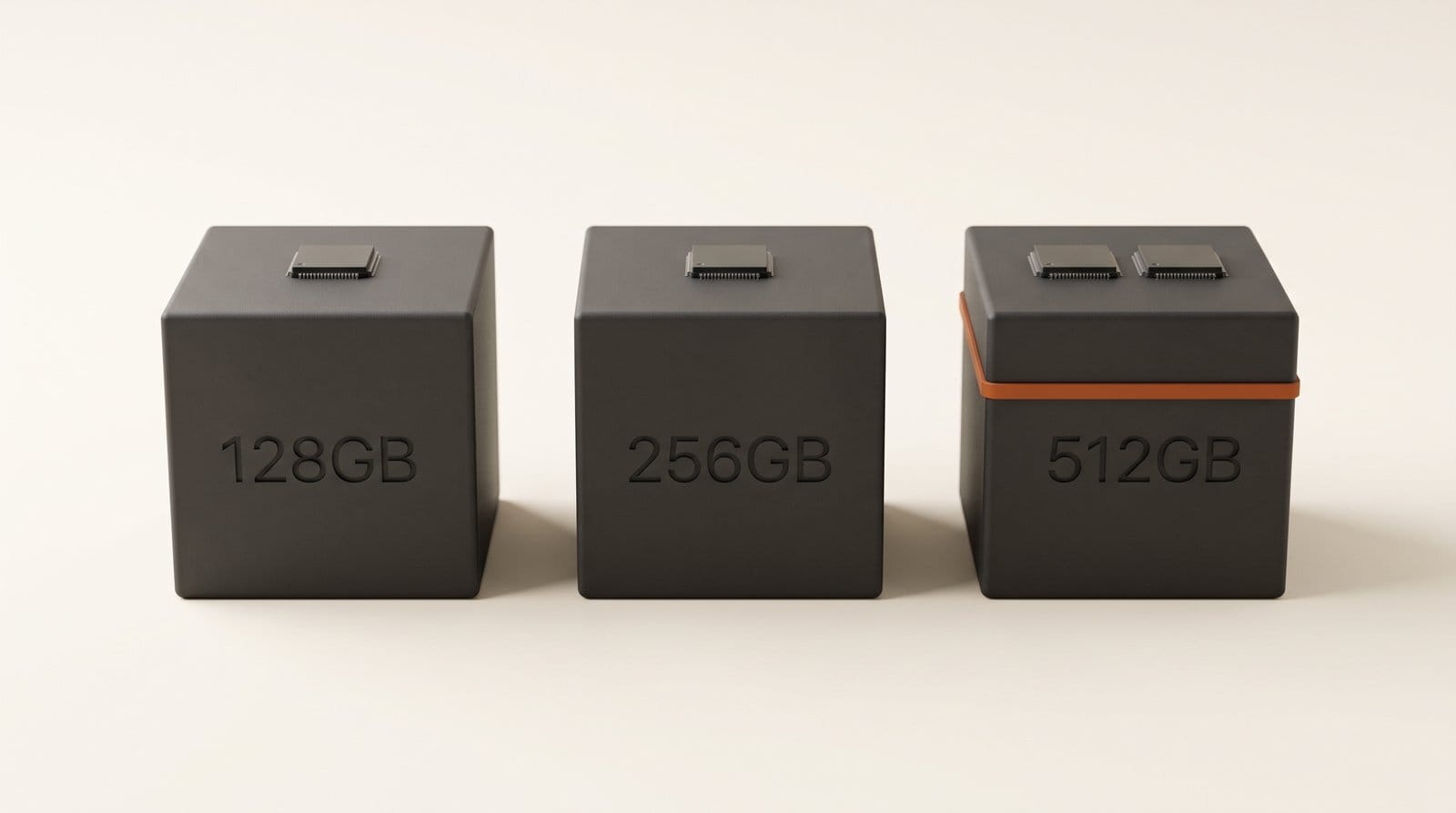
- 128GB ($699) and 256GB ($799): 5-core CPU, 16-core Neural Engine.
- 512GB ($999): 6-core CPU, Dual 16-core Neural Engine.
- Nano-texture glass: $100 extra, on 256GB and 512GB only. A nano-texture 512GB model costs $1,099; with cellular, $1,249.
So if you are buying the mini to generate images on the device, the model that matches Apple's description costs $300 more than the starting price. If you are buying it to draw, take notes on set or edit short clips, the cheaper models have the same screen, GPU and Pencil support.
iPad mini vs iPad Air vs iPad Pro for creators
The closest alternatives are the 11-inch iPad Air with M4 and the 11-inch iPad Pro with M5. Prices are US Wi-Fi models from Apple's store on October 26.
| iPad mini 128GB | iPad mini 512GB | iPad Air 11-inch | iPad Pro 11-inch | |
|---|---|---|---|---|
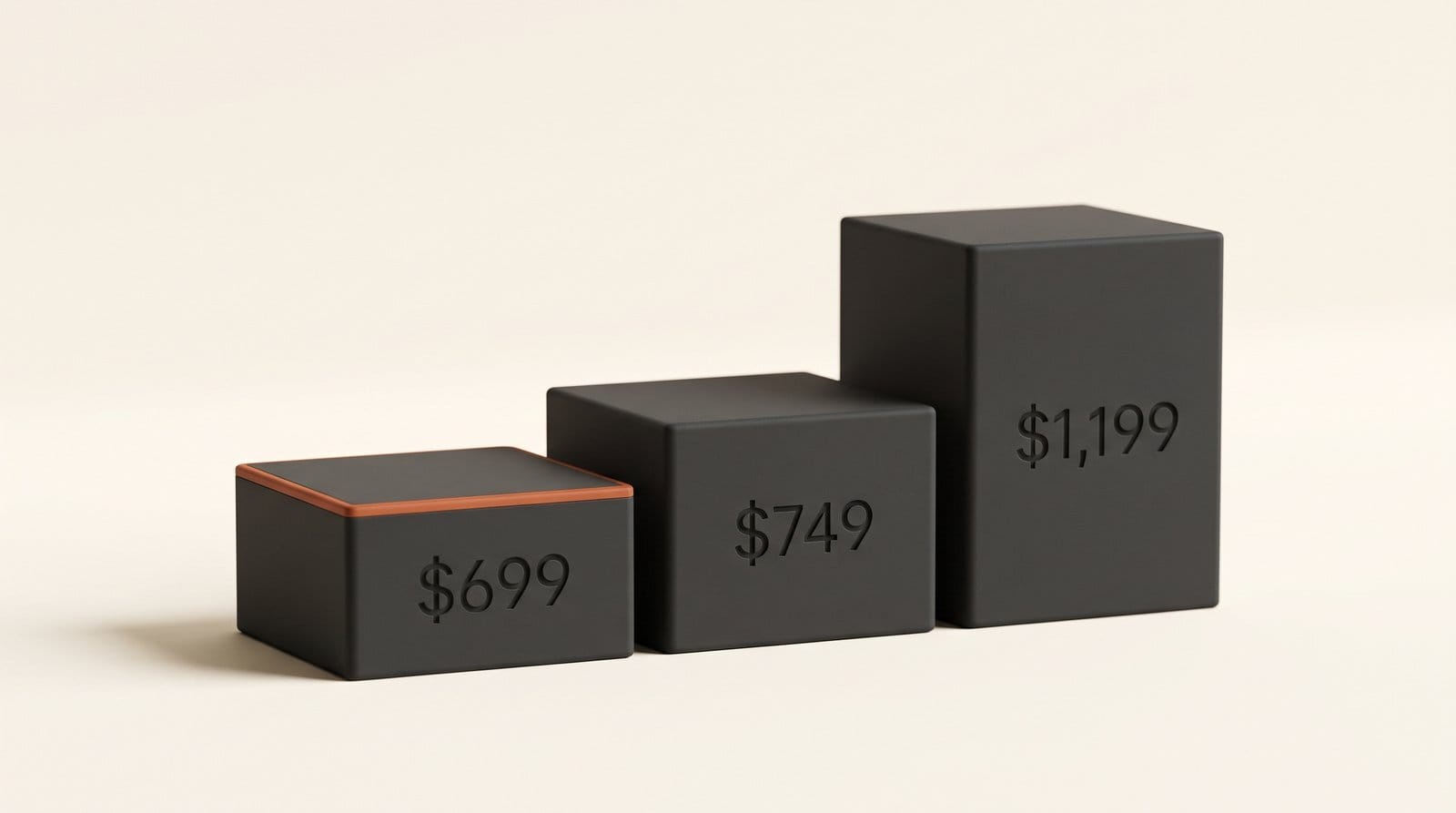
| Starting price | $699 | $999 | $749 (128GB) | $1,199 (256GB) |
| Chip | A20 Pro | A20 Pro | M4 | M5 |
| CPU / GPU cores | 5 / 7 | 6 / 7 | 8 / 9 | 9 / 10 |
| Neural Engine | 16-core | Dual 16-core | 16-core | 16-core |
| Memory | Not published | Not published | 12GB | 12GB |
| Display | 8.5-inch OLED | 8.5-inch OLED | 11-inch LCD | 11-inch Tandem OLED, ProMotion 10-120Hz |
| Brightness (SDR / HDR peak) | 600 / 1200 nits | 600 / 1200 nits | 500 nits | 1000 / 1600 nits |
| Weight (Wi-Fi) | 255 g | 255 g | 464 g | 444 g |
| Apple Pencil Pro | Yes | Yes | Yes | Yes |
Three things stand out. The mini now has a better display than the iPad Air: OLED against LCD, and 600 nits against 500. At every storage size the mini is $50 cheaper than the 11-inch Air: $699 against $749 at 128GB, $799 against $849 at 256GB, and $999 against $1,049 at 512GB. And the Air and Pro both publish 12GB of memory, while Apple has not said how much the mini has. That matters for local image models, which need room to load: a model that fits on a 12GB iPad may not fit on the mini, and nobody outside Apple can say yet.
Apple's spec sheet lists no ProMotion refresh rate for the mini. If you draw fast strokes and care about pen latency, the iPad Pro's 120Hz panel is still the reference, at $500 more.
What the A20 Pro changes for drawing, video and local AI
For drawing, the gain is mostly the screen. An OLED panel with true blacks and P3 wide color, a 1-nit minimum for dark rooms, and an optional nano-texture finish that cuts glare all help illustrators who work in Procreate on the go. The Pencil Pro support is unchanged from the 2024 model, which already took it.
For video and animation, Apple says the faster CPU and GPU and the extra memory make Procreate Dreams, Procreate's animation app, "faster than ever." Apple also names Detail, a video recording and editing app for iPhone, iPad and Mac whose Auto Edit removes silences and adds zoom cuts, titles, captions and music. A 255 g tablet with a 4K60 camera, a teleprompter app and USB-C DisplayPort out is a compact talking-head studio.
For on-device AI, the named app is Draw Things, a free App Store app that runs image and video models entirely on the device, offline. Its listing names SDXL, FLUX.1, FLUX.2, Qwen Image, Z Image, Wan 2.2 and LTX-2.3, along with on-device LoRA training, ControlNet, inpainting and outpainting. Speed on any iPad depends on the chip and on whether the model fits in memory, which is why the 512GB model's Dual Neural Engine and the unpublished memory figure are the two numbers to watch in the first reviews. Our M5 Max local AI analysis made the same point on the Mac: memory capacity and bandwidth decide which models run well.
The Apple Intelligence tools need no setup. Image Playground and Apple's new models are built in for quick concept images, and Clean Up, Spatial Reframing and Extend work in the Photos app.
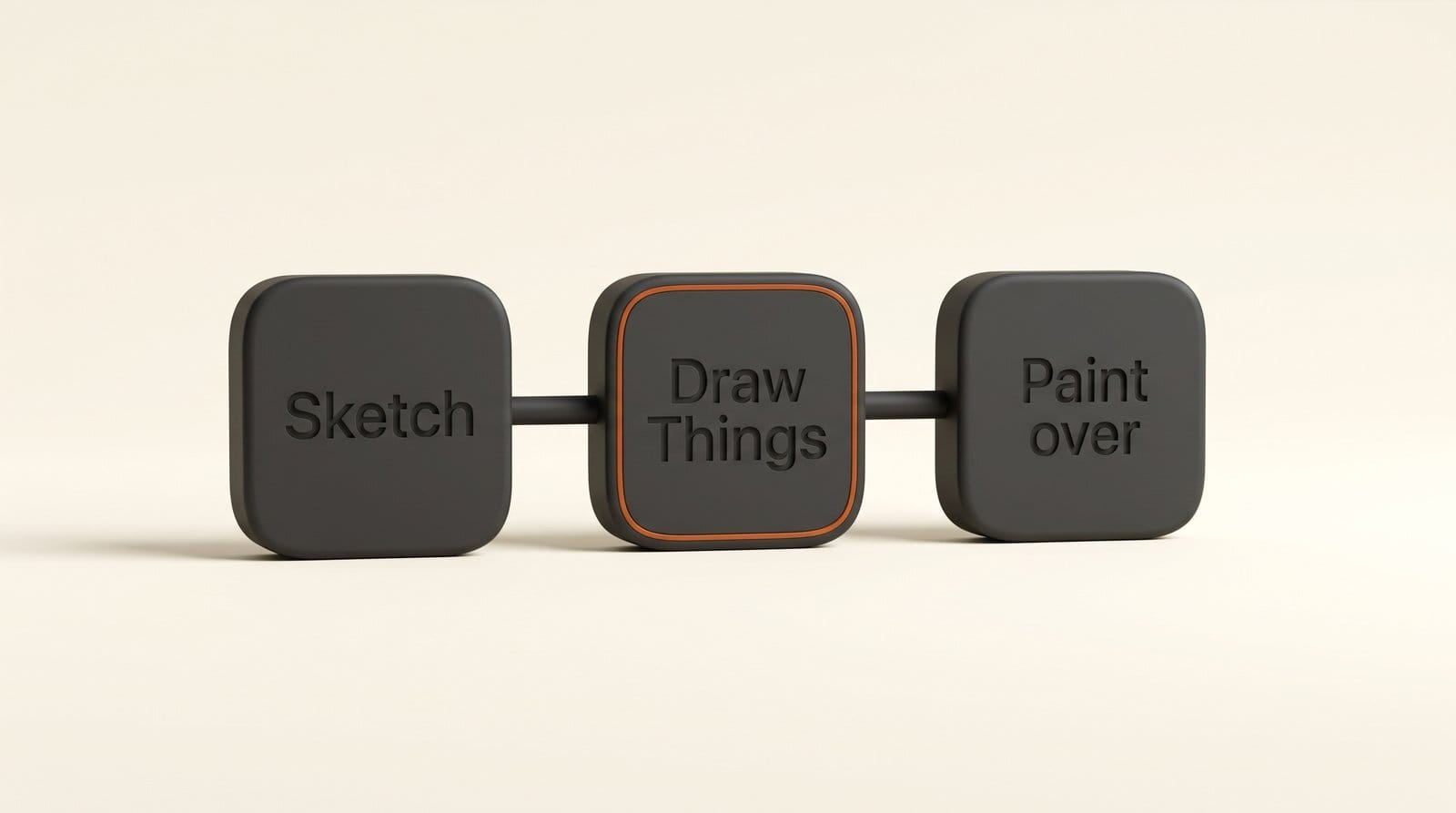
Try it: a sketch-to-final workflow with Procreate and Draw Things
You can test this today on any recent iPad, before deciding whether the new mini is worth it. Nothing here needs a computer or a terminal.
- Sketch in Procreate. Rough out the composition on one layer: shapes, pose, horizon line. Export it as a PNG to Files or Photos.
- Install Draw Things from the App Store (free) and download one model from inside the app. Start with a smaller model such as SDXL; the larger FLUX.2 and Qwen Image downloads need more storage and memory.
- Start from your sketch. Load the PNG as the starting image, write a short prompt describing the finished look, and use a ControlNet so the output follows your lines. Keep the strength moderate so the composition stays yours.
- Fix details in place. Use inpainting to redo one area (a hand, a face, a sign) without regenerating the whole picture.
- Paint over in Procreate. Bring the result back as a new layer under your line art, lower its opacity, and paint the final on top.
Time how long one generation takes on your current iPad. That is your baseline for judging the new mini's AI numbers once reviews land. The free edition generates on the device with no token limits. If your iPad is too slow, a free Community account adds cloud compute, and Draw Things+ ($8.99 a month) raises the compute limits and allows custom LoRA uploads.
Which iPad mini to buy, by kind of creator
- Illustrators and sketchers: the 128GB model at $699 has the same OLED screen and Pencil Pro support as the most expensive one. Add $100 for nano-texture (256GB, $899) if you draw outdoors or under bright lights.
- On-device AI image makers: the 512GB model at $999 is the only one with the Dual Neural Engine Apple ties to Draw Things. The storage also helps, since a few large models fill a 128GB iPad quickly.
- Video creators and podcasters: any model works for Detail and short edits. Choose storage by how much footage you keep on the device, not by the chip.
- Anyone who needs a bigger canvas or 120Hz: the 11-inch iPad Air at $749 gives more screen and 12GB of memory; the iPad Pro at $1,199 gives ProMotion and a brighter OLED. The mini's case is size and weight: 255 g fits a jacket pocket.
The $200 rise in the starting price is the real cost of the OLED panel and the new chip. Thurrott's write-up also flags that the Dual Neural Engine is reserved for the 512GB models. For artists, the screen alone justifies the step up. For anyone who wanted a cheap AI sketchpad, the mini is no longer the budget pick.
What to do before pre-orders open on October 28
Decide what you will use it for first, then pick the configuration. If on-device image generation is the reason, wait for the first reviews to publish memory size and Draw Things timings, because the $300 step to the 512GB model only pays off if those numbers hold up. If drawing is the reason, the $699 model is the one to pre-order: the screen is the upgrade, and every configuration has it. Education pricing starts at $649, and pre-orders run in 36 countries and regions.
Frequently asked questions
How much does the new iPad mini cost?
$699 for 128GB Wi-Fi, $799 for 256GB and $999 for 512GB. Cellular adds $150. Nano-texture glass adds $100 on 256GB and 512GB. Education pricing starts at $649. The previous iPad mini launched at $499 in October 2024.
Which iPad mini has the Dual Neural Engine?
Only the 512GB configuration. It also has a 6-core CPU. The 128GB and 256GB models have a 5-core CPU and a single 16-core Neural Engine. All three share the same 7-core GPU with Neural Accelerators.
Can the iPad mini generate AI images offline?
Yes, with an app such as Draw Things, which runs models like SDXL, FLUX.1, FLUX.2 and Qwen Image on the device with no internet connection. Apple's Image Playground also runs on the tablet. How large a model you can run depends on memory, which Apple has not published for the mini.
Is the new iPad mini good for Procreate?
For most illustrators, yes. It supports Apple Pencil Pro with squeeze and barrel roll, the OLED display is brighter and has deeper blacks than the old LCD, and Apple names Procreate and Procreate Dreams in its announcement. The trade-off is canvas size: 8.5 inches against 11 or 13 on the Air and Pro.
Does the new iPad mini have ProMotion?
Apple's spec sheet does not list ProMotion or a refresh rate for the mini. The 11-inch iPad Pro has ProMotion at 10-120Hz, and it is the model to choose if pen latency is your priority.
When can I buy the new iPad mini?
Pre-orders open Wednesday, October 28, 2026, in 36 countries and regions, and the iPad mini is available from Friday, November 6. It comes in midnight and starlight.