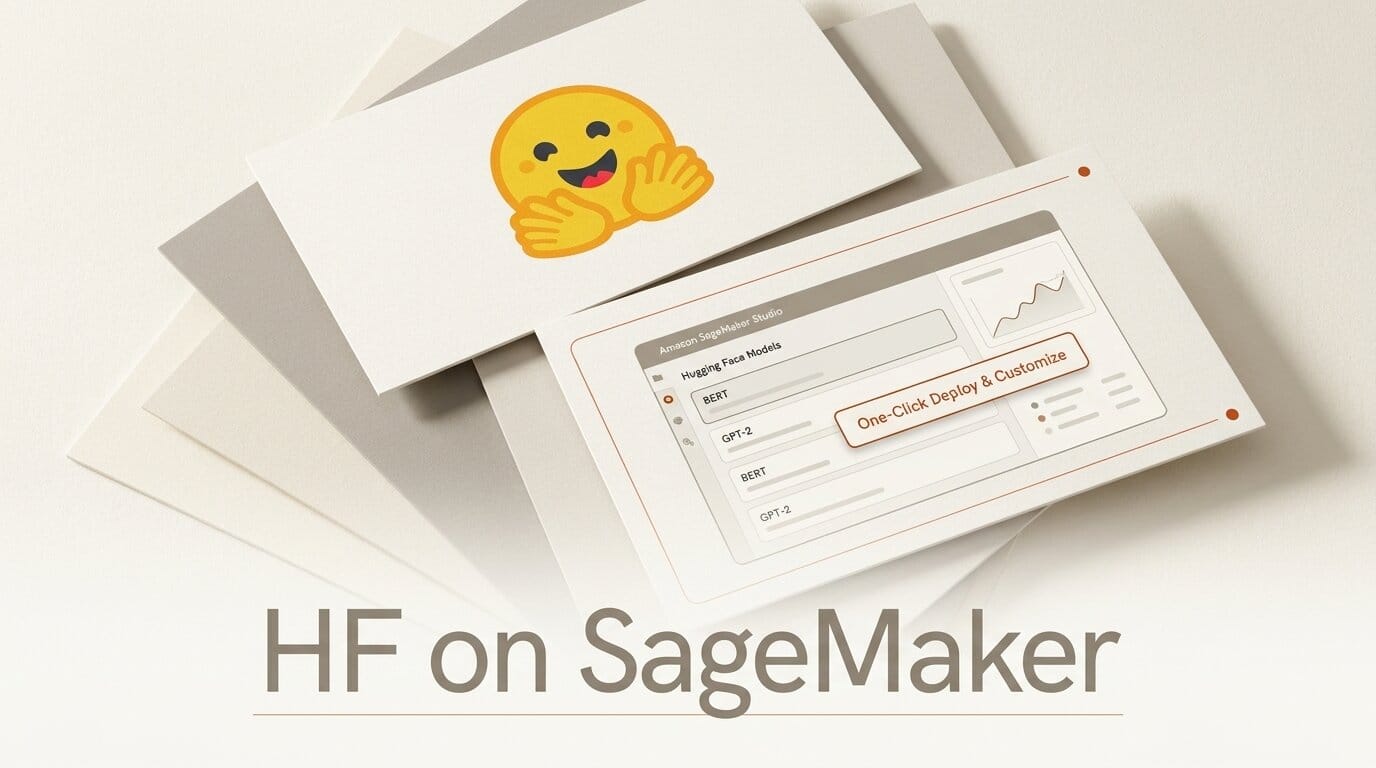
On July 6, 2026, AWS shipped a deep-link integration that puts two new buttons directly on supported Hugging Face model pages: "Customize on SageMaker AI" and "Deploy on SageMaker AI." Click either one and you land inside SageMaker Studio with the model already loaded and the environment already configured. No console hunting, no manual IAM setup, no separate GPU quota request before you can see whether the instance you want is even available.
The headline is convenience, but the real shift is direction. Previous one-click flows started inside AWS and pulled a model in. This one starts on the Hugging Face page where creators actually discover models and pushes them straight into a workspace they own. As one AWS description of the flow puts it, the goal is "open weights you own, running in the cloud you control." Here is exactly what changed, how the workflow runs, and when SageMaker is the right home for an open-weight model versus the alternatives.
What AWS Actually Shipped
The integration adds a discovery-to-deployment shortcut on the Hugging Face Hub. On a supported model page, the two buttons hand off to AWS with the model reference preserved. The older path, where you browsed Hugging Face models on AWS from inside SageMaker JumpStart, still exists. What is new is that the entry point now lives on the model page itself, so the tool discovery moment and the deploy moment are one continuous flow.
Three quality-of-life pieces make the difference. A new managed IAM policy, AmazonSageMakerModelCustomizationCoreAccess, is created and attached automatically, which removes the permissions guesswork that used to stall first-time deployments. Real-time GPU quota visibility shows whether G5 or G6 instances are available in your account during selection, instead of failing after you commit. And the model context carries through every screen, so you never re-paste a model ID.

The One-Click Workflow, Step by Step
The flow is short by design. Following the same pattern documented in the Hugging Face on SageMaker guide, here is what happens end to end:
- Discover and select. On a supported Hugging Face model page, click "Customize on SageMaker AI" or "Deploy on SageMaker AI."
- Sign in. Authenticate with your AWS credentials. If you are already logged in, this step is skipped entirely.
- Land in Studio. You arrive directly in SageMaker Studio with the model pre-loaded and the environment pre-configured, including the auto-attached IAM policy.
- Configure and run. Pick your instance with live quota visibility, set your parameters, and launch the customization job or endpoint deployment.
The whole point is that steps two and three, historically where most first-time users gave up, are now automatic. You do not provision a domain, wire permissions, or file a quota ticket before seeing a single result.
Customize vs Deploy: The Two Buttons
The two buttons lead to genuinely different destinations, and picking the right one saves a wrong turn.
Deploy on SageMaker AI opens the deployment page with the model pre-configured for endpoint hosting. This is the path when the open weights are already good enough and you just want a running inference endpoint in your account.
Customize on SageMaker AI opens the Model Customization page, ready to fine-tune. SageMaker's customization stack covers supervised fine-tuning (SFT), direct preference optimization (DPO), reinforcement learning with verifiable rewards (RLVR), and RLAIF. The SageMaker documentation for Hugging Face details which methods apply to which model families. Choose this button when you plan to adapt the model on your own data before deploying.
SageMaker vs the Other Ways to Run an Open-Weight Model
One-click convenience is not a reason to ignore the alternatives. If your only goal is a quick hosted endpoint, Hugging Face Inference Endpoints or a managed API may be simpler and cheaper at low volume. SageMaker earns its place when you need training, customization, and inference in one governed account. Here is how the common options compare for a creator or small team deploying an open-weight model from the Hugging Face Hub.
| Option | Best for | Setup effort | Fine-tuning | You control the cloud |
|---|---|---|---|---|
| SageMaker (one-click) | Teams already on AWS wanting train plus deploy | Low now (auto IAM, live quota) | SFT, DPO, RLVR, RLAIF built in | Yes, your AWS account |
| HF Inference Endpoints | Fast hosted endpoints, low ops | Very low | Separate step | No, managed by HF |
| Replicate | Prototyping, pay-per-second API | Very low | Limited | No, managed |
| Self-host (vLLM/TGI) | High-volume production, cost control | High | Full, you own it | Yes, your own GPUs |
The economics track volume. Under roughly 100 million tokens a month, a managed endpoint like Replicate or HF Inference usually wins on total cost of ownership because you pay nothing for idle time. Past several hundred million tokens a month, dedicated GPUs, whether in SageMaker or self-hosted, start to pull ahead, provided someone owns the operations.
What This Enables for Creators
For anyone building on open weights, the friction that this removes is the friction that used to kill projects at the starting line. Try this: find an open-weight image, audio, or language model on the Hub that you have been meaning to test, click "Deploy on SageMaker AI," and get a private endpoint running in your own account before your coffee is cold. Because the endpoint lives in your AWS account, your prompts and any customer data stay inside your boundary rather than passing through a third-party middleman.
The customization path is the bigger unlock. A solo creator can now take a base open-weight model, fine-tune it on a proprietary dataset with SFT or DPO, and deploy the result without ever leaving one workspace. That is the same build-your-own-model workflow that used to require a dedicated ML engineer. It pairs naturally with the drop-in API story we covered when SageMaker added OpenAI-compatible endpoints, so your fine-tuned model can be called with existing OpenAI SDK code by swapping the base URL.

The Catch: Cost and Lock-In
Convenience has a bill attached. A running SageMaker endpoint on a G5 or G6 instance bills by the hour whether or not it is serving traffic, so an idle test endpoint quietly accrues cost. Managed alternatives with scale-to-zero can be cheaper for spiky, low-volume workloads. There is also a soft lock-in: once your fine-tuning jobs, endpoints, and IAM policies live in SageMaker, moving elsewhere means rebuilding that plumbing. The open weights themselves stay portable, which is the whole appeal of the open-weights model, but the surrounding infrastructure does not travel with them. Delete test endpoints when you are done, and treat the one-click flow as a fast on-ramp, not a reason to skip a cost estimate.
Frequently Asked Questions
Is this the same as SageMaker JumpStart's old one-click deploy?
No. JumpStart's one-click flow starts inside AWS and pulls a model in. The July 2026 integration adds buttons on the Hugging Face model page itself, so discovery and deployment are one continuous flow that ends in SageMaker Studio.
Do I need an existing SageMaker domain first?
No. The flow provisions a preconfigured Studio environment and automatically creates and attaches the AmazonSageMakerModelCustomizationCoreAccess IAM policy, so first-time users do not have to set up permissions or a domain manually.
What is the difference between the Customize and Deploy buttons?
Deploy opens the endpoint hosting page with the model pre-configured for inference. Customize opens the fine-tuning page, supporting SFT, DPO, RLVR, and RLAIF. Use Deploy to serve the model as-is, and Customize to adapt it on your own data first.
How much does it cost to run a model this way?
AWS did not attach pricing to the announcement. You pay standard SageMaker instance rates for the G5 or G6 GPU you select, billed hourly while the endpoint runs. For low-volume or spiky workloads, a scale-to-zero managed endpoint may cost less.
Which Hugging Face models support the buttons?
The integration works on supported model pages, and AWS has not published an exhaustive list. If a model page shows the "Deploy on SageMaker AI" or "Customize on SageMaker AI" buttons, it is supported. Otherwise you can still deploy through the standard SageMaker path.
Can I call the deployed model with OpenAI SDK code?
Yes, if you use SageMaker's OpenAI-compatible endpoints. That is a separate feature, but it lets you point existing OpenAI client code at your SageMaker endpoint by changing only the base URL.





