When Anthropic disabled Fable 5 and Mythos 5 for US users under a government order in June 2026, every creator who had built a workflow on those hosted models lost it overnight. The same week, engineer Vicki Boykis published "Running local models is good now", an essay that reached the top of Hacker News with more than a thousand points. Put those two events next to each other and the real question for 2026 stops being whether you can run AI on your own hardware. It becomes which jobs belong on your machine and which belong in the cloud.
Background
For most of the generative AI era, local models were a hobby. They were impressive demos that fell apart on real work. That changed quietly over the past year. Boykis, writing on a 2022 M2 Mac with 64GB of RAM, describes running open-weight models for code refactoring, linting, unit test generation, and documentation review, tasks she says "used to be impossible for local models as recently as six months ago." Her rough estimate is that recent open releases now hit roughly 75 percent of frontier quality and speed for everyday agentic work.
The model side caught up first. Open-weight releases like GPT-OSS, Gemma 4, and the Qwen 3 mixture-of-experts family closed enough of the gap that the output is usable rather than just interesting. For image work, Black Forest Labs FLUX models put publication-quality generation on a consumer 12GB graphics card. The tooling caught up next. LM Studio and Ollama turned model installation into a one-click download, and ComfyUI became the default canvas for local image and video pipelines. We covered the hardware and setup side in our creator's guide to running AI locally.

Meanwhile, the cloud side picked up new friction. Metered billing means a single automated workflow left running can produce a surprise four-figure invoice, and GPU rental prices have trended up rather than down as demand outpaces supply. Rate limits throttle exactly the kind of high-volume iteration that creative work depends on. And the Fable 5 suspension proved the quietest risk of all: a model you depend on can be switched off, repriced, or region-locked for reasons that have nothing to do with you and your contract. The decision is no longer local versus cloud as a matter of raw capability. It is a matter of fit, and the fit is different for every job on your plate.
Deep Analysis
The five dimensions that decide it
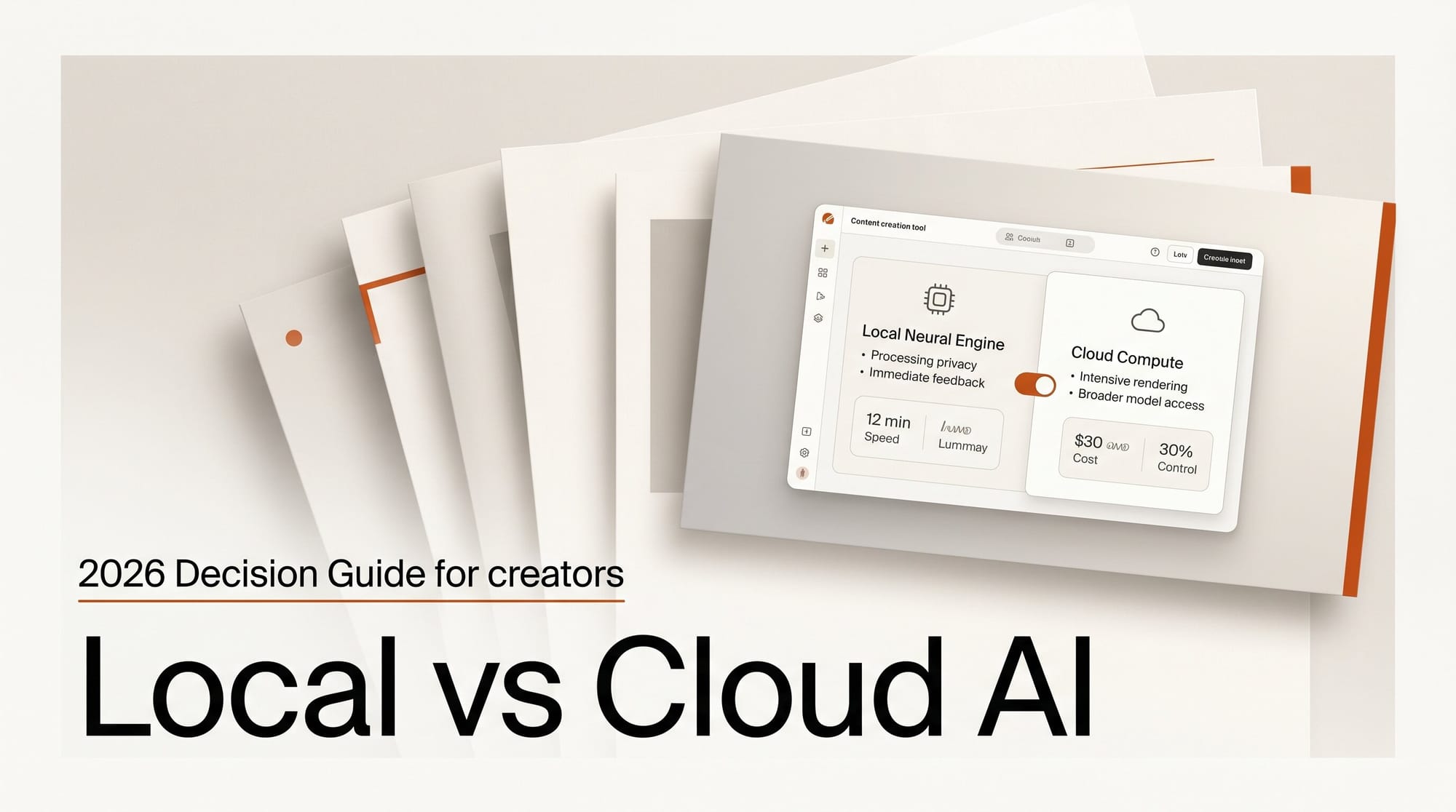
Every local-versus-cloud call comes down to the same five tradeoffs: cost structure, privacy, quality ceiling, latency and throughput, and control. The table below is the decision matrix in compressed form. Read it as a starting point, not a verdict, because the right answer changes per task.
| Dimension | Local AI | Cloud AI |
|---|---|---|
| Upfront cost | Hardware capex, roughly $1,200 to $4,000 for a capable GPU or Mac | Zero, pay only when you generate |
| Cost at volume | Near zero after the hardware is paid off | Scales with every call, can surprise on heavy use |
| Privacy | Prompts and outputs never leave your machine | Inputs and outputs are sent to a third party |
| Quality ceiling | About 75 percent of frontier for text, strong for image | Frontier: 4K image, top video, largest reasoning models |
| Latency and throughput | Bounded by your VRAM, slower on long contexts | Fast and elastic, scales to burst demand |
| Control and availability | You own it, no revocation or region locks | Subject to provider policy, pricing, and takedowns |

Where cloud still wins
Cloud is still the right home for frontier output. The largest video generators, the biggest reasoning models, and 4K image engines like Google's Nano Banana Pro simply do not fit on consumer hardware, and the gap at the very top is real. A 12GB card can run a strong image model, but it cannot run a 30-second 4K video generation or a flagship 200-billion-parameter reasoning model. Boykis is candid that even her best local results sit at about 75 percent of frontier, with slower inference and context windows capped by available memory, sometimes by the key-value cache alone.
Cloud also wins on zero setup and burst capacity. If you need to render a hundred variations for a client pitch by tomorrow morning, renting elastic compute beats waiting on a single local card grinding through the queue overnight. And for a creator who generates only occasionally, pay-per-use with no hardware to buy, cool, or maintain is both cheaper and simpler. Buying a $3,000 workstation to run a model you touch twice a month makes no economic sense.
Where local now wins
Local wins wherever privacy, volume, or independence dominate. Client work under a confidentiality agreement should never round-trip through a third-party API, and local inference removes that exposure entirely, which matters as much for legal defensibility as for ethics. High-volume iterative work, the kind where you generate dozens of drafts per hour while dialing in a look, is where the near-zero marginal cost of local hardware pays back the capex fast. The math is simple: if a workstation costs $3,000 and replaces $400 a month of API spend, it breaks even before the eighth month and runs free after that.
Boykis runs her models in restricted containers, fully offline, free of rate limits and free of the metered clock that makes you hesitate before every experiment. And after Fable 5, the independence argument is no longer theoretical. A local model sitting on your disk cannot be revoked, repriced, region-locked, or deprecated out from under a pipeline you have already shipped to a client. When a provider can disable a model for policy or regulatory reasons with no notice, owning the weights is the only true continuity plan.
The hybrid default: route by job
The honest conclusion is that most working creators in 2026 should run both, and route each task to the tier that fits. A useful default rule has three checks. First, is the input sensitive or under NDA? If yes, keep it local. Second, will you run this many times or just once? High repetition favors local, a one-off favors the cloud. Third, does the job need the absolute frontier, a true 4K render or a flagship video model? If yes, pay for the cloud; if not, your local stack will do.
Treat local as the default for confidential, repetitive, and high-volume work, and reach for the cloud when a job genuinely needs frontier quality or burst scale. The decision is not a one-time religious choice between two camps. It is a routing rule you apply per project, and the creators who get the most out of AI this year are the ones who stopped picking sides and started matching the tool to the task.
Impact on Creators

For image creators, local FLUX on a 12GB card handles ideation, batch variations, and client-confidential work, while a cloud engine is the call for a final 4K hero asset with precise text. For video, the heavy lifting still belongs in the cloud, but local tools are now viable for previz, rough cuts, and upscaling tests without burning credits on throwaway frames.
For audio and music creators, local generation and stem separation run comfortably on a modern desktop, keeping unreleased tracks off third-party servers. For writers and developers who code, the Boykis result is the headline: local open-weight models now handle refactoring, test generation, and drafting at around three-quarters of frontier quality, which is enough to keep routine work off the metered clock and reserve API spend for the hard problems. If you want to optimize the local engine itself, our llama.cpp versus LM Studio breakdown covers the speed tradeoffs.
Key Takeaways
1. Local AI crossed the "good enough" threshold in 2026, hitting roughly 75 percent of frontier quality for everyday creative and coding work on consumer hardware.
2. The choice is not local or cloud, it is a per-task routing rule based on cost structure, privacy, quality ceiling, latency, and control.
3. Cloud still owns the frontier: 4K image, top-tier video, the largest reasoning models, and zero-setup burst scale.
4. Local owns privacy, high-volume iteration, offline work, and independence from revocation, the risk the Fable 5 shutdown made concrete.
What to Watch
The gap between open-weight and frontier models has narrowed every quarter, and there is no sign of that slowing. As open releases keep closing the quality gap while consumer hardware adds memory, the set of jobs that genuinely require the cloud will keep shrinking toward the true frontier. The creators who set up a hybrid stack now, with a clear routing rule for what stays on their machine, will spend less, expose less, and be far less exposed the next time a hosted model goes dark without warning.
Frequently Asked Questions
Is local AI actually good enough to replace cloud tools in 2026?
For everyday work, largely yes. Open-weight models now reach roughly 75 percent of frontier quality for tasks like code refactoring, drafting, image ideation, and audio generation. They do not yet match the cloud for the absolute frontier, such as 4K video or the largest reasoning models, so the realistic answer is replacement for routine work and cloud for the top end.
What hardware do I need to run AI models locally?
A capable setup starts around $1,200 to $4,000. On the Mac side, an Apple Silicon machine with 32GB to 64GB of unified memory runs large language models comfortably. On the PC side, a graphics card with 12GB or more of VRAM handles strong image models like FLUX and mid-sized language models. More memory mainly buys you larger models and longer context windows.
Which tools should a beginner use to start running local models?
LM Studio and Ollama are the easiest entry points for language models, both turning installation into a one-click download. ComfyUI is the standard for local image and video pipelines. Start with one model in LM Studio or Ollama, confirm it runs at usable speed, then expand from there.
Is local AI more private than cloud AI?
Yes. With local inference, prompts and outputs never leave your machine, so confidential client material and unreleased work are never sent to a third-party server. That is the single strongest argument for local AI in professional and NDA-bound creative work.
Should I choose local or cloud AI?
Most working creators should run both and route by task. Keep sensitive, repetitive, and high-volume jobs local, and use the cloud when a job needs frontier quality or burst scale. Apply three checks per project: is the input sensitive, will you run it many times, and does it need the absolute frontier.





