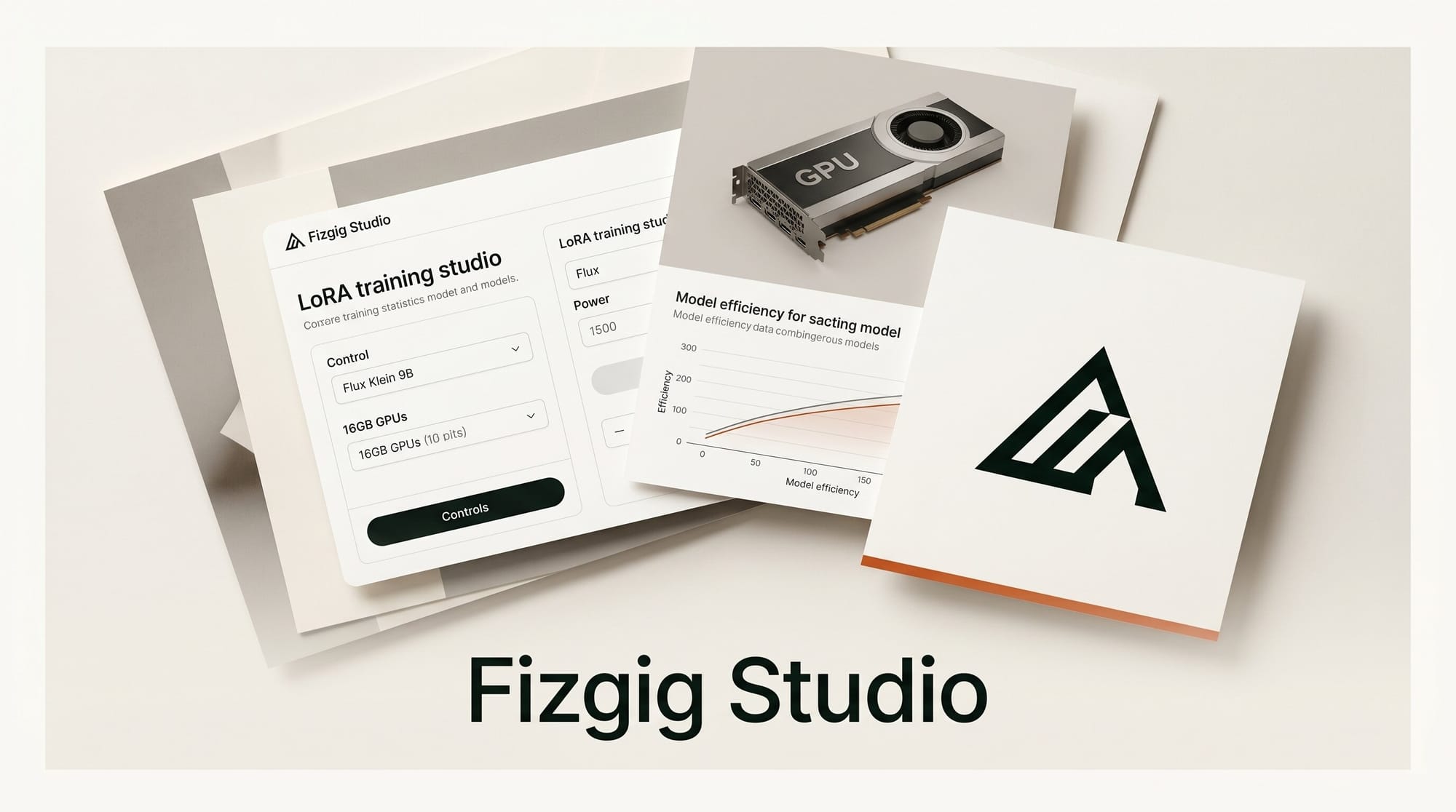
Fizgig v1.2.4, the free open-source Flux 2 Klein 9B LoRA training studio, released June 2, 2026 with one critical change: full Base DiT training now stays resident at approximately 9.6GB VRAM, bringing the complete training pipeline within reach of any RTX card with 16GB. Previously, a 24GB card was the comfortable floor. Now RTX 4080, 3080 Ti, and 4070 Ti Super owners can run the full pipeline without offloading.
What Happened
Black Forest Labs launched FLUX.2 [klein] on January 15, 2026 as a 9B parameter model combining text-to-image generation, image editing, and multi-reference generation in one architecture. The model step-distills to 4 inference steps for near-instant generation. A companion ecosystem of third-party training tools has built up around it, and Fizgig is the most feature-complete of them.
Developer shootthesound released v1.2.4 today adding a new built-in training preset called "Old Reliable - Flavour 8" (rank/alpha 8:8), positioned as a lighter second-pass preset after the flagship rank-16 "Old Reliable." The update also refines the documentation and formalizes 16GB VRAM support through fp8 Base DiT training. The full release notes are on GitHub.
Why It Matters for Creators
LoRA training for large diffusion models has historically required 24GB or more to run without constant VRAM management. The RTX 4080 with 16GB sits in a wide band of the creator GPU market, and Fizgig v1.2.4 makes it a fully supported tier. RTX 40/50-series cards also get an additional 1.5x per-step speedup from fp8 tensor core optimization versus standard bf16 training, compounding over a several-hundred-step run.
The workflow appeal is the all-in-one design. Where running LoRA training through the AI-Toolkit CLI or standalone ComfyUI nodes means switching between terminal, browser, and GUI, Fizgig keeps training, evaluation, repair, and output management in one window. Output files are standard kohya-style .safetensors, directly loadable in ComfyUI LoRA loader nodes without conversion. Creators training custom characters, product shots, or personal styles can go from raw images to a deployed LoRA without leaving the app.
Klein 9B also runs faster inference than Flux.1 variants at equivalent quality for generation tasks, meaning LoRAs trained in Fizgig are immediately usable for rapid iteration on RTX hardware.
Key Details: Five Tools in One Studio
Fizgig covers the full LoRA lifecycle across five modules:
Training
Adaptive learning rates with plateau detection, pause/resume preserving full optimizer state, and distilled 4-step previews matching ComfyUI output. Two Old Reliable presets handle most training scenarios: rank 16 for primary character or style runs, rank 8 (new in v1.2.4) for lighter refinement passes on top of an existing checkpoint.
Dataset Prep and Captions
Florence-2 AI captioning generates descriptions automatically. Bilingual English/Chinese translation, batch PNG conversion, and face-crop extraction via InsightFace are included. The captioning step matters: Klein 9B uses a Qwen3 text embedder, and descriptive captions improve LoRA targeting accuracy.
Profiler
Block-level activation analysis across all 32 transformer blocks. The profiler shows which blocks carry style versus identity versus fine detail signals, so you can see what the LoRA actually learned and whether a block is contributing or adding noise before deploying.
Repair Studio
32 per-block sliders with live side-by-side preview. If a LoRA bleeds style into composition or degrades specific image areas, individual blocks can be dialed down in real time without retraining. Optional donor-LoRA blending via rank concatenation lets you mix style and identity from two separately trained LoRAs.
LoRA the Explorer and Extract
Explorer runs evolutionary mutation rounds where you pick the better variation from pairs, converging toward unexpected style variants from a single checkpoint. Extract distills a trained LoRA to a lower rank with block targeting, reducing file size while retaining contributions from the blocks you select.
Fizgig loads kohya, PEFT, OneTrainer, AI-Toolkit, and LyCORIS formats, so the Profiler and Repair Studio work on LoRAs trained outside of Fizgig too.
System Requirements
Minimum for v1.2.4 training:
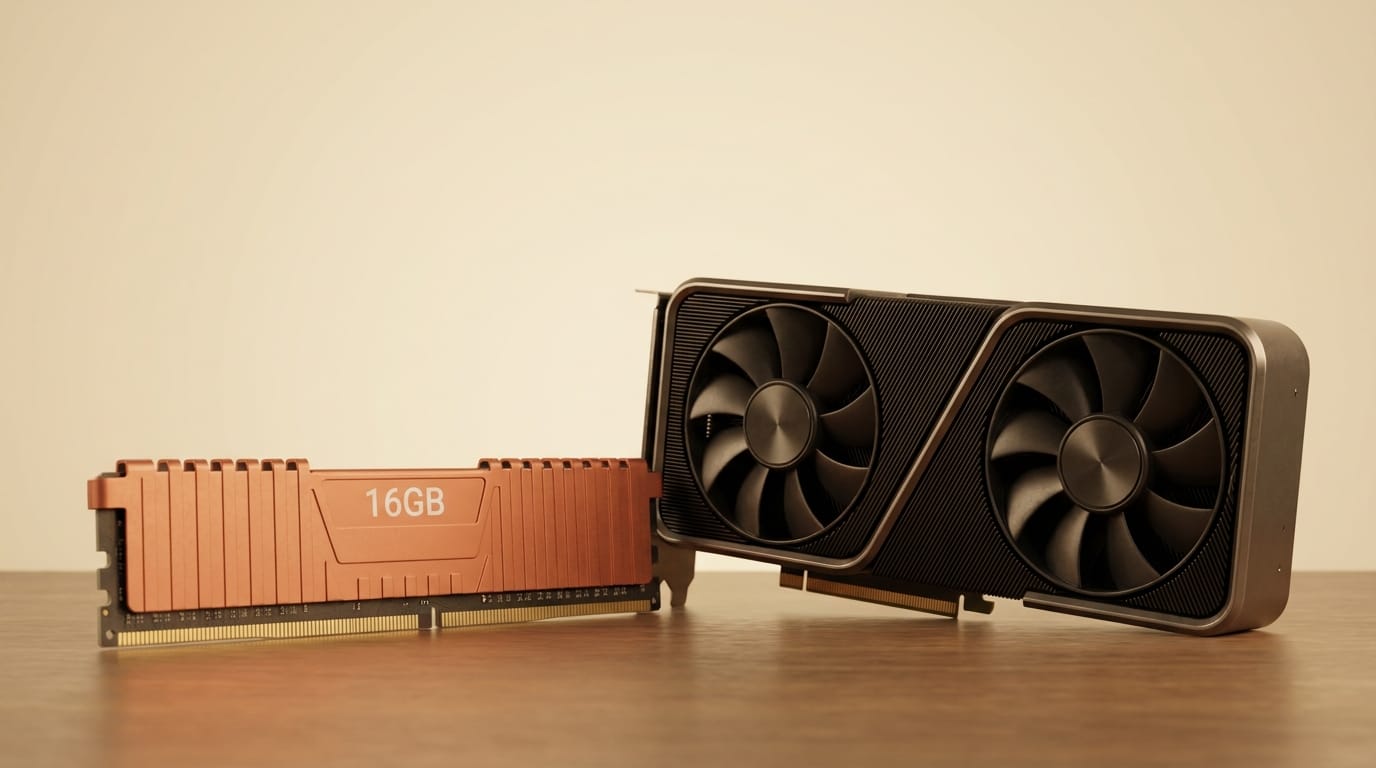
- NVIDIA RTX 30/40/50-series GPU with 16GB+ VRAM
- NVIDIA Driver 555+ (Windows) or 550+ (Linux)
- Windows 10/11 or Linux; macOS supports non-training features only
- Python 3.10-3.13; Windows also needs Visual Studio Build Tools with C++ workload
- ~10GB disk for the Python environment, ~40GB for models
Models download from inside the app's Preferences tab. The training-relevant files are the fp8 Base DiT (~9.5GB) and the Qwen3 text encoder (~15GB). The FLUX.2-klein-base-9B model card on Hugging Face links to the fp8 weights.
What to Do Next
Installation is a single script on Windows or Linux. Clone the repository and run the install batch or Python script:
git clone https://github.com/shootthesound/Fizgig.git
cd Fizgig
# Windows:
install_fizgig.bat
# Linux:
python install_fizgig.py
After launching, go to Preferences to set model paths and download the fp8 Base DiT and text encoder. The recommended first-run path is: Image Prep to resize and convert your dataset, Captions for Florence-2 auto-captioning, Samples to configure preview prompts, then Training with the Old Reliable rank-16 preset. Run the Profiler on the result to see which blocks to watch, then use the Repair Studio if any blocks need adjustment. A second lighter pass with the new Flavour 8 preset is recommended for refinement.
The full Fizgig repository includes detailed README documentation. The official demo video shows the Repair Studio block sliders and Explorer interface in action.
Frequently Asked Questions
Does Fizgig support FLUX.2-klein-4B?
No. Fizgig is built specifically for the 9B variant. The 4B model uses a different architecture and is not currently in Fizgig's scope.
Can an RTX 4070 (12GB) run training?
The minimum is 16GB VRAM. A 12GB card will likely hit an out-of-memory error during Base DiT training even with fp8. You can use inference and the Repair Studio at lower VRAM, but full training below 16GB is not supported.
What license does FLUX.2 Klein 9B use?
The 9B model is under the Black Forest Labs proprietary license, which permits personal and commercial use but restricts redistribution of the weights. The 4B variant uses Apache 2.0. Review the terms on the Hugging Face model page before commercial deployment.
How does the Repair Studio differ from retraining?
Retraining requires running the full training loop again from the dataset. The Repair Studio lets you reduce the influence of specific transformer blocks in under a minute with live preview, without touching training data or running any new training steps. It fixes LoRA bleed and composition interference surgically on the already-trained checkpoint.
Is Fizgig free to use commercially?
Fizgig itself is free and open source with no subscription or paywall. The developer accepts optional donations but there is no commercial license requirement for the tool. All processing runs locally.
What is the Explorer's best use case?
Explorer is most useful when you want stylistic variations from a single trained checkpoint without commissioning new training runs. It generates small mutations and presents them in pairs for human selection, converging on variations you find visually interesting over several rounds.





