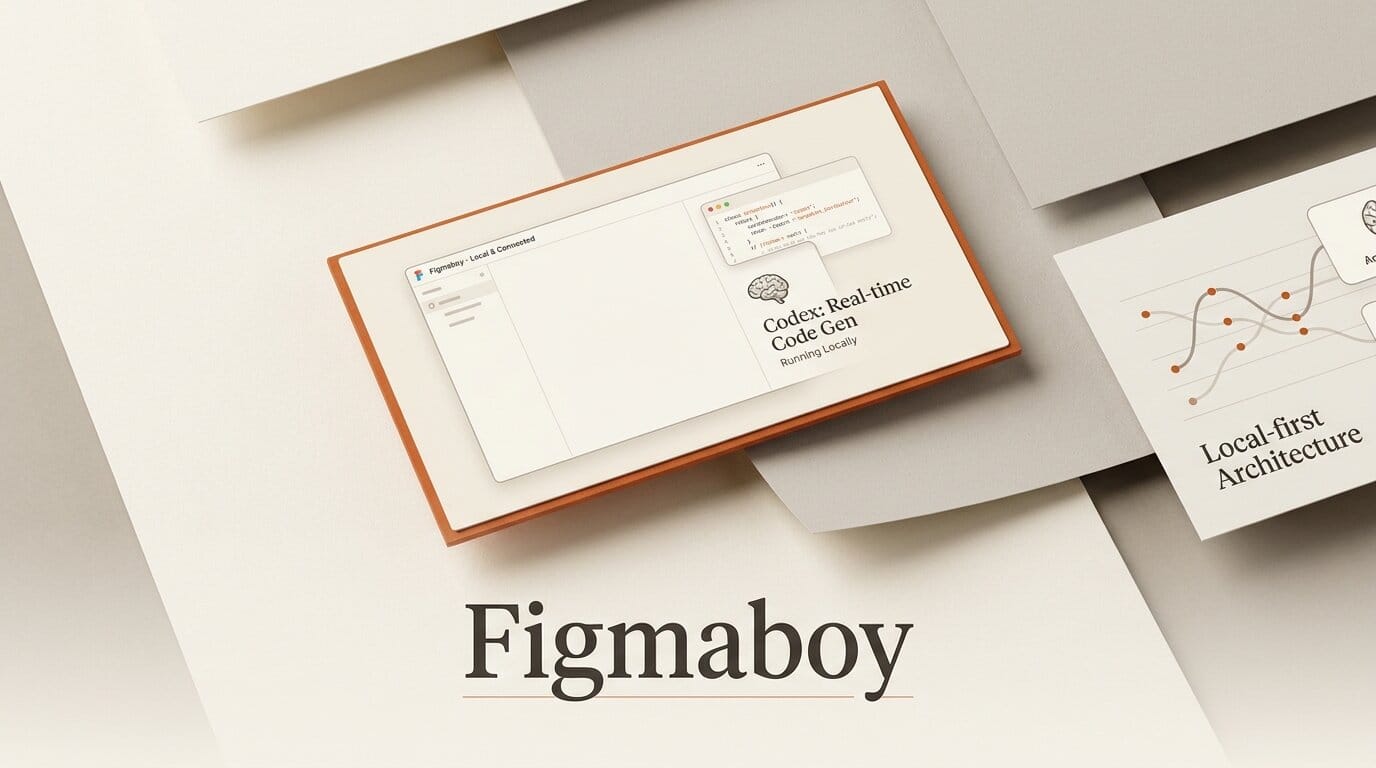
Figmaboy is a new open-source, local-first design tool that puts OpenAI's Codex CLI directly inside a Figma-style canvas, so an AI coding agent can read and edit your actual frames, layers, and components instead of spitting out a flat mockup. The project shipped v0.2.0 on July 15, 2026, is MIT-licensed, and runs on Linux, macOS, and Windows. It is built with Tauri, Svelte, and Rust, and it talks to Codex through a companion Model Context Protocol server called figmaboy-mcp. For designers who already live in a terminal-adjacent, agent-driven workflow, it is one of the first tools where "ask the AI to change the design" means editing the real document, not regenerating an image.
What Figmaboy actually is
Most AI design tools today either generate pixels (image models that hand you a raster you cannot cleanly edit) or bolt a chat box onto a canvas. Figmaboy takes a different route. It is a desktop design workspace with a proper layers-and-frames canvas, plus an embedded terminal where Codex runs. You can design by hand, or you can type a natural-language instruction and let the agent manipulate the underlying document. Because the output is native design layers, everything the agent produces stays editable afterward.
The "local-first" framing is central. Projects save to your machine, each design carries a stable ID, and the document can be referenced offline. The public repository shows the split clearly: a Svelte and TypeScript front end for the canvas, a Rust back end, and Tauri packaging it into a native app. It is early (v0.2.0, single-digit GitHub stars at launch), but it is genuinely shipped and downloadable, not a concept demo. Notably, the project's own marketing site was designed inside Figmaboy.
How the Codex plus MCP loop works
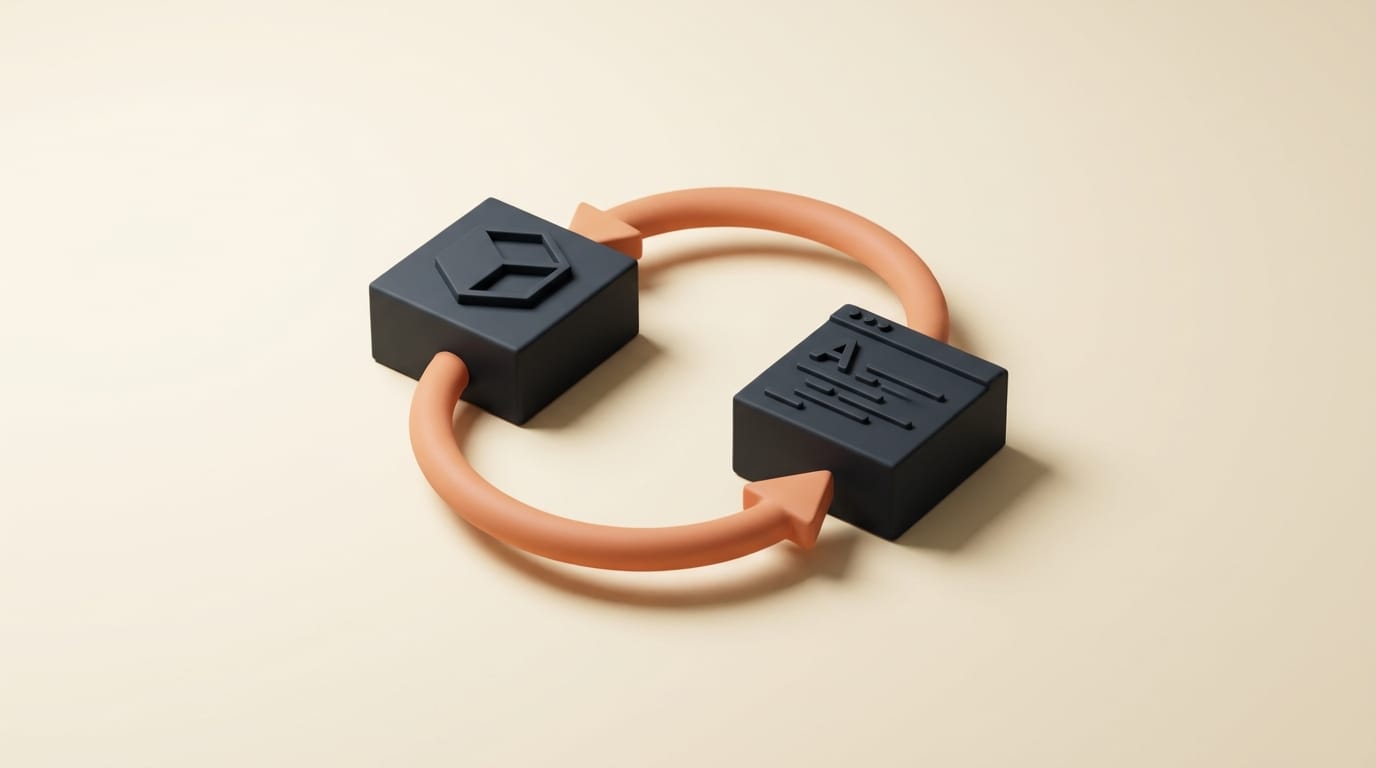
The connective tissue is the Model Context Protocol, the open standard for giving AI agents structured access to tools and context. Figmaboy ships a stdio MCP server, figmaboy-mcp, that Codex connects to. That server exposes two kinds of capability.
First, offline read tools: designs_list enumerates the projects on disk, and design_context_get pulls the structure of a specific design so the agent understands what it is looking at even when the app is closed. Second, live editing: when the desktop app is running, the agent can modify the open document with undo, redo, and autosave, so a bad instruction is one keystroke from being reverted. The whole thing is wrapped in a native shell by Tauri, which keeps the binary small and cross-platform without shipping a full browser runtime.
The practical effect: Codex is not guessing at your design from a screenshot. It has the real object graph. Ask it to "align these three cards and match the corner radius to the primary button," and it operates on the actual frames rather than redrawing the screen.
Figmaboy versus the alternatives
It helps to place Figmaboy against the tools designers already reach for. The distinction that matters is whether the AI edits a live, structured document or just produces output you then have to rebuild.
| Tool | AI role | Output | Hosting | License / cost |
|---|---|---|---|---|
| Figmaboy | Codex CLI edits live layers via MCP | Native, editable design layers | Local-first desktop app | Open source (MIT), free |
| Figma + AI features | Assist and generate inside a cloud editor | Editable layers, cloud-bound | Cloud SaaS | Freemium, paid seats |
| Image generators (e.g. Nano Banana) | Generate from a prompt | Flat raster, not layer-editable | Cloud API | Per-image cost |
| MCP design connectors (e.g. Fudge, AFTR) | Feed design context to an external agent | Reference or edits in a host app | Plugin or bridge | Varies |
Figmaboy's niche is the top-left of that comparison: the AI and the editable document live in the same local window. If you have used MCP design bridges like our writeup of Fudge feeding design references to coding agents or the Juggler visual workbench, Figmaboy is the same philosophy collapsed into one desktop app rather than a plugin plus an external editor.
A step-by-step workflow to try it
- Install. Download the build for your OS from the latest release page (Linux, macOS, Windows). It is MIT-licensed, so there is no signup or license key.
- Create or open a design. Start a new file and rough out a couple of frames, or import a layout you want to iterate on. Note the stable design ID.
- Wire up Codex. Point the Codex CLI at the bundled
figmaboy-mcpserver so the agent can calldesigns_listanddesign_context_get. - Ask for a change. In the embedded terminal, describe the edit in plain language: "increase spacing between nav items to 24px and make the CTA the primary orange." Codex reads the context and edits the live layers.
- Review and refine. Because output is native layers with undo, redo, and autosave, you inspect the result on the canvas and either keep iterating with the agent or nudge things by hand.

What this enables for creators
The payoff is a tighter design-and-iterate loop for people who are comfortable directing an agent but do not want a black-box image generator. You keep full manual control of the canvas, and you delegate the tedious, mechanical edits (consistent spacing, batch restyling, component alignment) to Codex, then correct by hand where taste matters. Because it is local-first and open source, it also suits designers who cannot or will not push work to a cloud editor: client work under NDA, offline environments, or anyone who wants their files to stay on their own disk. It slots naturally alongside other agent-in-the-loop creative tools we have covered, like driving After Effects through an MCP bridge.
The honest caveat: at v0.2.0 with a tiny star count, this is an early tool to bookmark and experiment with, not a Figma replacement for production teams today. Collaboration, plugin ecosystems, and battle-tested reliability are where mature editors still win. But the architecture, a real editable document that an agent manipulates over MCP, is exactly the direction agent-native design is heading.
Frequently asked questions
Is Figmaboy free and open source?
Yes. Figmaboy is released under the MIT license and is free to download and use. The full source is on GitHub, and you can build it yourself or grab a prebuilt binary from the releases page.
Does Figmaboy require an internet connection?
The design tool is local-first: your projects save to disk and can be referenced offline via stable IDs. You will need connectivity for the Codex CLI itself to reach OpenAI's model, but the design document and the MCP read tools work locally.
How is this different from a text-to-image AI tool?
Image generators produce a flat raster you then have to rebuild into editable layers. Figmaboy has Codex edit the real design object graph, so frames, groups, and components stay native and editable after the AI makes changes.
What platforms does it support?
Figmaboy ships builds for Linux, macOS, and Windows. It is packaged with Tauri, so the app is a small native binary rather than a heavyweight Electron bundle.
Do I need to use OpenAI Codex specifically?
The current integration is built around the Codex CLI connecting to the figmaboy-mcp server. Because the bridge is a standard Model Context Protocol server, the underlying approach is portable, but v0.2.0's documented path is Codex.
Is it ready for production design work?
Not yet. At v0.2.0 it is an early, experimental tool worth testing for personal projects and prototyping. Teams needing real-time collaboration, a plugin ecosystem, and long-term stability should keep using their current editor and watch Figmaboy as it matures.





