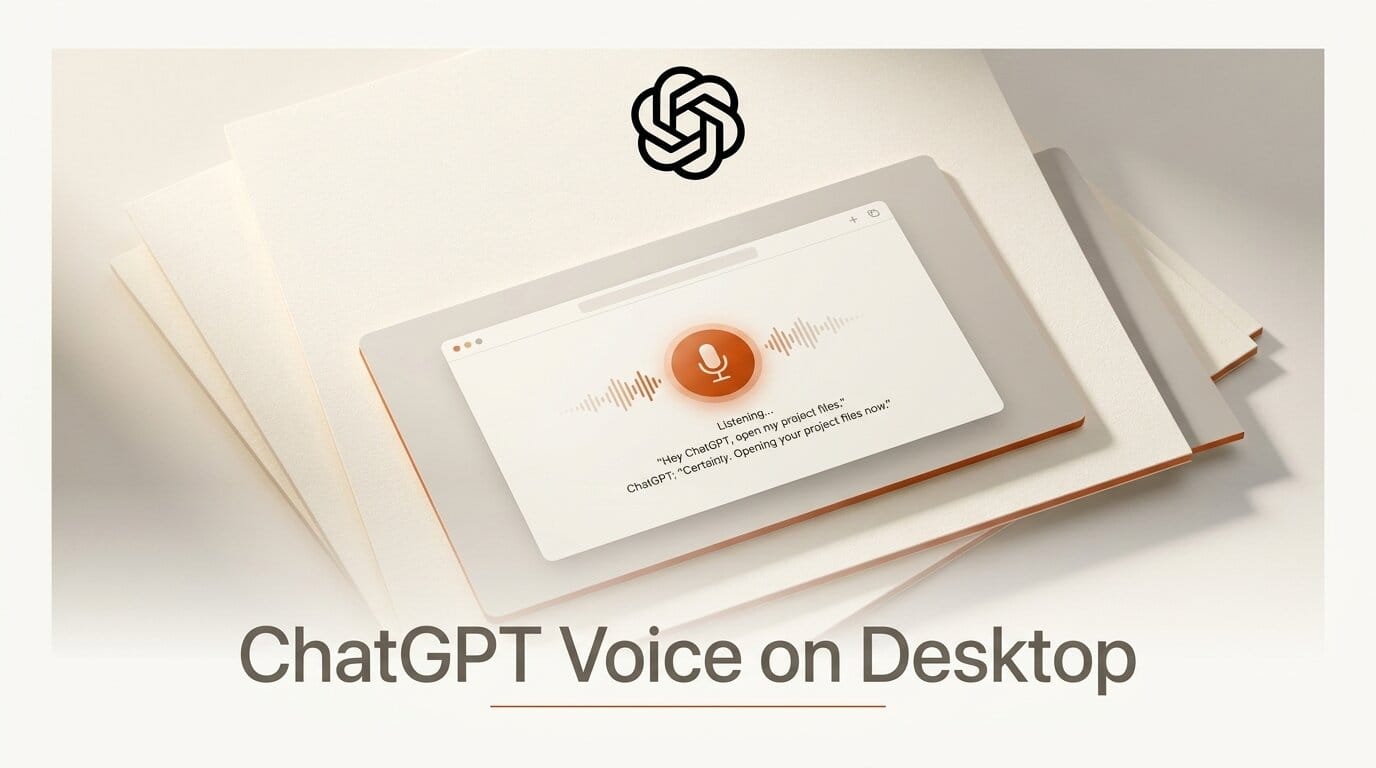
OpenAI has moved ChatGPT Voice out of the phone and onto the computer where the real work happens. On July 23, 2026, the company announced on X that ChatGPT Voice is now built into the desktop app, letting you speak to ChatGPT and direct multiple agents running in ChatGPT Work or Codex using nothing but your voice. It rolled out globally the same day on macOS and Windows to Plus, Pro, Business, Edu, and Enterprise plans.
This is not the same phone voice assistant bolted onto a bigger screen. The desktop version is wired into your files, your codebase, and the agents already doing work in the app, turning a spoken instruction into a coordinated, hands-free task. For anyone who builds software or runs multi-agent workflows, it changes the shape of the working day.
What OpenAI Shipped
The headline capability is voice control of agentic work. Instead of typing prompts, you talk through a problem while ChatGPT and its background agents execute the steps. According to 9to5Mac, the update lets you review pull requests, analyze a codebase, kick off background tasks, and manage agents running in Codex or ChatGPT Work, all by speaking. The model listens, responds, and coordinates the work at the same time rather than waiting for you to finish a sentence.
On macOS, the app adds screen context features that OpenAI calls Appshots. With permission, ChatGPT Voice can look at your frontmost window and reason about it alongside local files, the structure of your codebase, and active plugins. That means you can point your voice at what is on screen instead of describing it from scratch, closing the gap between what you see and what the model can act on.
How GPT-Live Full-Duplex Changes the Feel
The feature is powered by GPT-Live, a full-duplex voice model. Full-duplex means ChatGPT can speak, hear, and listen simultaneously, the way two people on a call talk over and around each other, rather than the strict take-turns rhythm of older voice assistants. Android Authority reports that this architecture is what makes interruptions and rapid follow-ups feel natural: you can cut in mid-answer to correct course, and the model adjusts without losing the thread.
That difference matters most when the model is not just chatting but orchestrating. Because GPT-Live can keep listening while a background agent works, you can queue a second instruction before the first finishes, or stop a running task the moment you hear it heading the wrong way. Combined with the Codex coding agent, the result is a genuine pair-programming dynamic: you narrate intent, the agent writes and runs code asynchronously, and you stay in the loop by voice.

ChatGPT Voice on Desktop vs Previous Voice Modes
Earlier voice modes were built for conversation. This one is built for orchestration. The table below shows where the desktop release pulls ahead, based on OpenAI's announcement and the TechCrunch report.
| Capability | Older voice modes | ChatGPT Voice on desktop |
|---|---|---|
| Turn-taking | Half-duplex, one speaker at a time | Full-duplex GPT-Live, speak and listen at once |
| Primary surface | Mobile app | macOS and Windows desktop app |
| Screen awareness | None | Appshots reads the frontmost window on macOS |
| Agent control | Answers questions | Directs Codex and ChatGPT Work agents |
| Code tasks | Read-only help | Review PRs, analyze repos, run background jobs |
| Interruptions | Awkward, resets the turn | Natural, adjusts mid-answer |
A Hands-Free Agentic Coding Workflow
Here is a concrete way to fold voice control into a build session. The OpenAI developer community thread confirms the flow works with Codex background tasks today.
- Open the desktop app and start Voice. Update ChatGPT for macOS or Windows to the latest version, then launch a voice session from the app.
- Grant screen access on macOS. Enable Appshots so ChatGPT can see your active editor window and reason about the file you are looking at.
- Describe the task out loud. Say what you want, for example "open a branch, add input validation to the signup handler, and run the test suite." Codex spins up a background agent to do it.
- Keep talking while it works. Because GPT-Live is full-duplex, queue the next step or ask for a status update without waiting for the agent to finish.
- Review by voice. Ask ChatGPT to summarize the diff or walk you through the pull request, then approve or request changes verbally.
- Direct multiple agents. Fan out parallel jobs, such as one agent refactoring while another writes docs, and coordinate them from a single spoken thread.
What This Enables for Creators and Builders
The practical unlock is parallelism without a keyboard bottleneck. When your hands are free, you can drive several agents at once and treat coding as a conversation rather than a typing marathon. That suits anyone who thinks out loud: solo builders shipping side projects, technical creators recording walkthroughs, and teams who want to review pull requests without context-switching into the editor.
It also lowers the barrier for people who find long typing sessions tiring or inaccessible. Speaking an instruction and hearing a plain-language summary of the result is a faster feedback loop for many tasks than reading and writing text. If you produce tutorials or livestreams, narrating your intent while agents execute makes the work legible to an audience in real time, which is hard to pull off when everything happens through silent keystrokes. And because you can review a diff or a pull request by simply asking for a summary, the same voice loop doubles as a lightweight quality gate, catching mistakes before they land instead of after.
How to Get It
ChatGPT Voice on desktop began rolling out globally on July 23, 2026 to Plus, Pro, Business, Edu, and Enterprise plans on macOS and Windows. Update the ChatGPT desktop app to the latest version and look for the voice option in the app. Screen context through Appshots is a macOS feature and requires granting permission. Because it is a staged rollout, availability may take a short while to reach every account.
Frequently Asked Questions
What is ChatGPT Voice on desktop?
It is a voice interface built into the ChatGPT desktop app that lets you speak to ChatGPT and direct agents running in Codex or ChatGPT Work. It launched on July 23, 2026 for macOS and Windows.
What does full-duplex mean here?
Full-duplex, provided by the GPT-Live model, means ChatGPT can speak, hear, and listen at the same time. You can interrupt, correct, or add instructions mid-answer without resetting the conversation.
Can it actually control coding agents?
Yes. You can review pull requests, analyze a codebase, start background tasks, and coordinate multiple Codex agents by voice, creating a pair-programming dynamic where you talk and agents execute asynchronously.
What is Appshots?
Appshots is a macOS screen context feature that lets ChatGPT Voice see your frontmost window, with permission, and reason about it alongside your local files and codebase structure.
Which plans and platforms are supported?
It is available on macOS and Windows for Plus, Pro, Business, Edu, and Enterprise plans, rolling out globally starting July 23, 2026.
How is this different from mobile voice mode?
Mobile voice mode is conversational and half-duplex. The desktop release is full-duplex, screen-aware on macOS, and built to orchestrate agents and code tasks rather than just answer questions.





